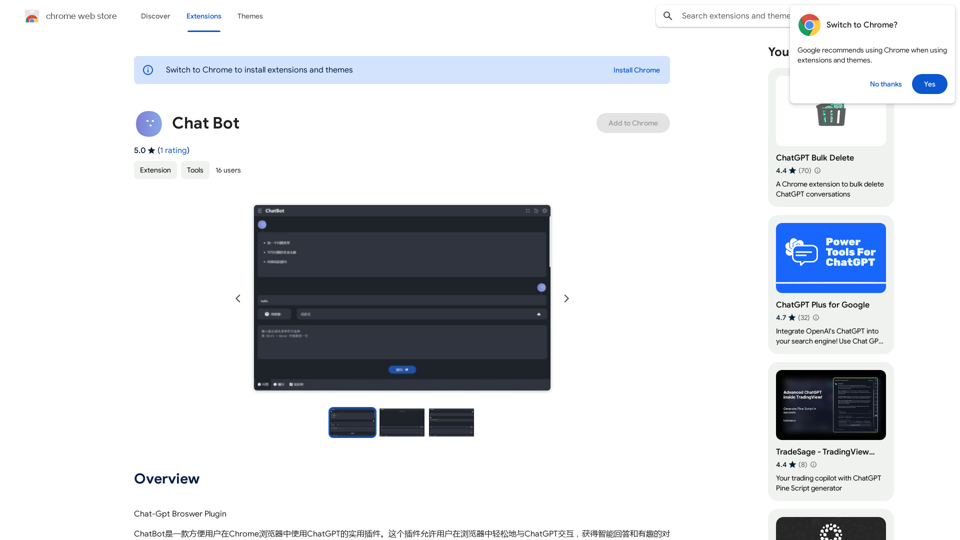
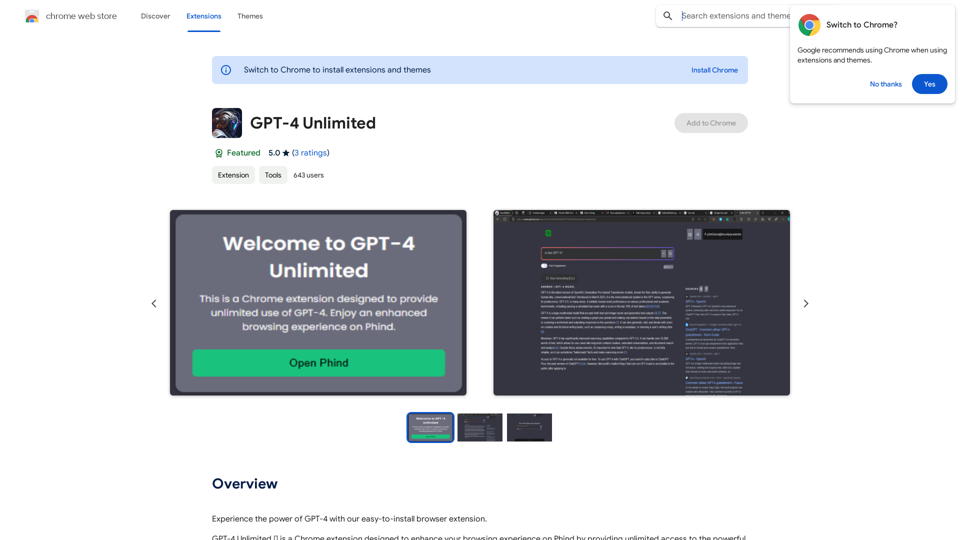
Chat-GPT Browser Plugin is a Chrome extension that enables users to interact with ChatGPT directly within their browser. This convenient tool allows for seamless communication with the AI, providing intelligent answers and engaging conversations. It's designed for various purposes, from seeking information to finding inspiration or simply chatting with an AI assistant.
Chat Bot
ChatGPT Browser Plugin
Introduction
Feature
Easy Browser Integration
The Chat-GPT Browser Plugin integrates smoothly into the Chrome browser, allowing users to access ChatGPT's capabilities without leaving their current webpage.
Versatile Interaction
Users can engage with ChatGPT for multiple purposes:
- Seeking answers to questions
- Finding inspiration for various tasks
- Engaging in casual conversations with an AI assistant
Free to Use
The plugin is completely free, with no subscription fees or payments required, making it accessible to all users.
Simple Installation and Usage
Installation is straightforward through the Chrome Web Store, and usage is intuitive:
- Install the plugin
- Launch it within Chrome
- Start interacting with ChatGPT
Skill Enhancement Tool
The plugin can be used to:
- Improve writing and communication skills
- Explore new ideas and perspectives
- Find solutions to problems
FAQ
Is the Chat-GPT Browser Plugin free to use?
Yes, the plugin is entirely free to use. There are no subscription fees or payments required.
Can I interact with ChatGPT directly in my browser using this plugin?
Absolutely. The plugin allows for seamless interaction with ChatGPT within your Chrome browser.
What are the main features of the Chat-GPT Browser Plugin?
The main features include:
- Direct interaction with ChatGPT in the browser
- Obtaining intelligent answers to questions
- Engaging in various types of conversations with the AI
Related Websites
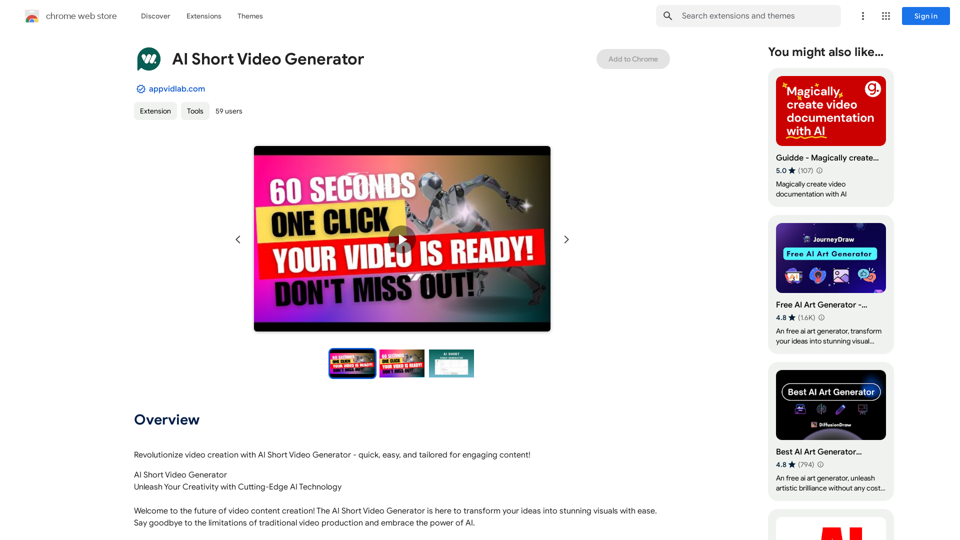
Revolutionize video creation with AI Short Video Generator - quick, easy, and tailored for engaging content!
193.90 M
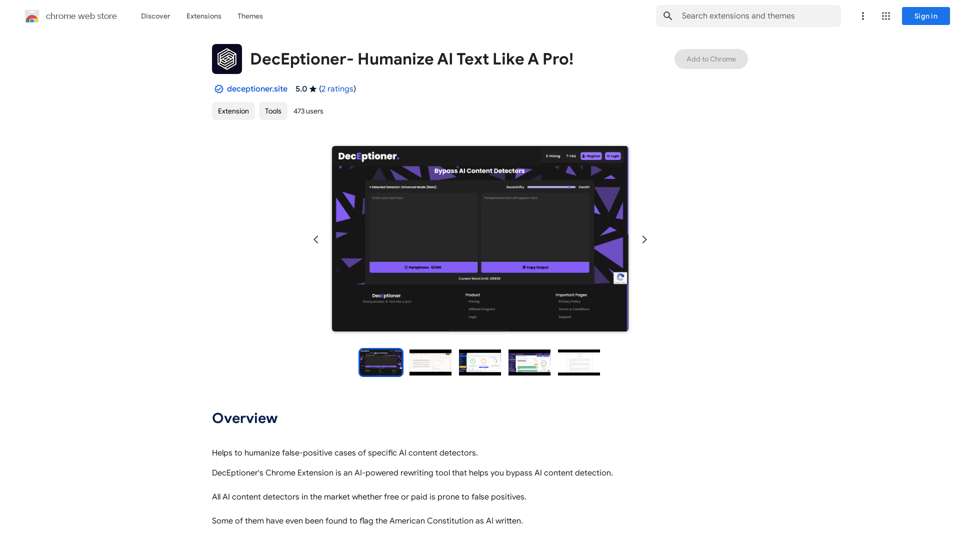
Helps to make false-positive cases of specific AI content detectors seem less like mistakes.
193.90 M
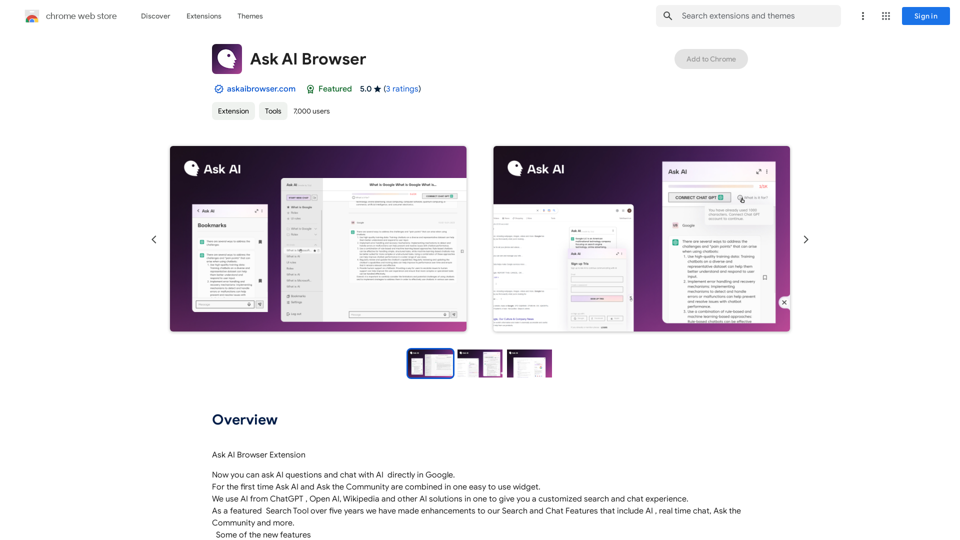
Ask AI Browser Extension ========================== Description The Ask AI browser extension is a cutting-edge tool that revolutionizes the way you interact with the internet. This innovative extension harnesses the power of artificial intelligence to provide you with instant answers, suggestions, and insights as you browse the web. Features * Instant Answers: Get quick answers to your questions without leaving the current webpage. * Smart Suggestions: Receive relevant suggestions based on your browsing history and preferences. * AI-driven Insights: Uncover hidden gems and interesting facts about the topics you're interested in. * Personalized Experience: Enjoy a tailored browsing experience that adapts to your needs and preferences. How it Works 1. Install the Extension: Add the Ask AI browser extension to your favorite browser. 2. Ask Your Question: Type your question in the search bar or highlight a phrase on a webpage. 3. Get Instant Answers: Receive accurate and relevant answers, suggestions, and insights in real-time. Benefits * Save Time: Get instant answers and reduce your search time. * Enhance Productivity: Stay focused on your tasks with relevant suggestions and insights. * Improve Knowledge: Expand your knowledge with interesting facts and hidden gems. Get Started Download the Ask AI browser extension today and experience the future of browsing!
193.90 M
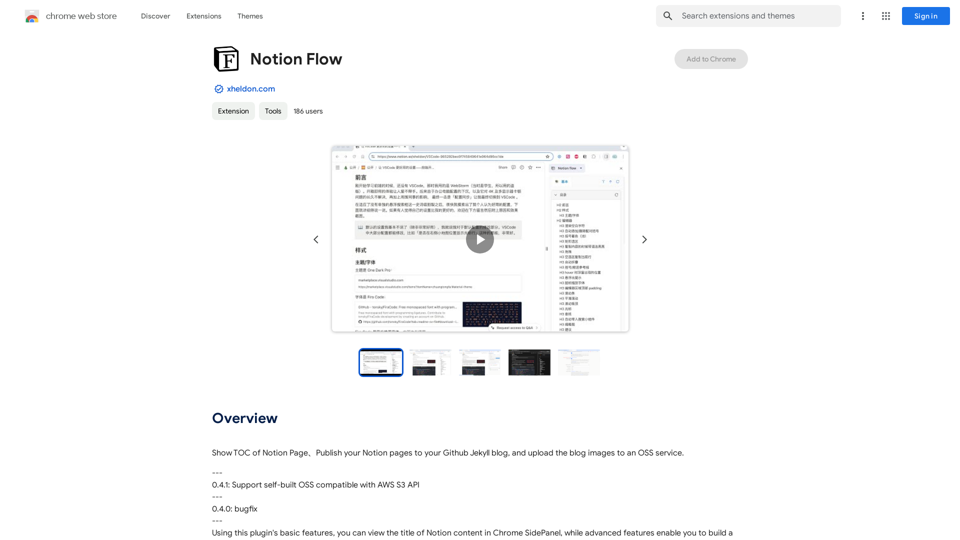
Show Notion Page Table of Contents Publish Notion Pages to a GitHub Jekyll Blog Upload Blog Images to an OSS Service
193.90 M
Ai5 is your go-to twice-weekly email outlining the most important events happening in generative AI. Stay informed, get smarter, and be entertained with Ai5.
0