Doozy: AI Made Easy is a Chrome extension that enhances your online experience with AI-powered tools. It offers features like text translation and article summarization, all accessible with a single click. Designed for simplicity and ease of use, Doozy integrates seamlessly into your browser, providing powerful AI capabilities without any hassle.
Doozy: AI Made Easy
✨ Translate, summarize, and more with a single click.
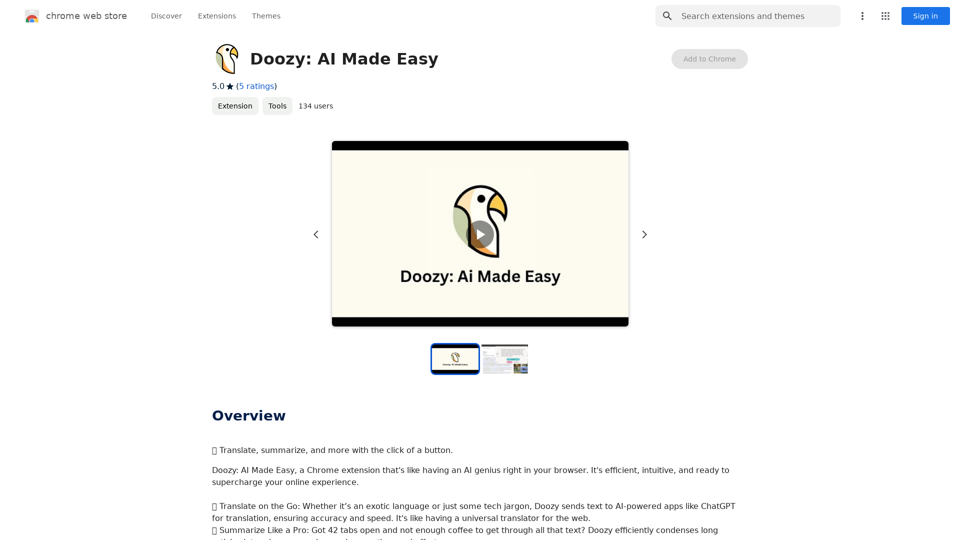
Introduction
Feature
Translate on the Go
Doozy utilizes AI-powered applications like ChatGPT to provide accurate and swift translation services for text in any language.
Summarize Like a Pro
The summarization tool in Doozy condenses lengthy articles into concise summaries, saving users valuable time and effort.
User-Friendly Interface
Doozy is designed with simplicity in mind, seamlessly integrating into your browser and offering powerful AI tools at just a click.
Free to Use
Doozy is a completely free extension, with no subscription fees or hidden costs, making AI tools accessible to everyone.
Multi-purpose AI Tools
Doozy offers a range of AI-powered tools that can enhance various aspects of your online experience, from communication to information processing.
FAQ
What is Doozy: AI Made Easy?
Doozy: AI Made Easy is a Chrome extension that provides AI-powered tools to enhance your online experience, including text translation and article summarization.
How do I use Doozy's translation feature?
To use Doozy's translation feature, simply select the text you want to translate, and Doozy will automatically process it.
Is Doozy's summarization tool limited to specific types of content?
No, Doozy's summarization tool is versatile and can be used on any article or webpage you encounter online.
Are there any costs associated with using Doozy?
No, Doozy is a completely free extension. There are no subscription fees or hidden costs involved in using its features.
Related Websites
ChatGPT Prompt Generator - AI Mind This is a tool to help you generate creative and effective prompts for ChatGPT. Features: * Diverse Prompt Types: Explore various prompt categories like story writing, dialogue, code generation, and more. * Customization Options: Tailor your prompts with specific details, tone, style, and length preferences. * Inspiration & Examples: Discover a library of pre-made prompts and examples to spark your imagination. * AI-Powered Suggestions: Get intelligent suggestions and refinements for your prompts based on your input. How it Works: 1. Choose a Prompt Type: Select the type of output you desire from ChatGPT. 2. Provide Input: Enter your desired keywords, themes, or specific instructions. 3. Customize Settings: Adjust parameters like tone, style, length, and format. 4. Generate Prompt: Click "Generate" to receive a unique and optimized prompt tailored to your needs. Start Creating! Let your imagination run wild and explore the possibilities of ChatGPT with our AI-powered prompt generator.
ChatGPT Prompt Generator - AI Mind This is a tool to help you generate creative and effective prompts for ChatGPT. Features: * Diverse Prompt Types: Explore various prompt categories like story writing, dialogue, code generation, and more. * Customization Options: Tailor your prompts with specific details, tone, style, and length preferences. * Inspiration & Examples: Discover a library of pre-made prompts and examples to spark your imagination. * AI-Powered Suggestions: Get intelligent suggestions and refinements for your prompts based on your input. How it Works: 1. Choose a Prompt Type: Select the type of output you desire from ChatGPT. 2. Provide Input: Enter your desired keywords, themes, or specific instructions. 3. Customize Settings: Adjust parameters like tone, style, length, and format. 4. Generate Prompt: Click "Generate" to receive a unique and optimized prompt tailored to your needs. Start Creating! Let your imagination run wild and explore the possibilities of ChatGPT with our AI-powered prompt generator.Generate prompts for ChatGPT and Claude to get the best AI responses
193.90 M
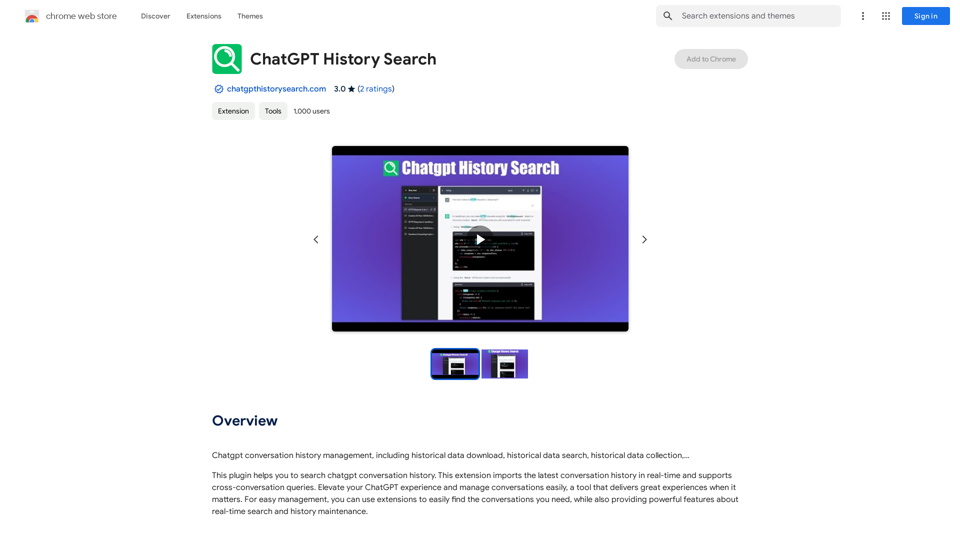
ChatGPT conversation history management, including: - Downloading historical data - Searching historical data - Collecting historical data
193.90 M
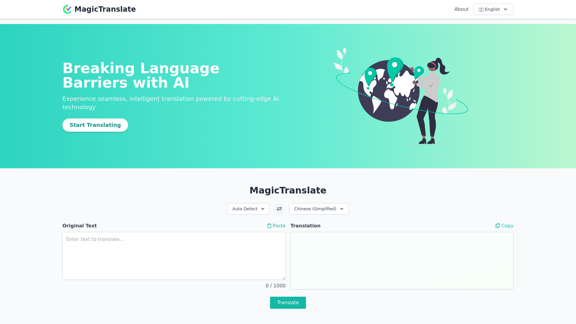
MagicTranslate - AI-Powered Translation - MagicTranslate
MagicTranslate - AI-Powered Translation - MagicTranslateExperience seamless, intelligent translation powered by cutting-edge AI technology with MagicTranslate.
0
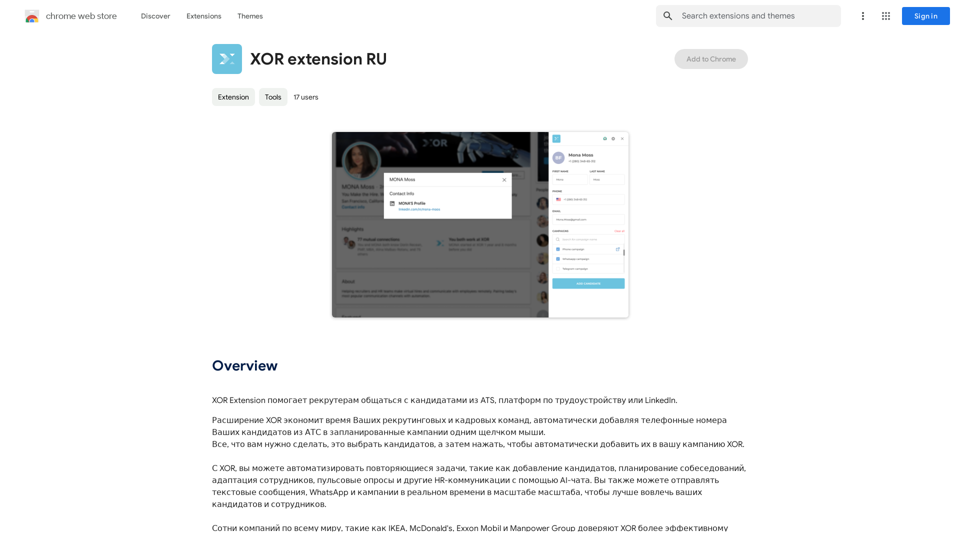
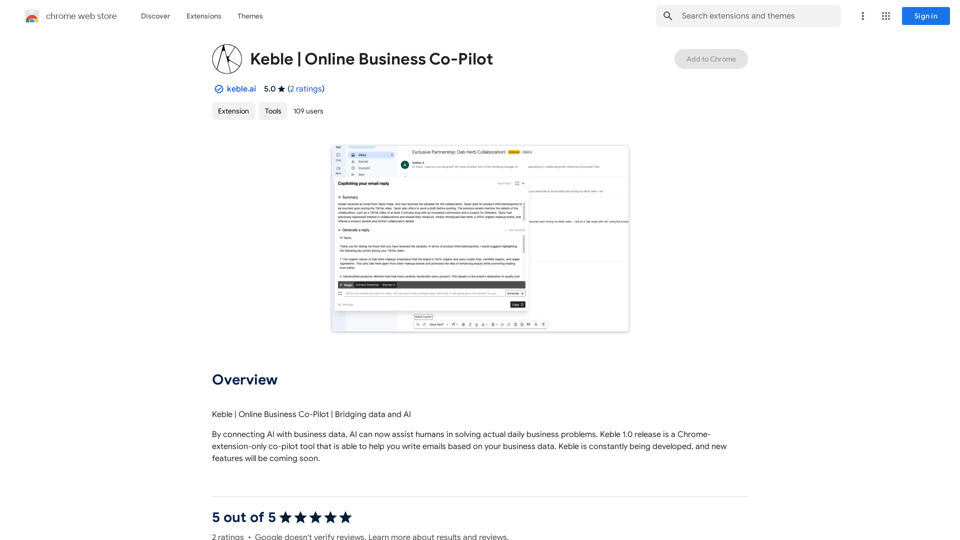
XOR Extension helps recruiters communicate with candidates from ATS, job boards, or LinkedIn.
193.90 M
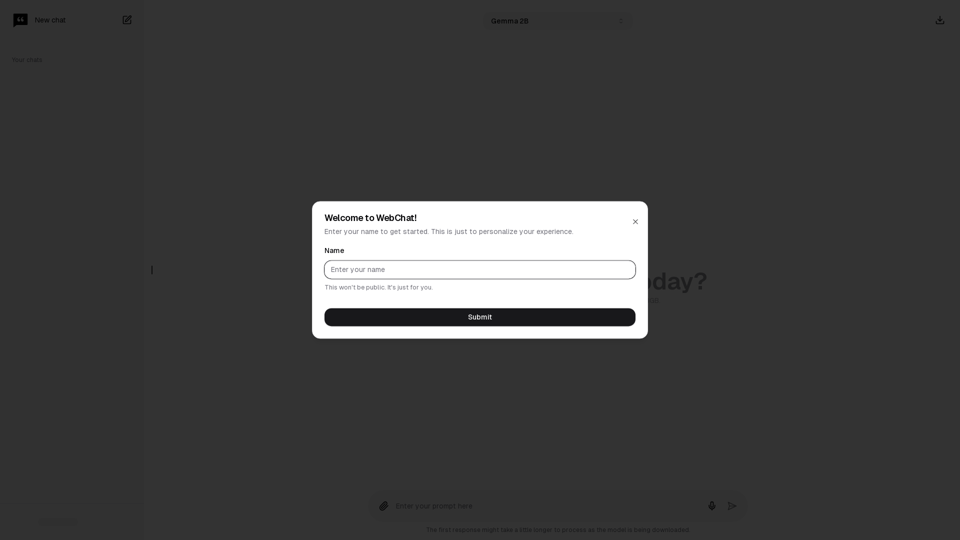
Chat with Web-LLM Models in the Browser You can interact with Web-LLM models directly in your web browser without requiring any additional setup or installation. This allows you to easily experiment with and explore the capabilities of these models. Getting Started To get started, simply open a web browser and navigate to the Web-LLM model's website or platform. Once you're on the website, you can usually find a chat interface or text input field where you can enter your prompts or questions. How it Works When you enter a prompt or question, the Web-LLM model processes your input and generates a response. This response is then displayed in the chat interface or output field, allowing you to read and interact with the model's output. Benefits The benefits of chatting with Web-LLM models in the browser include: * Convenience: No need to install any software or set up any development environments. * Accessibility: Anyone with a web browser can interact with the model, regardless of their technical expertise. * Ease of use: The chat interface provides a user-friendly way to interact with the model, making it easy to experiment and explore its capabilities. Use Cases Some potential use cases for chatting with Web-LLM models in the browser include: * Research and development: Quickly experiment with different models and prompts to explore their capabilities and limitations. * Education and learning: Use the chat interface to teach students about AI and language models, or to provide interactive learning experiences. * Creative writing and ideation: Use the model as a tool to generate ideas, write stories, or create poetry. Overall, chatting with Web-LLM models in the browser provides a convenient and accessible way to interact with these powerful language models, and can be a valuable tool for a wide range of applications.
2.59 K
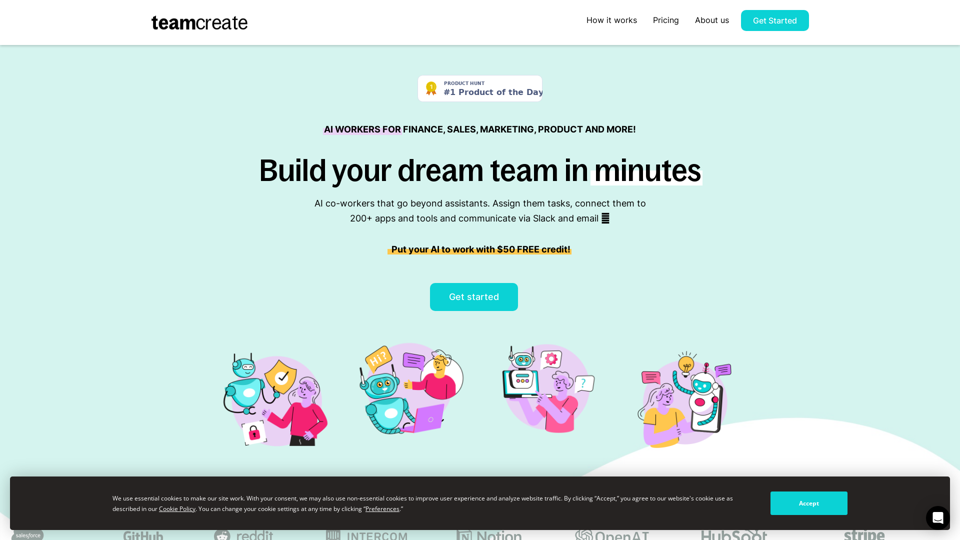
TeamCreate AI: Build Your AI Dream Team in Minutes!
TeamCreate AI: Build Your AI Dream Team in Minutes!What if you could grow your team and boost productivity without the usual financial or hiring constraints? Teamcreate enables companies of all sizes to create AI workers for hundreds of roles in Sales, Finance, Product and more.
422