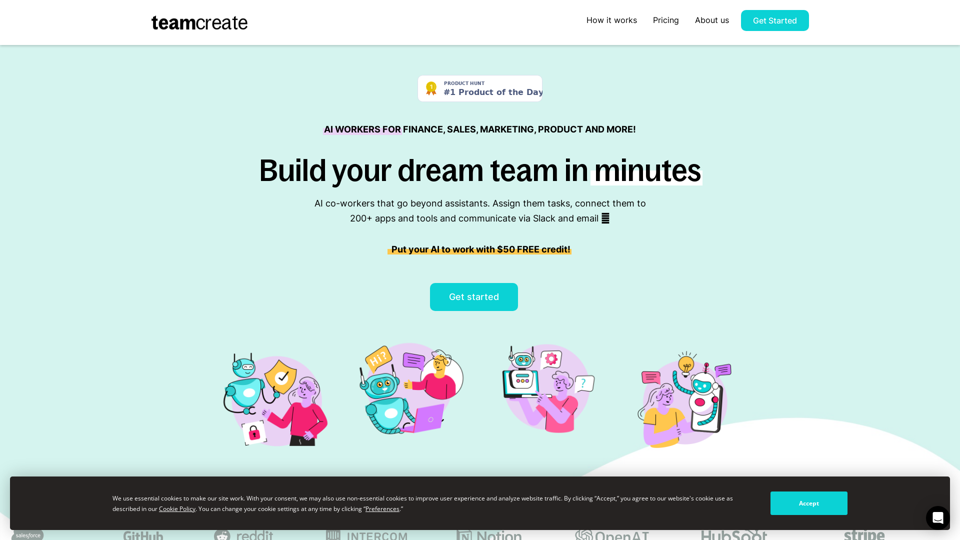
TeamCreate AI is an innovative platform that revolutionizes team building for businesses. It offers a wide range of AI workers that can be assigned tasks, connected to numerous apps and tools, and communicated with via Slack and email. This platform enables companies to rapidly scale their workforce without the constraints of traditional recruitment processes.
TeamCreate AI: Build Your AI Dream Team in Minutes!
What if you could grow your team and boost productivity without the usual financial or hiring constraints? Teamcreate enables companies of all sizes to create AI workers for hundreds of roles in Sales, Finance, Product and more.
Introduction
Feature
No-code and Customizable AI Workers
- Tailor AI workers to specific needs
- Assign tasks and connect to 200+ apps and tools
- Communicate via Slack and email
One-click Talent Acquisition
- Scale rapidly without financial constraints
- Bypass time-intensive recruitment and onboarding
- Assign AI workers to various roles (Sales, Marketing, Finance, etc.)
Multilingual Capabilities
- AI workers proficient in English, Mandarin, and Spanish
- Ensures seamless team integration across language barriers
Simple Setup Process
- Add TeamCreate to Slack
- Create new AI workers through @teamcreate
- Assign tasks and permissions
- Treat AI workers as fast-learning junior hires
Flexible Pricing Model
- Pay-as-you-go system
- $50 FREE credit to start
- Customizable AI workers with live or ticket-based support
Wide Range of Applications
- Suitable for roles in Sales, Marketing, Finance, Product, Support, Operations, and more
- Connect AI workers to 200+ apps and tools
FAQ
How do I create an AI worker for my team?
Add @teamcreate to Slack and authorize the addition of AI workers with a one-time link.
How can AI workers perform recurring tasks?
Use your task app to assign tasks to AI workers, including recurring tasks, just like you would with human co-workers.
What if I don't use Slack?
Support for Microsoft Teams, Discord, and WhatsApp will be added soon.
How do I give my AI worker access to apps and tools?
When an AI worker needs access, they'll request it and share a link with their manager, who can then provide access and set permissions.
Related Websites
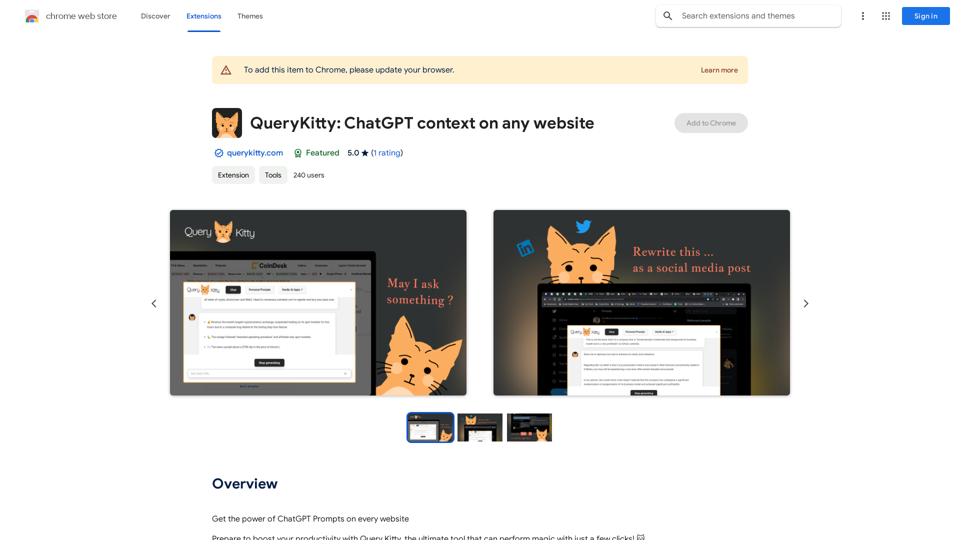
Unlock the Power of ChatGPT Prompts on Any Website Are you tired of switching between multiple tabs to find the perfect prompt for your ChatGPT conversations? Imagine having the power to generate prompts on any website, at any time, with just a few clicks. #Introducing the ChatGPT Prompt Extension Our innovative browser extension brings the magic of ChatGPT prompts directly to your fingertips. With this game-changing tool, you can: * Generate prompts on any webpage: Highlight a sentence, phrase, or paragraph, and our AI will suggest relevant prompts to spark insightful conversations. * Explore new topics and ideas: Get instant access to a vast library of prompts, carefully curated to inspire creativity and foster meaningful discussions. * Enhance your research and learning: Use our prompts to delve deeper into topics, uncover new perspectives, and gain a deeper understanding of complex subjects. #How it Works 1. Install the extension: Add our browser extension to your favorite browser. 2. Highlight and generate: Highlight any text on a webpage, and our AI will suggest relevant prompts. 3. Explore and refine: Browse through the suggested prompts, refine them to your liking, and start conversing with ChatGPT. #Unlock the Full Potential of ChatGPT Don't let the limitations of traditional prompt searching hold you back. With our ChatGPT Prompt Extension, you'll unlock a world of possibilities, including: * Faster research and learning: Get instant access to relevant prompts, saving you time and effort. * Improved conversation quality: Engage in more meaningful and insightful conversations with ChatGPT. * Enhanced creativity and productivity: Spark new ideas and explore fresh perspectives with our AI-generated prompts. #Try it Today! Install our ChatGPT Prompt Extension now and discover the power of AI-driven prompts on any website.
193.90 M
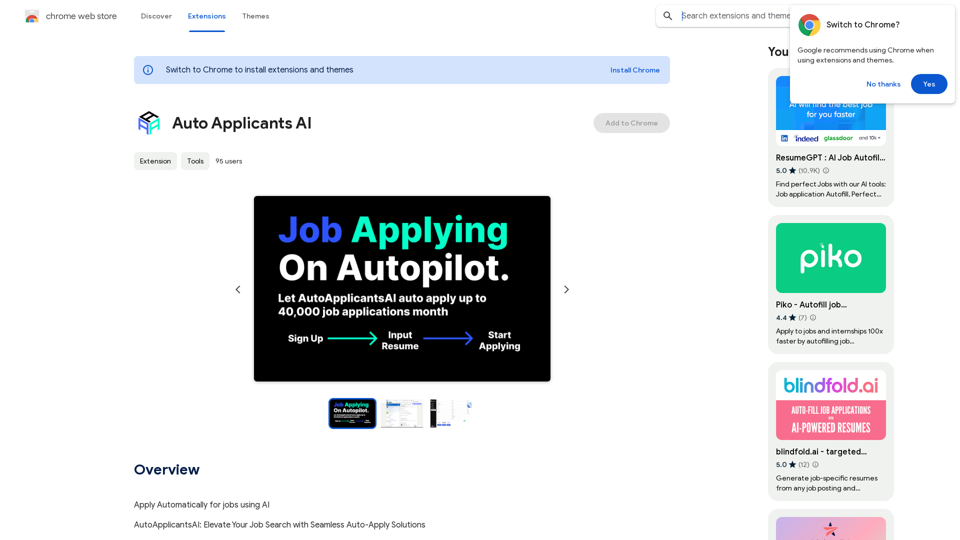
Automatically Apply for Jobs Using AI Imagine a world where you can apply for jobs with just a few clicks, powered by the intelligence of artificial intelligence. That's the promise of AI-powered job application tools. These tools can: * Scan your resume and identify relevant jobs: AI algorithms can analyze your skills and experience to match you with suitable opportunities. * Customize your cover letter for each application: Say goodbye to generic cover letters! AI can tailor your message to highlight the specific requirements of each job description. * Automate the application process: From filling out forms to submitting your documents, AI can handle the tedious tasks, saving you time and effort. * Track your applications and provide insights: Stay informed about the status of your applications and receive valuable feedback on your performance. By leveraging the power of AI, you can streamline your job search, increase your chances of getting noticed, and focus on what matters most: landing your dream job.
193.90 M
AI Math GPT Solver Powered by GPT-4: Free Online | Math Bot
AI Math GPT Solver Powered by GPT-4: Free Online | Math BotUnlock math solutions instantly with our free AI-powered Math Solver. Get step-by-step guidance on equations, word problems, and more, anytime, anywhere with GPT-4o technology
0
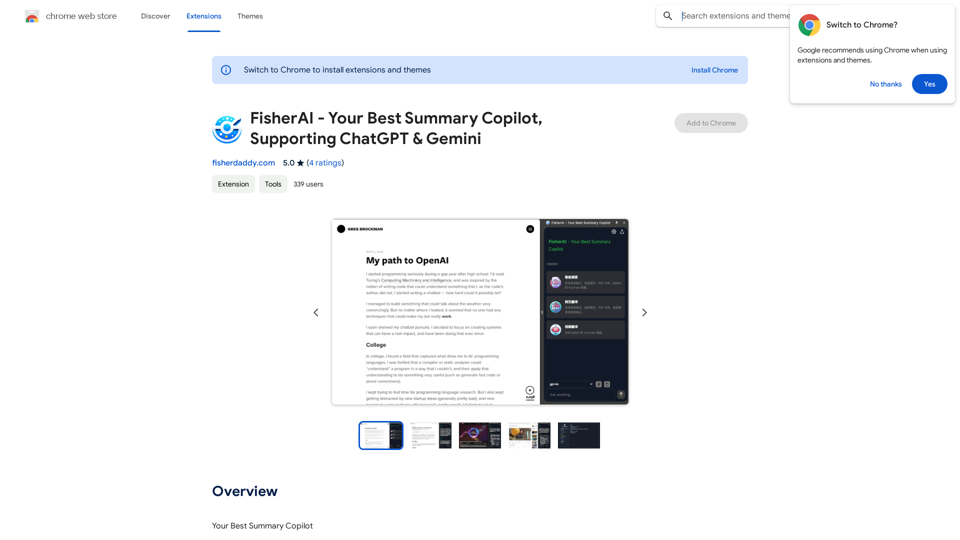
FisherAI - Your Best Summary Copilot, Supporting ChatGPT & Gemini
FisherAI - Your Best Summary Copilot, Supporting ChatGPT & GeminiYour Best AI Summary Assistant
193.90 M
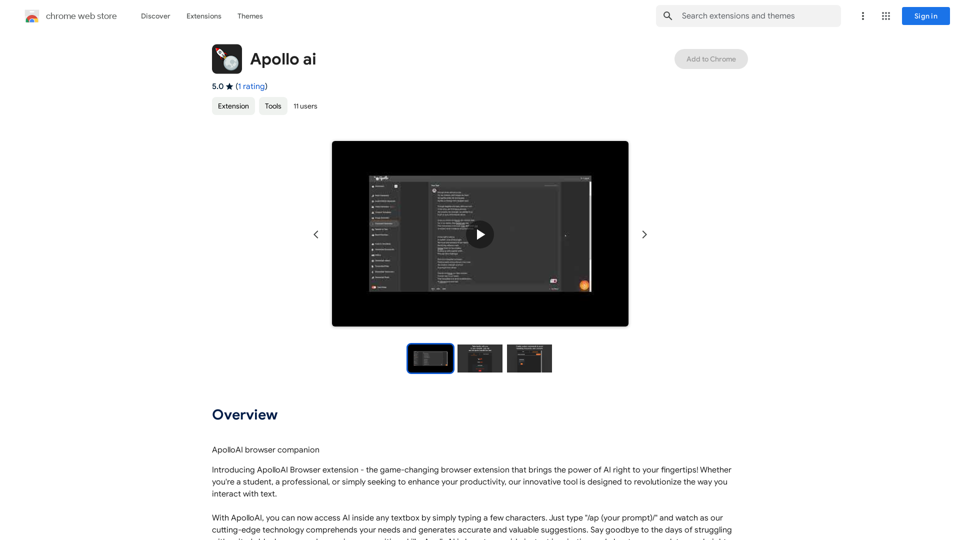
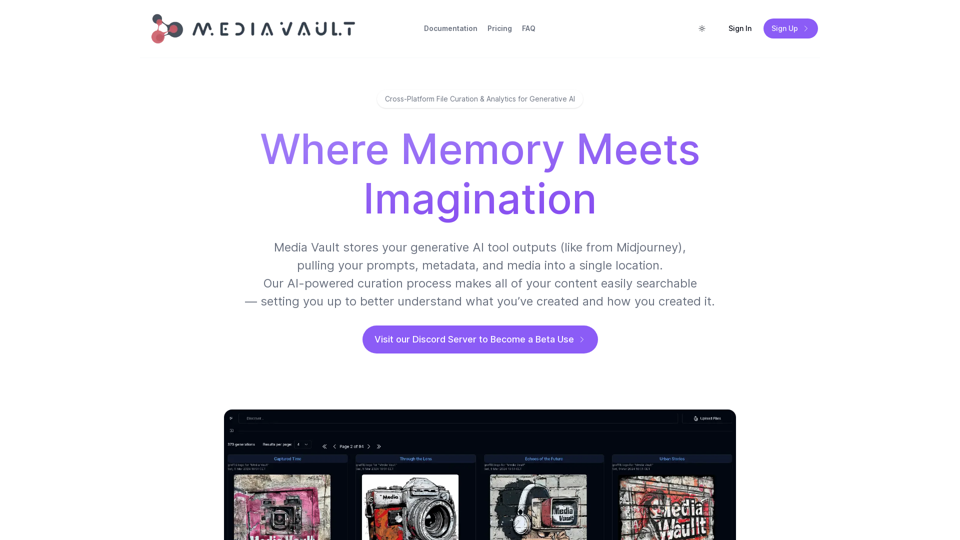
Media Vault AI | Your AI-Powered Media Curator and Cloud Storage Solution
Media Vault AI | Your AI-Powered Media Curator and Cloud Storage SolutionMedia Vault AI is your comprehensive solution for media storage, curation, and analysis. Seamlessly integrating with your favorite generative AI tools, our platform provides AI-powered file naming, tagging, and unique folder structures, a powerful semantic search feature, and insightful analytics tools. Visit Discord today for early access.
203
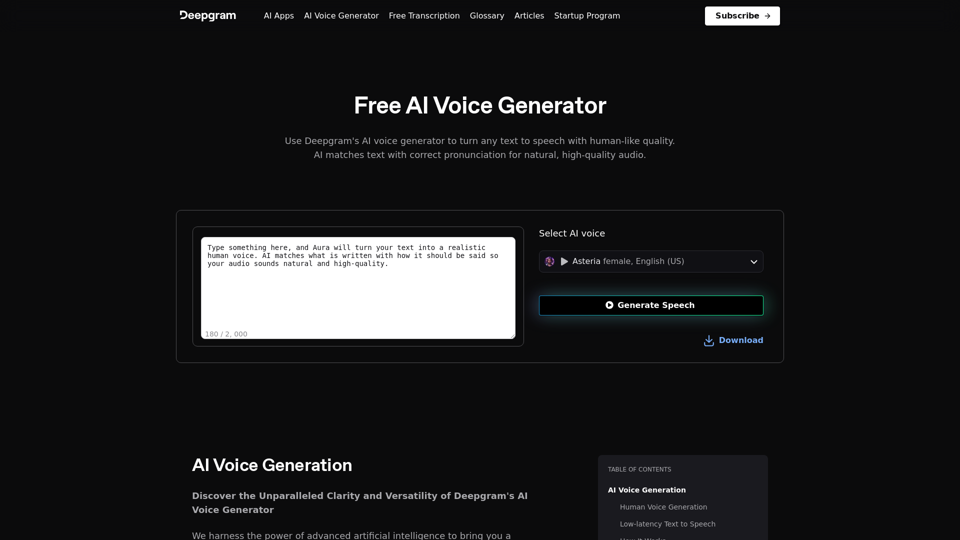
AI Voice Generator & Text to Speech | Deepgram Transform written text into natural-sounding speech with our AI voice generator and text-to-speech technology.
AI Voice Generator & Text to Speech | Deepgram Transform written text into natural-sounding speech with our AI voice generator and text-to-speech technology.Unlock the potential of Deepgram's AI Voice Generator. Experience natural-sounding text to speech for all your projects.
835.16 K
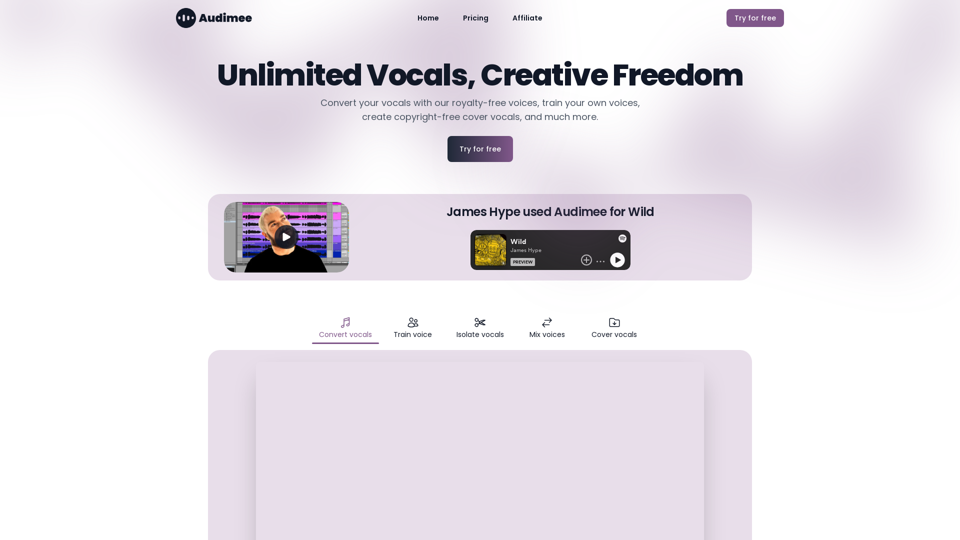
Audimee - Unlimited Vocals, Unlimited Creative Freedom
Audimee - Unlimited Vocals, Unlimited Creative FreedomConvert your vocals with our royalty-free voices, train your own voices, create copyright-free cover vocals, and much more.
489.79 K