Open-source RightAI Tools Directory
  • Discover AI
  • Submit
  • Startup
  • Blog
Open-source RightAI Tools Directory
Discover the best AI tools of 2025 with the RightAI Tools Directory!

Friend Links

AI Anime GeneratorToolsApp AI

Support

Tap4
Privacy policyTerms & ConditionsContact Us
Loading...
loading...

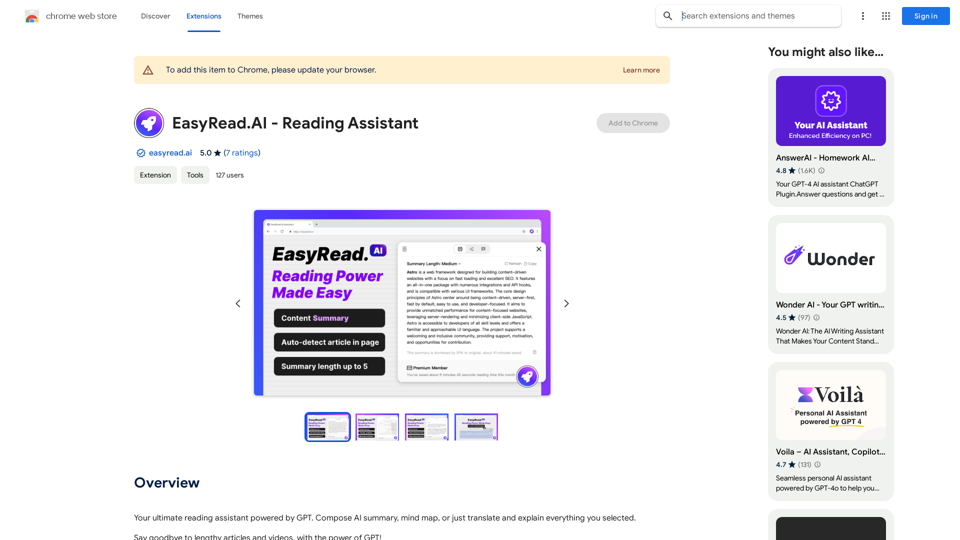
Easy Summaries

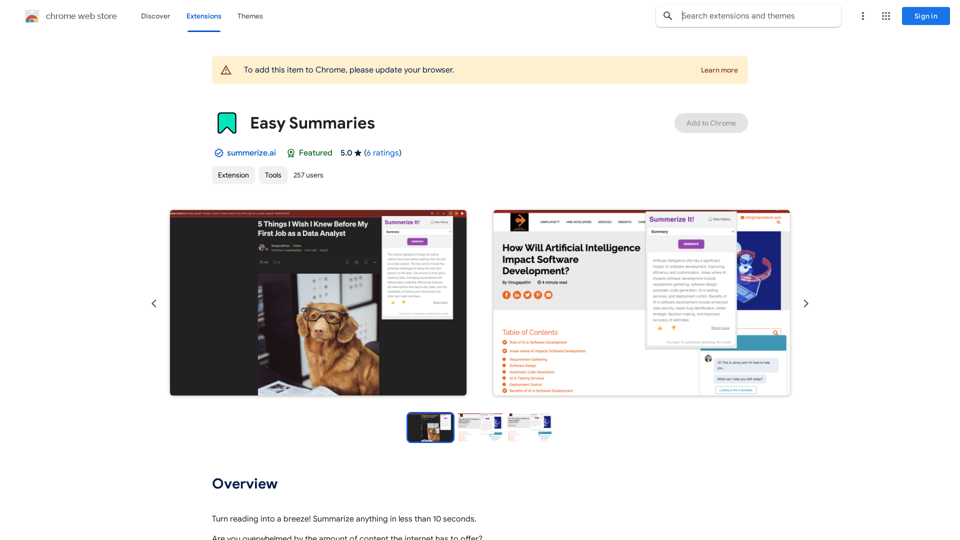
Turn reading into a breeze! Summarize anything in less than 10 seconds.
Visit Website
Easy Summaries
Visit Website

Introduction

Easy Summaries is a Chrome extension designed to enhance web browsing efficiency by providing quick and concise summaries of online content. With just one click, users can obtain a brief overview of articles, news stories, or blog posts, eliminating the need to read lengthy texts. This tool is perfect for those who want to quickly grasp the main points of web content without spending excessive time reading.

Feature

Instant Summaries

Generate concise summaries of web content in less than 10 seconds, allowing users to quickly understand the main points of articles, news stories, or blog posts.

Keywords & Highlights

Provide a list of major keywords and highlights to help users identify and understand the core topics of the content they're viewing.

User Feedback System

Incorporate a "Like!" button feature, enabling users to provide feedback on generated summaries, which helps improve the service quality.

Easy Installation and Use

  1. Install from Chrome Web Store
  2. Click the extension icon
  3. Select content to summarize
  4. Click "Summarize" button

Customization Options

Allow users to customize their summaries by selecting specific keywords and highlights, tailoring the experience to their preferences.

Free Basic Version

Offer a free version of the extension with core summarization features, making it accessible to all users.

Premium Features

Provide in-app purchases for additional features and premium support, catering to users who require more advanced functionality.

FAQ

How do I install Easy Summaries?

To install Easy Summaries, simply visit the Chrome Web Store and click on the "Add to Chrome" button. The extension will then be added to your browser.

How do I use Easy Summaries?

Using Easy Summaries is straightforward:

  1. Click on the extension icon in your Chrome browser
  2. Select the content you want to summarize
  3. Click on the "Summarize" button to receive a concise summary

Is Easy Summaries free?

Yes, Easy Summaries offers a free version with core summarization features. However, it also provides in-app purchases for additional features and premium support for users who require more advanced functionality.

Latest Traffic Insights

  • Monthly Visits

    193.90 M

  • Bounce Rate

    56.27%

  • Pages Per Visit

    2.71

  • Time on Site(s)

    115.91

  • Global Rank

    -

  • Country Rank

    -

Recent Visits

Traffic Sources

  • Social Media:
    0.48%
  • Paid Referrals:
    0.55%
  • Email:
    0.15%
  • Referrals:
    12.81%
  • Search Engines:
    16.21%
  • Direct:
    69.81%
More Data

Related Websites

Free Transcription Tool | Deepgram
View Detail

Free Transcription Tool | Deepgram

Free Transcription Tool | Deepgram

Easily convert your conversations, audio files, or YouTube videos into text for free with our advanced transcription tool.

835.16 K
Dewagear CreateAI
View Detail

Dewagear CreateAI

Dewagear CreateAI

Dewagear CreateAI

0
Glue Trail
View Detail

Glue Trail

Glue Trail

Turn Screen Recordings into How-To Content in Seconds! Tired of spending hours editing videos for tutorials? Introducing [Your Product Name]! Our revolutionary tool lets you instantly transform your screen recordings into professional-looking how-to articles and videos. Here's how it works: 1. Record your screen: Capture your steps clearly and concisely. 2. Upload to [Your Product Name]: Our AI does the heavy lifting. 3. Get your content: Choose from automatically generated articles or polished videos, ready to share! [Your Product Name] is perfect for: * Educators: Create engaging online lessons. * Businesses: Train employees efficiently. * YouTubers: Boost your content creation speed. Stop wasting time editing. Start creating with [Your Product Name]!

193.90 M
ChatGPT Learning
View Detail

ChatGPT Learning

ChatGPT Learning

Welcome to join us in learning about ChatGPT!

193.90 M
Kerplunk - AI Powered Video Interviewer
View Detail

Kerplunk - AI Powered Video Interviewer

Kerplunk - AI Powered Video Interviewer

Optimize your hiring with our AI-powered video interviewer. Kerplunk delivers insightful interviews. Get an AI Interview Assistant for your recruitment.

7.59 K
Welcome to enso
View Detail

Welcome to enso

Welcome to enso

At enso, you can get AI-powered digital services for most of your essential needs at a much lower price.

0
New York Laws on the App Store
View Detail

New York Laws on the App Store

New York Laws on the App Store

Access the full text of New York State laws with ease. Bookmark important sections, highlight text, and get AI-generated summaries. Features include: - Comprehensive search functionality to quickly find specific laws and regulations - Customizable bookmarks to mark important sections for future reference - Highlighting tool to emphasize key points and phrases - AI-powered summaries to provide a concise overview of complex laws

124.77 M
Meet the Meeting
View Detail

Meet the Meeting

Meet the Meeting

Identifying People Expressions in Google Meets Calls This is a complex task with several challenges: * Technical Limitations: Google Meets doesn't currently offer an API to directly access facial expressions of participants. * Privacy Concerns: Analyzing facial expressions raises significant privacy issues. Users should have control over whether their expressions are being tracked and used. * Accuracy: Even with access to facial data, accurately interpreting expressions can be difficult due to variations in lighting, angles, and individual differences. Possible Approaches (with limitations): * User-Submitted Data: Participants could manually indicate their emotions during the call, which could be collected and analyzed. This relies on user honesty and may not capture subtle expressions. * Third-Party Tools: Some external tools might analyze video feeds and attempt to detect expressions. However, their accuracy and privacy practices should be carefully evaluated. * Future Developments: Google or other companies might develop features that allow for more ethical and accurate expression analysis in the future. It's important to remember that facial expressions are just one aspect of communication, and relying solely on them can be misleading.

193.90 M