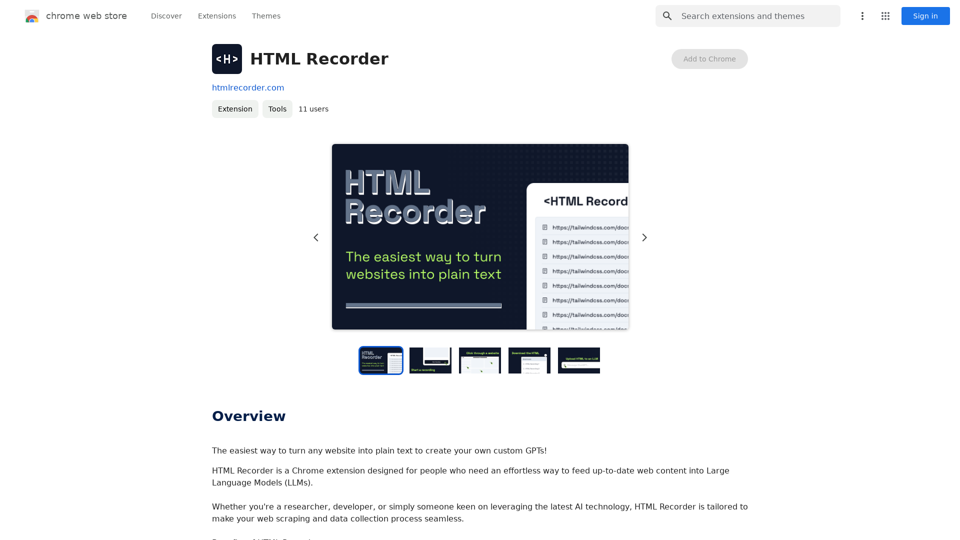
HTML Recorder is a Chrome extension that simplifies the process of converting web pages into plain text. It's designed for researchers, developers, and AI enthusiasts who want to create custom GPTs or enrich language models with current web content. The tool offers a user-friendly interface, requires no coding skills, and prioritizes user privacy by processing all data locally.
HTML Recorder
The easiest way to turn any website into plain text to create your own custom GPTs!
Introduction
Feature
Effortless Web Page to Text Conversion
HTML Recorder captures the HTML of any web page and converts it into a plain text file with just a few clicks. This feature is ideal for users who need to upload fresh, relevant web content into language models.
User-Friendly and Code-Free Interface
The extension is designed for simplicity, requiring no coding skills. Users can navigate the web as usual and easily select the data they wish to collect through a point-and-click interface.
Privacy-Centric Approach
HTML Recorder processes all HTML recordings locally on the user's computer, ensuring complete privacy. No data about visited sites or recorded content is collected by the tool.
Simple Installation and Usage
Users can easily install HTML Recorder from the Chrome Web Store and start using it immediately. The process involves navigating to a website, clicking the extension icon, selecting the desired area, and recording the HTML.
One-Time Payment Model
HTML Recorder offers lifetime access with a single payment, including future updates and email customer support. This model ensures uninterrupted access without recurring fees.
Money-Back Guarantee
The tool comes with a 100% money-back guarantee, providing users with a risk-free opportunity to try the extension.
FAQ
Is HTML Recorder free?
No, HTML Recorder is a paid tool that offers a one-time payment for lifetime access.
Do I need coding skills to use HTML Recorder?
No, HTML Recorder is designed to be code-free, making it accessible to users of all skill levels.
Is my data safe with HTML Recorder?
Yes, HTML Recorder ensures that all HTML recordings are processed locally on your computer, and they don't collect data about the sites you visit or the content you record.
How can I use HTML Recorder?
To use HTML Recorder:
- Install the extension from the Chrome Web Store
- Navigate to the desired website
- Click the HTML Recorder icon
- Select the area to record
- Click "Record" to capture the HTML
- The recorded HTML will be converted into a plain text file for use in creating custom GPTs
What are some helpful tips for using HTML Recorder?
- Use it to collect fresh, relevant web content for your language models
- Take advantage of the code-free interface to simplify web scraping
- Utilize the local processing feature to ensure data privacy
Related Websites
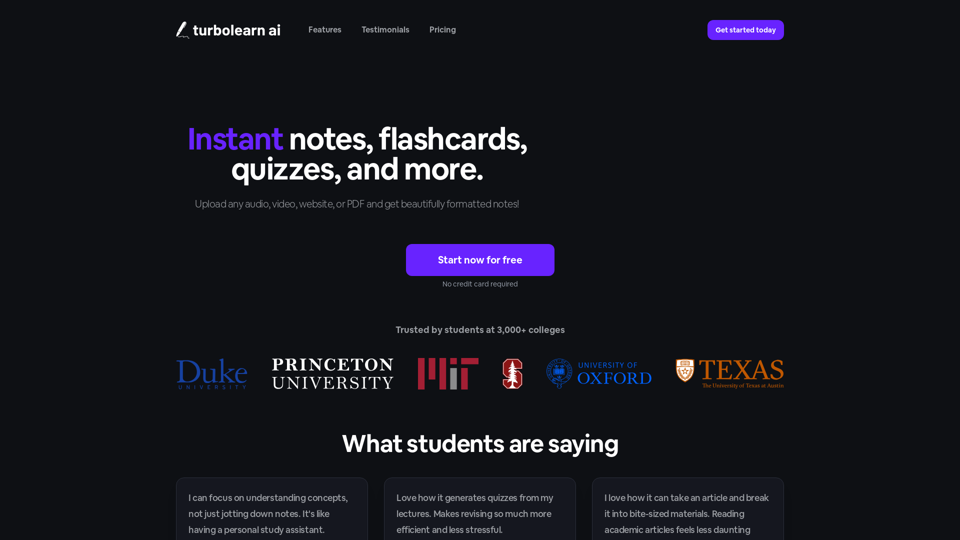
TurboLearn AI quickly makes complete notes, interactive flashcards, and custom quizzes from your lectures. Made to help you learn better and remember more, TurboLearn AI changes to fit your specific learning needs. Make the most of your study time today!
292.80 K
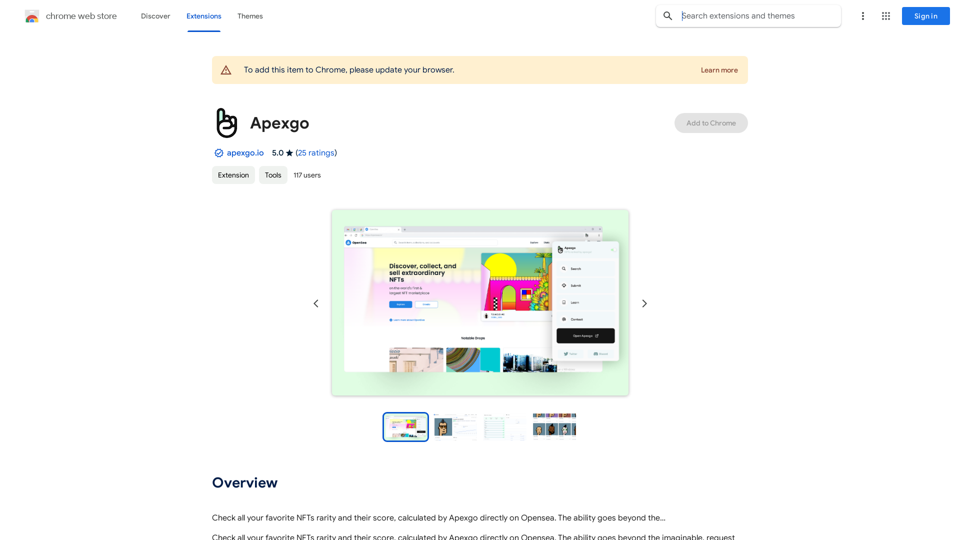
Check the rarity and score of all your favorite NFTs, calculated directly by Apexgo on Opensea. This feature goes beyond the...
193.90 M
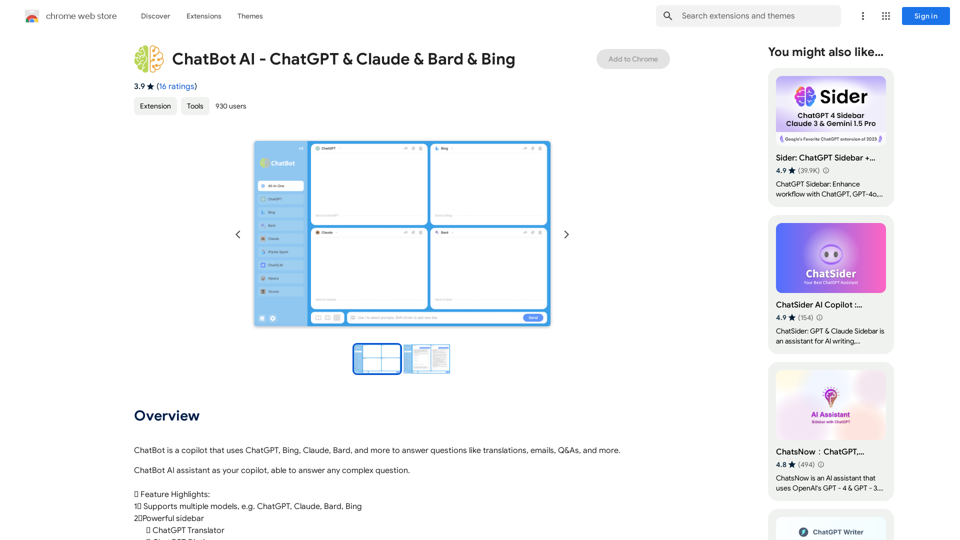
ChatBot AI - ChatGPT & Claude & Bard & BingOverviewChatBot AI
ChatBot AI - ChatGPT & Claude & Bard & BingOverviewChatBot AIChatBot is a copilot that uses ChatGPT, Bing, Claude, Bard, and more to answer questions like translations, emails, Q&As, and more.
193.90 M
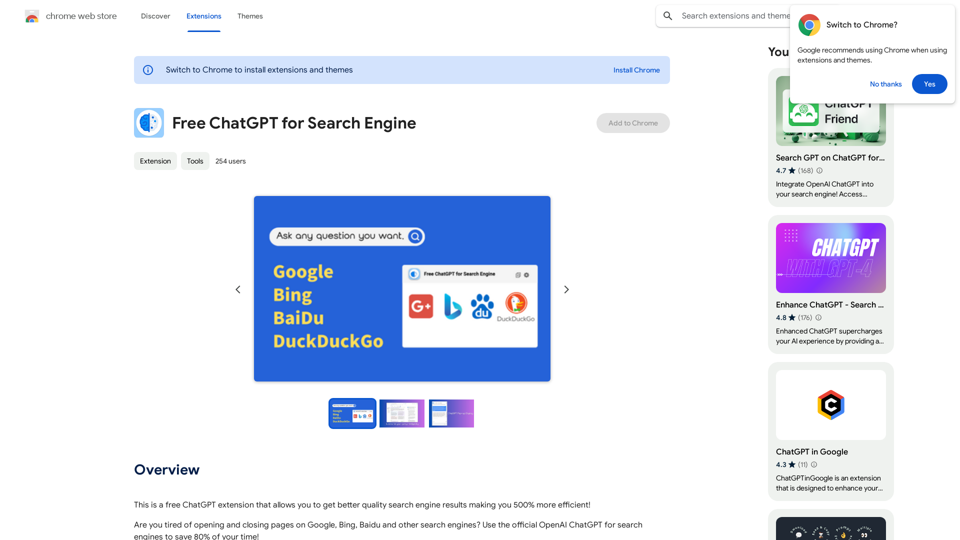
This is a free ChatGPT extension that helps you get better quality search engine results, making you 500% more efficient!
193.90 M
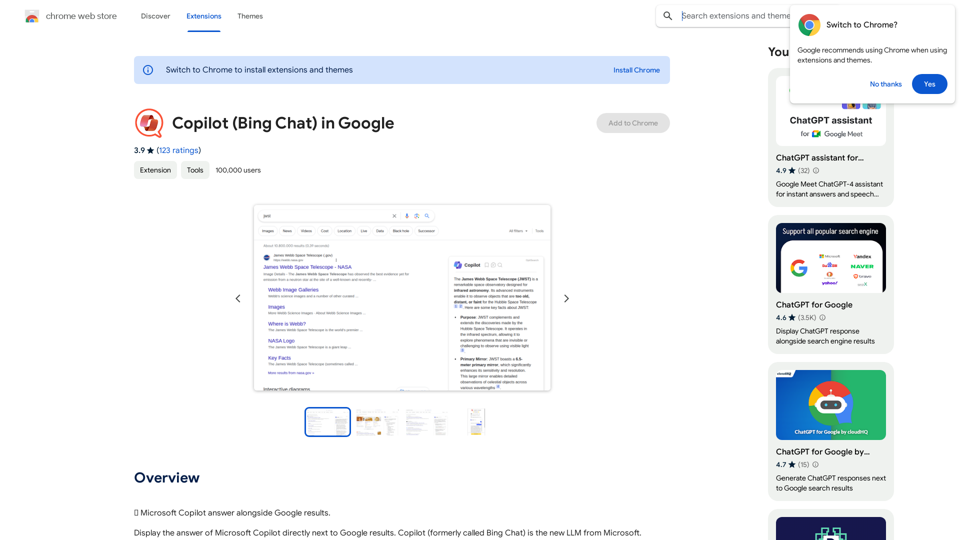
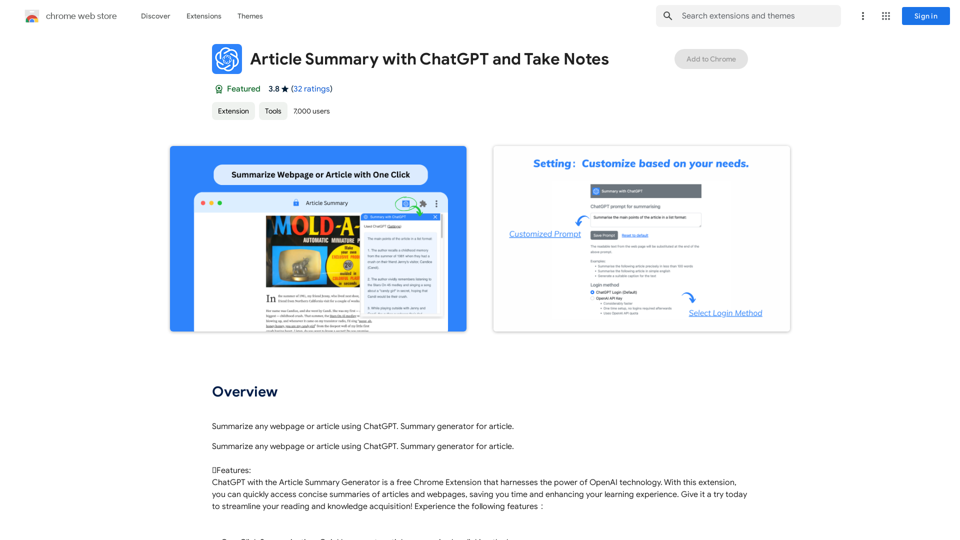
Article Summary with ChatGPT and Take Notes This is a guide on how to use ChatGPT to summarize articles and take notes effectively. Step 1: Provide ChatGPT with the Article Copy and paste the full text of the article into the ChatGPT interface. Step 2: Craft Your Prompt Tell ChatGPT what you want it to do. Here are some examples: * Summarize: "Please summarize this article in 200 words." * Key Points: "What are the main points of this article?" * Bullet Points: "Summarize the key findings of this article in bullet points." * Notes: "Take notes on this article, focusing on the author's arguments and supporting evidence." Step 3: Review and Refine ChatGPT will generate a summary, key points, bullet points, or notes based on your prompt. * Read carefully: Make sure the output accurately reflects the article's content. * Edit as needed: You can ask ChatGPT to rephrase sections or provide more detail. * Add your own insights: Don't just copy ChatGPT's output. Use it as a starting point and add your own thoughts, questions, and connections. Tips for Effective Use: * Be specific: The more specific your prompt, the better the output will be. * Experiment with different prompts: Try various phrasing to see what works best. * Use ChatGPT as a tool: It's a powerful aid, but it's not a replacement for critical reading and thinking.
Article Summary with ChatGPT and Take Notes This is a guide on how to use ChatGPT to summarize articles and take notes effectively. Step 1: Provide ChatGPT with the Article Copy and paste the full text of the article into the ChatGPT interface. Step 2: Craft Your Prompt Tell ChatGPT what you want it to do. Here are some examples: * Summarize: "Please summarize this article in 200 words." * Key Points: "What are the main points of this article?" * Bullet Points: "Summarize the key findings of this article in bullet points." * Notes: "Take notes on this article, focusing on the author's arguments and supporting evidence." Step 3: Review and Refine ChatGPT will generate a summary, key points, bullet points, or notes based on your prompt. * Read carefully: Make sure the output accurately reflects the article's content. * Edit as needed: You can ask ChatGPT to rephrase sections or provide more detail. * Add your own insights: Don't just copy ChatGPT's output. Use it as a starting point and add your own thoughts, questions, and connections. Tips for Effective Use: * Be specific: The more specific your prompt, the better the output will be. * Experiment with different prompts: Try various phrasing to see what works best. * Use ChatGPT as a tool: It's a powerful aid, but it's not a replacement for critical reading and thinking.I can do that! Please provide me with the URL of the webpage or article you'd like me to summarize. I'll do my best to create a concise and easy-to-understand summary for you.
193.90 M
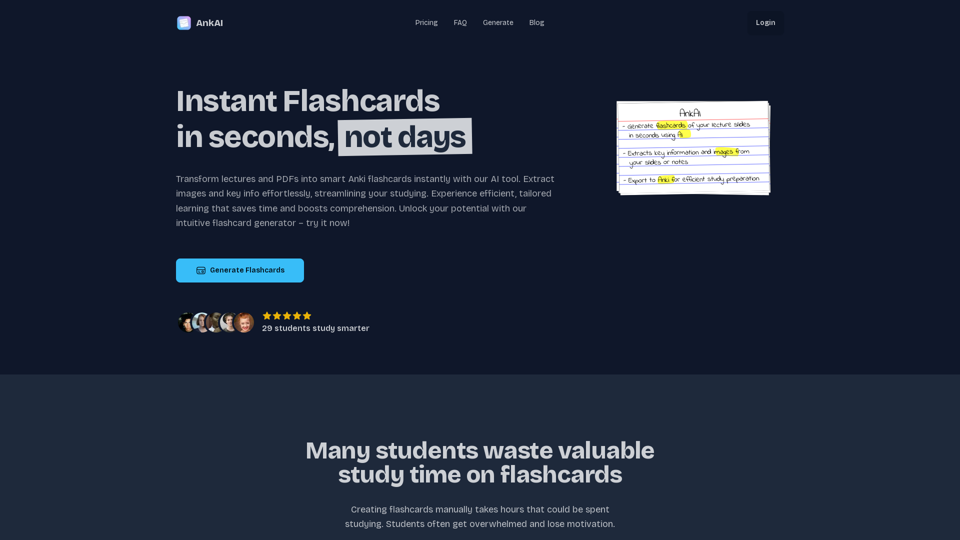
AnkAI is the best tool for easily turning PDFs into Anki flash cards, making your studying process faster and simpler.
0