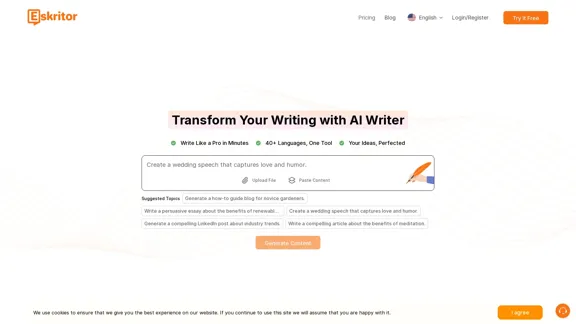
Eskritor AI Writer is an advanced AI content generator designed to assist users in creating high-quality written content across various formats. It offers features that cater to diverse writing needs, including blog posts, business proposals, and academic articles. With support for over 40 languages, Eskritor aims to enhance productivity and streamline the writing process for individuals and businesses alike.
Eskritor AI Writer: Intelligent AI Content Creator
Write 5x faster with Eskritor AI Writer's 20+ content tools. Start creating perfectly tailored content today - from articles to social posts. Try it free!
Introduction
Feature
-
Multi-language Support
Eskritor allows users to create, edit, and translate content in over 60 languages, making it accessible for a global audience.
-
AI Content Generation
Users can generate various types of content, including essays, articles, social media posts, and more, using advanced AI algorithms that ensure coherence and relevance.
-
Interactive Follow-Up Questions
The platform engages users with targeted follow-up questions to refine and optimize their content, ensuring tailored results.
-
Selective AI Editing
Eskritor provides tools for targeted enhancements, allowing users to adjust text length, rephrase content, and improve readability while maintaining their unique writing style.
-
Enterprise-Grade Security
The platform prioritizes user privacy and complies with SOC 2 and GDPR standards, ensuring that all information is protected.
-
User-Friendly Interface
Eskritor features an intuitive interface that simplifies the writing process, making it easy for users to navigate and utilize its tools effectively.
How to Use?
- Create an account on the Eskritor website to access its features.
- Upload existing content or start from scratch using the AI writing assistant.
- Utilize the editing tools to refine the generated content according to your needs.
- Save, download, or share your finalized content easily with a single click.
FAQ
What is Eskritor?
Eskritor is an AI-powered text generator designed to assist with various writing tasks, including creative writing, academic writing, and business communications.
Is Eskritor free to use?
Eskritor offers a free trial for users to explore its features, but a subscription is required for full access.
How does Eskritor work?
Eskritor uses advanced AI algorithms to generate, rewrite, and enhance text based on user input, producing high-quality content efficiently.
Can Eskritor create texts in multiple languages?
Yes, Eskritor supports content creation in over 60 languages, facilitating communication across different linguistic backgrounds.
What makes Eskritor different from other AI writing tools?
Eskritor features specialized AI writers for various industries and offers personalized content refinement through interactive follow-up questions.
Price
| Plan | Price |
|---|---|
| Free Trial | $0/month |
| Basic Plan | $9.99/month |
| Standard Plan | $19.99/month |
| Professional Plan | $49.99/month |
The price is for reference only, please refer to the latest official data for actual information.
Evaluation
- Eskritor excels in generating diverse content quickly and efficiently, making it a valuable tool for content creators and businesses.
- The interactive follow-up questions enhance user engagement and help produce tailored content.
- However, the reliance on AI may lead to occasional generic outputs that require further refinement.
- The platform could benefit from additional features for collaboration among team members, enhancing its utility for businesses.
- Overall, Eskritor is a strong choice for those looking to streamline their writing process, though users should be prepared to invest time in editing for optimal results.
Related Websites
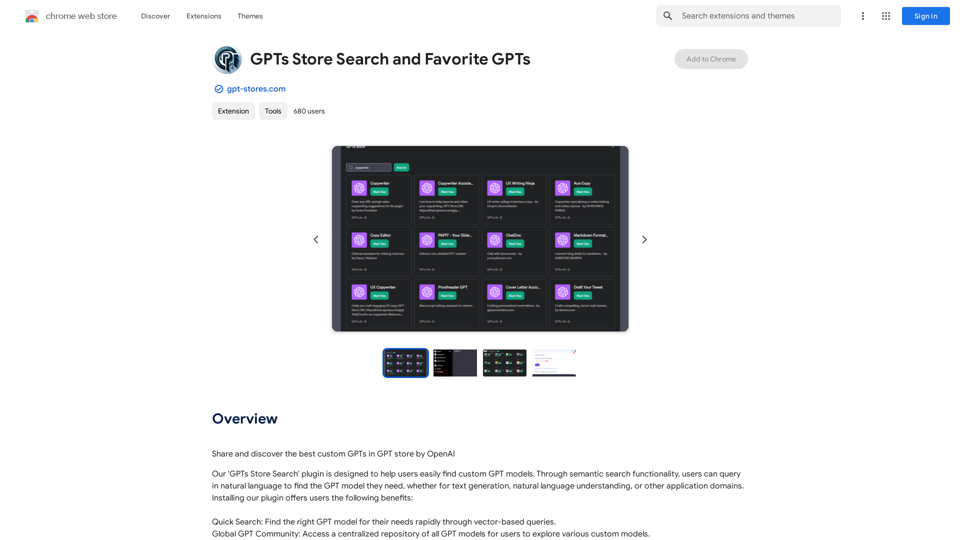
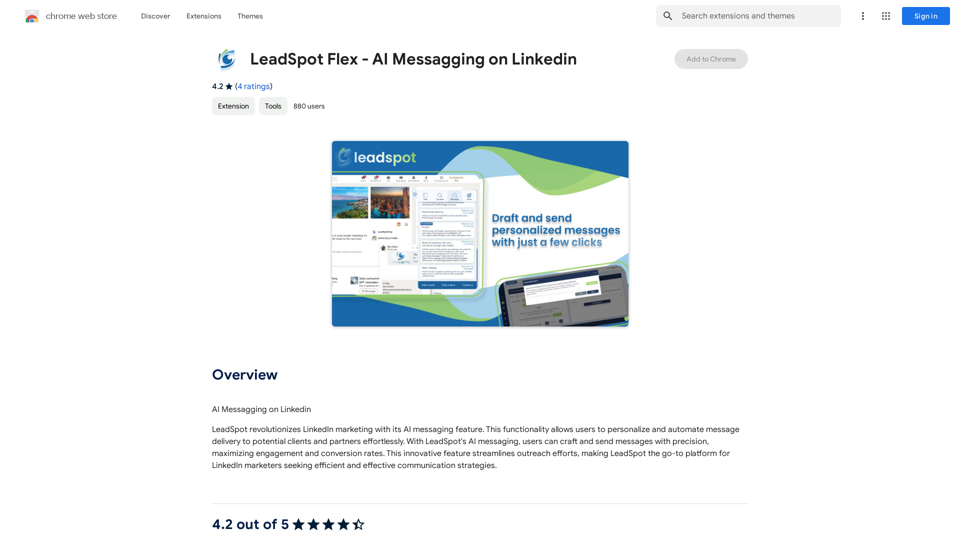
AI Messaging on LinkedIn Let's explore the potential and pitfalls of using AI for messaging on LinkedIn. Potential Benefits: * Increased Efficiency: AI can automate repetitive tasks like sending personalized connection requests or follow-up messages, freeing up your time for more strategic activities. * Improved Targeting: AI algorithms can analyze user profiles and identify potential connections based on shared interests, industry, or other relevant criteria. * Enhanced Personalization: AI can help craft personalized messages that resonate with individual recipients, increasing the likelihood of engagement. * Data-Driven Insights: AI can track message performance and provide insights into which messages are most effective, allowing you to refine your approach. Potential Pitfalls: * Lack of Authenticity: Overly generic or robotic messages can come across as impersonal and insincere, damaging your professional reputation. * Ethical Concerns: Using AI to manipulate or deceive users on LinkedIn raises ethical questions about transparency and consent. * Technical Limitations: Current AI technology may struggle to understand nuanced conversations or respond appropriately to complex queries. * Spam and Abuse: Malicious actors could exploit AI to send spam messages or engage in other harmful activities on LinkedIn. Best Practices: * Use AI as a Tool, Not a Replacement: Leverage AI to enhance your messaging, but always maintain human oversight and authenticity. * Prioritize Quality over Quantity: Focus on sending personalized messages to a targeted audience rather than mass-sending generic content. * Be Transparent: Disclose when you are using AI to assist with your messaging, and respect user preferences for communication. * Stay Informed: Keep up-to-date on the latest developments in AI ethics and best practices for using AI on LinkedIn.
193.90 M
CO-STAR Prompt Template ========================== Task Description Describe the task you want the AI to perform. Be specific and concise. Input Prompt Provide the input prompt that the AI will receive. This can be a question, a statement, or a scenario. Desired Response Describe the desired response from the AI. What type of answer or output are you expecting? Constraints List any constraints or rules that the AI should follow when generating a response. This can include tone, style, or specific keywords to include or avoid. Evaluation Metrics Describe how you will evaluate the AI's response. What metrics or criteria will you use to determine the quality of the response? Example Output Provide an example of what a good response from the AI might look like. This can help clarify the task and provide a target for the AI to aim for.
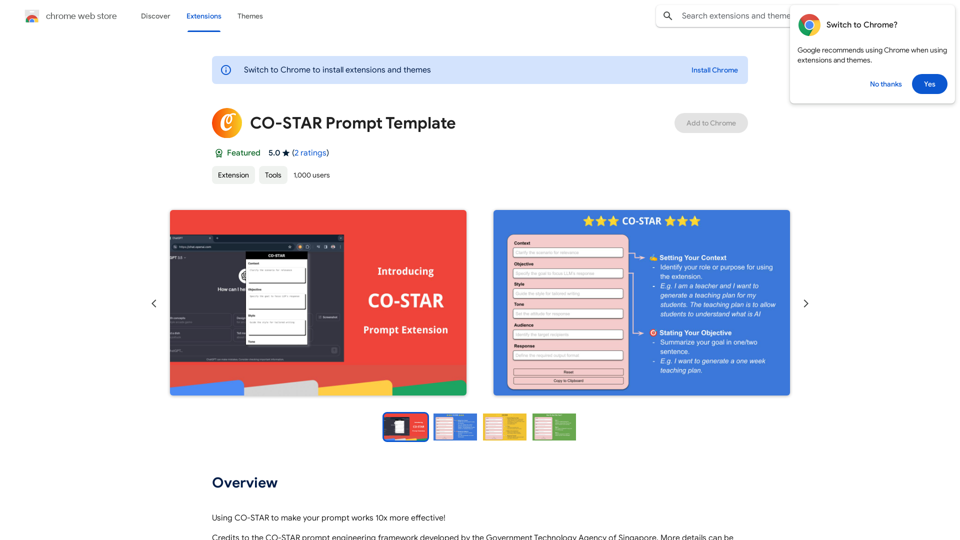
CO-STAR Prompt Template ========================== Task Description Describe the task you want the AI to perform. Be specific and concise. Input Prompt Provide the input prompt that the AI will receive. This can be a question, a statement, or a scenario. Desired Response Describe the desired response from the AI. What type of answer or output are you expecting? Constraints List any constraints or rules that the AI should follow when generating a response. This can include tone, style, or specific keywords to include or avoid. Evaluation Metrics Describe how you will evaluate the AI's response. What metrics or criteria will you use to determine the quality of the response? Example Output Provide an example of what a good response from the AI might look like. This can help clarify the task and provide a target for the AI to aim for.Using CO-STAR to Make Your Prompt 10 Times More Effective!
193.90 M
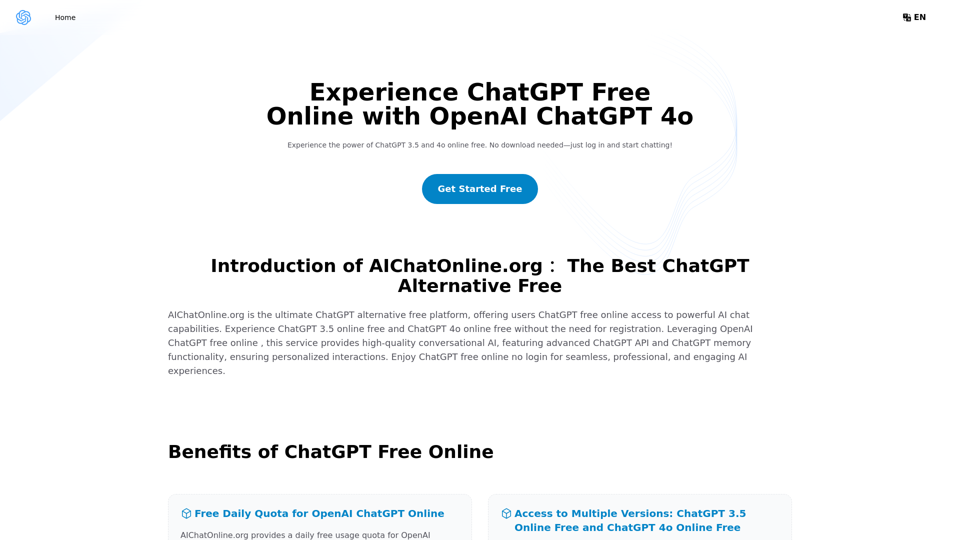
The Free Alternative to ChatGPT Powered by 4o | AIChatOnline.org
The Free Alternative to ChatGPT Powered by 4o | AIChatOnline.orgDiscover AIChatOnline.org, your ultimate platform for free online access to ChatGPT. Enjoy ChatGPT 3.5 online for free and ChatGPT 4 online for free, with no registration required. Take advantage of OpenAI's free online ChatGPT for advanced AI capabilities, including ChatGPT memory and ChatGPT API integration.
70.11 K
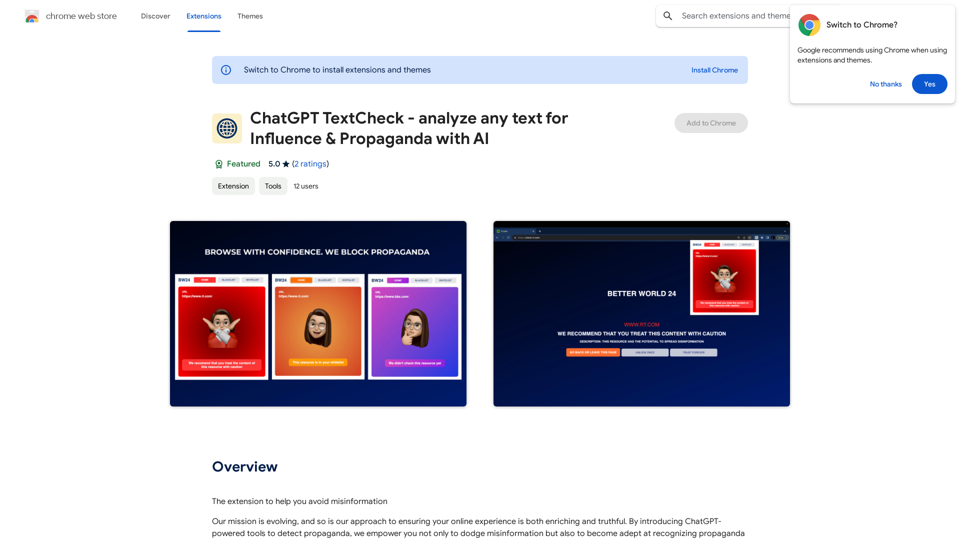
ChatGPT TextCheck - analyze any text for Influence & Propaganda with AI
ChatGPT TextCheck - analyze any text for Influence & Propaganda with AIAn extension to help you avoid misinformation
193.90 M
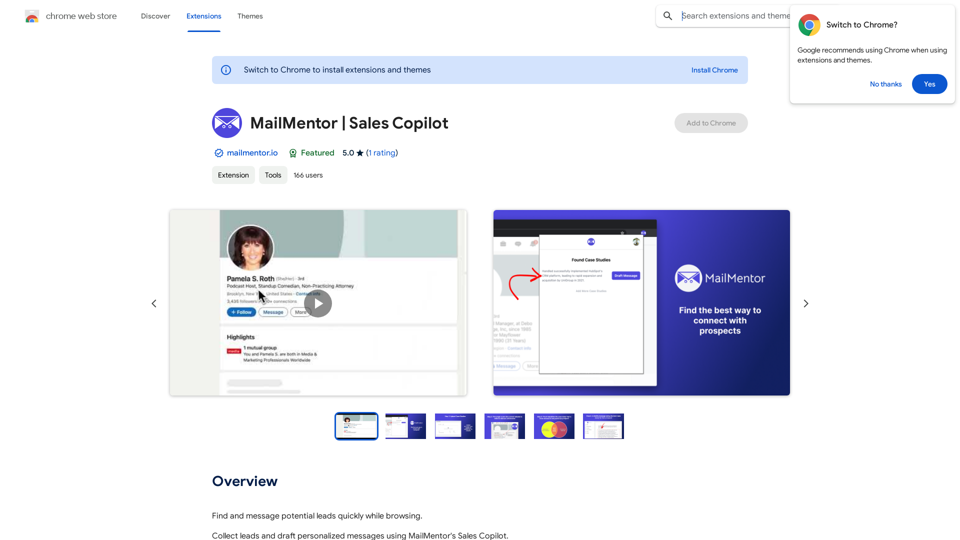
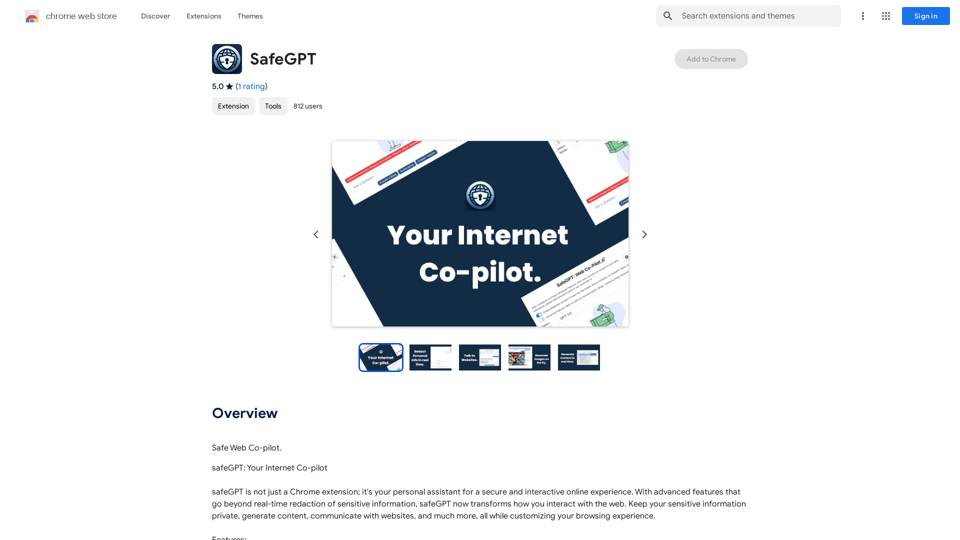
SafeGPT =============== SafeGPT is an AI model designed to generate human-like text while avoiding harmful or toxic content. It is trained on a massive dataset of text from the internet and can understand and respond to user input in a conversational manner. SafeGPT is capable of generating text on a wide range of topics, from simple questions to complex discussions, and can even create stories, dialogues, and more. Key Features: * Harmless responses: SafeGPT is designed to avoid generating harmful or toxic content, making it a safe and reliable tool for users of all ages. * Conversational understanding: SafeGPT can understand and respond to user input in a conversational manner, making it feel more like a human-like interaction. * Creative freedom: SafeGPT can generate text on a wide range of topics, from simple questions to complex discussions, and can even create stories, dialogues, and more. * Continuous learning: SafeGPT is constantly learning and improving its responses based on user feedback, ensuring that it becomes more accurate and helpful over time. Use Cases: * Chatbots and virtual assistants: SafeGPT can be used to power chatbots and virtual assistants, providing users with a safe and reliable way to interact with machines. * Content generation: SafeGPT can be used to generate content for websites, social media, and other platforms, helping to reduce the workload of content creators. * Language learning: SafeGPT can be used to help language learners practice their conversational skills, providing them with a safe and interactive way to improve their language abilities. Benefits: * Improved safety: SafeGPT's ability to avoid generating harmful or toxic content makes it a safer tool for users of all ages. * Increased creativity: SafeGPT's ability to generate text on a wide range of topics and in various styles makes it a valuable tool for content creators and language learners. * Enhanced user experience: SafeGPT's conversational understanding and ability to respond in a human-like manner make it a more enjoyable and interactive tool for users.
SafeGPT =============== SafeGPT is an AI model designed to generate human-like text while avoiding harmful or toxic content. It is trained on a massive dataset of text from the internet and can understand and respond to user input in a conversational manner. SafeGPT is capable of generating text on a wide range of topics, from simple questions to complex discussions, and can even create stories, dialogues, and more. Key Features: * Harmless responses: SafeGPT is designed to avoid generating harmful or toxic content, making it a safe and reliable tool for users of all ages. * Conversational understanding: SafeGPT can understand and respond to user input in a conversational manner, making it feel more like a human-like interaction. * Creative freedom: SafeGPT can generate text on a wide range of topics, from simple questions to complex discussions, and can even create stories, dialogues, and more. * Continuous learning: SafeGPT is constantly learning and improving its responses based on user feedback, ensuring that it becomes more accurate and helpful over time. Use Cases: * Chatbots and virtual assistants: SafeGPT can be used to power chatbots and virtual assistants, providing users with a safe and reliable way to interact with machines. * Content generation: SafeGPT can be used to generate content for websites, social media, and other platforms, helping to reduce the workload of content creators. * Language learning: SafeGPT can be used to help language learners practice their conversational skills, providing them with a safe and interactive way to improve their language abilities. Benefits: * Improved safety: SafeGPT's ability to avoid generating harmful or toxic content makes it a safer tool for users of all ages. * Increased creativity: SafeGPT's ability to generate text on a wide range of topics and in various styles makes it a valuable tool for content creators and language learners. * Enhanced user experience: SafeGPT's conversational understanding and ability to respond in a human-like manner make it a more enjoyable and interactive tool for users.Safe Web Co-pilot
193.90 M
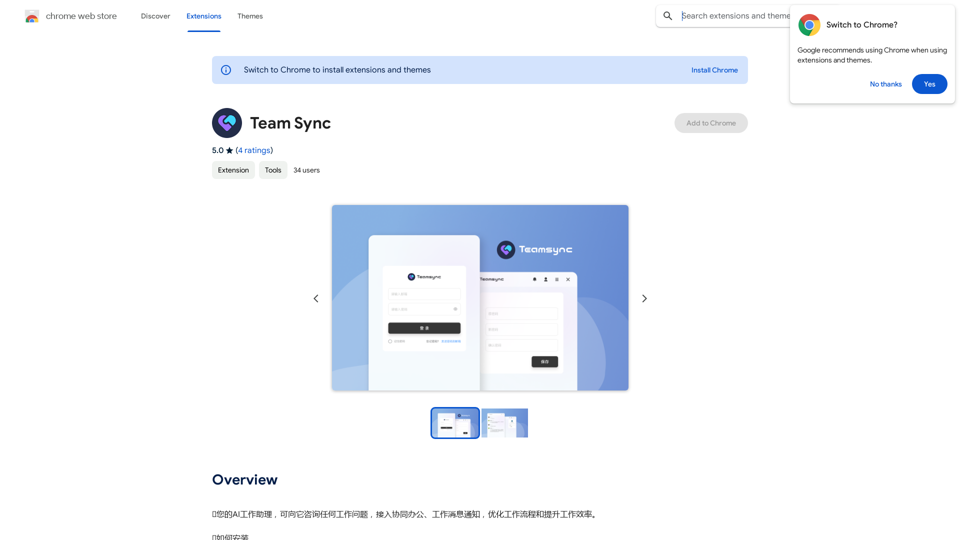
⭐ Your AI work assistant can answer any work questions you have. It integrates with collaborative work, work message notifications, to optimize your workflow and boost your productivity. ⭐ How to install Simply go to the Chrome Web Store, search for the extension, and click "Add to Chrome." Once installed, the extension will be available in your toolbar for easy access.
193.90 M