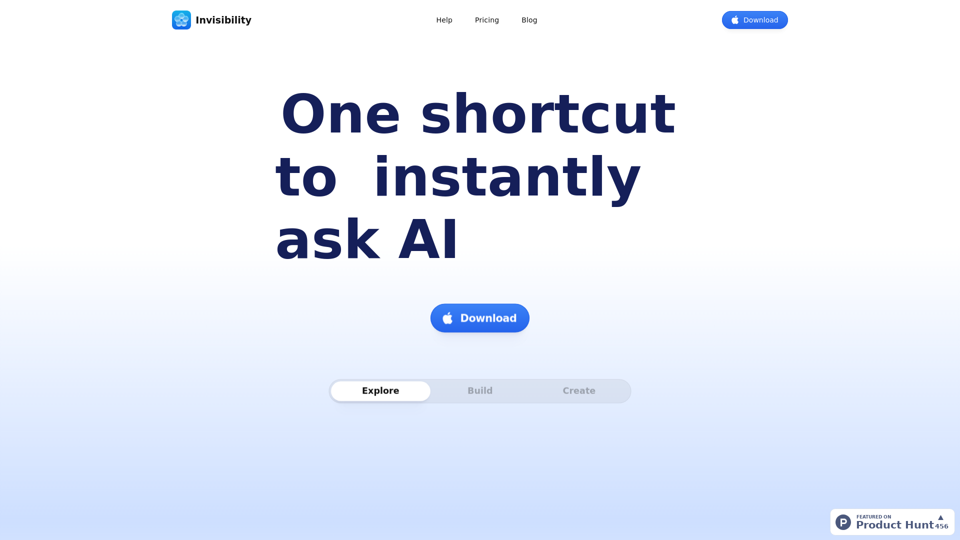
Invisibility is an AI-driven platform offering access to a vast array of AI technologies for various needs, including text generation and image understanding. It provides instant AI interaction and exploration of AI-powered tools to support diverse tasks. Invisibility combines state-of-the-art models in one platform, eliminating the need for multiple subscriptions and offering a seamless experience for users.
Invisibility The ability to become unseen.
Your Invisible AI - Invisibility is The ChatGPT Replacement for Mac
Introduction
Feature
ScreenShare Functionality
Users can choose specific apps for Invisibility to view or share their entire screen, providing flexibility in how they interact with the platform.
Keyboard Shortcuts
Invisibility offers simple keyboard shortcuts for all functions, allowing users to navigate and interact with the platform quickly and efficiently.
All-in-One Subscription Model
Invisibility combines all state-of-the-art models in one platform, eliminating the need for multiple subscriptions and tools.
Vast AI Model Library
The platform offers access to nearly 200,000 AI models for a wide variety of applications in work, study, and everyday life, available for free use without subscription.
Text-to-Image Generation
Users can create images using Invisibility's text-to-image generation capability, sharing credits with GPT-4o for a seamless creative experience.
Free and Paid Plans
Invisibility offers a free plan with limited features and a paid subscription plan with additional benefits and extended access.
Privacy Protection
Invisibility prioritizes user privacy, ensuring that user data is not used for training purposes and can be completely removed upon account deletion.
FAQ
What is Invisibility?
Invisibility is an AI-driven platform that provides access to a vast array of AI technologies for various needs, including text generation and image understanding. It offers instant AI interaction and exploration of AI-powered tools to support diverse tasks.
How do I use Invisibility?
Every user can utilize Invisibility's AI services for free, with the option to subscribe for additional benefits and extended access beyond the free usage limits. Users can leverage daily free uses to explore a vast range of AI-powered tools for various tasks.
Can I generate images using Invisibility?
Yes, Invisibility offers text-to-image generation capability, allowing users to create images. This feature shares credits with GPT-4o for a seamless creative experience.
How many AI models are available on Invisibility?
Invisibility offers nearly 200,000 AI models for a wide variety of applications in work, study, and everyday life. These AI models can be used freely without the need for a subscription.
Will my information be used for training data?
No, Invisibility highly values user privacy. Your data will not be used for any training purposes. If needed, you can delete your account at any time, and all your data will be removed as well.
Related Websites
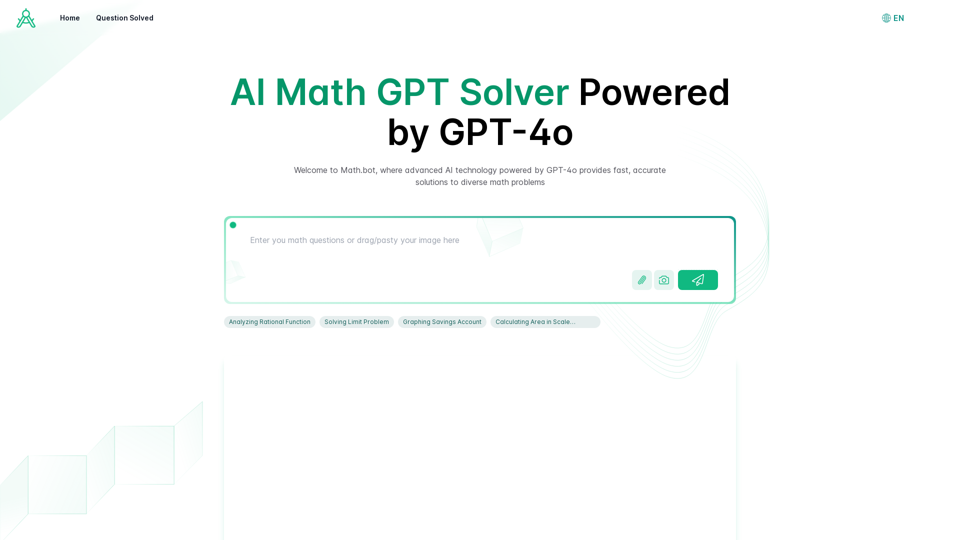
AI Math GPT Solver Powered by GPT-4: Free Online | Math Bot
AI Math GPT Solver Powered by GPT-4: Free Online | Math BotUnlock math solutions instantly with our free AI-powered Math Solver. Get step-by-step guidance on equations, word problems, and more, anytime, anywhere with GPT-4o technology
0
AI Cover Letter Generator by Kickresume ============================================= Get hired faster with our AI-powered cover letter generator. Write a compelling cover letter in minutes and increase your chances of getting noticed by the hiring manager. How it Works --------------- 1. Choose a Template: Select from a variety of professionally-designed cover letter templates. 2. Answer a Few Questions: Provide some basic information about the job you're applying for and your qualifications. 3. AI Generates Your Cover Letter: Our AI algorithm creates a tailored cover letter based on your input. 4. Customize and Refine: Review and edit your cover letter to make it perfect. Benefits ------------ * Save Time: Write a cover letter in minutes, not hours. * Increase Chances of Getting Hired: Our AI-generated cover letters are optimized to pass through applicant tracking systems (ATS) and catch the hiring manager's attention. * Get Professional Results: Our templates and AI algorithm ensure your cover letter looks and sounds professional. Try it Now -------------- Generate a compelling cover letter with our AI cover letter generator and start getting noticed by hiring managers today!
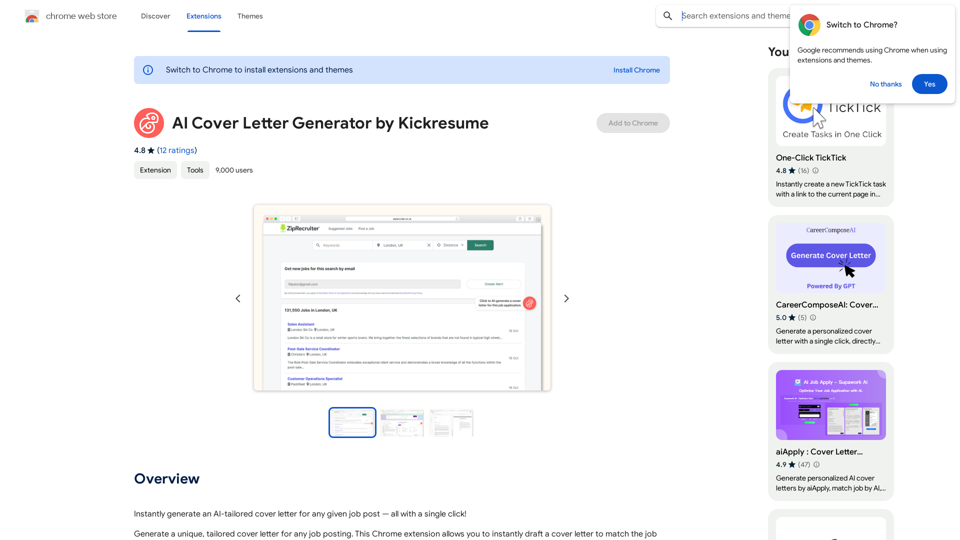
AI Cover Letter Generator by Kickresume ============================================= Get hired faster with our AI-powered cover letter generator. Write a compelling cover letter in minutes and increase your chances of getting noticed by the hiring manager. How it Works --------------- 1. Choose a Template: Select from a variety of professionally-designed cover letter templates. 2. Answer a Few Questions: Provide some basic information about the job you're applying for and your qualifications. 3. AI Generates Your Cover Letter: Our AI algorithm creates a tailored cover letter based on your input. 4. Customize and Refine: Review and edit your cover letter to make it perfect. Benefits ------------ * Save Time: Write a cover letter in minutes, not hours. * Increase Chances of Getting Hired: Our AI-generated cover letters are optimized to pass through applicant tracking systems (ATS) and catch the hiring manager's attention. * Get Professional Results: Our templates and AI algorithm ensure your cover letter looks and sounds professional. Try it Now -------------- Generate a compelling cover letter with our AI cover letter generator and start getting noticed by hiring managers today!Instantly generate an AI-tailored cover letter for any given job post — all with a single click!
193.90 M
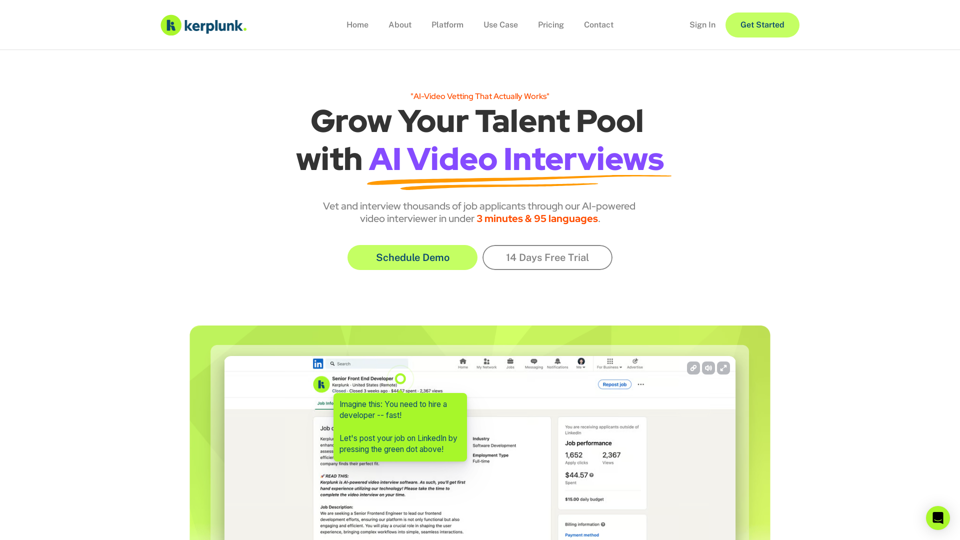
Optimize your hiring with our AI-powered video interviewer. Kerplunk delivers insightful interviews. Get an AI Interview Assistant for your recruitment.
7.59 K
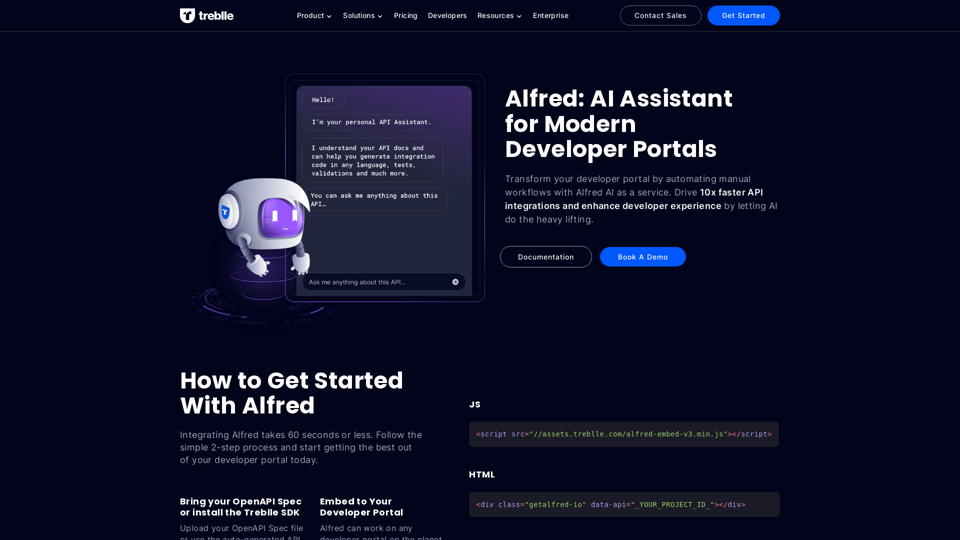
Transform your developer portal by automating manual workflows with Alfred AI as a service. Drive 10x faster API integrations and enhance developer experience by letting AI do the heavy lifting.
67.31 K
Summarize and Translate with Gemini Gemini是一个基于人工智能的多语言翻译和文本摘要工具。它可以将长篇文本转换为简洁的摘要,同时提供多种语言的翻译选项。 #Key Features * Multilingual Translation: Gemini支持多种语言的翻译,包括英语、法语、德语、西班牙语、葡萄牙语、意大利语、荷兰语、俄语、中文、日语和韩语等。 * Text Summarization: Gemini可以将长篇文本转换为简洁的摘要,帮助用户快速了解文本的主要内容。 * AI-powered: Gemini基于人工智能技术,能够智能地识别和处理语言,提供高质量的翻译和摘要结果。 #How to Use Gemini 1. Copy and Paste: 将需要翻译或摘要的文本复制并粘贴到Gemini的输入框中。 2. Select Language: 选择需要翻译的语言或摘要的格式。 3. Get Result: Gemini将提供翻译或摘要结果,用户可以根据需要进行调整和编辑。 #Benefits * Save Time: Gemini可以快速地翻译和摘要长篇文本,节省用户的时间和精力。 * Improve Efficiency: Gemini的翻译和摘要结果可以帮助用户更好地理解和处理文本,提高工作效率。 * Enhance Productivity: Gemini可以帮助用户更好地与他人交流和合作,提高生产力和效率。
Summarize and Translate with Gemini Gemini是一个基于人工智能的多语言翻译和文本摘要工具。它可以将长篇文本转换为简洁的摘要,同时提供多种语言的翻译选项。 #Key Features * Multilingual Translation: Gemini支持多种语言的翻译,包括英语、法语、德语、西班牙语、葡萄牙语、意大利语、荷兰语、俄语、中文、日语和韩语等。 * Text Summarization: Gemini可以将长篇文本转换为简洁的摘要,帮助用户快速了解文本的主要内容。 * AI-powered: Gemini基于人工智能技术,能够智能地识别和处理语言,提供高质量的翻译和摘要结果。 #How to Use Gemini 1. Copy and Paste: 将需要翻译或摘要的文本复制并粘贴到Gemini的输入框中。 2. Select Language: 选择需要翻译的语言或摘要的格式。 3. Get Result: Gemini将提供翻译或摘要结果,用户可以根据需要进行调整和编辑。 #Benefits * Save Time: Gemini可以快速地翻译和摘要长篇文本,节省用户的时间和精力。 * Improve Efficiency: Gemini的翻译和摘要结果可以帮助用户更好地理解和处理文本,提高工作效率。 * Enhance Productivity: Gemini可以帮助用户更好地与他人交流和合作,提高生产力和效率。Summarize and Translate Web Pages This tool utilizes Gemini as its backend to provide a convenient way to summarize and translate web pages.
193.90 M