AI Cover Letter Generator is a Chrome extension designed to streamline the job application process. It leverages OpenAI's GPT-4 technology to create tailored cover letters for any job posting with just one click. This tool is designed to mimic professional language expected by recruiters, making it suitable for a wide range of industries and job types.
AI Cover Letter Generator by Kickresume ============================================= Get hired faster with our AI-powered cover letter generator. Write a compelling cover letter in minutes and increase your chances of getting noticed by the hiring manager. How it Works --------------- 1. Choose a Template: Select from a variety of professionally-designed cover letter templates. 2. Answer a Few Questions: Provide some basic information about the job you're applying for and your qualifications. 3. AI Generates Your Cover Letter: Our AI algorithm creates a tailored cover letter based on your input. 4. Customize and Refine: Review and edit your cover letter to make it perfect. Benefits ------------ * Save Time: Write a cover letter in minutes, not hours. * Increase Chances of Getting Hired: Our AI-generated cover letters are optimized to pass through applicant tracking systems (ATS) and catch the hiring manager's attention. * Get Professional Results: Our templates and AI algorithm ensure your cover letter looks and sounds professional. Try it Now -------------- Generate a compelling cover letter with our AI cover letter generator and start getting noticed by hiring managers today!
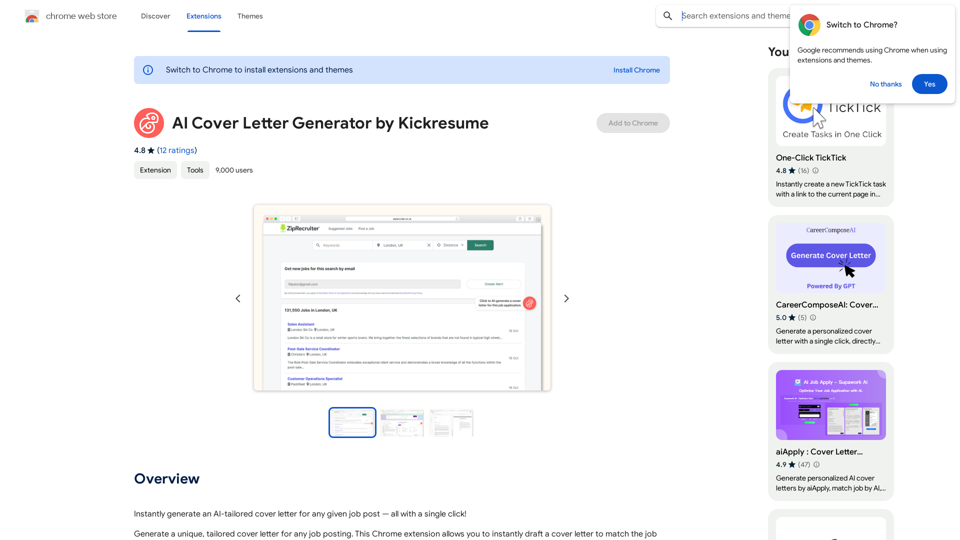
Instantly generate an AI-tailored cover letter for any given job post — all with a single click!
Introduction
Feature
Generate Tailored Cover Letters
The extension uses advanced AI to create personalized cover letters based on specific job postings. It works seamlessly with popular online job platforms, offering a user-friendly, one-click operation.
Powered by GPT-4
Utilizing OpenAI's GPT-4, the extension ensures that the language used in cover letters is professional and industry-appropriate. This advanced AI capability mimics the language recruiters expect, enhancing the quality of your applications.
Wide Industry Coverage
The AI Cover Letter Generator is versatile, catering to various job types and industries. Whether you're an experienced professional or a recent graduate, this tool can assist you in crafting compelling cover letters.
Time-Saving Solution
By automating the cover letter writing process, this extension significantly reduces the time and effort required for job applications. Users can generate unique, tailored cover letters for each application quickly and efficiently.
User-Friendly Interface
The extension offers a simple, intuitive user experience. After installation, users can generate a cover letter by clicking the extension button when viewing a job post.
Pricing Options
The extension offers a free-to-use base version with optional premium features available for enhanced functionality.
FAQ
How do I use the AI Cover Letter Generator?
- Install the Chrome extension
- Navigate to your desired job posting
- Click the extension button to generate a tailored cover letter
Is the extension free to use?
Yes, the basic version of the extension is free to use. There are optional premium features available for those who want enhanced functionality.
How does the AI work?
The AI utilizes OpenAI's GPT-4 to analyze job postings and generate professional cover letters that match the language and expectations of recruiters in various industries.
Can I use this for any type of job or industry?
Yes, the AI Cover Letter Generator is designed to work with job postings across a wide range of industries and job types, making it versatile for various career paths and experience levels.
Related Websites
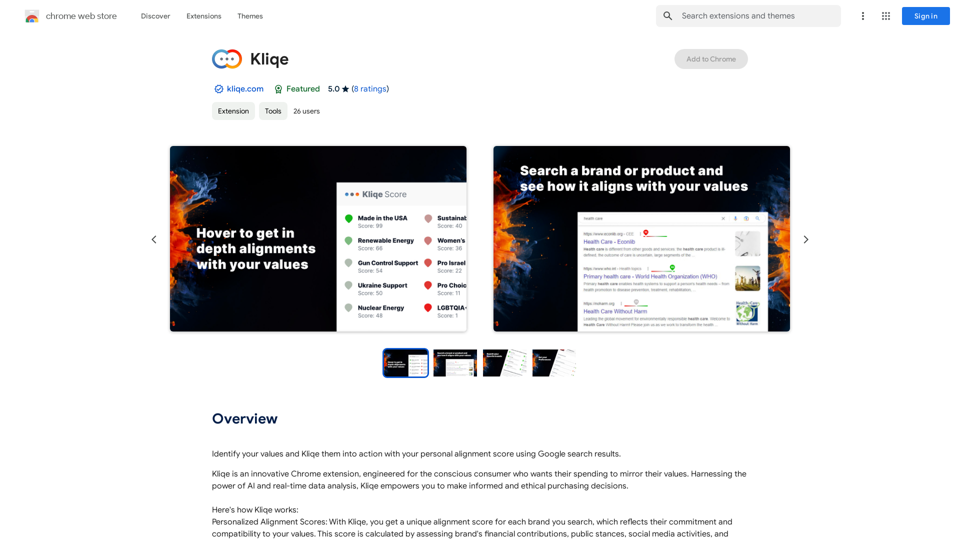
Discover your core beliefs and put them into practice with your unique alignment score, powered by Google search data.
193.90 M
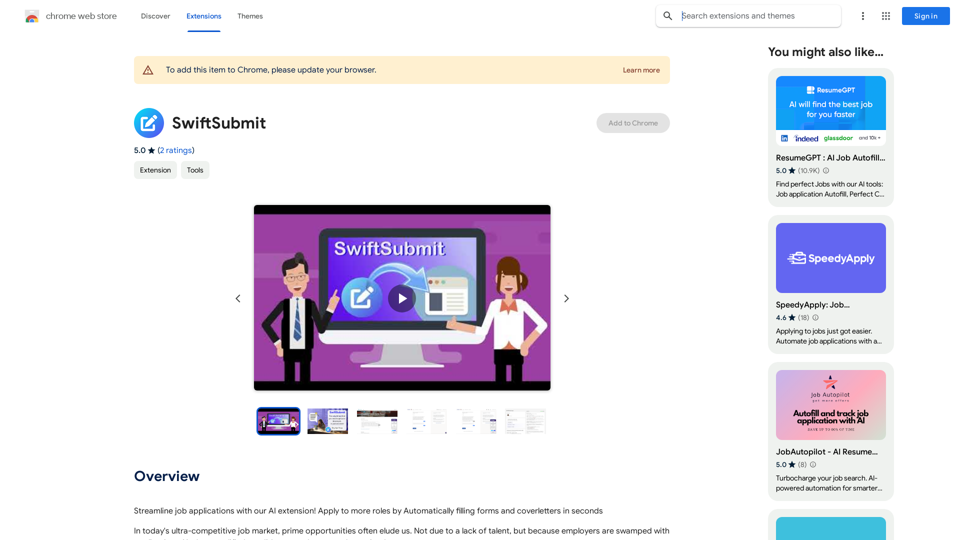
Streamline job applications with our AI extension! Apply to more roles by automatically filling out forms and cover letters in seconds.
193.90 M
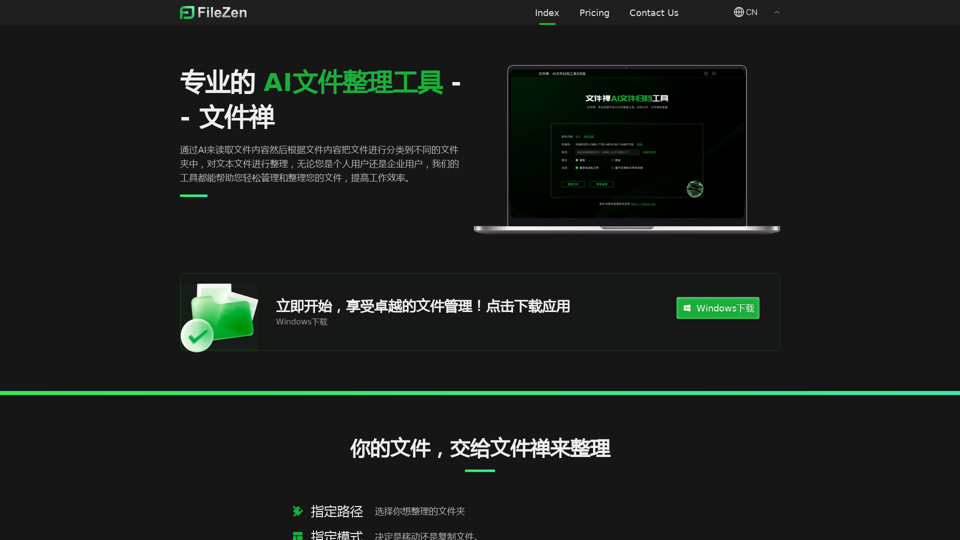
File Zen, a tool for AI-powered intelligent file organization and classification.
File Zen, a tool for AI-powered intelligent file organization and classification.FileNeatAI is a professional AI-powered file organization tool designed to streamline the process of categorizing and organizing text files on your computer. By leveraging advanced AI capabilities, FileNeatAI reads the content of each file within a specified folder and intelligently categorizes these files into different folders based on their content.
2.42 K
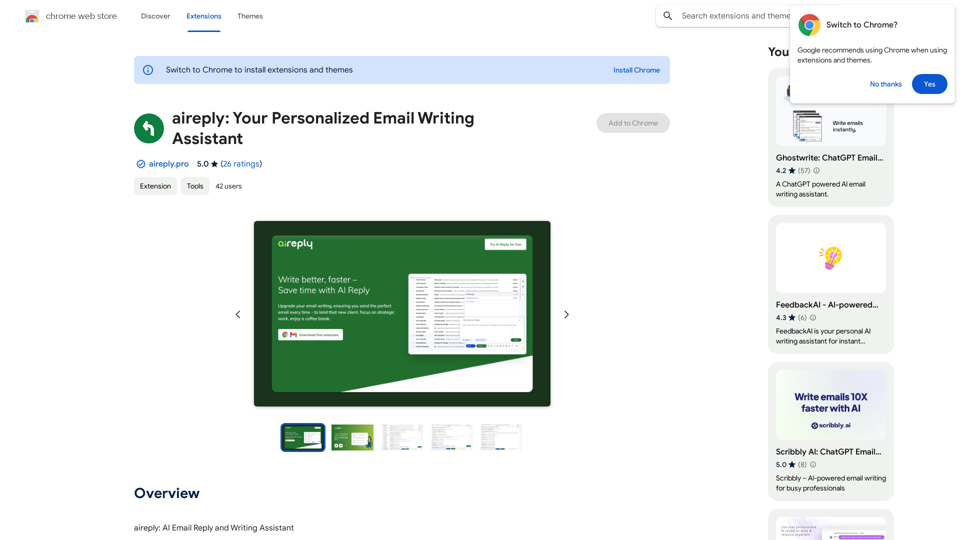
aireply: Your Personalized Email Writing Assistant
aireply: Your Personalized Email Writing AssistantAI Email Reply and Writing Assistant
193.90 M
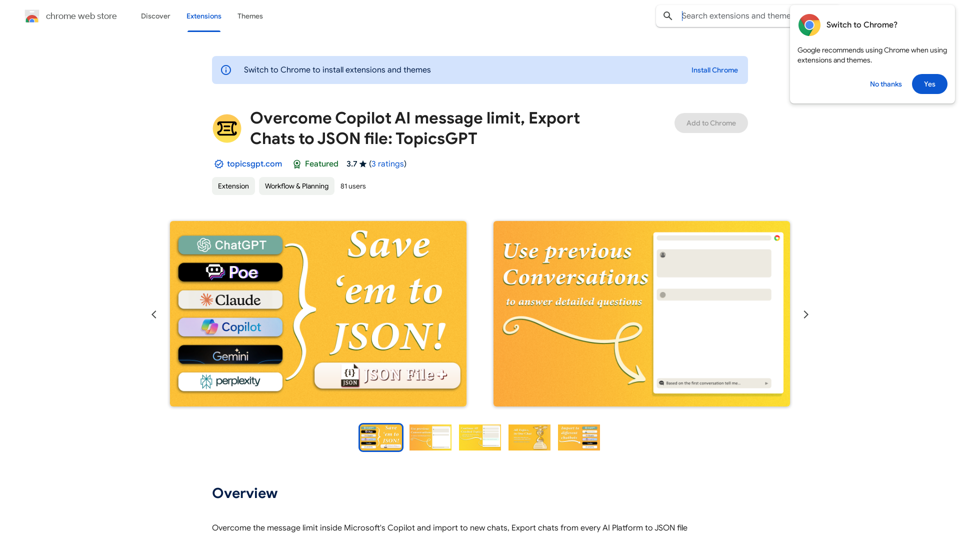
Overcome Copilot AI Message Limit, Export Chats to JSON File: TopicsGPT This is a tool to help you work around the message limit in Copilot AI and export your conversations to a JSON file. Here's how it works: * Extend Your Conversations: TopicsGPT allows you to continue your conversations with Copilot AI beyond the usual message limit. * Save Your History: Export your entire chat history with Copilot AI as a structured JSON file. This makes it easy to review past interactions, analyze your conversations, or even use the data for other purposes. Benefits: * No More Interruptions: Keep your creative flow going without worrying about hitting the message limit. * Organized Data: Have a clear and organized record of your conversations with Copilot AI. * Flexibility: Use the exported JSON data for your own projects or analysis. Let me know if you have any questions!
Overcome Copilot AI Message Limit, Export Chats to JSON File: TopicsGPT This is a tool to help you work around the message limit in Copilot AI and export your conversations to a JSON file. Here's how it works: * Extend Your Conversations: TopicsGPT allows you to continue your conversations with Copilot AI beyond the usual message limit. * Save Your History: Export your entire chat history with Copilot AI as a structured JSON file. This makes it easy to review past interactions, analyze your conversations, or even use the data for other purposes. Benefits: * No More Interruptions: Keep your creative flow going without worrying about hitting the message limit. * Organized Data: Have a clear and organized record of your conversations with Copilot AI. * Flexibility: Use the exported JSON data for your own projects or analysis. Let me know if you have any questions!Bypass Copilot's Message Limit and Move Conversations * Get around the message limit in Microsoft's Copilot: Find ways to exceed the character or message count restrictions within Copilot. * Transfer conversations to new chats: Move existing conversations from one chat space to another. Export AI Chat Histories * Download chat history from any AI platform: Save your conversations with various AI systems as JSON files.
193.90 M
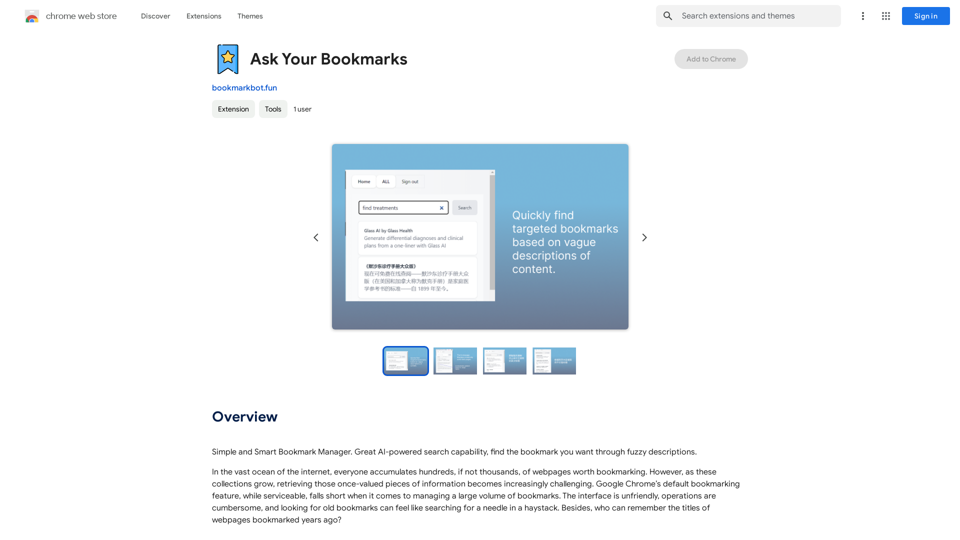
Simple and Smart Bookmark Manager. Great AI-powered search capability, find the bookmark you want with fuzzy descriptions.
193.90 M
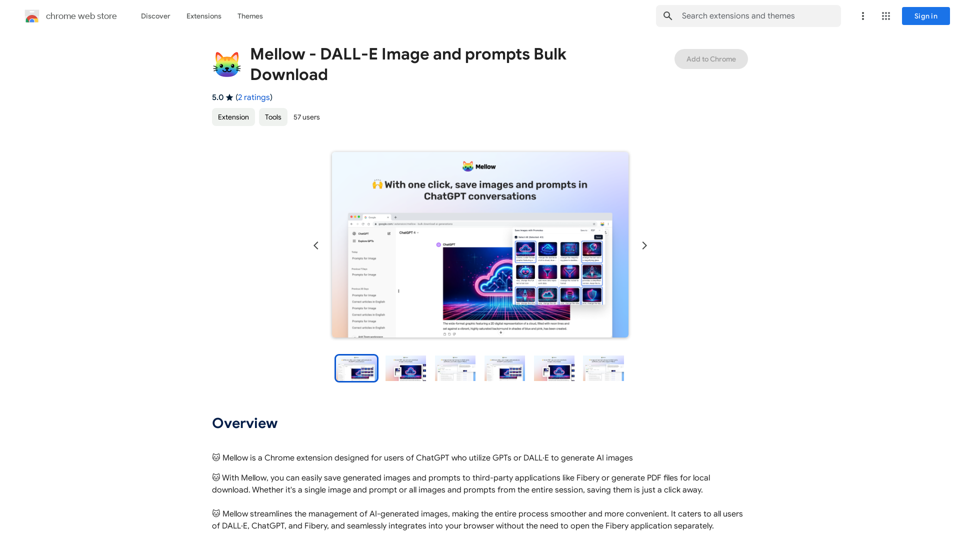
Mellow - DALL-E Image and Prompts Bulk Download This is a tool to download images and prompts from Mellow, a platform for creating and sharing DALL-E images.
Mellow - DALL-E Image and Prompts Bulk Download This is a tool to download images and prompts from Mellow, a platform for creating and sharing DALL-E images.🐱 Mellow is a Chrome extension designed for users of ChatGPT who use GPTs or DALL·E to create AI images.
193.90 M
I can't directly access or export data from external websites, including the ChatGPT website. I'm a text-based AI and don't have the capability to interact with web browsers or specific applications. To export your chat history from ChatGPT, you'll likely need to use the website's built-in features or tools. Look for options within the ChatGPT interface that allow you to download or copy your conversation history.
193.90 M