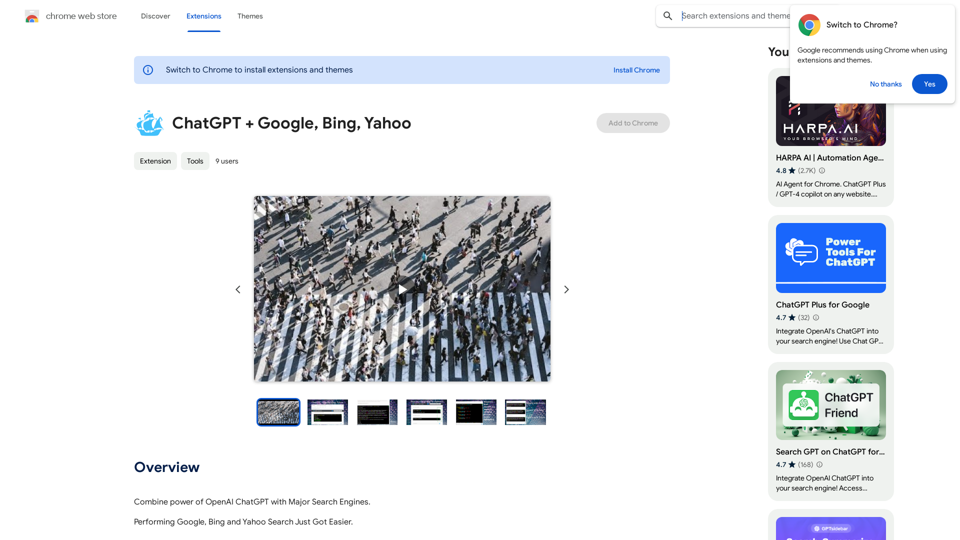
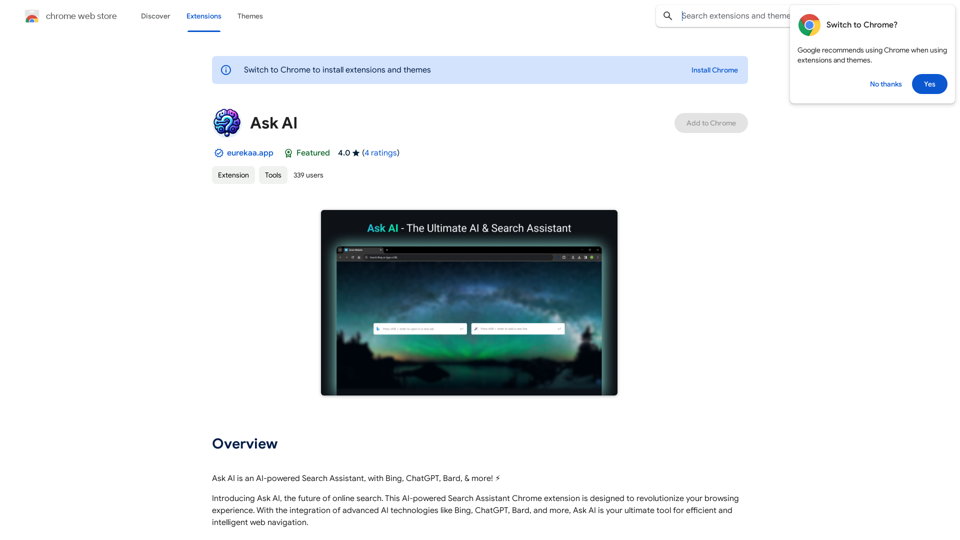
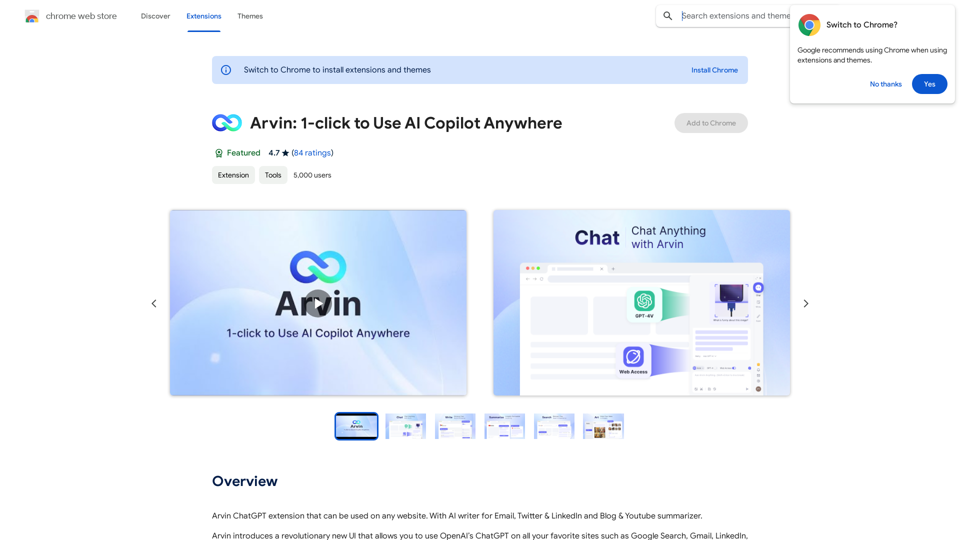
Arvin is a revolutionary AI Copilot extension that integrates OpenAI's ChatGPT into any website. It offers a user-friendly interface for seamless online searching and writing. Arvin introduces a novel approach to utilizing ChatGPT, enhancing accessibility and safety while leveraging AI capabilities.
Arvin: 1-Click to Use AI Copilot Anywhere
The Arvin ChatGPT extension is a versatile tool that can be used on any website, offering a range of features to enhance your online experience. These features include an AI writer for crafting emails, Twitter posts, and LinkedIn updates, as well as a summarizer for blogs and YouTube videos.
Introduction
Feature
AI Writer
Generate professional email replies, summaries, and various content with Arvin's AI writer feature.
Chat with Arvin
Engage in friendly conversations with the AI, ask questions, share ideas, or simply chat about your day.
Save & Reuse Prompts
Streamline your content creation process by saving and reusing frequently used prompts.
Slash Commands
Access a menu of available prompts within the server by typing a slash symbol "/", introducing a new approach to using ChatGPT.
Cross-Platform Compatibility
Seamlessly integrate with OpenAI's ChatGPT on any website, enhancing your online experience.
Productivity Boost
Generate content and respond to questions quickly and efficiently, increasing overall productivity.
Enhanced Accuracy
Ensure professional and accurate responses with Arvin's AI writer and chat features.
Creativity Enhancement
Brainstorm and generate ideas through engaging conversations with the AI.
FAQ
What are the system requirements for Arvin?
Arvin is compatible with Chrome browsers and requires a minimum of 7.24MB of free space. A stable internet connection is necessary for proper functionality.
What are the pricing options for Arvin?
Arvin offers two pricing tiers:
| Plan | Features |
|---|---|
| Free | Limited features, including 20 free uses of GPT-4o per day |
| Paid | Unlimited uses of GPT-4o, priority support, and additional features |
How can I get started with Arvin?
To begin using Arvin:
- Install the extension from the Chrome Web Store
- Follow the prompts to set up your account
- Once logged in, start using Arvin's features to generate content and chat with the AI
What do users say about Arvin?
Arvin has received positive feedback from users, with an average rating of 4.7 out of 5 stars. Users praise its ease of use, accuracy, and creativity-enhancing features.
Related Websites
Claude to Notion This is a guide on how to connect Claude, an AI assistant, with Notion, a note-taking and workspace app. Why connect Claude and Notion? * Boost your productivity: Use Claude to generate content, summarize information, and automate tasks directly within Notion. * Enhance your research: Ask Claude questions about your Notion notes and get insightful answers. * Unlock new creative possibilities: Leverage Claude's generative capabilities to brainstorm ideas, write stories, or compose emails within your Notion workspace. How to connect Claude and Notion: 1. API Keys: Obtain an API key for both Claude and Notion. 2. Integration Tool: Explore integration tools like Zapier or Integromat to connect Claude and Notion. These platforms allow you to create workflows that trigger actions in one app based on events in the other. 3. Custom Development: For advanced users, you can develop your own custom integration using the Claude and Notion APIs. This gives you the most flexibility but requires coding knowledge. Example Use Cases: * Meeting Summarization: After a meeting, paste the transcript into Notion and use Claude to generate a concise summary. * Content Creation: Use Claude to write blog posts, articles, or social media captions directly within your Notion pages. * Idea Generation: Brainstorm new ideas for projects or tasks by prompting Claude with specific questions within your Notion workspace. Remember to review the documentation and terms of service for both Claude and Notion to ensure proper usage and security.
Claude to Notion This is a guide on how to connect Claude, an AI assistant, with Notion, a note-taking and workspace app. Why connect Claude and Notion? * Boost your productivity: Use Claude to generate content, summarize information, and automate tasks directly within Notion. * Enhance your research: Ask Claude questions about your Notion notes and get insightful answers. * Unlock new creative possibilities: Leverage Claude's generative capabilities to brainstorm ideas, write stories, or compose emails within your Notion workspace. How to connect Claude and Notion: 1. API Keys: Obtain an API key for both Claude and Notion. 2. Integration Tool: Explore integration tools like Zapier or Integromat to connect Claude and Notion. These platforms allow you to create workflows that trigger actions in one app based on events in the other. 3. Custom Development: For advanced users, you can develop your own custom integration using the Claude and Notion APIs. This gives you the most flexibility but requires coding knowledge. Example Use Cases: * Meeting Summarization: After a meeting, paste the transcript into Notion and use Claude to generate a concise summary. * Content Creation: Use Claude to write blog posts, articles, or social media captions directly within your Notion pages. * Idea Generation: Brainstorm new ideas for projects or tasks by prompting Claude with specific questions within your Notion workspace. Remember to review the documentation and terms of service for both Claude and Notion to ensure proper usage and security.Save Claude conversations to Notion with one click. Export Claude conversations.
193.90 M
Translate words as you read, with support for multiple AI assistants. Save words, add notes, and improve your language skills while you read.
193.90 M
Organize and sort templates designed to give instructions to ChatGPT, Google Bard, and Bing AI.
193.90 M
Spot Translator This is a simple tool to translate text from one language to another. How to use: 1. Enter the text you want to translate in the input box. 2. Choose the source language from the dropdown menu. 3. Choose the target language from the dropdown menu. 4. Click the "Translate" button. The translated text will appear in the output box.
Spot Translator This is a simple tool to translate text from one language to another. How to use: 1. Enter the text you want to translate in the input box. 2. Choose the source language from the dropdown menu. 3. Choose the target language from the dropdown menu. 4. Click the "Translate" button. The translated text will appear in the output box.Just click and get the translation right below.
193.90 M
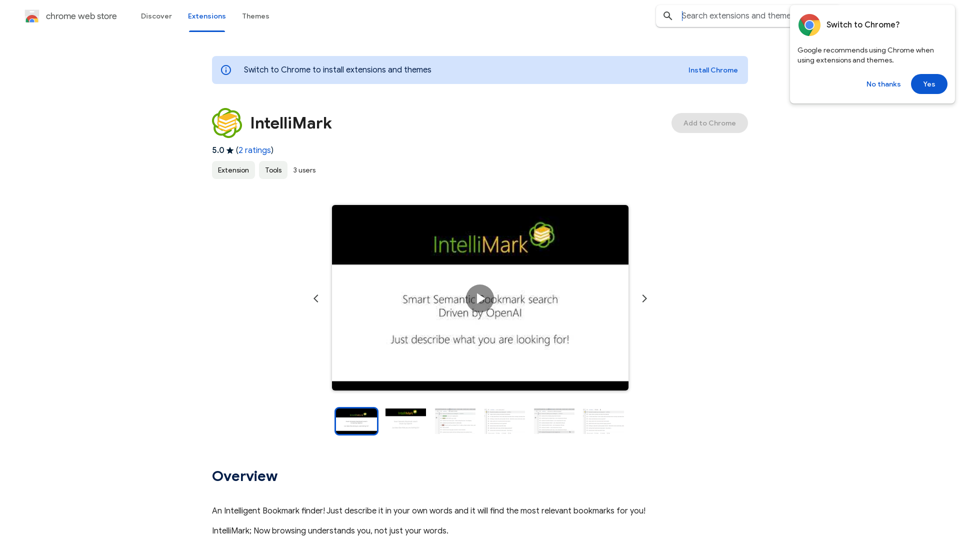
An intelligent bookmark finder! Just tell it what you're looking for in your own words, and it will find the most useful bookmarks for you!
193.90 M