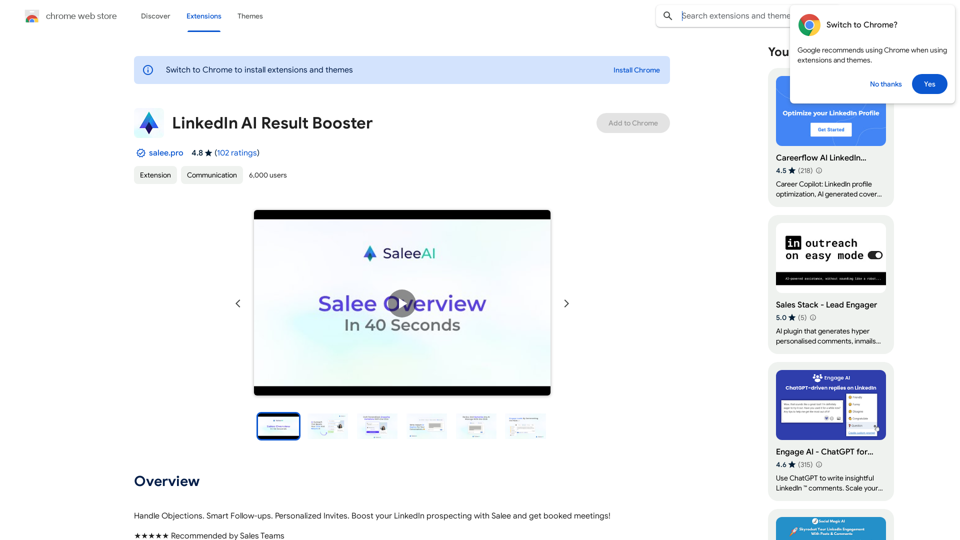
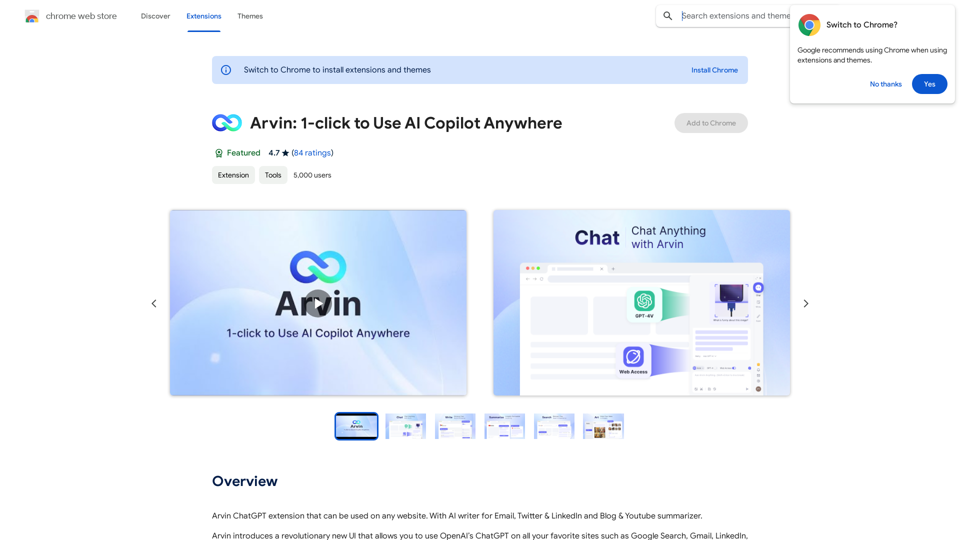
Arvin is a revolutionary AI Copilot extension that integrates OpenAI's ChatGPT into any website. It offers a user-friendly interface for seamless online searching and writing. Arvin introduces a novel approach to utilizing ChatGPT, enhancing accessibility and safety while leveraging AI capabilities.
Arvin: 1-Click to Use AI Copilot Anywhere
The Arvin ChatGPT extension is a versatile tool that can be used on any website, offering a range of features to enhance your online experience. These features include an AI writer for crafting emails, Twitter posts, and LinkedIn updates, as well as a summarizer for blogs and YouTube videos.
Introduction
Feature
AI Writer
Generate professional email replies, summaries, and various content with Arvin's AI writer feature.
Chat with Arvin
Engage in friendly conversations with the AI, ask questions, share ideas, or simply chat about your day.
Save & Reuse Prompts
Streamline your content creation process by saving and reusing frequently used prompts.
Slash Commands
Access a menu of available prompts within the server by typing a slash symbol "/", introducing a new approach to using ChatGPT.
Cross-Platform Compatibility
Seamlessly integrate with OpenAI's ChatGPT on any website, enhancing your online experience.
Productivity Boost
Generate content and respond to questions quickly and efficiently, increasing overall productivity.
Enhanced Accuracy
Ensure professional and accurate responses with Arvin's AI writer and chat features.
Creativity Enhancement
Brainstorm and generate ideas through engaging conversations with the AI.
FAQ
What are the system requirements for Arvin?
Arvin is compatible with Chrome browsers and requires a minimum of 7.24MB of free space. A stable internet connection is necessary for proper functionality.
What are the pricing options for Arvin?
Arvin offers two pricing tiers:
| Plan | Features |
|---|---|
| Free | Limited features, including 20 free uses of GPT-4o per day |
| Paid | Unlimited uses of GPT-4o, priority support, and additional features |
How can I get started with Arvin?
To begin using Arvin:
- Install the extension from the Chrome Web Store
- Follow the prompts to set up your account
- Once logged in, start using Arvin's features to generate content and chat with the AI
What do users say about Arvin?
Arvin has received positive feedback from users, with an average rating of 4.7 out of 5 stars. Users praise its ease of use, accuracy, and creativity-enhancing features.
Related Websites
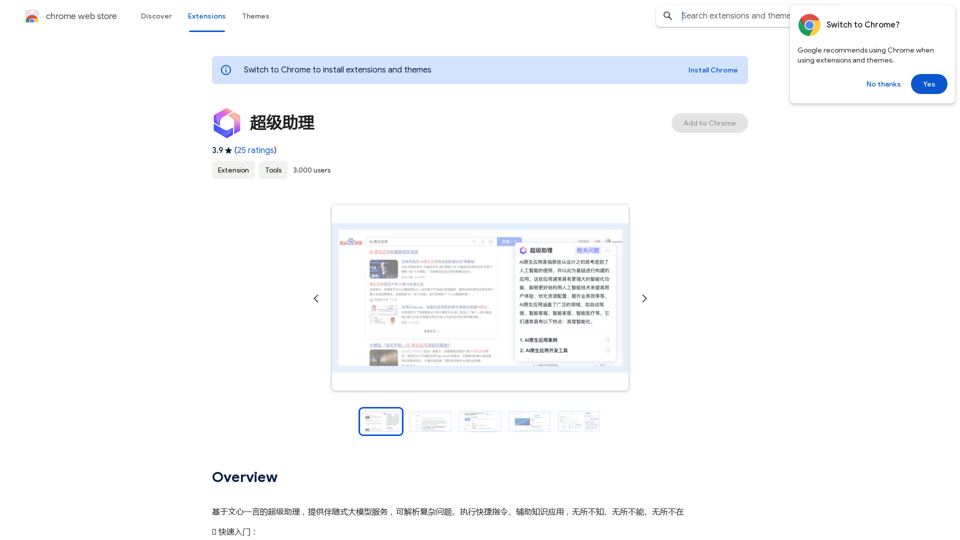
A super assistant based on Wenxin Yiyan, providing companion-style large model services. It can parse complex questions, execute quick commands, and assist with knowledge applications. It knows everything, can do everything, and is everywhere.
193.90 M
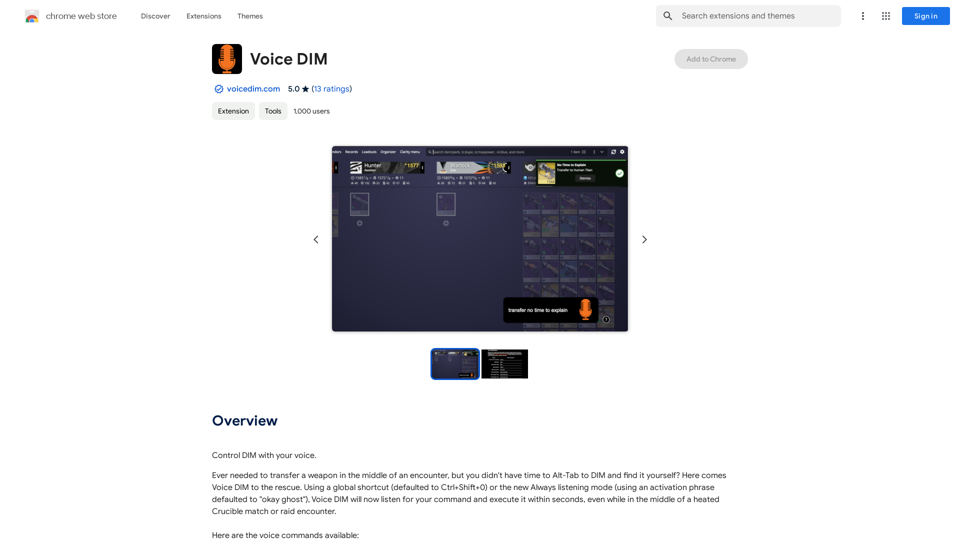
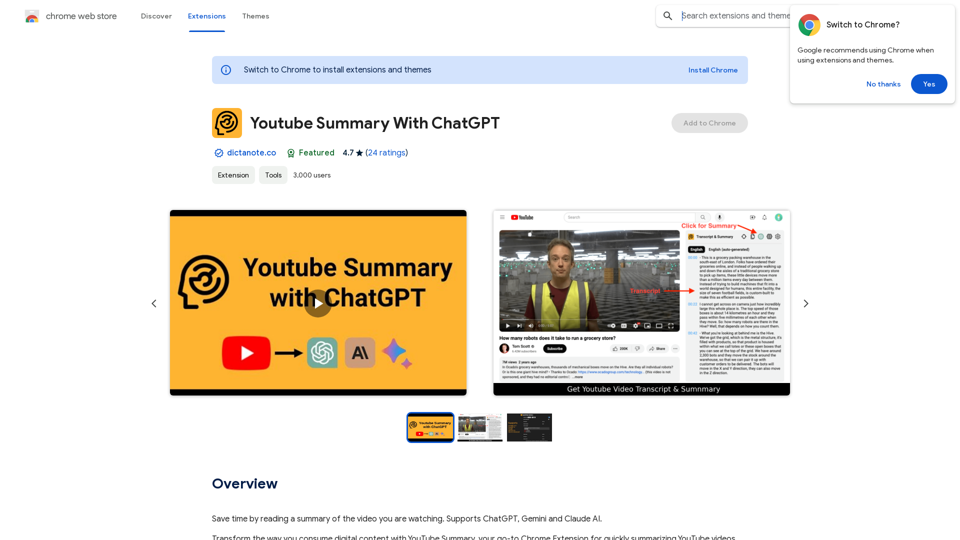
Save time by reading a summary of the video you are watching. Supports ChatGPT, Gemini, and Claude AI.
193.90 M
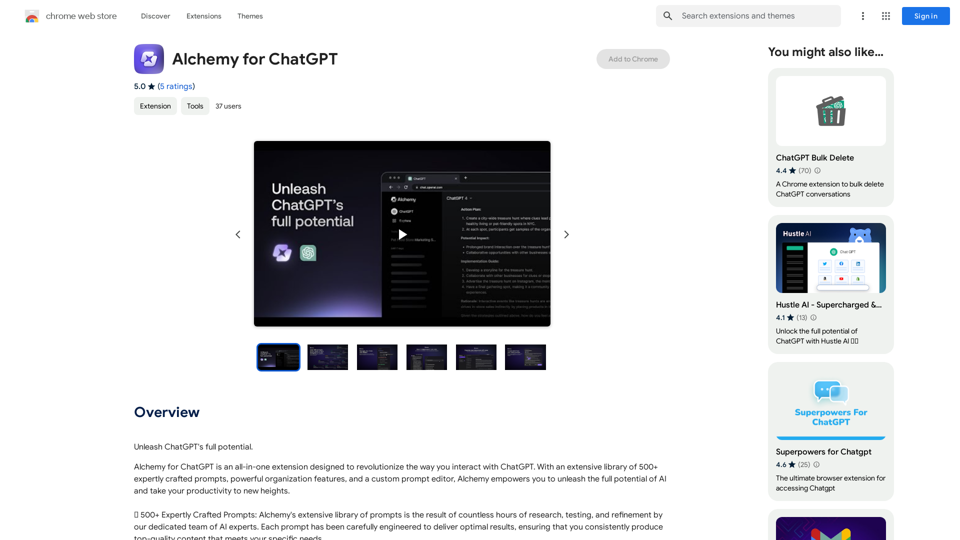
Alchemy for ChatGPT Introduction Alchemy is a powerful framework for building and deploying large language models (LLMs) like ChatGPT. It provides a comprehensive set of tools and resources to streamline the entire LLM development lifecycle, from training to deployment and monitoring. Key Features * Modular Design: Alchemy is built with a modular architecture, allowing developers to easily customize and extend its functionality. * Fine-Tuning Capabilities: Alchemy offers robust fine-tuning capabilities, enabling users to adapt pre-trained LLMs to specific tasks and domains. * Deployment Flexibility: Alchemy supports deployment across various platforms, including cloud, on-premise, and edge devices. * Monitoring and Evaluation: Alchemy provides tools for monitoring LLM performance and evaluating their effectiveness. Benefits * Accelerated Development: Alchemy's modularity and pre-built components significantly reduce development time and effort. * Improved Accuracy: Fine-tuning capabilities allow for higher accuracy and performance on specific tasks. * Scalability and Reliability: Alchemy's deployment flexibility ensures scalability and reliability for diverse applications. * Cost-Effectiveness: Alchemy's efficient resource utilization and streamlined workflows contribute to cost savings. Use Cases Alchemy can be used in a wide range of applications, including: * Chatbots and Conversational AI: * Text Generation and Summarization: * Code Generation and Debugging: * Data Analysis and Insights: * Personalized Learning and Education: Conclusion Alchemy is a powerful and versatile framework that empowers developers to build, deploy, and manage LLMs effectively. Its comprehensive features, benefits, and diverse use cases make it an ideal choice for organizations looking to leverage the transformative potential of LLMs.
Alchemy for ChatGPT Introduction Alchemy is a powerful framework for building and deploying large language models (LLMs) like ChatGPT. It provides a comprehensive set of tools and resources to streamline the entire LLM development lifecycle, from training to deployment and monitoring. Key Features * Modular Design: Alchemy is built with a modular architecture, allowing developers to easily customize and extend its functionality. * Fine-Tuning Capabilities: Alchemy offers robust fine-tuning capabilities, enabling users to adapt pre-trained LLMs to specific tasks and domains. * Deployment Flexibility: Alchemy supports deployment across various platforms, including cloud, on-premise, and edge devices. * Monitoring and Evaluation: Alchemy provides tools for monitoring LLM performance and evaluating their effectiveness. Benefits * Accelerated Development: Alchemy's modularity and pre-built components significantly reduce development time and effort. * Improved Accuracy: Fine-tuning capabilities allow for higher accuracy and performance on specific tasks. * Scalability and Reliability: Alchemy's deployment flexibility ensures scalability and reliability for diverse applications. * Cost-Effectiveness: Alchemy's efficient resource utilization and streamlined workflows contribute to cost savings. Use Cases Alchemy can be used in a wide range of applications, including: * Chatbots and Conversational AI: * Text Generation and Summarization: * Code Generation and Debugging: * Data Analysis and Insights: * Personalized Learning and Education: Conclusion Alchemy is a powerful and versatile framework that empowers developers to build, deploy, and manage LLMs effectively. Its comprehensive features, benefits, and diverse use cases make it an ideal choice for organizations looking to leverage the transformative potential of LLMs.Unlock the full capabilities of ChatGPT.
193.90 M
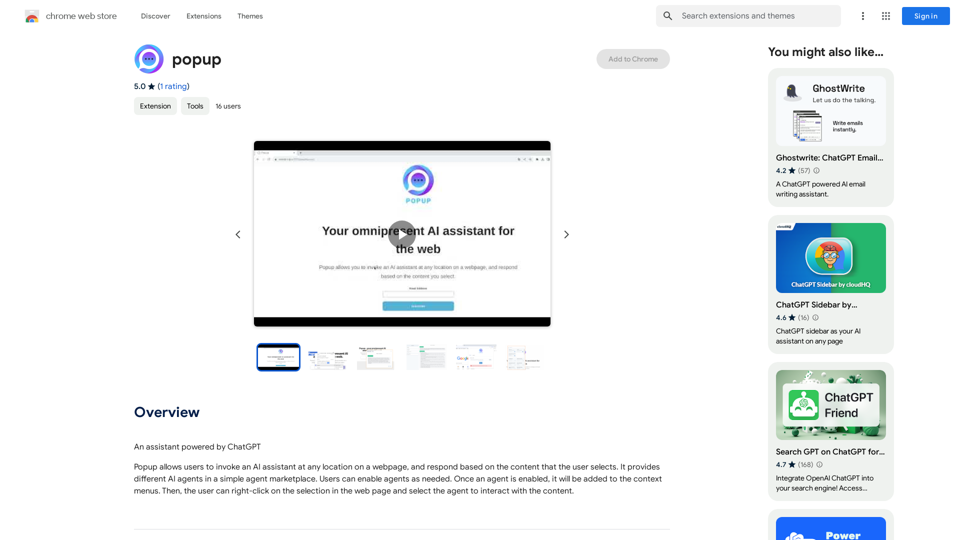

Discover the meaning and stories behind song lyrics. The song says that each verse has a story to tell.
90.21 K