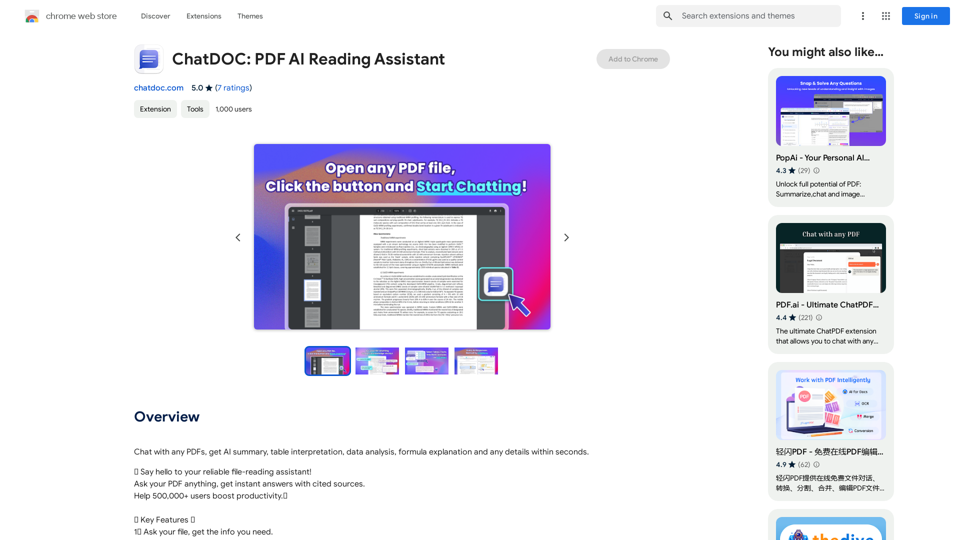
GMPlus is a free Chrome extension that enhances email writing using OpenAI's ChatGPT. It offers AI-powered responses, context-smart compositions, and email completion features to optimize the email writing process. GMPlus supports multiple languages and provides customizable templates, making it a versatile tool for various professionals.
Open AI Chat GPT For Email
Email Completion Suggestions
=============================
Powered by OpenAI, this feature provides intelligent suggestions to complete your emails, saving you time and effort.
How it Works
---------------
1. Start Writing: Begin composing your email as you normally would.
2. AI Takes Over: Our AI engine, powered by OpenAI, kicks in and analyzes the context of your email.
3. Suggestions Appear: Relevant and contextual suggestions will appear, helping you complete your email quickly and efficiently.
Benefits
------------
* Save Time: Get suggestions in real-time, reducing the time spent on writing emails.
* Improve Quality: Enhance the clarity and coherence of your emails with AI-driven suggestions.
* Boost Productivity: Focus on more important tasks while our AI handles the email completion.
Get Started
--------------
Try our email completion suggestions today and experience the power of AI-driven productivity!
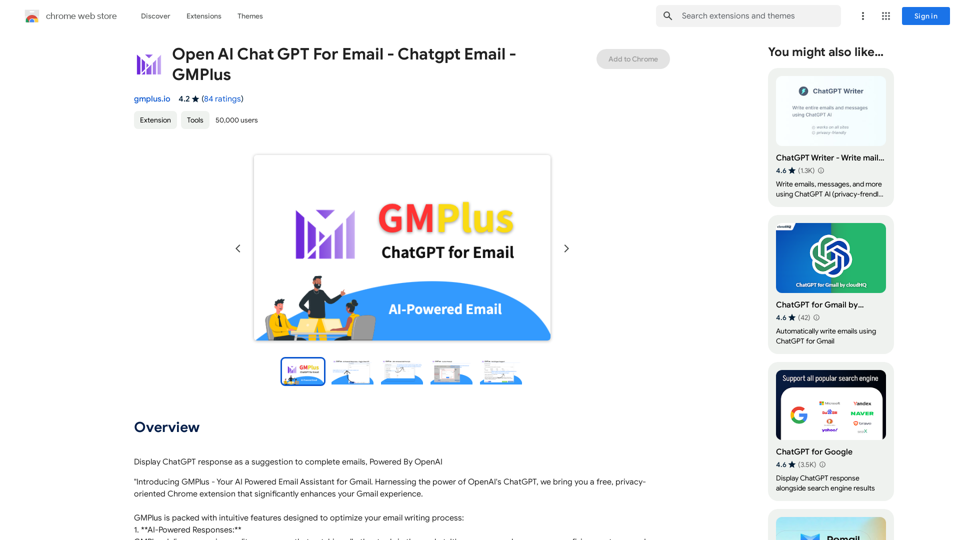
Introduction
Feature
AI-Powered Responses
GMPlus delivers high-quality responses that surpass other tools in the market, ensuring professional and effective email communication.
Context-Smart Compositions
The extension excels at composing emails from given contexts or subjects, allowing users to craft impressive emails from scratch.
Email Completion
GMPlus assists users in concluding their emails by providing completion suggestions based on the email's context.
AI-Generated Prompts
To expedite email creation, GMPlus offers AI-generated prompts tailored to various professions.
Custom Template Storage
Users can save and store frequently used prompts, enhancing efficiency by providing quick access to favorite templates.
Multilingual Support
GMPlus supports all languages, making it a versatile tool for global communication.
Toggle On or Off
Users can adapt GMPlus to their workflow by using it when needed and turning it off when not required.
FAQ
How do I use GMPlus on Gmail?
- Open Gmail and create a new email
- Start writing and seek assistance when needed
- Click the GMPlus icon below the input box
- Select a suitable prompt
- Review the AI-generated draft and make necessary changes
Who can benefit from GMPlus?
Marketing professionals, HR representatives, salespeople, and anyone looking to reduce time spent on composing emails while ensuring clear, concise, and professional messages.
What is the pricing structure for GMPlus?
GMPlus is a free extension with premium plans available for extended usage. The developer is transparent about pricing and plans.
What data is shared with the AI model?
- For new emails: The user prompt
- For replies: Previous email text content (editable to remove sensitive information) and the user prompt
What is GMPlus's privacy policy?
GMPlus respects user privacy and does not use ads, cookies, or third-party trackers.
Related Websites

With just one URL link, you can quickly generate videos in multiple styles using AI. It supports secondary editing and ensures controllable results.
193.90 M
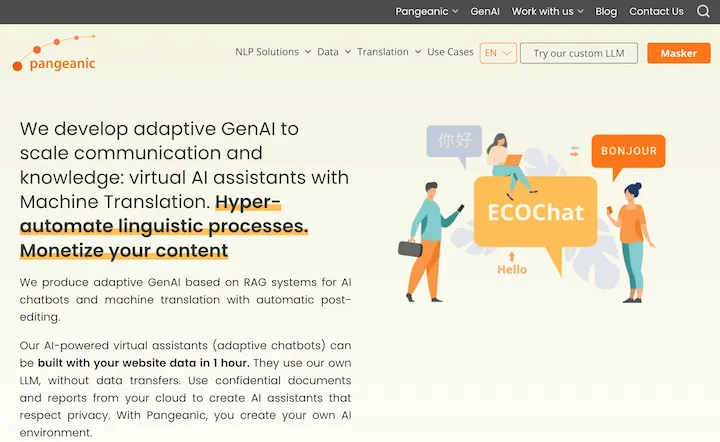
Hyper-automate linguistic services: AI assistants with your data, privacy, automatic translation with automatic post-editing, no hallucinations, human fluency
45.58 K
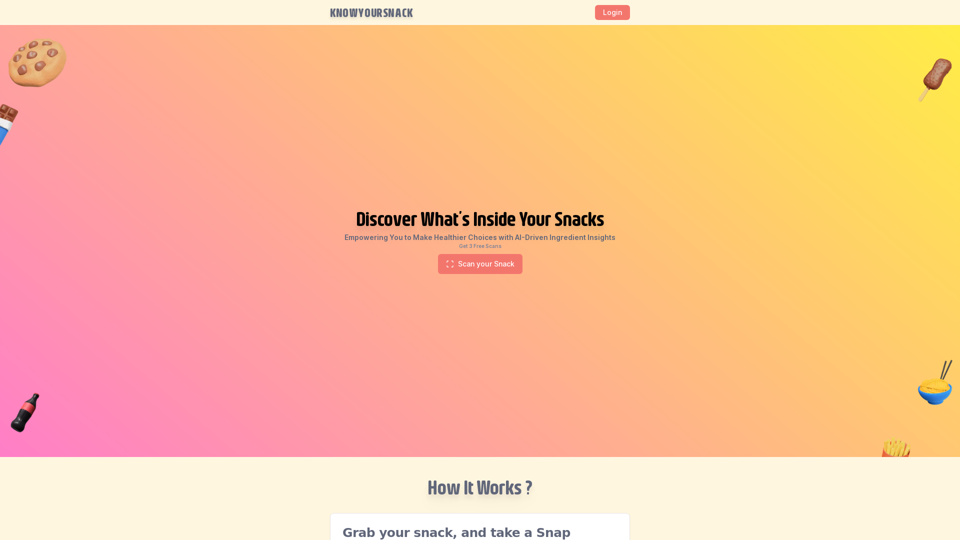
Knowyoursnack - Discover What’s Inside Your Snacks
Knowyoursnack - Discover What’s Inside Your SnacksKnowYourSnack is your personal guide to understanding snack ingredients. Simply snap a photo of the ingredients list on any snack package, and our AI-powered app will identify harmful substances, provide detailed information, and help you make healthier choices.
0
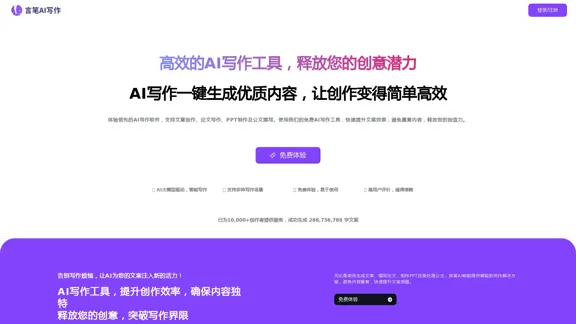
AI Writing Tool - YanbiAI | yanbiai.com | Generate Quality Copy with One Click
AI Writing Tool - YanbiAI | yanbiai.com | Generate Quality Copy with One ClickYanBi AI (yanbiai.com) is a leading AI writing tool that provides intelligent article creation, continuation, rewriting, and polishing services. Use our AI writing software to quickly generate high-quality content, including papers, presentations, official documents, and more, unleashing your creative potential.
13.43 K