Open-source RightAI Tools Directory
  • Discover AI
  • Submit
  • Startup
  • Blog
Open-source RightAI Tools Directory
Discover the best AI tools of 2025 with the RightAI Tools Directory!

Friend Links

AI Anime GeneratorToolsApp AI

Support

Tap4
Privacy policyTerms & ConditionsContact Us
Loading...
loading...

TLDR.AI

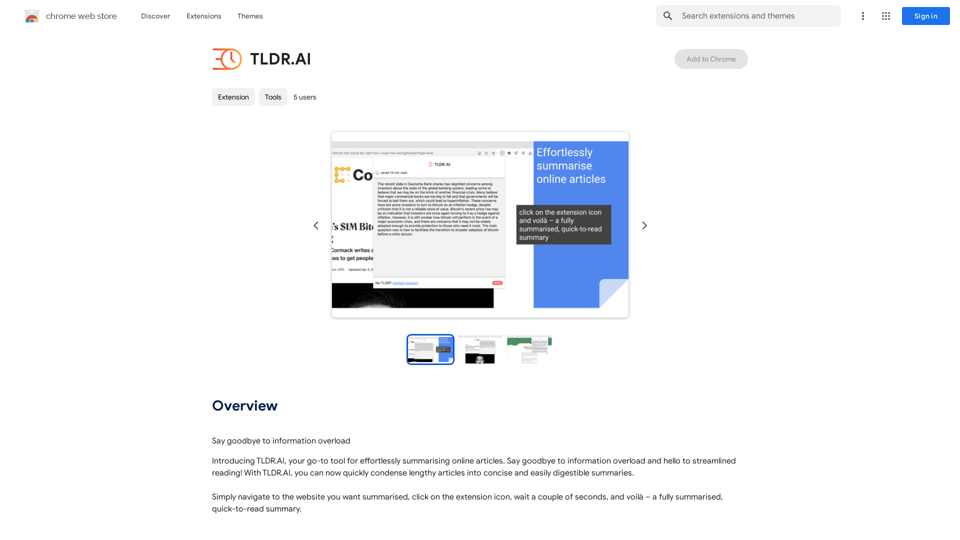
Say goodbye to information overload
Visit Website
TLDR.AI
Visit Website

Introduction

TLDR.AI is an AI-powered platform designed to combat information overload by providing effortless summarization of online articles. This Chrome extension allows users to quickly condense lengthy articles into concise, easily digestible summaries, streamlining the reading process and saving valuable time.

Feature

Effortless Summarization

TLDR.AI simplifies the process of summarizing online articles, requiring just a few clicks to generate concise summaries.

Accurate AI-Driven Summaries

Utilizing advanced AI technology, TLDR.AI produces precise and concise article summaries, ensuring users receive the most crucial information.

User-Friendly Interface

The platform boasts an intuitive interface, making it accessible for users of all technical levels to summarize articles effortlessly.

Free to Use

TLDR.AI is available as a free Chrome extension, with no subscription fees or hidden costs, allowing unlimited usage.

Cross-Device Compatibility

Users can install and use TLDR.AI across multiple devices, ensuring consistent access to summarization capabilities.

Data Privacy

TLDR.AI prioritizes user data protection, ensuring that personal information is not sold to third parties or used for unrelated purposes.

FAQ

How do I use TLDR.AI?

  1. Install the TLDR.AI extension in your Chrome browser
  2. Navigate to the article you want to summarize
  3. Click the TLDR.AI icon in your browser toolbar
  4. Wait a few seconds for the AI to generate a concise summary

Is TLDR.AI free to use?

Yes, TLDR.AI is a completely free extension with no subscription fees or hidden costs.

How accurate are the summaries generated by TLDR.AI?

TLDR.AI utilizes advanced AI technology to provide accurate and concise summaries of articles, ensuring high-quality results.

Latest Traffic Insights

  • Monthly Visits

    193.90 M

  • Bounce Rate

    56.27%

  • Pages Per Visit

    2.71

  • Time on Site(s)

    115.91

  • Global Rank

    -

  • Country Rank

    -

Recent Visits

Traffic Sources

  • Social Media:
    0.48%
  • Paid Referrals:
    0.55%
  • Email:
    0.15%
  • Referrals:
    12.81%
  • Search Engines:
    16.21%
  • Direct:
    69.81%
More Data

Related Websites

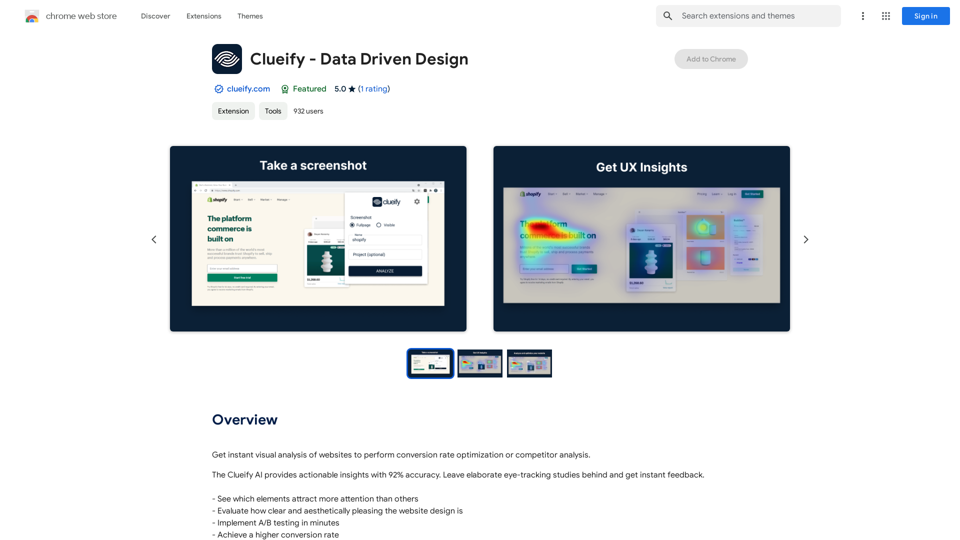
Shift-Ctrl-F: Semantic Search for the Browser
View Detail

Shift-Ctrl-F: Semantic Search for the Browser

Shift-Ctrl-F: Semantic Search for the Browser

Find information on a webpage using everyday words.

193.90 M
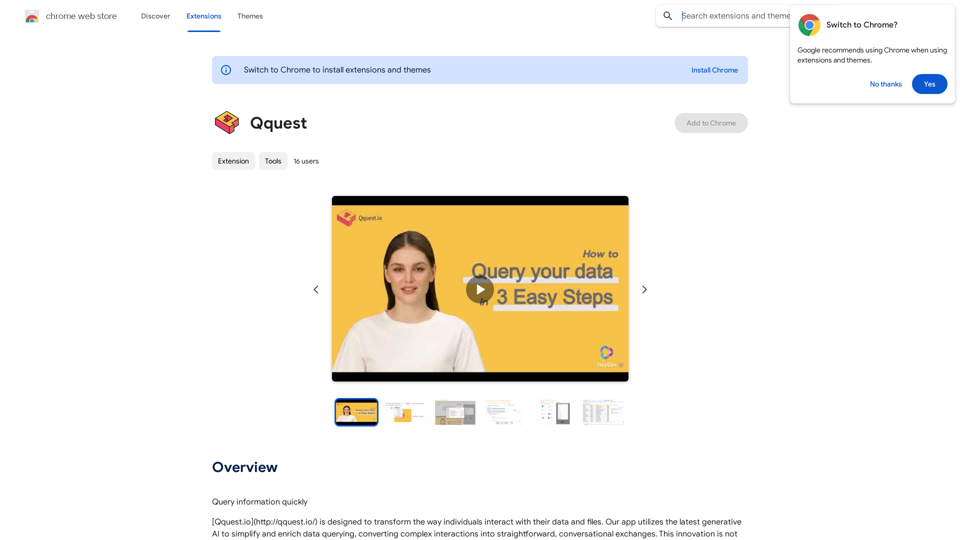
Magic Cal
View Detail

Magic Cal

Magic Cal

Make events with AI -- ChatGPT in Google Calendar This is a guide on how to use ChatGPT to create events in your Google Calendar. 1. Open ChatGPT and Google Calendar: * Start a new conversation in ChatGPT. * Open your Google Calendar in a separate tab or window. 2. Tell ChatGPT what you want to schedule: * Be specific about the event details, including: * Event name: (e.g., "Team Meeting") * Date and time: (e.g., "Next Tuesday at 2:00 PM") * Duration: (e.g., "1 hour") * Location: (e.g., "Conference Room") * Description: (optional, add any relevant details) 3. ChatGPT will generate a calendar event string: * ChatGPT will provide you with a text string that includes all the event details in a format suitable for Google Calendar. 4. Copy and paste the event string into Google Calendar: * Click on the "Create" button in Google Calendar. * Paste the event string generated by ChatGPT into the event details field. * Adjust any details if needed. 5. Save the event: * Click "Save" to add the event to your Google Calendar. Let me know if you have any other questions.

193.90 M
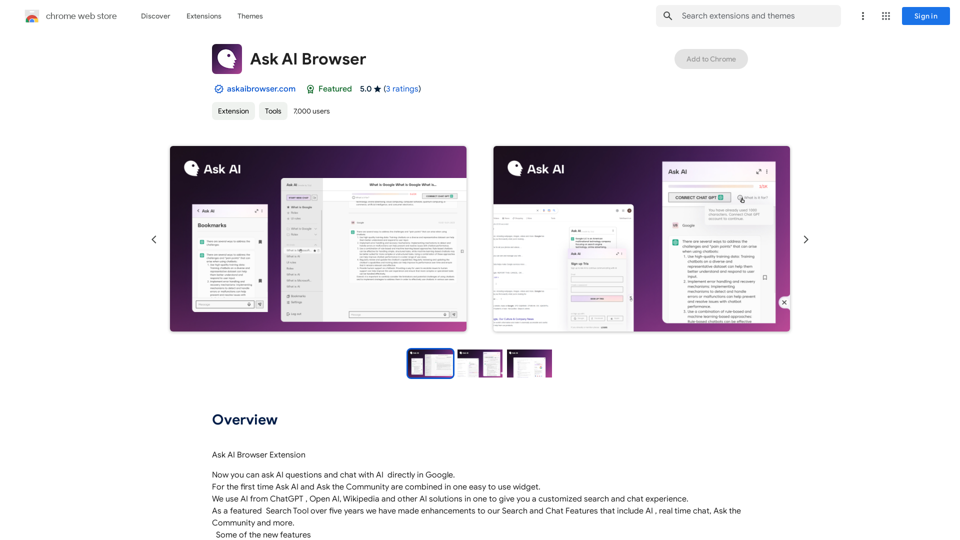
Mindie - Your AI Second Brain
View Detail

Mindie - Your AI Second Brain

Mindie - Your AI Second Brain

Talk to anything on the web, like YouTube videos, PDFs, or blogs - almost anything!

193.90 M
SafeGPT
===============

SafeGPT is an AI model designed to generate human-like text while avoiding harmful or toxic content. It is trained on a massive dataset of text from the internet and can understand and respond to user input in a conversational manner. SafeGPT is capable of generating text on a wide range of topics, from simple questions to complex discussions, and can even create stories, dialogues, and more.

Key Features:

* Harmless responses: SafeGPT is designed to avoid generating harmful or toxic content, making it a safe and reliable tool for users of all ages.
* Conversational understanding: SafeGPT can understand and respond to user input in a conversational manner, making it feel more like a human-like interaction.
* Creative freedom: SafeGPT can generate text on a wide range of topics, from simple questions to complex discussions, and can even create stories, dialogues, and more.
* Continuous learning: SafeGPT is constantly learning and improving its responses based on user feedback, ensuring that it becomes more accurate and helpful over time.

Use Cases:

* Chatbots and virtual assistants: SafeGPT can be used to power chatbots and virtual assistants, providing users with a safe and reliable way to interact with machines.
* Content generation: SafeGPT can be used to generate content for websites, social media, and other platforms, helping to reduce the workload of content creators.
* Language learning: SafeGPT can be used to help language learners practice their conversational skills, providing them with a safe and interactive way to improve their language abilities.

Benefits:

* Improved safety: SafeGPT's ability to avoid generating harmful or toxic content makes it a safer tool for users of all ages.
* Increased creativity: SafeGPT's ability to generate text on a wide range of topics and in various styles makes it a valuable tool for content creators and language learners.
* Enhanced user experience: SafeGPT's conversational understanding and ability to respond in a human-like manner make it a more enjoyable and interactive tool for users.
View Detail

SafeGPT =============== SafeGPT is an AI model designed to generate human-like text while avoiding harmful or toxic content. It is trained on a massive dataset of text from the internet and can understand and respond to user input in a conversational manner. SafeGPT is capable of generating text on a wide range of topics, from simple questions to complex discussions, and can even create stories, dialogues, and more. Key Features: * Harmless responses: SafeGPT is designed to avoid generating harmful or toxic content, making it a safe and reliable tool for users of all ages. * Conversational understanding: SafeGPT can understand and respond to user input in a conversational manner, making it feel more like a human-like interaction. * Creative freedom: SafeGPT can generate text on a wide range of topics, from simple questions to complex discussions, and can even create stories, dialogues, and more. * Continuous learning: SafeGPT is constantly learning and improving its responses based on user feedback, ensuring that it becomes more accurate and helpful over time. Use Cases: * Chatbots and virtual assistants: SafeGPT can be used to power chatbots and virtual assistants, providing users with a safe and reliable way to interact with machines. * Content generation: SafeGPT can be used to generate content for websites, social media, and other platforms, helping to reduce the workload of content creators. * Language learning: SafeGPT can be used to help language learners practice their conversational skills, providing them with a safe and interactive way to improve their language abilities. Benefits: * Improved safety: SafeGPT's ability to avoid generating harmful or toxic content makes it a safer tool for users of all ages. * Increased creativity: SafeGPT's ability to generate text on a wide range of topics and in various styles makes it a valuable tool for content creators and language learners. * Enhanced user experience: SafeGPT's conversational understanding and ability to respond in a human-like manner make it a more enjoyable and interactive tool for users.

SafeGPT =============== SafeGPT is an AI model designed to generate human-like text while avoiding harmful or toxic content. It is trained on a massive dataset of text from the internet and can understand and respond to user input in a conversational manner. SafeGPT is capable of generating text on a wide range of topics, from simple questions to complex discussions, and can even create stories, dialogues, and more. Key Features: * Harmless responses: SafeGPT is designed to avoid generating harmful or toxic content, making it a safe and reliable tool for users of all ages. * Conversational understanding: SafeGPT can understand and respond to user input in a conversational manner, making it feel more like a human-like interaction. * Creative freedom: SafeGPT can generate text on a wide range of topics, from simple questions to complex discussions, and can even create stories, dialogues, and more. * Continuous learning: SafeGPT is constantly learning and improving its responses based on user feedback, ensuring that it becomes more accurate and helpful over time. Use Cases: * Chatbots and virtual assistants: SafeGPT can be used to power chatbots and virtual assistants, providing users with a safe and reliable way to interact with machines. * Content generation: SafeGPT can be used to generate content for websites, social media, and other platforms, helping to reduce the workload of content creators. * Language learning: SafeGPT can be used to help language learners practice their conversational skills, providing them with a safe and interactive way to improve their language abilities. Benefits: * Improved safety: SafeGPT's ability to avoid generating harmful or toxic content makes it a safer tool for users of all ages. * Increased creativity: SafeGPT's ability to generate text on a wide range of topics and in various styles makes it a valuable tool for content creators and language learners. * Enhanced user experience: SafeGPT's conversational understanding and ability to respond in a human-like manner make it a more enjoyable and interactive tool for users.

Safe Web Co-pilot

193.90 M
NotionAI Plugin
View Detail

NotionAI Plugin

NotionAI Plugin

The best alternative to a Notion AI subscription.

193.90 M
Scribbl: AI Meeting Notes for Google Meet
View Detail

Scribbl: AI Meeting Notes for Google Meet

Scribbl: AI Meeting Notes for Google Meet

Scribbl can record, transcribe, and generate extremely accurate ChatGPT AI meeting summaries for Google Meet.

193.90 M
Talkative
View Detail

Talkative

Talkative

Chat with Web-LLM Models in the Browser You can interact with Web-LLM models directly in your web browser without requiring any additional setup or installation. This allows you to easily experiment with and explore the capabilities of these models. Getting Started To get started, simply open a web browser and navigate to the Web-LLM model's website or platform. Once you're on the website, you can usually find a chat interface or text input field where you can enter your prompts or questions. How it Works When you enter a prompt or question, the Web-LLM model processes your input and generates a response. This response is then displayed in the chat interface or output field, allowing you to read and interact with the model's output. Benefits The benefits of chatting with Web-LLM models in the browser include: * Convenience: No need to install any software or set up any development environments. * Accessibility: Anyone with a web browser can interact with the model, regardless of their technical expertise. * Ease of use: The chat interface provides a user-friendly way to interact with the model, making it easy to experiment and explore its capabilities. Use Cases Some potential use cases for chatting with Web-LLM models in the browser include: * Research and development: Quickly experiment with different models and prompts to explore their capabilities and limitations. * Education and learning: Use the chat interface to teach students about AI and language models, or to provide interactive learning experiences. * Creative writing and ideation: Use the model as a tool to generate ideas, write stories, or create poetry. Overall, chatting with Web-LLM models in the browser provides a convenient and accessible way to interact with these powerful language models, and can be a valuable tool for a wide range of applications.

2.59 K
YouTube Chinese Dubbing
View Detail

YouTube Chinese Dubbing

YouTube Chinese Dubbing

When watching English videos on YouTube, click the plugin icon, and it will automatically translate and then read aloud in Chinese.

193.90 M