Text&Writing
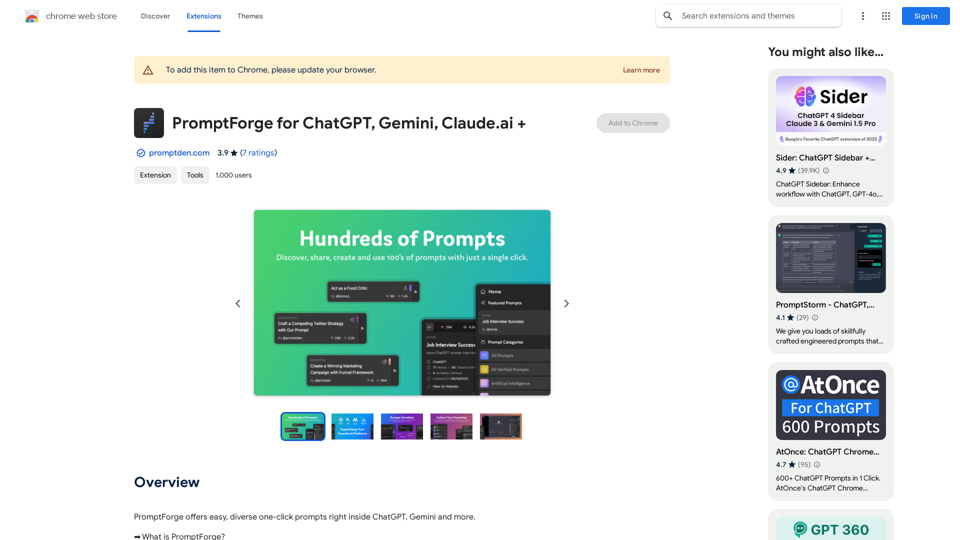
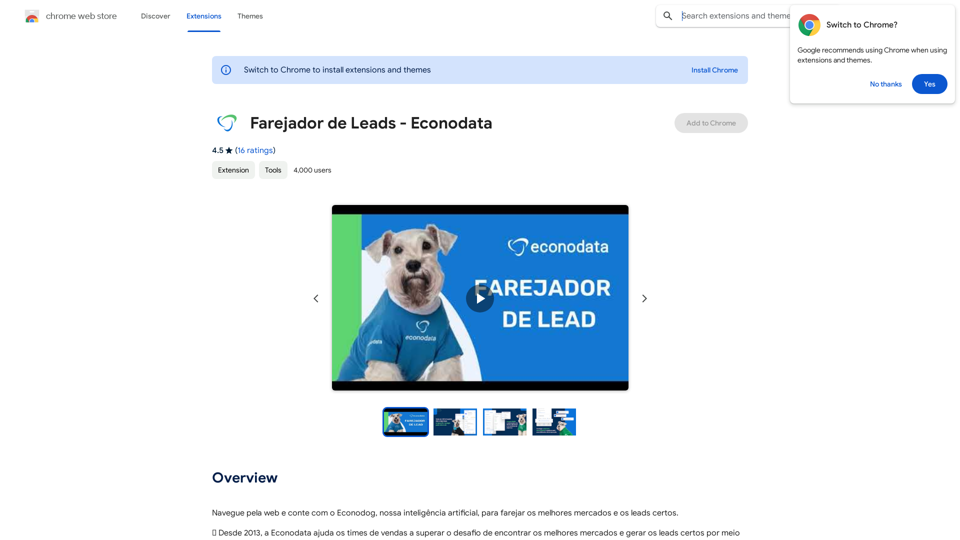
Browse the web and count on Econodog, our artificial intelligence, to sniff out the best markets and the right leads.
193.90 M
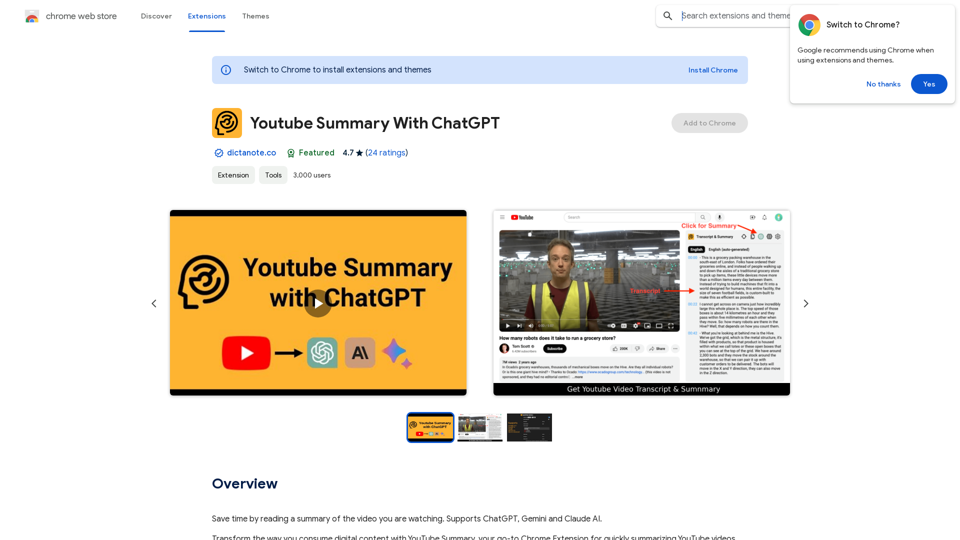
Save time by reading a summary of the video you are watching. Supports ChatGPT, Gemini, and Claude AI.
193.90 M
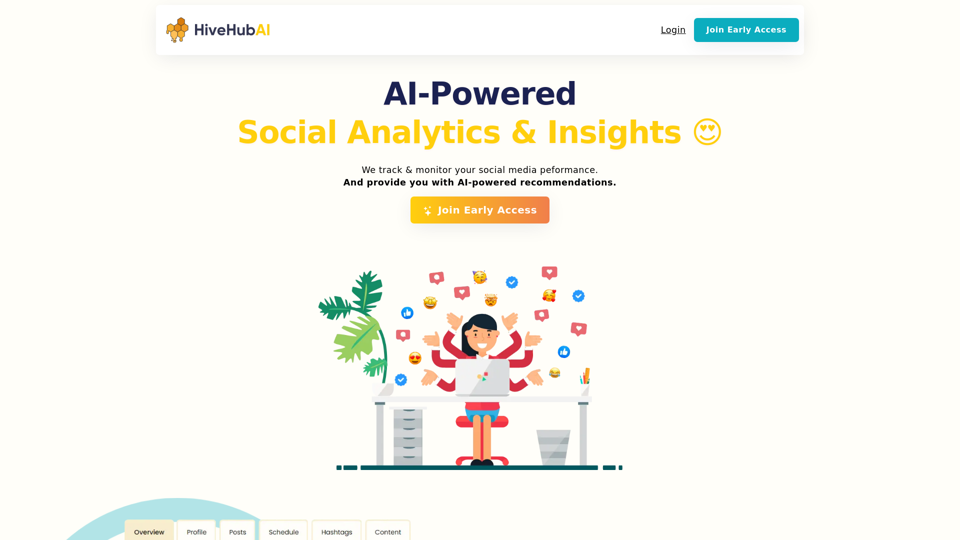
Discover HiveHubAI, your go-to AI-driven social media analytics platform. Elevate your digital influence with real-time Instagram and Facebook analytics, personalized AI insights, and strategic content optimization. Join our early access to transform your social media strategy!
740
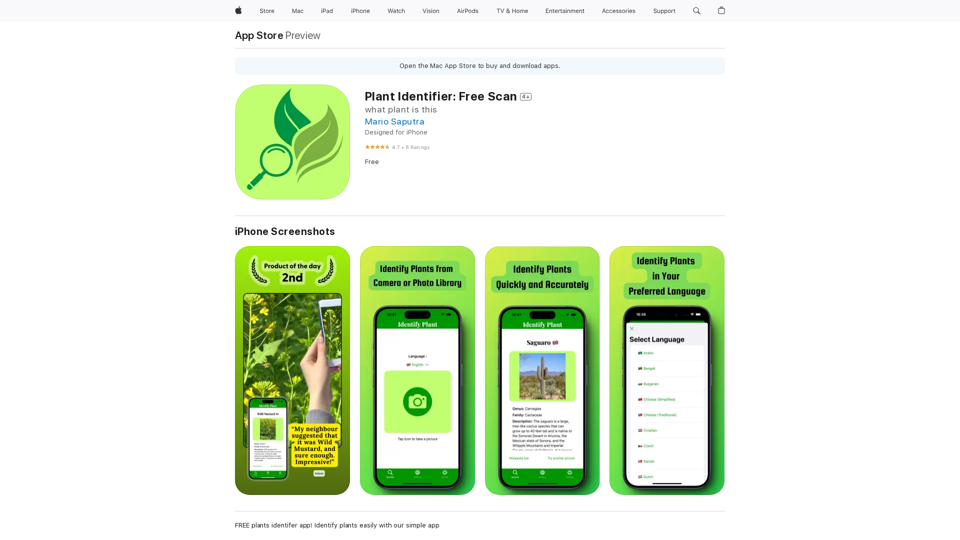
Use your camera or a picture to quickly identify plants with AI. Perfect for gardeners, nature lovers, and anyone curious about the plants around them. Features: * Instantly identify plants using AI-powered image recognition technology * Browse a vast database of plants from around the world * Learn about plant care, habitat, and other interesting facts * Snap a photo or upload an image to identify plants in seconds * Explore plant families, genera, and species to expand your knowledge * Create a personalized plant journal to track your discoveries
124.77 M
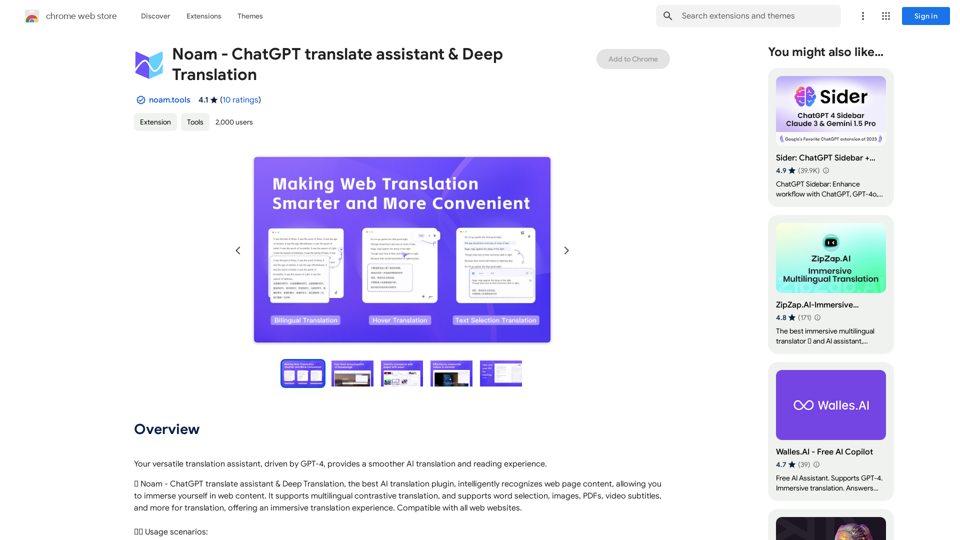
Noam - ChatGPT Translation Assistant & Deep Translation
Noam - ChatGPT Translation Assistant & Deep TranslationYour versatile translation assistant, driven by GPT-4, provides a smoother AI translation and reading experience.
193.90 M
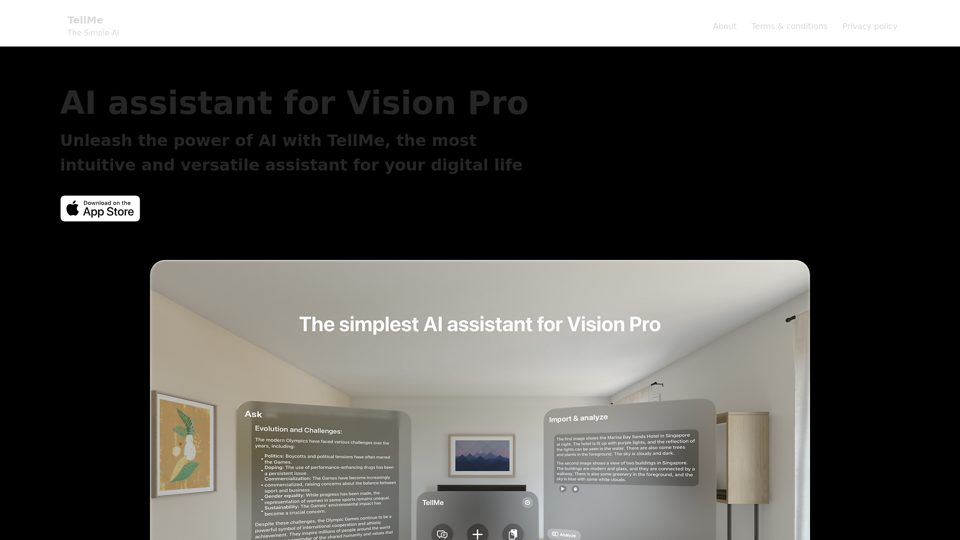
TellMe is the simplest AI assistant for Vision Pro. Unleash the power of AI with TellMe, the most intuitive and versatile assistant for your digital life.
2.48 K
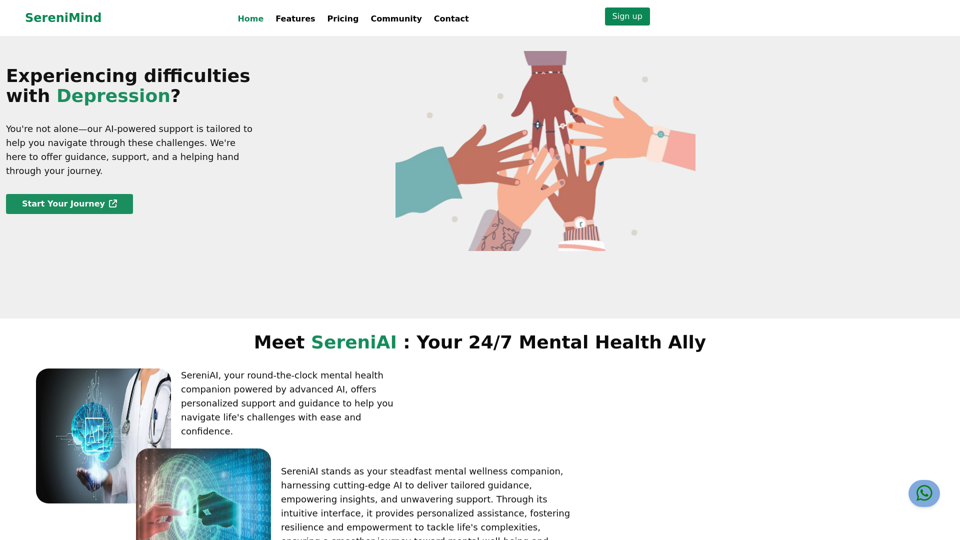
Best Mental Health Services in Nigeria | SereniMind
Best Mental Health Services in Nigeria | SereniMindSereniMind is a top mental health platform in Nigeria, offering accessible online counseling services across Africa. Our expert counselors provide personalized mental health support to help you overcome challenges like depression, anxiety, and stress. Join SereniMind today for a path to better mental well-being.
88
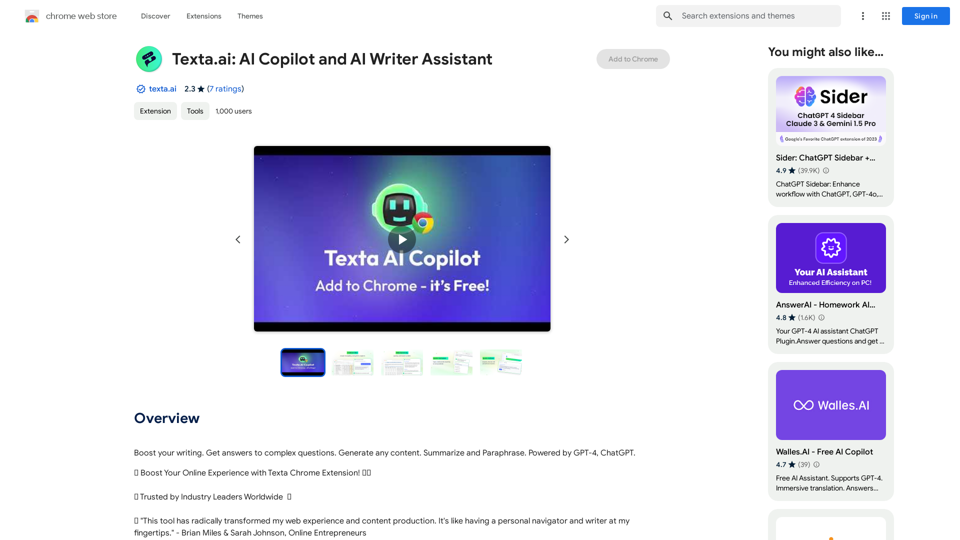
Boost your writing. Get answers to complex questions. Generate any content. Summarize and Paraphrase. Powered by GPT-4, ChatGPT.
193.90 M
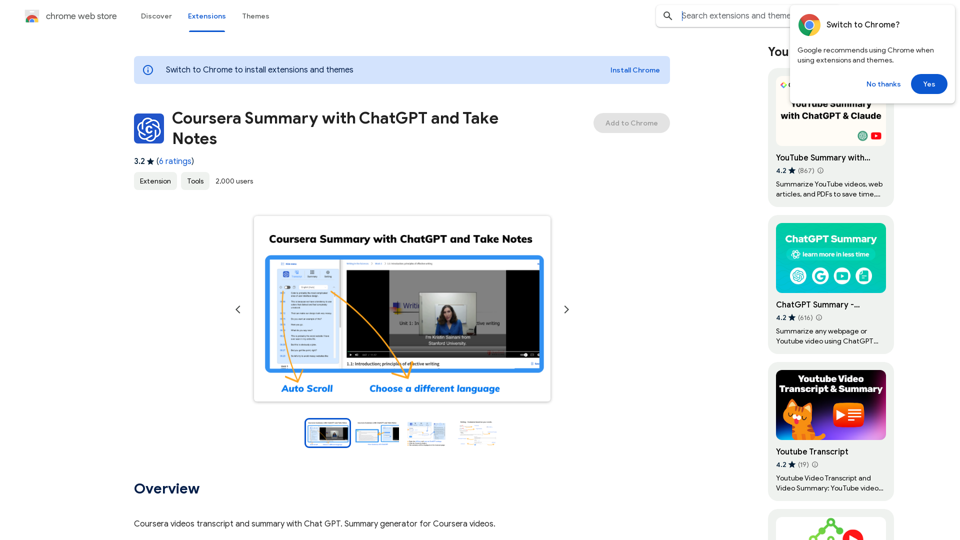
Coursera Summary with ChatGPT and Take Notes ===================================================== What is Coursera? Coursera is an online learning platform that partners with top universities and organizations to offer courses and degree programs in a wide range of fields. What is ChatGPT? ChatGPT is a conversational AI tool that can understand and respond to human input in a human-like way. It can be used to generate text, answer questions, and even create content. How to Use ChatGPT for Coursera Summary? You can use ChatGPT to summarize Coursera courses by: * Providing the course material or lecture notes to ChatGPT * Asking ChatGPT to summarize the key points or main ideas * Reviewing and editing the summary generated by ChatGPT Benefits of Using ChatGPT for Coursera Summary Using ChatGPT for Coursera summary can help you: * Save time by automating the summarization process * Improve understanding and retention of course material * Focus on key concepts and ideas * Enhance learning experience How to Take Notes with ChatGPT? You can use ChatGPT to take notes by: * Providing the course material or lecture notes to ChatGPT * Asking ChatGPT to generate notes or key points * Reviewing and editing the notes generated by ChatGPT * Organizing and structuring the notes for easy reference Benefits of Using ChatGPT for Taking Notes Using ChatGPT for taking notes can help you: * Save time by automating the note-taking process * Improve organization and structure of notes * Enhance understanding and retention of course material * Focus on key concepts and ideas
Coursera Summary with ChatGPT and Take Notes ===================================================== What is Coursera? Coursera is an online learning platform that partners with top universities and organizations to offer courses and degree programs in a wide range of fields. What is ChatGPT? ChatGPT is a conversational AI tool that can understand and respond to human input in a human-like way. It can be used to generate text, answer questions, and even create content. How to Use ChatGPT for Coursera Summary? You can use ChatGPT to summarize Coursera courses by: * Providing the course material or lecture notes to ChatGPT * Asking ChatGPT to summarize the key points or main ideas * Reviewing and editing the summary generated by ChatGPT Benefits of Using ChatGPT for Coursera Summary Using ChatGPT for Coursera summary can help you: * Save time by automating the summarization process * Improve understanding and retention of course material * Focus on key concepts and ideas * Enhance learning experience How to Take Notes with ChatGPT? You can use ChatGPT to take notes by: * Providing the course material or lecture notes to ChatGPT * Asking ChatGPT to generate notes or key points * Reviewing and editing the notes generated by ChatGPT * Organizing and structuring the notes for easy reference Benefits of Using ChatGPT for Taking Notes Using ChatGPT for taking notes can help you: * Save time by automating the note-taking process * Improve organization and structure of notes * Enhance understanding and retention of course material * Focus on key concepts and ideasAutomate Your Learning: Coursera Videos Transcript and Summary with ChatGPT ============================================================ Are you tired of manually taking notes while watching Coursera videos? Do you wish you had a summary of the video to review later? Look no further! With the power of ChatGPT, you can now generate transcripts and summaries of Coursera videos with ease. How it Works --------------- 1. Transcribe the Video: Use a transcription tool to convert the audio from the Coursera video into text. 2. Feed it to ChatGPT: Input the transcript into ChatGPT, and it will generate a concise summary of the video. 3. Review and Refine: Review the summary, refine it as needed, and you're good to go! Benefits ------------ * Save Time: No more manual note-taking or re-watching videos to understand the content. * Improve Retention: A summary of the video helps you retain information better and review it quickly. * Enhance Learning: Focus on understanding the concepts rather than taking notes. Get Started -------------- Try it out today and take your learning to the next level!
193.90 M