Open-source RightAI Tools Directory
  • Discover AI
  • Submit
  • Startup
  • Blog
Open-source RightAI Tools Directory
Discover the best AI tools of 2025 with the RightAI Tools Directory!

Friend Links

AI Anime GeneratorToolsApp AI

Support

Tap4
Privacy policyTerms & ConditionsContact Us
Loading...
loading...

PromptForge

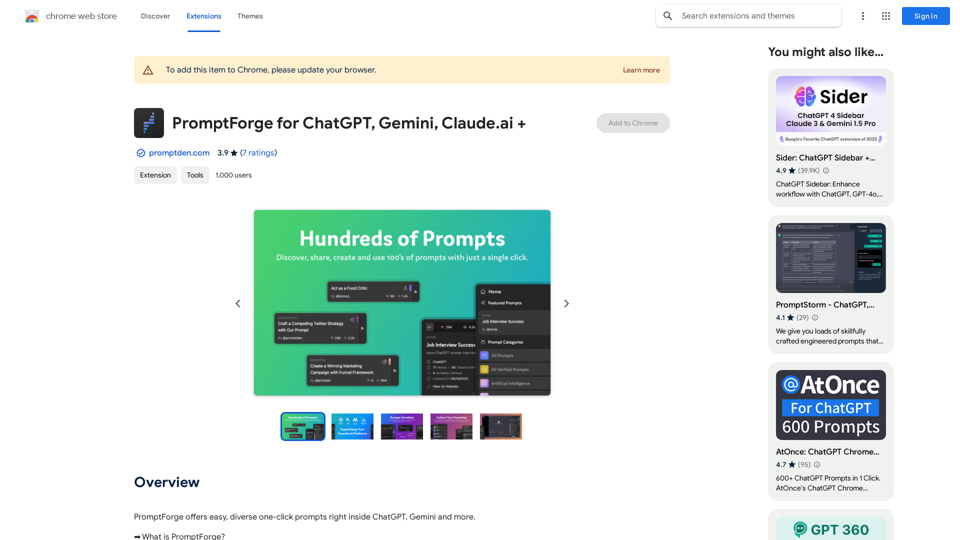
PromptForge offers easy, diverse one-click prompts right inside ChatGPT, Gemini and more.
Visit Website
PromptForge
Visit Website

Introduction

PromptForge is an AI-driven platform that provides access to a wide range of AI technologies, including ChatGPT, Gemini, and Claude. It offers thousands of one-click prompts directly within these AI platforms, making it easy for users to leverage AI capabilities for various needs. The platform is designed to enhance productivity and streamline the process of interacting with AI technologies.

Feature

Vast Prompt Library

PromptForge offers thousands of well-organized and searchable prompts, covering various categories such as SEO, Copywriting, and Marketing.

Multi-Platform Support

The platform supports multiple AI technologies, including ChatGPT, Gemini, Claude, and more, providing users with flexibility in their AI interactions.

Custom Prompt Creation

Users can create and save their own prompts for future use, enhancing productivity and efficiency in their AI-assisted tasks.

Browser Extension

PromptForge is accessible through a browser extension, allowing for seamless integration with supported AI platforms.

Data Preservation

All user-created prompts, likes, shares, and collections are stored in the user's profile on PromptDen.com, ensuring long-term access to curated prompts and data.

Language Settings

Users can adjust language settings from the prompt page, app settings, or directly within supported AI platforms for a customized experience.

Daily Free Uses

PromptForge leverages daily free uses of various AI tools, including GPT-4 document reading and DALL-E image generation, maximizing user benefits.

FAQ

How do I use PromptForge?

Users can install the PromptForge extension and access prompts directly inside supported AI platforms. The extension is designed for easy use and provides a seamless experience.

Does PromptForge support image generation?

No, PromptForge is primarily designed for text-based prompts and does not offer image generation capabilities.

What happens if a new AI platform emerges?

PromptForge is built to be adaptable and can be integrated into new AI platforms as they emerge, ensuring longevity beyond any single service.

Is technical support available?

Yes, users can access support through the PromptForge website, the app, and the Chrome extension page.

Latest Traffic Insights

  • Monthly Visits

    193.90 M

  • Bounce Rate

    56.27%

  • Pages Per Visit

    2.71

  • Time on Site(s)

    115.91

  • Global Rank

    -

  • Country Rank

    -

Recent Visits

Traffic Sources

  • Social Media:
    0.48%
  • Paid Referrals:
    0.55%
  • Email:
    0.15%
  • Referrals:
    12.81%
  • Search Engines:
    16.21%
  • Direct:
    69.81%
More Data

Related Websites

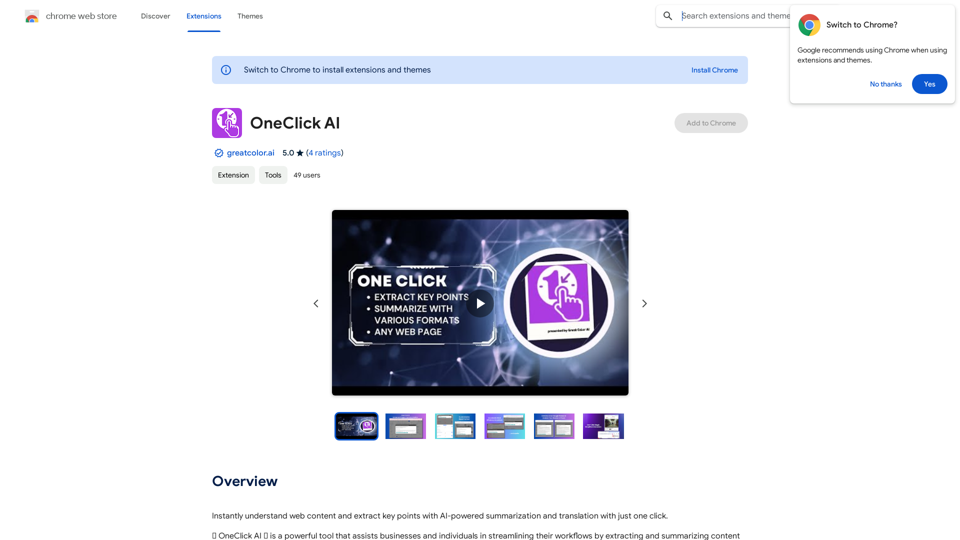
Scribus
View Detail

Scribus

Scribus

Smarter writing companion for an essay

0
Warm and friendly
View Detail

Warm and friendly

Warm and friendly

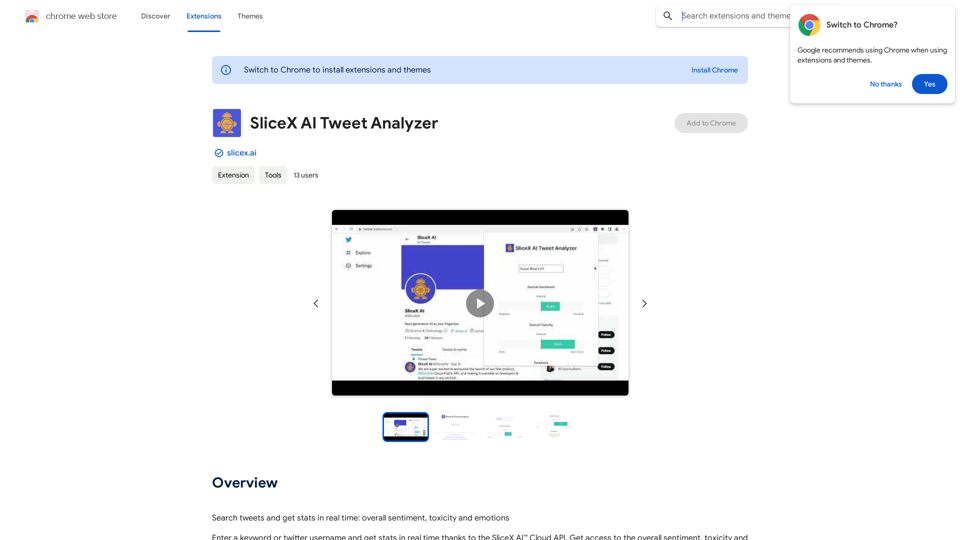
Write the free spirit everywhere on the web with Cordial!

193.90 M
YouTube Copilot
View Detail

YouTube Copilot

YouTube Copilot

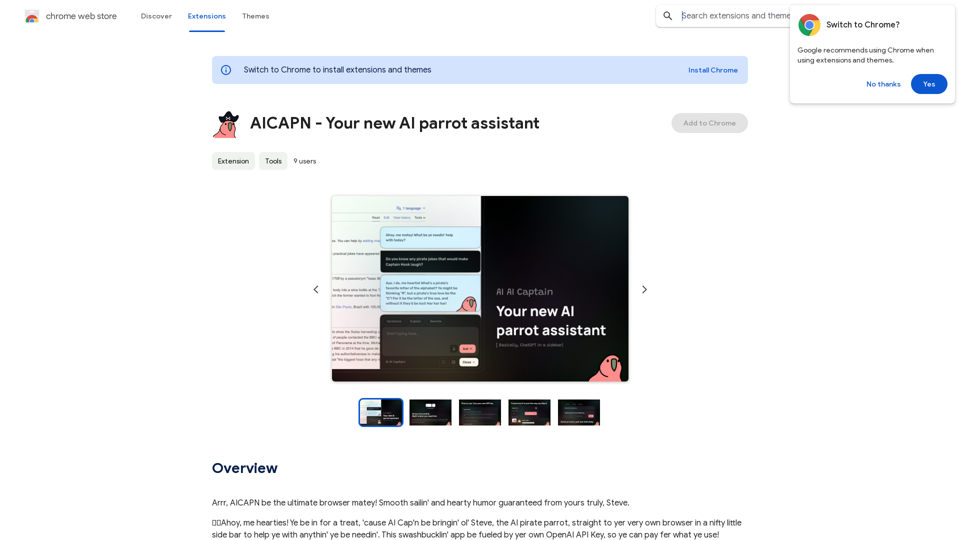
Improve your YouTube viewing by automatically skipping ads, summarizing videos, and searching within them.

193.90 M
AI Voice Over for YouTube 

This is a guide to using AI voice over for your YouTube videos. 

Why Use AI Voice Over?

* Cost-Effective: AI voice over is much cheaper than hiring a professional voice actor.
* Time-Saving: You can generate voice over quickly and easily, without needing to schedule recording sessions.
* Variety of Voices: Choose from a wide range of AI voices, including male, female, and even robotic voices.
* Accessibility: Make your videos accessible to viewers who are deaf or hard of hearing by adding captions generated by AI.

How to Use AI Voice Over

1. Choose a Platform: There are many different platforms that offer AI voice over services, such as:
    * Google Cloud Text-to-Speech
    * Amazon Polly
    * Microsoft Azure Text to Speech
    * Murf.ai
    * NaturalReader
2. Write Your Script:  Write a clear and concise script for your video.
3. Upload Your Script:  Upload your script to the chosen platform.
4. Select a Voice: Choose the voice that best suits your video.
5. Adjust Settings:  Adjust settings such as speed, pitch, and volume.
6. Generate Voice Over:  Click the "Generate" button to create your voice over.
7. Download and Edit: Download the generated voice over file and edit it as needed.
8. Add to Your Video:  Add the voice over to your YouTube video.

Tips for Using AI Voice Over

* Use Natural Language:  Write your script as if you were speaking naturally.
* Vary Your Tone:  Use different tones of voice to keep your viewers engaged.
* Add Pauses:  Include pauses in your script to allow viewers to process information.
* Proofread Carefully:  Always proofread your script before generating the voice over.
* Experiment:  Try different voices, settings, and styles to find what works best for you.
View Detail

AI Voice Over for YouTube This is a guide to using AI voice over for your YouTube videos. Why Use AI Voice Over? * Cost-Effective: AI voice over is much cheaper than hiring a professional voice actor. * Time-Saving: You can generate voice over quickly and easily, without needing to schedule recording sessions. * Variety of Voices: Choose from a wide range of AI voices, including male, female, and even robotic voices. * Accessibility: Make your videos accessible to viewers who are deaf or hard of hearing by adding captions generated by AI. How to Use AI Voice Over 1. Choose a Platform: There are many different platforms that offer AI voice over services, such as: * Google Cloud Text-to-Speech * Amazon Polly * Microsoft Azure Text to Speech * Murf.ai * NaturalReader 2. Write Your Script: Write a clear and concise script for your video. 3. Upload Your Script: Upload your script to the chosen platform. 4. Select a Voice: Choose the voice that best suits your video. 5. Adjust Settings: Adjust settings such as speed, pitch, and volume. 6. Generate Voice Over: Click the "Generate" button to create your voice over. 7. Download and Edit: Download the generated voice over file and edit it as needed. 8. Add to Your Video: Add the voice over to your YouTube video. Tips for Using AI Voice Over * Use Natural Language: Write your script as if you were speaking naturally. * Vary Your Tone: Use different tones of voice to keep your viewers engaged. * Add Pauses: Include pauses in your script to allow viewers to process information. * Proofread Carefully: Always proofread your script before generating the voice over. * Experiment: Try different voices, settings, and styles to find what works best for you.

AI Voice Over for YouTube This is a guide to using AI voice over for your YouTube videos. Why Use AI Voice Over? * Cost-Effective: AI voice over is much cheaper than hiring a professional voice actor. * Time-Saving: You can generate voice over quickly and easily, without needing to schedule recording sessions. * Variety of Voices: Choose from a wide range of AI voices, including male, female, and even robotic voices. * Accessibility: Make your videos accessible to viewers who are deaf or hard of hearing by adding captions generated by AI. How to Use AI Voice Over 1. Choose a Platform: There are many different platforms that offer AI voice over services, such as: * Google Cloud Text-to-Speech * Amazon Polly * Microsoft Azure Text to Speech * Murf.ai * NaturalReader 2. Write Your Script: Write a clear and concise script for your video. 3. Upload Your Script: Upload your script to the chosen platform. 4. Select a Voice: Choose the voice that best suits your video. 5. Adjust Settings: Adjust settings such as speed, pitch, and volume. 6. Generate Voice Over: Click the "Generate" button to create your voice over. 7. Download and Edit: Download the generated voice over file and edit it as needed. 8. Add to Your Video: Add the voice over to your YouTube video. Tips for Using AI Voice Over * Use Natural Language: Write your script as if you were speaking naturally. * Vary Your Tone: Use different tones of voice to keep your viewers engaged. * Add Pauses: Include pauses in your script to allow viewers to process information. * Proofread Carefully: Always proofread your script before generating the voice over. * Experiment: Try different voices, settings, and styles to find what works best for you.

Watch foreign language YouTube videos in your own language.

193.90 M
AI Emoji Maker 

This is a fun tool that lets you create your own custom emojis using artificial intelligence! 

Just type in a description of the emoji you want, and our AI will generate some unique options for you to choose from. 

You can then customize your emoji further by adjusting its colors, size, and other features. 

Share your creations with friends and family, or use them to add a personal touch to your online conversations. 


Let your creativity flow and make some awesome emojis!
View Detail

AI Emoji Maker This is a fun tool that lets you create your own custom emojis using artificial intelligence! Just type in a description of the emoji you want, and our AI will generate some unique options for you to choose from. You can then customize your emoji further by adjusting its colors, size, and other features. Share your creations with friends and family, or use them to add a personal touch to your online conversations. Let your creativity flow and make some awesome emojis!

AI Emoji Maker This is a fun tool that lets you create your own custom emojis using artificial intelligence! Just type in a description of the emoji you want, and our AI will generate some unique options for you to choose from. You can then customize your emoji further by adjusting its colors, size, and other features. Share your creations with friends and family, or use them to add a personal touch to your online conversations. Let your creativity flow and make some awesome emojis!

Make your own unique emojis with our emoji creator that shows off your personality!

193.90 M
Affordable Midjourney API Integration - Best Deals & Packages | ttapi.io
View Detail

Affordable Midjourney API Integration - Best Deals & Packages | ttapi.io

Affordable Midjourney API Integration - Best Deals & Packages | ttapi.io

Discover affordable Midjourney API integration, best buy packages, and cheap plans. Get reliable Midjourney API services and solutions at ttapi.io today!

9.78 K
Grow Your OnlyFans Agency - Supercreator Tools for OnlyFans
View Detail

Grow Your OnlyFans Agency - Supercreator Tools for OnlyFans

Grow Your OnlyFans Agency - Supercreator Tools for OnlyFans

CRM tools and automation bots for OnlyFans management agencies. Improve your chat interactions and promotions, and upsell more pay-per-view (PPV) content with the OnlyFans extension.

248.97 K
Outmeet: Cohost
View Detail

Outmeet: Cohost

Outmeet: Cohost

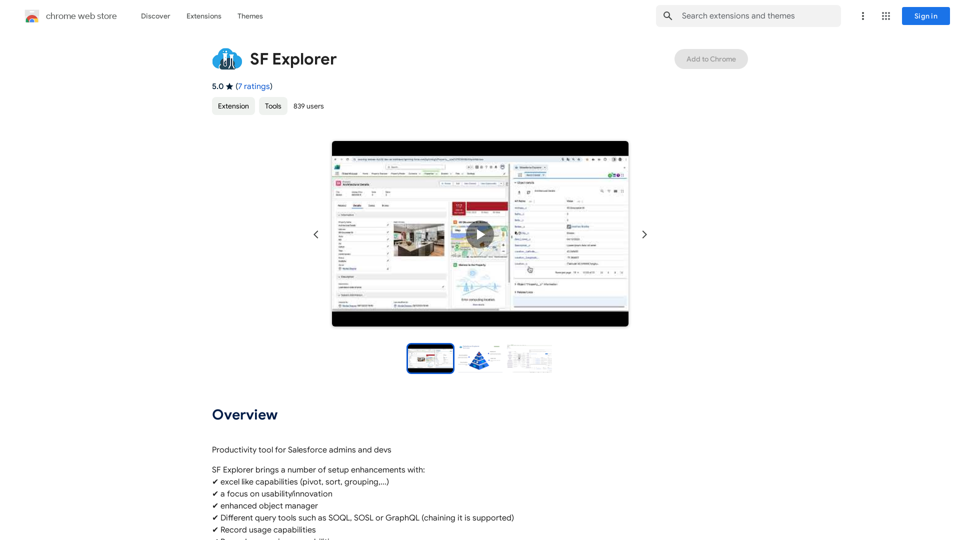
Interview assistant. Manage interviews efficiently, providing real-time feedback and suggestions to improve the conversation flow.

193.90 M