Transcribe YouTube Video is a Chrome extension that uses AI technology to transcribe and summarize YouTube videos. It offers features like multi-language support, time navigation, and transcript downloading. This tool is designed for various users, including non-native speakers, students, teachers, professionals, researchers, and content creators, aiming to enhance accessibility, save time, and improve content understanding.
Please provide me with the YouTube video link so I can transcribe it for you.
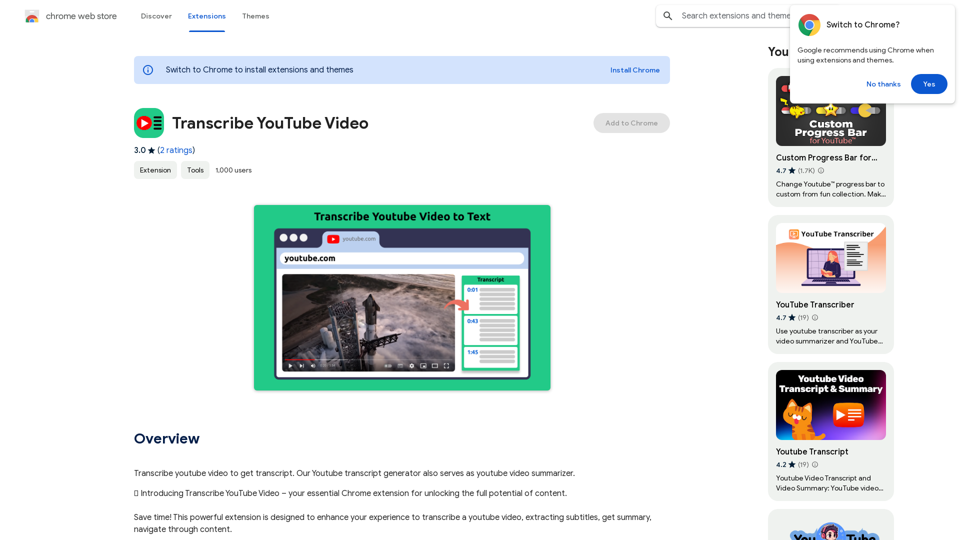
Transcribe a YouTube video to get a transcript. Our YouTube transcript generator also acts as a YouTube video summarizer.
Introduction
Feature
AI YouTube Summarizer
- Transcribe and summarize YouTube videos using AI technology
- Provide quick insights without watching the entire content
Multi-Language Support
- Transcribe and summarize videos in various languages
- Cater to a global audience
Time Navigation
- Jump directly to specific parts of the video
- Intuitive interface for easy navigation
Transcript Management
- Download transcripts for offline use
- Copy video transcript or AI summary to clipboard
- Flexible options for integrating YouTube content into projects
User-Friendly Interface
- Simple installation process via Chrome Web Store
- Easy-to-use interface on YouTube video pages
Free to Use
- Accessible to all users without cost
- Requires funding for server and AI resources
Privacy Protection
- Ensures user data security
FAQ
How to use Transcribe YouTube Video?
- Install the extension from Chrome Web Store
- Open a YouTube video
- Access the green panel for full transcript, AI summary, and timeline navigation
- Download or copy the text as needed
Is the app free?
The extension is free to use but requires funding for server and AI resources.
Can it transcribe videos in any language?
Yes, users can choose their preferred language for transcription and summarization. A default language option is also available.
How does it work?
The extension activates by clicking its button on any YouTube video page.
Who can benefit from this tool?
- Non-native speakers: Improve language skills
- Students: Enhance learning and note-taking
- Teachers: Improve teaching methodologies
- Professionals: Save time on research and analysis
- Researchers: Quickly gather information from YouTube
- Content creators: Improve accessibility and engagement
Related Websites
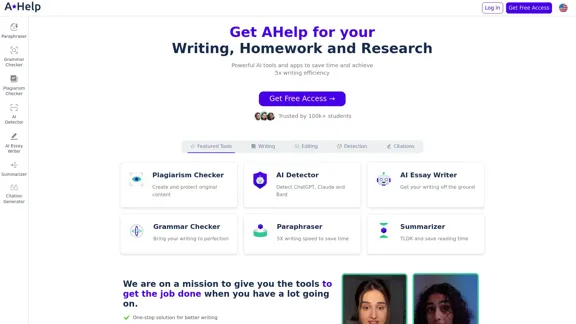
AHelp: Ultimate Hub of Educational and AI Writing Tools
AHelp: Ultimate Hub of Educational and AI Writing ToolsAHelp: Your essential toolkit for study, homework and research. Our platform offers various tools to make homework, assignments and essay writing easier.
99.04 K
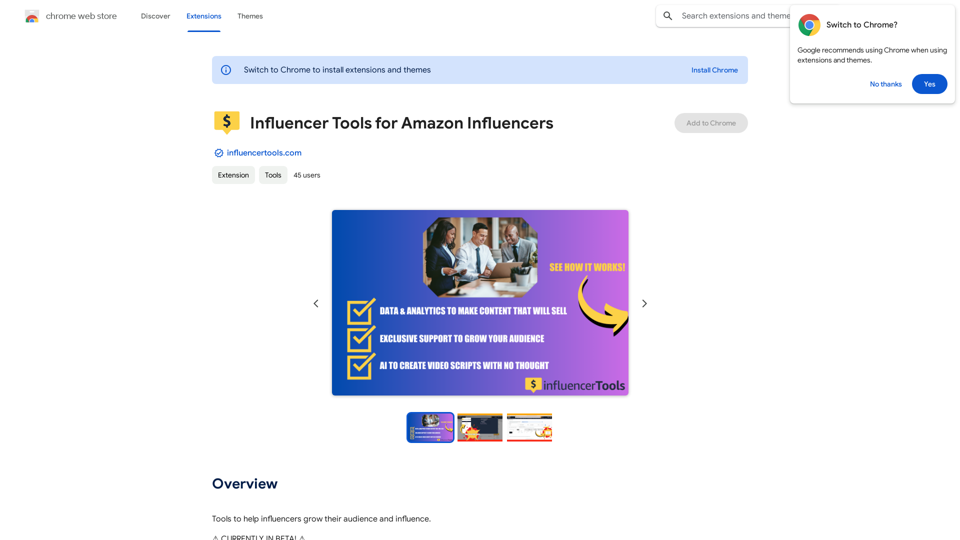
Influencer Tools for Amazon Influencers This guide explores essential tools to help Amazon influencers succeed. 1. Content Creation Tools: * Canva: Design eye-catching graphics, videos, and social media posts. * Lumen5: Create engaging videos from blog posts or scripts. * InShot: Edit and enhance videos for mobile devices. 2. Product Research Tools: * Jungle Scout: Analyze product trends, competition, and sales data. * Helium 10: Discover profitable products, track keywords, and optimize listings. * Viral Launch: Identify trending products and conduct market research. 3. Social Media Management Tools: * Buffer: Schedule and manage social media posts across multiple platforms. * Hootsuite: Monitor brand mentions, engage with followers, and track social media performance. * Later: Plan and visualize Instagram content. 4. Analytics and Tracking Tools: * Amazon Influencer Program Dashboard: Track your performance, earnings, and audience engagement. * Google Analytics: Monitor website traffic and user behavior. * UTM Parameters: Track the effectiveness of your marketing campaigns. 5. Email Marketing Tools: * Mailchimp: Create and send email newsletters to your subscribers. * ConvertKit: Build an email list and automate your marketing workflows. * Klaviyo: Segment your audience and personalize email campaigns.
Influencer Tools for Amazon Influencers This guide explores essential tools to help Amazon influencers succeed. 1. Content Creation Tools: * Canva: Design eye-catching graphics, videos, and social media posts. * Lumen5: Create engaging videos from blog posts or scripts. * InShot: Edit and enhance videos for mobile devices. 2. Product Research Tools: * Jungle Scout: Analyze product trends, competition, and sales data. * Helium 10: Discover profitable products, track keywords, and optimize listings. * Viral Launch: Identify trending products and conduct market research. 3. Social Media Management Tools: * Buffer: Schedule and manage social media posts across multiple platforms. * Hootsuite: Monitor brand mentions, engage with followers, and track social media performance. * Later: Plan and visualize Instagram content. 4. Analytics and Tracking Tools: * Amazon Influencer Program Dashboard: Track your performance, earnings, and audience engagement. * Google Analytics: Monitor website traffic and user behavior. * UTM Parameters: Track the effectiveness of your marketing campaigns. 5. Email Marketing Tools: * Mailchimp: Create and send email newsletters to your subscribers. * ConvertKit: Build an email list and automate your marketing workflows. * Klaviyo: Segment your audience and personalize email campaigns.Tools to help influencers grow their audience and influence.
193.90 M
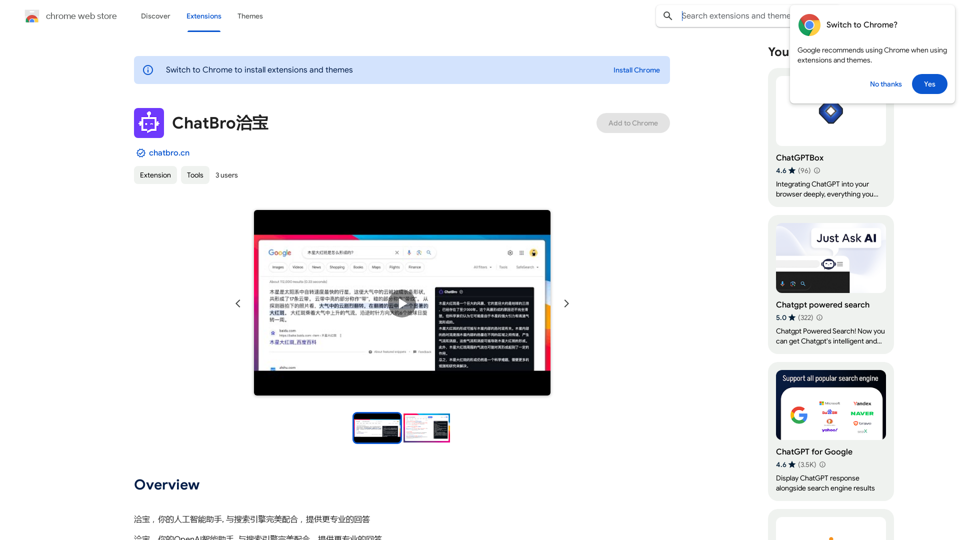
ChatBao, your AI assistant, works perfectly with search engines to provide more professional answers.
193.90 M
LocalhostAI - Your AI Assistant for Chrome and Gemini Nano
LocalhostAI - Your AI Assistant for Chrome and Gemini NanoLocalhostAI: Your AI assistant designed to work seamlessly with Chrome and Gemini Nano. Enhance your productivity with advanced AI models.
0