AHelp is a comprehensive platform offering a suite of educational and AI-powered writing tools designed to enhance students' academic performance and writing efficiency. It provides a range of features from plagiarism checking to AI essay writing, catering to various aspects of the writing and research process.
AHelp: Ultimate Hub of Educational and AI Writing Tools
AHelp: Your essential toolkit for study, homework and research. Our platform offers various tools to make homework, assignments and essay writing easier.
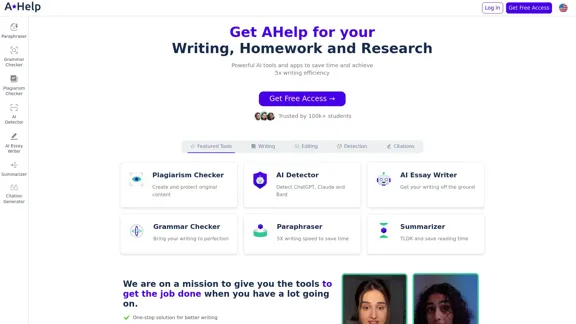
Introduction
Feature
-
Diverse Tool Set
- Writing Tools: AI Essay Writer, Persuasive Essay Writer, Narrative Essay Writer, Paragraph Extender
- Editing Tools: AI Source Finder, Essay Expander, Summarizer, Article Spinner
- Detection Tools: Plagiarism Checker, AI Content Detector, Essay AI Checker
- Language Correction: Grammar Checker (supports multiple languages)
- Citation Tools: Citation Generator
-
AI-Powered Assistance
- AI Essay Writer to jumpstart writing process
- AI Detector for identifying AI-generated content (ChatGPT, Claude, Bard)
- AI to Human Rewriter for more natural-sounding content
-
Multilingual Support
- Grammar checkers available for Chinese, French, Korean, Spanish, and Italian
- Spanish paraphraser for bilingual content creation
-
Academic Integrity Features
- Student Plagiarism Checker
- AI Content Detector to ensure originality
-
Efficiency Boosters
- Paraphrasing Tool for 5x faster writing
- Summarizer for quick content digestion
-
Research Aids
- Thesis Generator
- AI Source Finder
FAQ
What is AHelp?
AHelp is a comprehensive platform offering AI-powered writing and educational tools designed to assist students with various aspects of academic writing, research, and content creation.
Who can benefit from using AHelp?
AHelp is primarily targeted at students, particularly those in higher education. It's trusted by over 100,000 students from top universities.
What are the key benefits of using AHelp?
AHelp claims to offer 100% compliance with academic standards, 66% improvement in writing quality, 50% reduction in editing and writing hours, and a 5x faster writing and research process.
Is AHelp free to use?
AHelp offers a "Get Free Access" option, suggesting that there is a free tier available. However, the specifics of the pricing structure are not provided in the given content.
Does AHelp guarantee privacy and confidentiality?
Yes, AHelp emphasizes confidentiality and privacy as one of its key features, along with a money-back guarantee.
Evaluation
-
AHelp offers an impressive array of tools covering various aspects of academic writing and research, making it a potentially valuable resource for students seeking to improve their writing efficiency and quality.
-
The platform's emphasis on AI-powered tools, such as the AI Essay Writer and AI Detector, demonstrates its commitment to leveraging cutting-edge technology in education. This could be particularly beneficial for students struggling with writer's block or those looking to enhance their writing skills.
-
The multilingual support for grammar checking and paraphrasing is a strong point, making the platform accessible to a diverse, global student population.
-
The focus on academic integrity through plagiarism checking and AI content detection is commendable, as it helps students maintain ethical standards in their work.
-
However, the heavy reliance on AI tools raises questions about the development of students' independent writing and critical thinking skills. There's a potential risk that students might become overly dependent on these tools.
-
While the platform claims significant improvements in writing quality and efficiency, it would be beneficial to see independent studies or more detailed statistics to support these claims.
-
The lack of clear pricing information in the provided content is a drawback. More transparency about the cost structure would help potential users make informed decisions.
-
Overall, AHelp appears to be a comprehensive and potentially useful platform for students, but users should be mindful of balancing tool usage with developing their own skills and maintaining academic integrity.
Related Websites
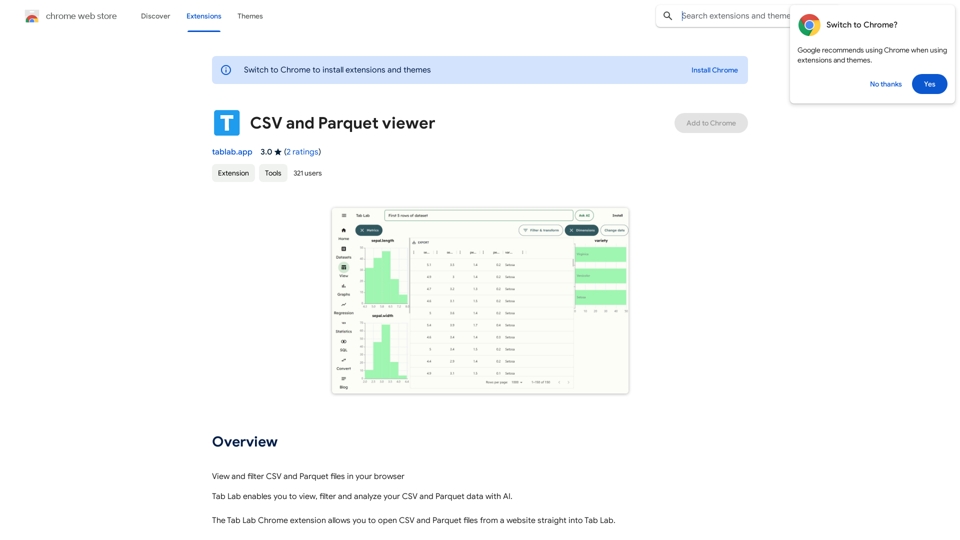
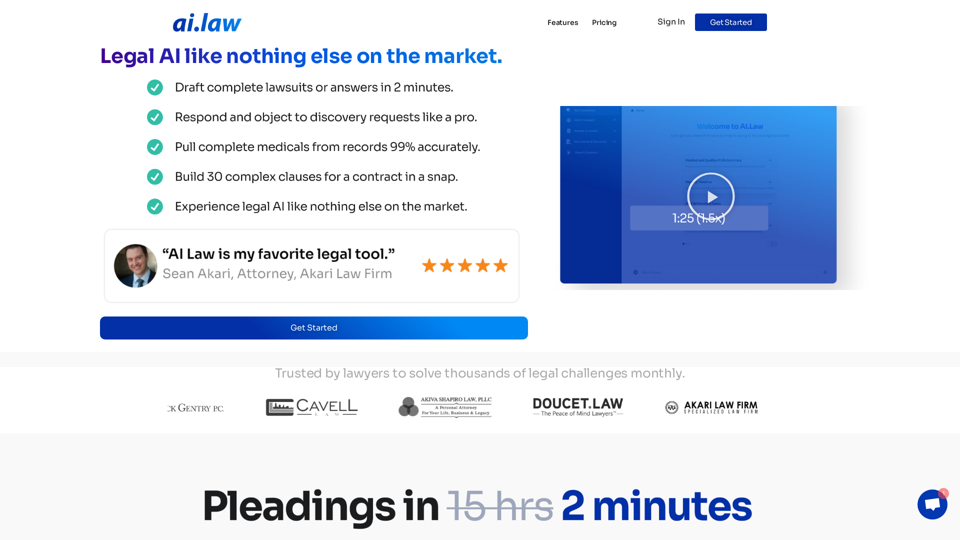
SEO2 - Legal AI Like Nothing Else on the Market. - AI.Law - ai.law
SEO2 - Legal AI Like Nothing Else on the Market. - AI.Law - ai.lawLegal AI like nothing else on the market. Get Started “>”>Trusted by lawyers to solve thousands of legal challenges monthly. AI Law provides you with top-quality legal work without the hassle. No more drafting from scratch—just high-quality results. Complaint Drafting Draft pleadings without the hassle of hours of research. AI Law will assemble a complete lawsuit […]
15.50 K
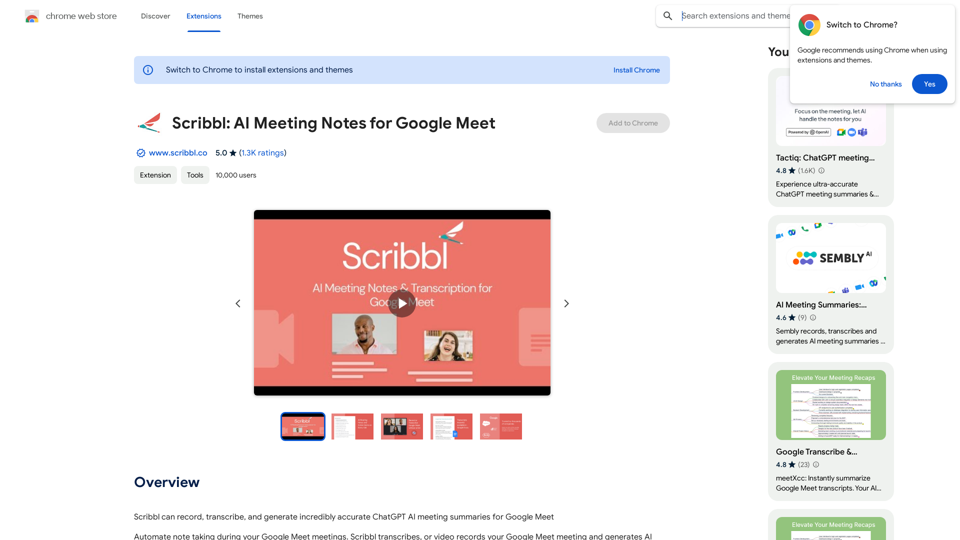
Scribbl can record, transcribe, and generate extremely accurate ChatGPT AI meeting summaries for Google Meet.
193.90 M
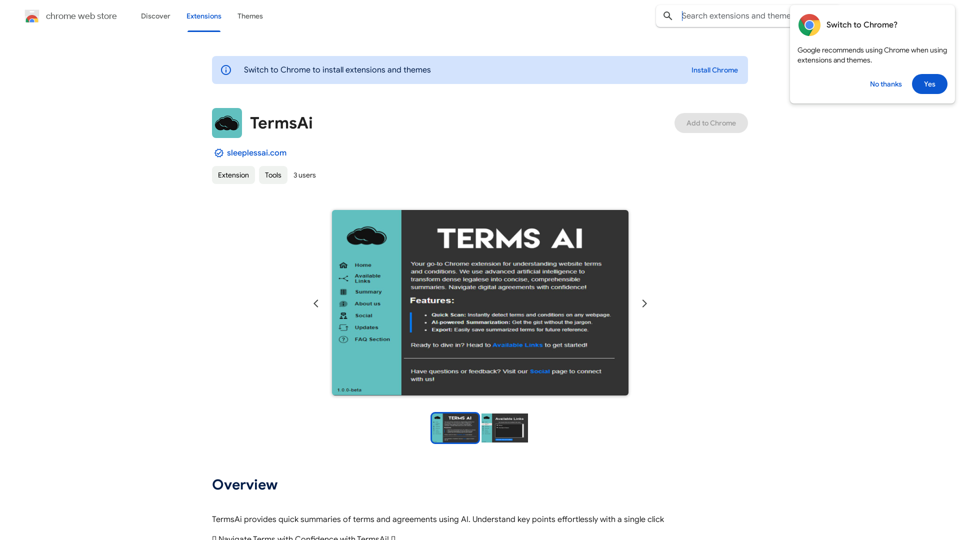
TermsAi provides quick summaries of terms and agreements using AI. Understand key points effortlessly with a single click.
193.90 M
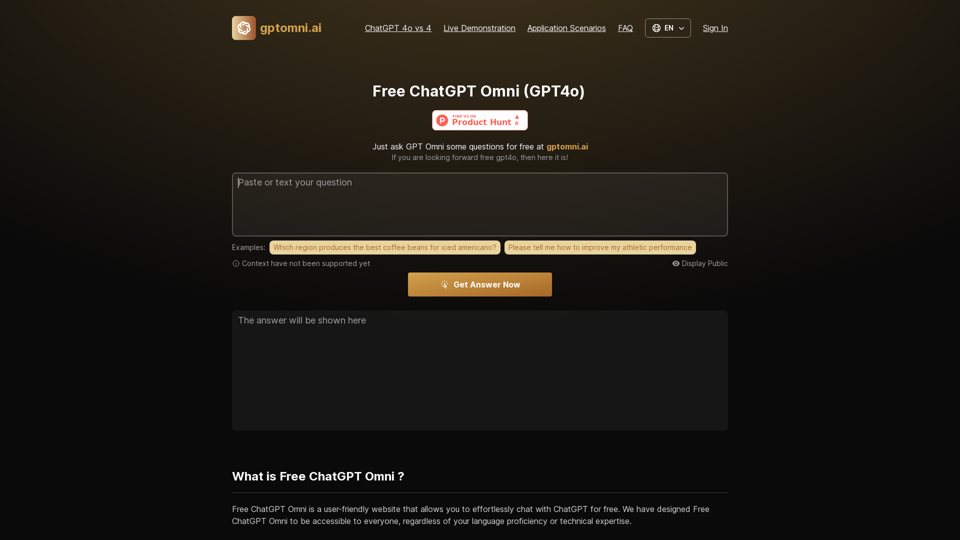
Free ChatGPT Omni: gptomni.ai offers a free, easy-to-use, web-based chat interface for conversations with the GPT4o AI model.
1.25 K
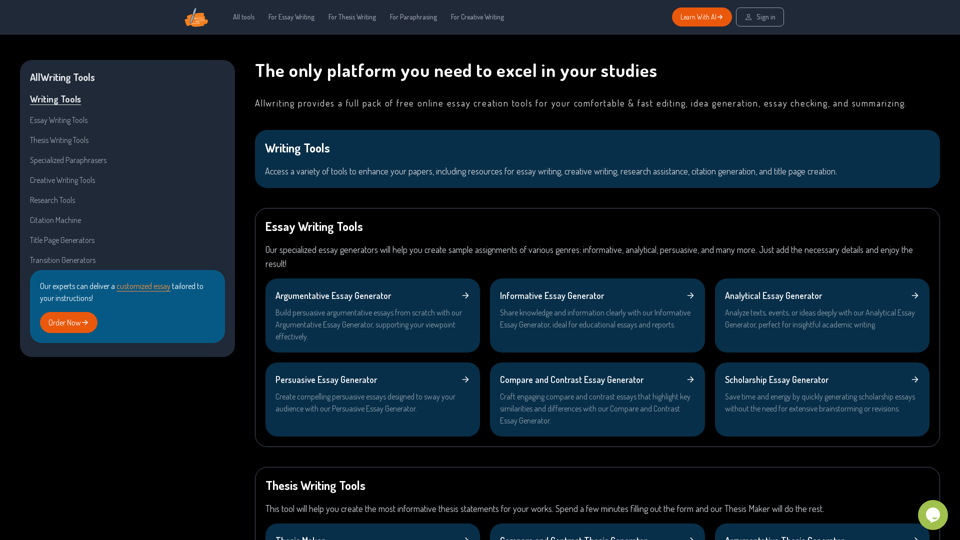
The Only Platform You Need to Excel in Your Studies | AllWriting
The Only Platform You Need to Excel in Your Studies | AllWritingAllwriting provides a full pack of free online essay creation tools for your comfortable & fast editing, idea generation, essay checking, and summarizing.
638
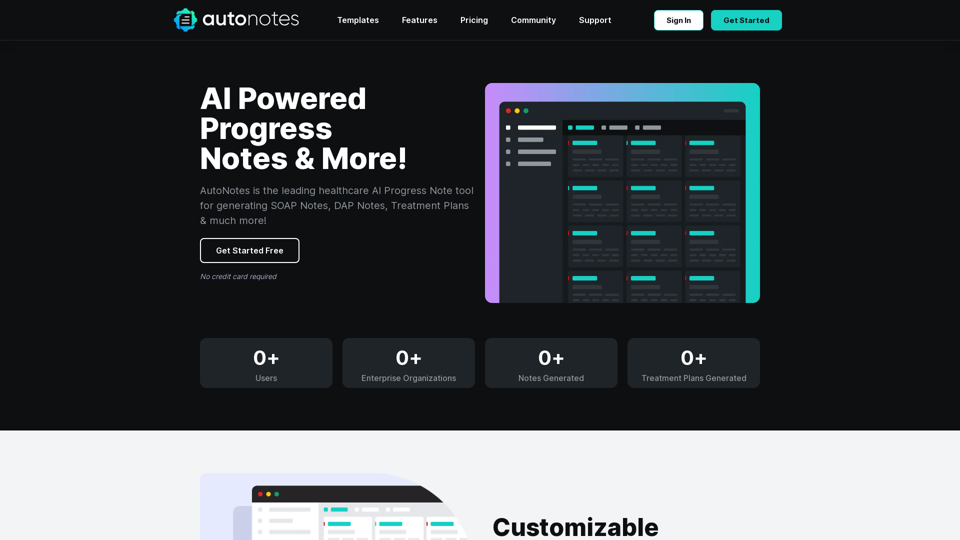
AutoNotes | AI Progress Notes, Assessments & More!
AutoNotes | AI Progress Notes, Assessments & More!AutoNotes is the top AI Progress Notes tool for Mental Health, Speech, and Occupational Therapy. Try AutoNotes for Free Now!
82.19 K
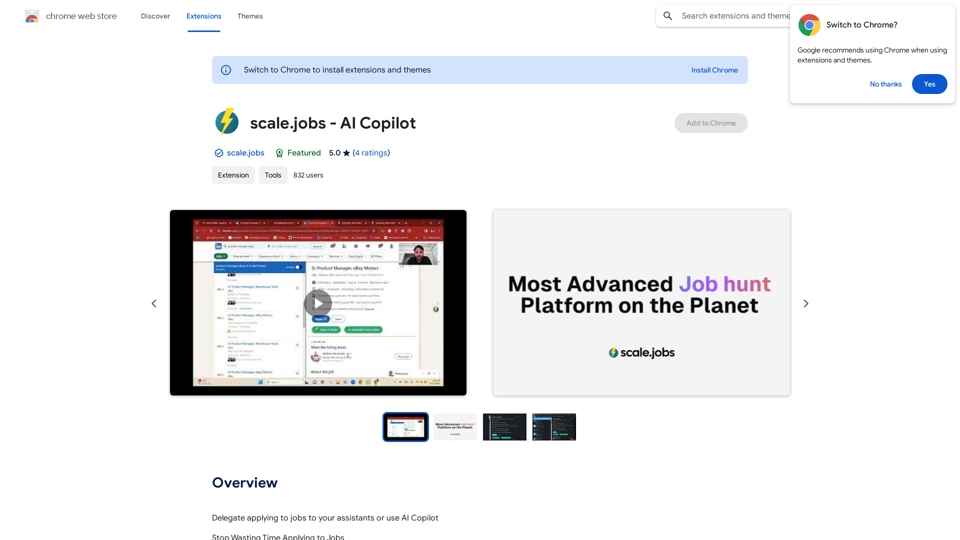
Delegate applying to jobs to your assistants or use AI Copilot Applying to jobs can be a tedious and time-consuming task. Delegate this task to your assistants and let them handle the initial application process, including resume submission and cover letter writing. Alternatively, utilize AI Copilot, an innovative tool that can automate the job application process, saving you time and energy. By delegating or automating this task, you can focus on more important things, such as preparing for interviews, networking, and building meaningful connections in your industry. This approach can also increase your chances of getting hired, as your assistants or AI Copilot can help you apply to more job openings, thereby increasing your visibility and reach. Remember, time is valuable, and by delegating or automating the job application process, you can make the most of your time and achieve your career goals more efficiently.
193.90 M