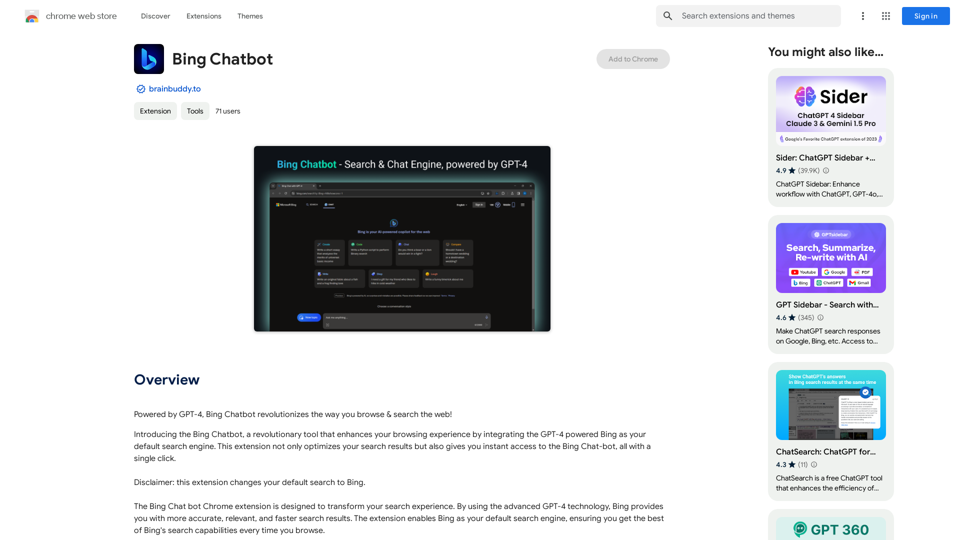
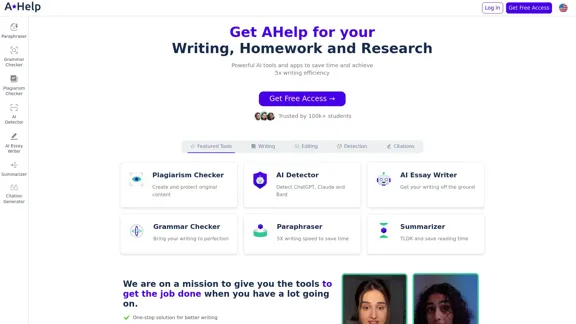
AHelp is a comprehensive platform offering a suite of educational and AI-powered writing tools designed to enhance students' academic performance and writing efficiency. It provides a range of features from plagiarism checking to AI essay writing, catering to various aspects of the writing and research process.
AHelp: Ultimate Hub of Educational and AI Writing Tools
AHelp: Your essential toolkit for study, homework and research. Our platform offers various tools to make homework, assignments and essay writing easier.
Introduction
Feature
-
Diverse Tool Set
- Writing Tools: AI Essay Writer, Persuasive Essay Writer, Narrative Essay Writer, Paragraph Extender
- Editing Tools: AI Source Finder, Essay Expander, Summarizer, Article Spinner
- Detection Tools: Plagiarism Checker, AI Content Detector, Essay AI Checker
- Language Correction: Grammar Checker (supports multiple languages)
- Citation Tools: Citation Generator
-
AI-Powered Assistance
- AI Essay Writer to jumpstart writing process
- AI Detector for identifying AI-generated content (ChatGPT, Claude, Bard)
- AI to Human Rewriter for more natural-sounding content
-
Multilingual Support
- Grammar checkers available for Chinese, French, Korean, Spanish, and Italian
- Spanish paraphraser for bilingual content creation
-
Academic Integrity Features
- Student Plagiarism Checker
- AI Content Detector to ensure originality
-
Efficiency Boosters
- Paraphrasing Tool for 5x faster writing
- Summarizer for quick content digestion
-
Research Aids
- Thesis Generator
- AI Source Finder
FAQ
What is AHelp?
AHelp is a comprehensive platform offering AI-powered writing and educational tools designed to assist students with various aspects of academic writing, research, and content creation.
Who can benefit from using AHelp?
AHelp is primarily targeted at students, particularly those in higher education. It's trusted by over 100,000 students from top universities.
What are the key benefits of using AHelp?
AHelp claims to offer 100% compliance with academic standards, 66% improvement in writing quality, 50% reduction in editing and writing hours, and a 5x faster writing and research process.
Is AHelp free to use?
AHelp offers a "Get Free Access" option, suggesting that there is a free tier available. However, the specifics of the pricing structure are not provided in the given content.
Does AHelp guarantee privacy and confidentiality?
Yes, AHelp emphasizes confidentiality and privacy as one of its key features, along with a money-back guarantee.
Evaluation
-
AHelp offers an impressive array of tools covering various aspects of academic writing and research, making it a potentially valuable resource for students seeking to improve their writing efficiency and quality.
-
The platform's emphasis on AI-powered tools, such as the AI Essay Writer and AI Detector, demonstrates its commitment to leveraging cutting-edge technology in education. This could be particularly beneficial for students struggling with writer's block or those looking to enhance their writing skills.
-
The multilingual support for grammar checking and paraphrasing is a strong point, making the platform accessible to a diverse, global student population.
-
The focus on academic integrity through plagiarism checking and AI content detection is commendable, as it helps students maintain ethical standards in their work.
-
However, the heavy reliance on AI tools raises questions about the development of students' independent writing and critical thinking skills. There's a potential risk that students might become overly dependent on these tools.
-
While the platform claims significant improvements in writing quality and efficiency, it would be beneficial to see independent studies or more detailed statistics to support these claims.
-
The lack of clear pricing information in the provided content is a drawback. More transparency about the cost structure would help potential users make informed decisions.
-
Overall, AHelp appears to be a comprehensive and potentially useful platform for students, but users should be mindful of balancing tool usage with developing their own skills and maintaining academic integrity.
Related Websites
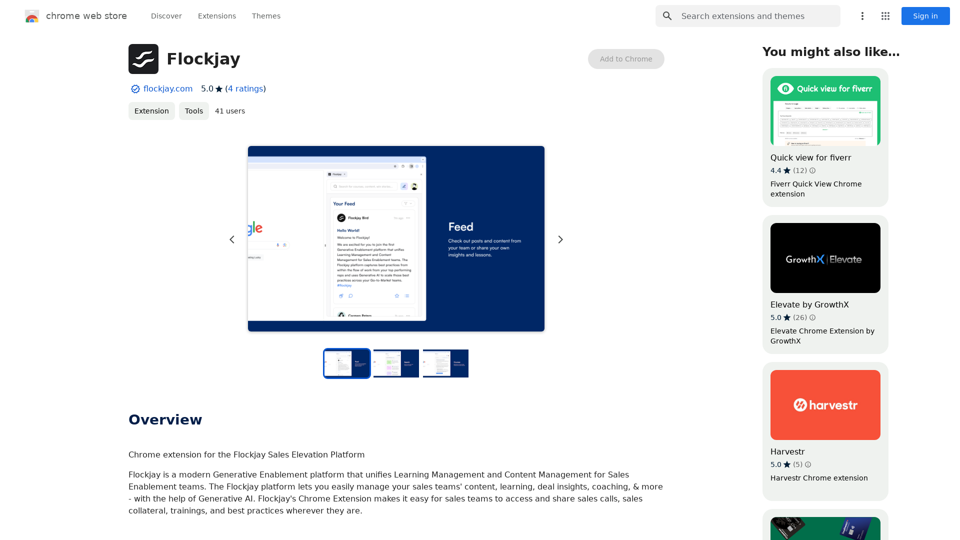
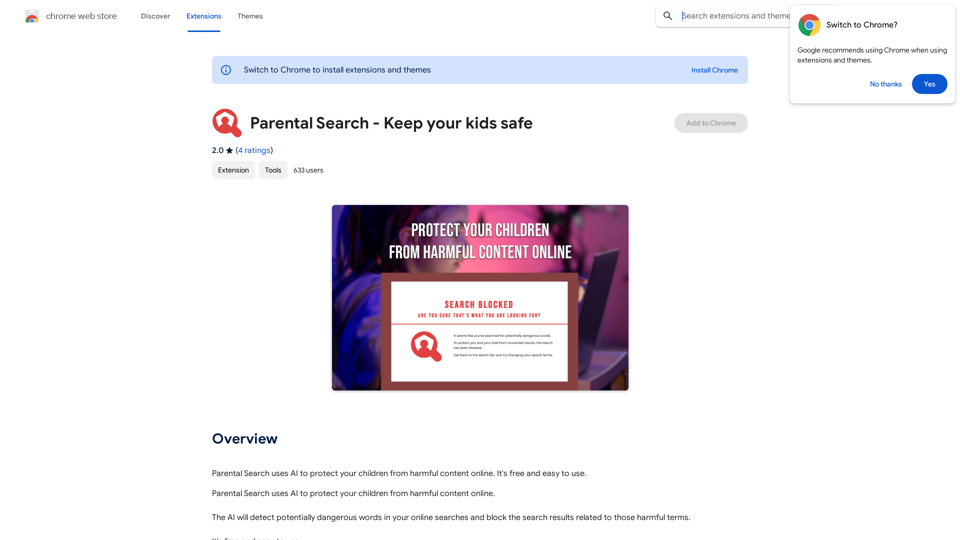
Parental Search uses AI to protect your children from harmful content online. It's free and easy to use.
193.90 M
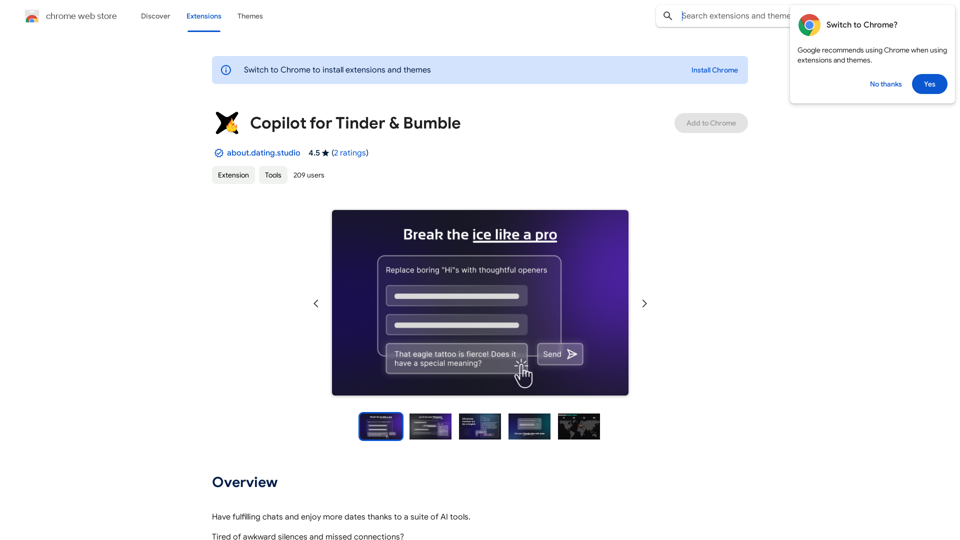
Copilot for Tinder & Bumble Tired of swiping endlessly? Let Copilot handle your dating app game! * Craft irresistible bios: Copilot helps you write witty and engaging bios that highlight your best qualities. * Spark conversations: Struggling to come up with opening lines? Copilot suggests clever and personalized messages to break the ice. * Navigate tricky situations: Copilot offers advice and guidance on handling awkward moments or difficult conversations. * Boost your matches: With Copilot's help, you'll stand out from the crowd and attract more matches. * Save time and energy: Let Copilot do the heavy lifting so you can focus on enjoying the dating experience. Start swiping smarter, not harder. Get Copilot today!
Copilot for Tinder & Bumble Tired of swiping endlessly? Let Copilot handle your dating app game! * Craft irresistible bios: Copilot helps you write witty and engaging bios that highlight your best qualities. * Spark conversations: Struggling to come up with opening lines? Copilot suggests clever and personalized messages to break the ice. * Navigate tricky situations: Copilot offers advice and guidance on handling awkward moments or difficult conversations. * Boost your matches: With Copilot's help, you'll stand out from the crowd and attract more matches. * Save time and energy: Let Copilot do the heavy lifting so you can focus on enjoying the dating experience. Start swiping smarter, not harder. Get Copilot today!Have meaningful conversations and go on more dates with the help of a collection of AI tools.
193.90 M
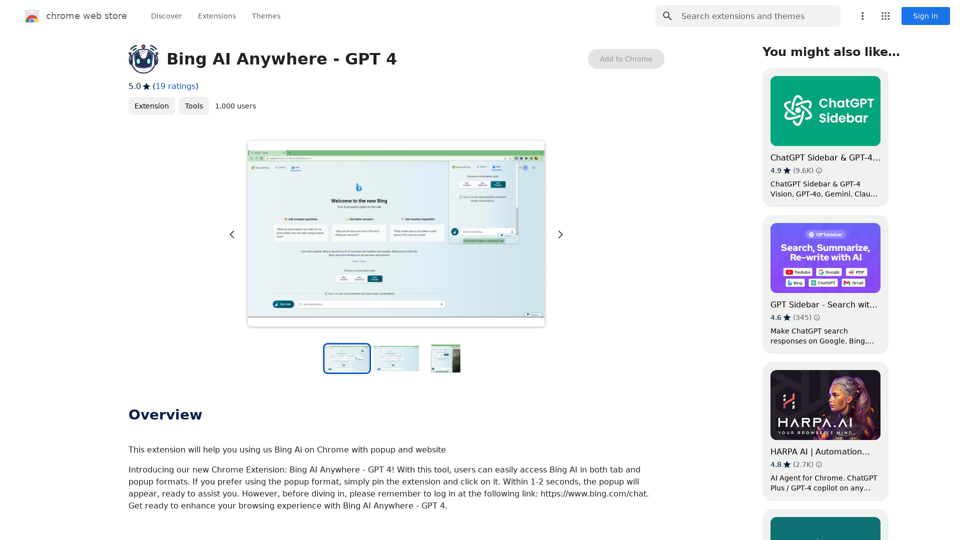
Bing AI Anywhere - GPT 4 Bing AI Anywhere is a cutting-edge technology that integrates the power of artificial intelligence into various aspects of our daily lives. With the latest GPT-4 model, this innovative platform is poised to revolutionize the way we interact, work, and live. What is GPT-4? GPT-4 is the fourth generation of the Generative Pre-trained Transformer (GPT) model, a type of artificial intelligence language model developed by OpenAI. This advanced language model is trained on a massive dataset of text from the internet and can generate human-like language, making it an ideal tool for a wide range of applications. Key Features of Bing AI Anywhere with GPT-4 * Conversational AI: Engage in natural-sounding conversations with Bing AI Anywhere, which can understand and respond to voice or text inputs. * Contextual Understanding: GPT-4's advanced language model enables Bing AI Anywhere to comprehend context, nuances, and subtleties of language, making interactions more human-like. * Multitasking: This technology can handle multiple tasks simultaneously, making it an efficient and productive tool for various industries and applications. * Personalization: Bing AI Anywhere with GPT-4 can learn and adapt to individual preferences, providing a tailored experience for each user. Potential Applications of Bing AI Anywhere with GPT-4 * Virtual Assistants: Integrate Bing AI Anywhere into virtual assistants to create more conversational and helpful AI-powered companions. * Customer Service: Implement this technology in customer service platforms to provide 24/7 support and improve customer satisfaction. * Healthcare: Utilize Bing AI Anywhere with GPT-4 to develop AI-powered chatbots that can assist with medical inquiries, appointments, and more. * Education: Create interactive and engaging educational tools that can provide personalized learning experiences for students. The Future of AI with Bing AI Anywhere and GPT-4 As Bing AI Anywhere continues to evolve with the power of GPT-4, we can expect to see even more innovative applications and use cases emerge. This technology has the potential to transform industries, revolutionize the way we work and live, and bring us closer to a future where humans and AI collaborate seamlessly.
Bing AI Anywhere - GPT 4 Bing AI Anywhere is a cutting-edge technology that integrates the power of artificial intelligence into various aspects of our daily lives. With the latest GPT-4 model, this innovative platform is poised to revolutionize the way we interact, work, and live. What is GPT-4? GPT-4 is the fourth generation of the Generative Pre-trained Transformer (GPT) model, a type of artificial intelligence language model developed by OpenAI. This advanced language model is trained on a massive dataset of text from the internet and can generate human-like language, making it an ideal tool for a wide range of applications. Key Features of Bing AI Anywhere with GPT-4 * Conversational AI: Engage in natural-sounding conversations with Bing AI Anywhere, which can understand and respond to voice or text inputs. * Contextual Understanding: GPT-4's advanced language model enables Bing AI Anywhere to comprehend context, nuances, and subtleties of language, making interactions more human-like. * Multitasking: This technology can handle multiple tasks simultaneously, making it an efficient and productive tool for various industries and applications. * Personalization: Bing AI Anywhere with GPT-4 can learn and adapt to individual preferences, providing a tailored experience for each user. Potential Applications of Bing AI Anywhere with GPT-4 * Virtual Assistants: Integrate Bing AI Anywhere into virtual assistants to create more conversational and helpful AI-powered companions. * Customer Service: Implement this technology in customer service platforms to provide 24/7 support and improve customer satisfaction. * Healthcare: Utilize Bing AI Anywhere with GPT-4 to develop AI-powered chatbots that can assist with medical inquiries, appointments, and more. * Education: Create interactive and engaging educational tools that can provide personalized learning experiences for students. The Future of AI with Bing AI Anywhere and GPT-4 As Bing AI Anywhere continues to evolve with the power of GPT-4, we can expect to see even more innovative applications and use cases emerge. This technology has the potential to transform industries, revolutionize the way we work and live, and bring us closer to a future where humans and AI collaborate seamlessly.This extension helps you use Bing AI on Chrome with a popup and website.
193.90 M