PromptForge is an AI-driven platform that provides access to a wide range of AI technologies, including ChatGPT, Gemini, and Claude. It offers thousands of one-click prompts directly within these AI platforms, making it easy for users to leverage AI capabilities for various needs. The platform is designed to enhance productivity and streamline the process of interacting with AI technologies.
PromptForge
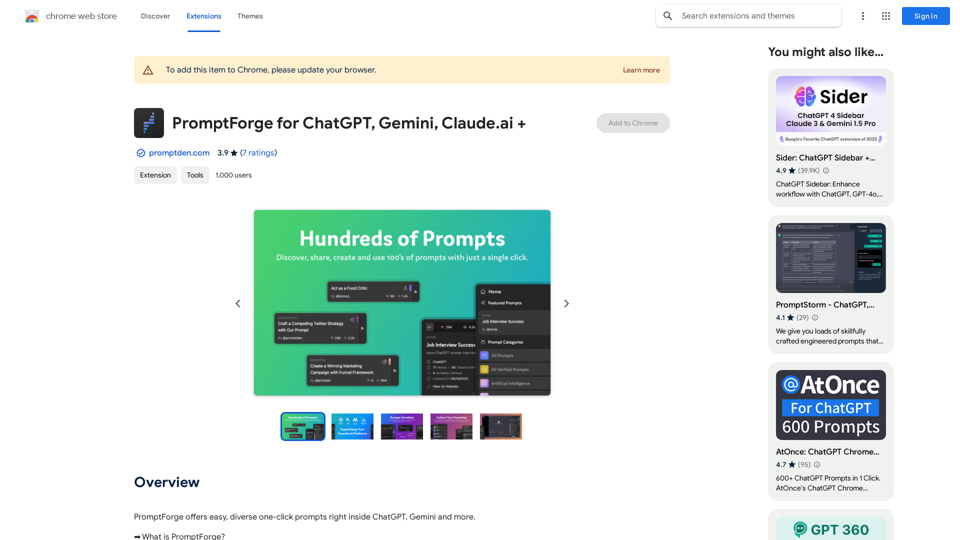
PromptForge offers easy, diverse one-click prompts right inside ChatGPT, Gemini and more.
Introduction
Feature
Vast Prompt Library
PromptForge offers thousands of well-organized and searchable prompts, covering various categories such as SEO, Copywriting, and Marketing.
Multi-Platform Support
The platform supports multiple AI technologies, including ChatGPT, Gemini, Claude, and more, providing users with flexibility in their AI interactions.
Custom Prompt Creation
Users can create and save their own prompts for future use, enhancing productivity and efficiency in their AI-assisted tasks.
Browser Extension
PromptForge is accessible through a browser extension, allowing for seamless integration with supported AI platforms.
Data Preservation
All user-created prompts, likes, shares, and collections are stored in the user's profile on PromptDen.com, ensuring long-term access to curated prompts and data.
Language Settings
Users can adjust language settings from the prompt page, app settings, or directly within supported AI platforms for a customized experience.
Daily Free Uses
PromptForge leverages daily free uses of various AI tools, including GPT-4 document reading and DALL-E image generation, maximizing user benefits.
FAQ
How do I use PromptForge?
Users can install the PromptForge extension and access prompts directly inside supported AI platforms. The extension is designed for easy use and provides a seamless experience.
Does PromptForge support image generation?
No, PromptForge is primarily designed for text-based prompts and does not offer image generation capabilities.
What happens if a new AI platform emerges?
PromptForge is built to be adaptable and can be integrated into new AI platforms as they emerge, ensuring longevity beyond any single service.
Is technical support available?
Yes, users can access support through the PromptForge website, the app, and the Chrome extension page.
Related Websites
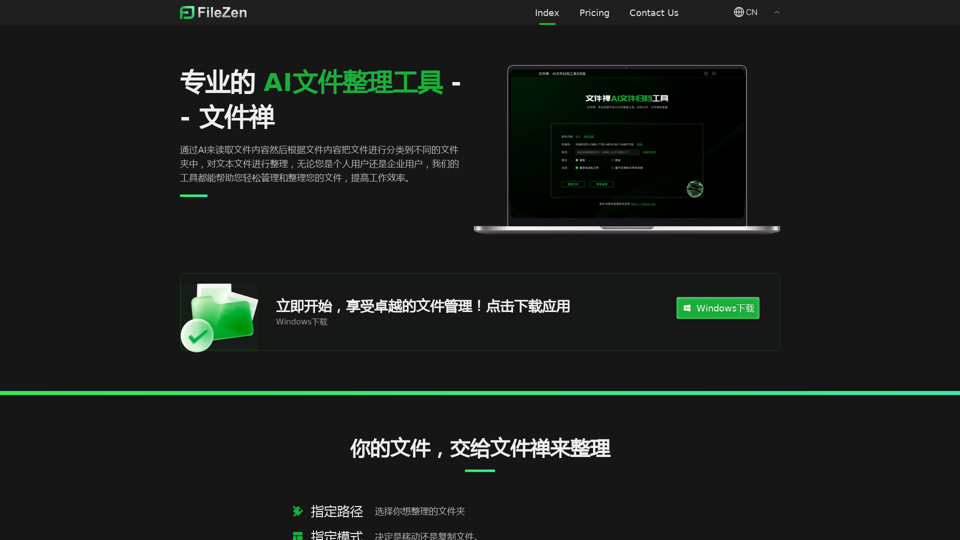
File Zen, a tool for AI-powered intelligent file organization and classification.
File Zen, a tool for AI-powered intelligent file organization and classification.FileNeatAI is a professional AI-powered file organization tool designed to streamline the process of categorizing and organizing text files on your computer. By leveraging advanced AI capabilities, FileNeatAI reads the content of each file within a specified folder and intelligently categorizes these files into different folders based on their content.
2.42 K
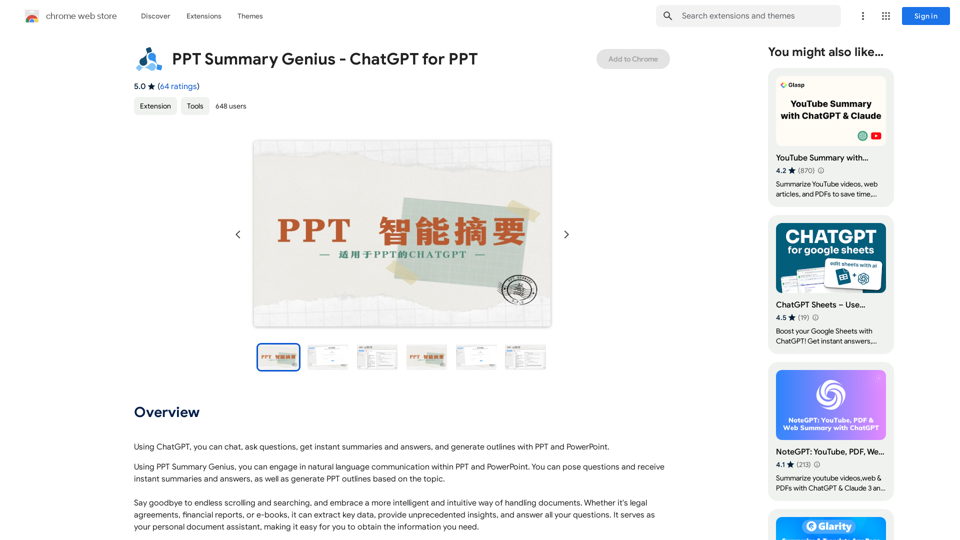
PPT Summary Genius - ChatGPT for PPT Turn your boring presentations into engaging masterpieces! * Summarize lengthy PPTs: ChatGPT can condense your slides into concise summaries, perfect for quick reviews or sharing key points. * Generate compelling narratives: Transform your data and bullet points into captivating stories that resonate with your audience. * Craft impactful introductions and conclusions: Start strong and leave a lasting impression with ChatGPT's help. * Overcome writer's block: Struggling with slide content? ChatGPT can provide creative ideas and help you overcome creative hurdles. * Tailor your message: Adjust the tone and style of your presentation to match your audience and purpose. Boost your productivity and create presentations that truly shine!
PPT Summary Genius - ChatGPT for PPT Turn your boring presentations into engaging masterpieces! * Summarize lengthy PPTs: ChatGPT can condense your slides into concise summaries, perfect for quick reviews or sharing key points. * Generate compelling narratives: Transform your data and bullet points into captivating stories that resonate with your audience. * Craft impactful introductions and conclusions: Start strong and leave a lasting impression with ChatGPT's help. * Overcome writer's block: Struggling with slide content? ChatGPT can provide creative ideas and help you overcome creative hurdles. * Tailor your message: Adjust the tone and style of your presentation to match your audience and purpose. Boost your productivity and create presentations that truly shine!Using ChatGPT, you can chat, ask questions, get instant summaries and answers, and generate outlines for presentations in PPT and PowerPoint format.
193.90 M
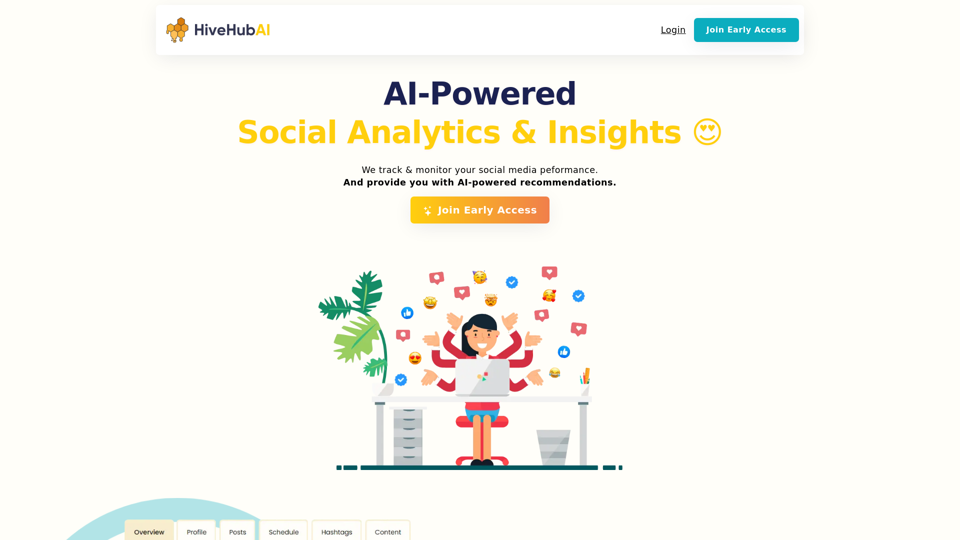
Discover HiveHubAI, your go-to AI-driven social media analytics platform. Elevate your digital influence with real-time Instagram and Facebook analytics, personalized AI insights, and strategic content optimization. Join our early access to transform your social media strategy!
740