Open-source RightAI Tools Directory
  • Discover AI
  • Submit
  • Startup
  • Blog
Open-source RightAI Tools Directory
Discover the best AI tools of 2025 with the RightAI Tools Directory!

Friend Links

AI Anime GeneratorToolsApp AI

Support

Tap4
Privacy policyTerms & ConditionsContact Us
Loading...
loading...

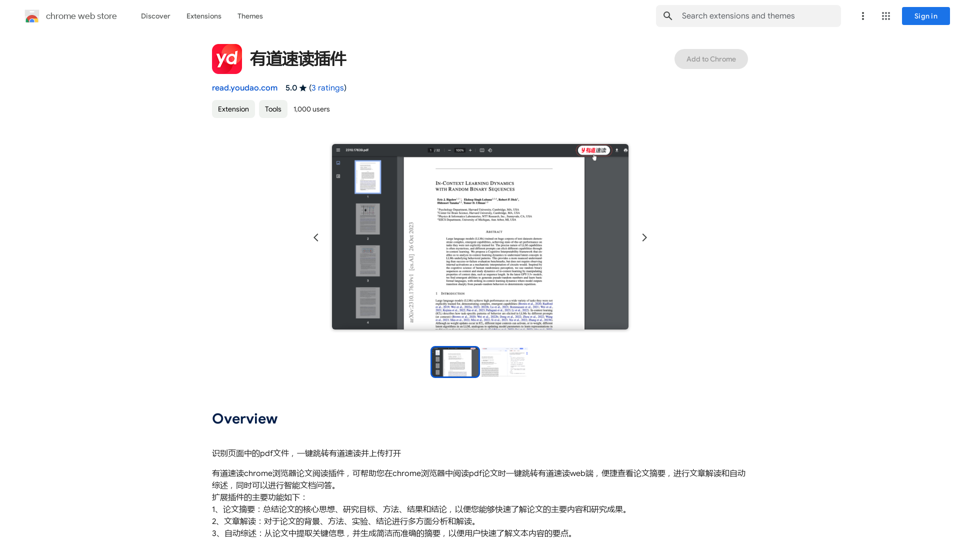
YouTube Chinese Dubbing

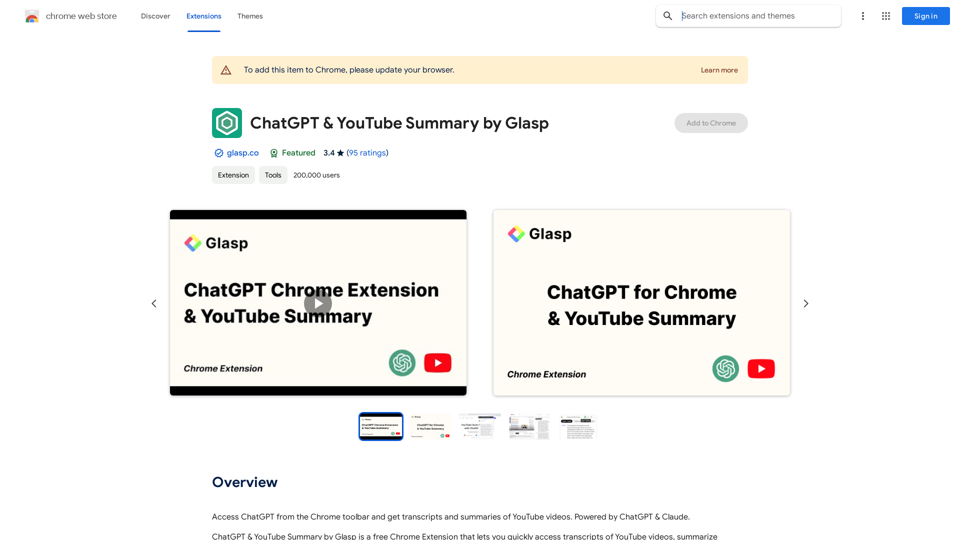
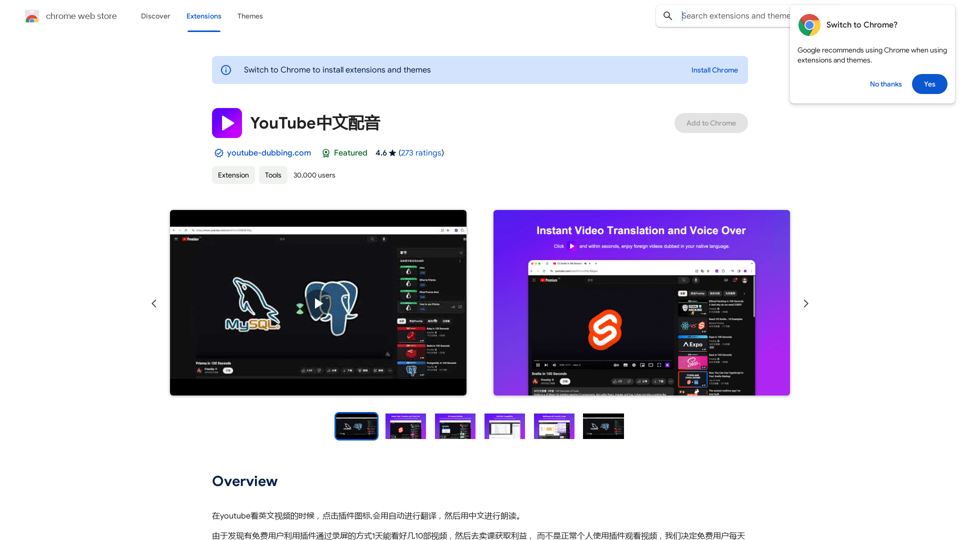
When watching English videos on YouTube, click the plugin icon, and it will automatically translate and then read aloud in Chinese.
Visit Website
YouTube Chinese Dubbing
Visit Website

Introduction

YouTube Dubbing is a browser extension that enhances the YouTube viewing experience by providing automatic translation and reading aloud of English videos in Chinese. This AI-powered tool offers seamless subtitle translation, making it easier for non-English speakers to enjoy a wide range of content on YouTube.

Feature

Automatic Subtitle Translation

YouTube Dubbing automatically translates English subtitles into Chinese, allowing users to understand the content without language barriers.

Text-to-Speech Functionality

The extension includes a read-aloud feature that converts translated subtitles into spoken Chinese, providing an immersive viewing experience.

Multi-Browser Compatibility

YouTube Dubbing supports multiple browsers, including:

  • Chrome
  • Firefox
  • Safari

Cross-Platform Support

The extension is available on various devices:

  • PC
  • Android
  • iOS

Multi-Language Support

While primarily focused on English to Chinese translation, YouTube Dubbing also supports:

  • Japanese
  • Korean

Customizable Interface

Users can personalize their experience by:

  • Adjusting font size and style
  • Switching between different voices and languages

Easy Installation and Usage

  1. Install from Chrome Web Store
  2. Play an English YouTube video
  3. Click YouTube Dubbing icon
  4. Select target language
  5. Customize font settings
  6. Activate read-aloud feature

Free to Use

YouTube Dubbing is a free extension with no subscription fees or hidden costs.

FAQ

Is YouTube Dubbing free to use?

Yes, YouTube Dubbing is a free browser extension with no subscription fees or hidden costs.

What languages does YouTube Dubbing support?

The extension primarily focuses on English to Chinese translation but also supports Japanese and Korean.

Can I use YouTube Dubbing on multiple devices?

Yes, YouTube Dubbing is compatible with PC, Android, and iOS devices.

How can I customize the subtitle appearance?

You can adjust the font size and style by clicking the three dots next to the YouTube Dubbing icon.

Is it possible to change the voice or language for the read-aloud feature?

Yes, you can switch between different voices and languages using the "Voice" or "Language" dropdown menus.

Latest Traffic Insights

  • Monthly Visits

    193.90 M

  • Bounce Rate

    56.27%

  • Pages Per Visit

    2.71

  • Time on Site(s)

    115.91

  • Global Rank

    -

  • Country Rank

    -

Recent Visits

Traffic Sources

  • Social Media:
    0.48%
  • Paid Referrals:
    0.55%
  • Email:
    0.15%
  • Referrals:
    12.81%
  • Search Engines:
    16.21%
  • Direct:
    69.81%
More Data

Related Websites

TEE Buddy Free
View Detail

TEE Buddy Free

TEE Buddy Free

Helps you reserve a tee time at your favorite golf course.

193.90 M
Re:GPT — AI-Powered Email Assistant
View Detail

Re:GPT — AI-Powered Email Assistant

Re:GPT — AI-Powered Email Assistant

OpenAI ChatGPT integration for Gmail & Outlook — Automatically fill in email replies and harness the power of GPT to compose high-quality emails at a faster pace.

193.90 M
Chrome Web Store
View Detail

Chrome Web Store

Chrome Web Store

Enhance your browser with new features and tailor your browsing experience to your preferences.

193.90 M
Stable Diffusion 3 Free Online Access - Powered By SD3 API
View Detail

Stable Diffusion 3 Free Online Access - Powered By SD3 API

Stable Diffusion 3 Free Online Access - Powered By SD3 API

Discover Stable Diffusion 3, the advanced text-to-image model by Stability AI. Learn about the stable diffusion 3 release date, how to download stable diffusion 3, stable diffusion 3 API, and how to access stable diffusion 3 for free online.

105.22 K
Knowyoursnack - Discover What’s Inside Your Snacks
View Detail

Knowyoursnack - Discover What’s Inside Your Snacks

Knowyoursnack - Discover What’s Inside Your Snacks

KnowYourSnack is your personal guide to understanding snack ingredients. Simply snap a photo of the ingredients list on any snack package, and our AI-powered app will identify harmful substances, provide detailed information, and help you make healthier choices.

0
NoteGPT: ChatGPT Summary for Vimeo
===============

What is NoteGPT?

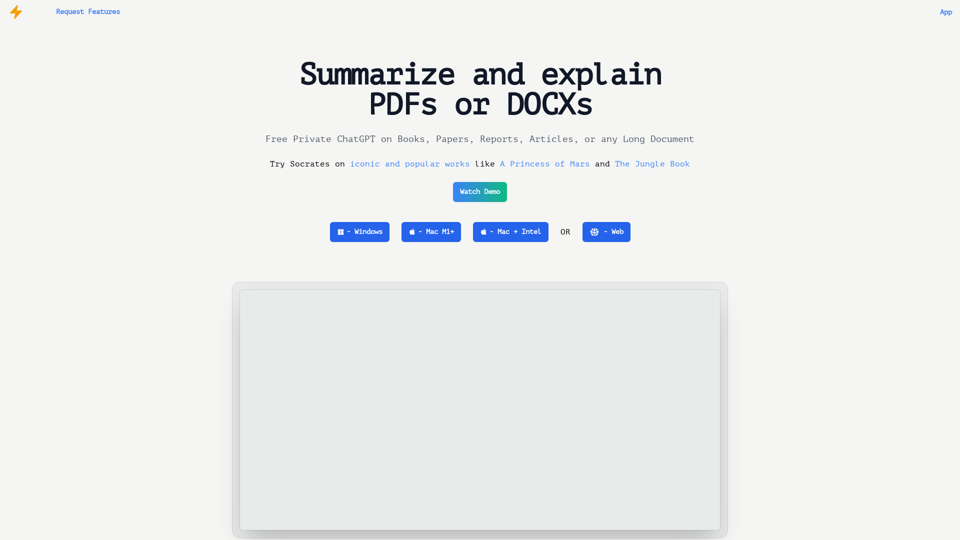
NoteGPT is an AI-powered note-taking tool that utilizes the capabilities of ChatGPT to assist users in summarizing and organizing their video content on Vimeo.

Key Features

* Automatic Summarization: NoteGPT can automatically generate a concise summary of Vimeo videos, saving users time and effort.
* Customizable Notes: Users can add their own notes and tags to the generated summary, making it easy to review and reference later.
* Organization: NoteGPT allows users to organize their video content by categorizing and tagging their notes, making it simple to find specific information.

Benefits

* Time-Saving: NoteGPT's automatic summarization feature saves users time and effort, allowing them to focus on more important tasks.
* Improved Productivity: With NoteGPT, users can quickly review and reference their video content, improving their overall productivity.
* Enhanced Learning: NoteGPT's customizable notes and organization features enable users to engage more effectively with their video content, leading to enhanced learning and retention.

Use Cases

* Education: NoteGPT is ideal for students and educators who need to review and summarize video lectures and online courses.
* Business: NoteGPT can be used by professionals to summarize and organize video content for meetings, training sessions, and presentations.
* Personal Development: Individuals can use NoteGPT to summarize and review video content for personal development, such as language learning or skill-building.
View Detail

NoteGPT: ChatGPT Summary for Vimeo =============== What is NoteGPT? NoteGPT is an AI-powered note-taking tool that utilizes the capabilities of ChatGPT to assist users in summarizing and organizing their video content on Vimeo. Key Features * Automatic Summarization: NoteGPT can automatically generate a concise summary of Vimeo videos, saving users time and effort. * Customizable Notes: Users can add their own notes and tags to the generated summary, making it easy to review and reference later. * Organization: NoteGPT allows users to organize their video content by categorizing and tagging their notes, making it simple to find specific information. Benefits * Time-Saving: NoteGPT's automatic summarization feature saves users time and effort, allowing them to focus on more important tasks. * Improved Productivity: With NoteGPT, users can quickly review and reference their video content, improving their overall productivity. * Enhanced Learning: NoteGPT's customizable notes and organization features enable users to engage more effectively with their video content, leading to enhanced learning and retention. Use Cases * Education: NoteGPT is ideal for students and educators who need to review and summarize video lectures and online courses. * Business: NoteGPT can be used by professionals to summarize and organize video content for meetings, training sessions, and presentations. * Personal Development: Individuals can use NoteGPT to summarize and review video content for personal development, such as language learning or skill-building.

NoteGPT: ChatGPT Summary for Vimeo =============== What is NoteGPT? NoteGPT is an AI-powered note-taking tool that utilizes the capabilities of ChatGPT to assist users in summarizing and organizing their video content on Vimeo. Key Features * Automatic Summarization: NoteGPT can automatically generate a concise summary of Vimeo videos, saving users time and effort. * Customizable Notes: Users can add their own notes and tags to the generated summary, making it easy to review and reference later. * Organization: NoteGPT allows users to organize their video content by categorizing and tagging their notes, making it simple to find specific information. Benefits * Time-Saving: NoteGPT's automatic summarization feature saves users time and effort, allowing them to focus on more important tasks. * Improved Productivity: With NoteGPT, users can quickly review and reference their video content, improving their overall productivity. * Enhanced Learning: NoteGPT's customizable notes and organization features enable users to engage more effectively with their video content, leading to enhanced learning and retention. Use Cases * Education: NoteGPT is ideal for students and educators who need to review and summarize video lectures and online courses. * Business: NoteGPT can be used by professionals to summarize and organize video content for meetings, training sessions, and presentations. * Personal Development: Individuals can use NoteGPT to summarize and review video content for personal development, such as language learning or skill-building.

Vimeo Summary with ChatGPT for Better Learning ===================================================== What is Vimeo? --------------- Vimeo is a video-hosting platform that allows users to upload, share, and view videos. It is popular among creative professionals, businesses, and individuals who want to showcase their videos in a high-quality format. How Can ChatGPT Help with Vimeo Courses? ----------------------------------------- ChatGPT is an AI-powered language model that can assist with summarizing Vimeo courses by: * Identifying key points: ChatGPT can analyze the video content and extract the most important information, making it easier to understand and retain. * Generating summaries: ChatGPT can create concise summaries of the video courses, saving time and effort. * Improving learning: By providing a clear and concise summary, ChatGPT can help learners focus on the essential concepts and improve their understanding of the material. Benefits of Using ChatGPT for Vimeo Courses --------------------------------------------- * Time-saving: ChatGPT can quickly summarize long video courses, saving learners time and effort. * Improved comprehension: ChatGPT's summaries can help learners understand complex concepts more easily. * Enhanced retention: By providing a concise summary, ChatGPT can help learners retain information better. How to Use ChatGPT for Vimeo Courses ----------------------------------------- 1. Upload the video course: Upload the Vimeo course to ChatGPT. 2. Analyze the content: ChatGPT will analyze the video content and extract key points. 3. Generate a summary: ChatGPT will create a concise summary of the video course. 4. Review and learn: Review the summary and use it to learn and retain the information. Conclusion ---------- ChatGPT can be a valuable tool for summarizing Vimeo courses, making it easier to learn and retain information. By using ChatGPT, learners can save time, improve comprehension, and enhance retention.

193.90 M
Reliv
View Detail

Reliv

Reliv

Automate QA Tests in Just 5 Minutes

0
Track Changes GPT
View Detail

Track Changes GPT

Track Changes GPT

Add track change function and text edit mode to ChatGPT

193.90 M