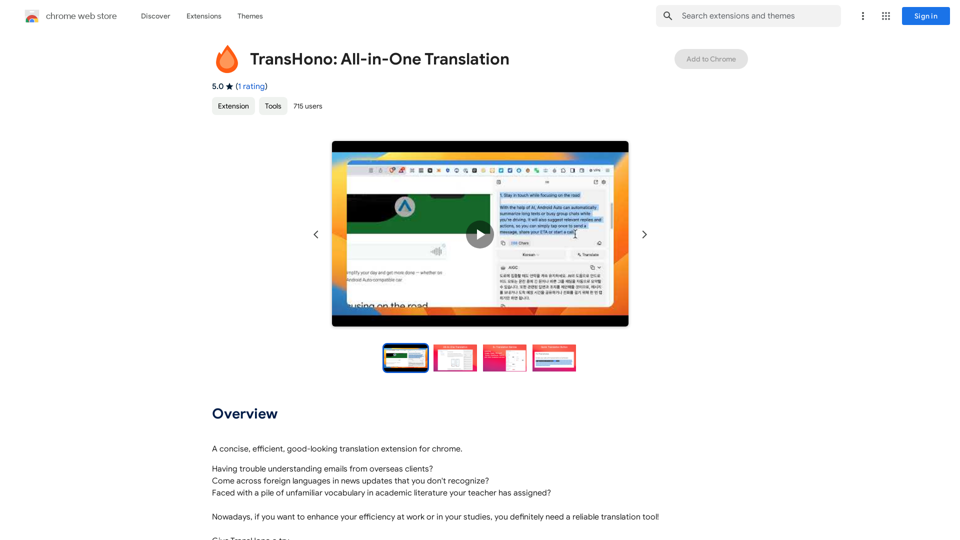
TransHono is an AI-powered Chrome extension designed for efficient and visually appealing translations. It offers multiple translation services, including Deepl, OpenAI, Microsoft Translator, Google Translate, and Tencent Translate. This versatile tool supports quick translations, multiple result displays, and is completely free to use.
TransHono: All-in-One Translation
A concise, efficient, and visually appealing translation extension for Chrome.
Introduction
Feature
Multiple Translation Services
TransHono integrates over 5 translation services, allowing users to select the most appropriate one for their specific needs.
Display Multiple Translation Results
Users can view and compare translations from different services simultaneously, enabling them to choose the most accurate or suitable translation.
Quick Translation
The extension provides convenient shortcuts for translating text into various languages, streamlining the translation process for different scenarios.
Free to Use
TransHono is available at no cost, with no subscription or payment required for full functionality.
User-Friendly Interface
The extension boasts a concise and good-looking design, enhancing the overall user experience.
Versatile Application
TransHono can be used for both personal and commercial purposes, subject to the developer's privacy policy.
FAQ
What is TransHono?
TransHono is a free AI-powered Chrome extension that offers efficient and visually appealing translations using multiple translation services.
How many translation services does TransHono support?
TransHono supports more than 5 translation services, including Deepl, OpenAI, Microsoft Translator, Google Translate, and Tencent Translate.
Is TransHono free to use?
Yes, TransHono is completely free to use, with no subscription or payment required.
Can TransHono be used for commercial purposes?
Yes, TransHono can be used for commercial purposes, but users should be aware of and adhere to the developer's privacy policy.
How do I use TransHono?
To use TransHono, install the Chrome extension and follow the instructions provided in the How-to-use-TransHono guide.
Related Websites
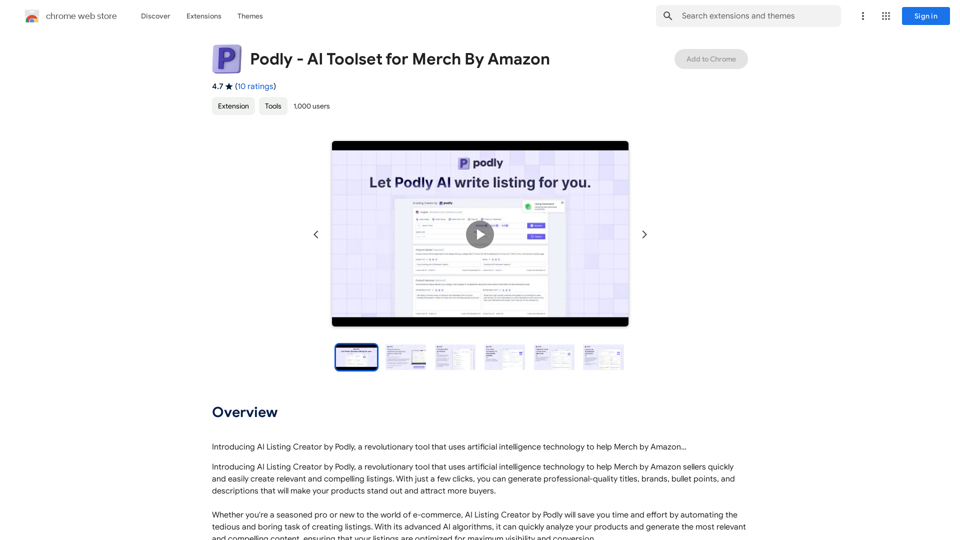
Introducing AI Listing Creator by Podly, a revolutionary tool that uses artificial intelligence technology to help Merch by Amazon sellers create high-quality product listings quickly and efficiently.
193.90 M
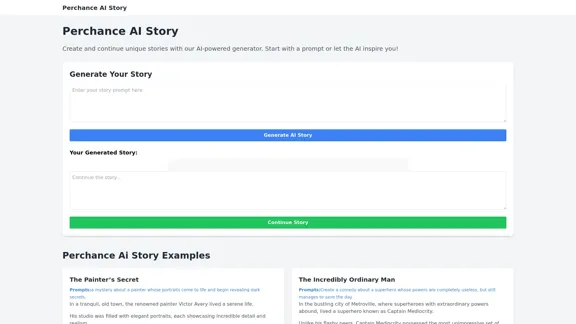
Perchance AI Story is a website that supports multiple languages and can continue to write stories.
0
AI Voice Over for YouTube This is a guide to using AI voice over for your YouTube videos. Why Use AI Voice Over? * Cost-Effective: AI voice over is much cheaper than hiring a professional voice actor. * Time-Saving: You can generate voice over quickly and easily, without needing to schedule recording sessions. * Variety of Voices: Choose from a wide range of AI voices, including male, female, and even robotic voices. * Accessibility: Make your videos accessible to viewers who are deaf or hard of hearing by adding captions generated by AI. How to Use AI Voice Over 1. Choose a Platform: There are many different platforms that offer AI voice over services, such as: * Google Cloud Text-to-Speech * Amazon Polly * Microsoft Azure Text to Speech * Murf.ai * NaturalReader 2. Write Your Script: Write a clear and concise script for your video. 3. Upload Your Script: Upload your script to the chosen platform. 4. Select a Voice: Choose the voice that best suits your video. 5. Adjust Settings: Adjust settings such as speed, pitch, and volume. 6. Generate Voice Over: Click the "Generate" button to create your voice over. 7. Download and Edit: Download the generated voice over file and edit it as needed. 8. Add to Your Video: Add the voice over to your YouTube video. Tips for Using AI Voice Over * Use Natural Language: Write your script as if you were speaking naturally. * Vary Your Tone: Use different tones of voice to keep your viewers engaged. * Add Pauses: Include pauses in your script to allow viewers to process information. * Proofread Carefully: Always proofread your script before generating the voice over. * Experiment: Try different voices, settings, and styles to find what works best for you.
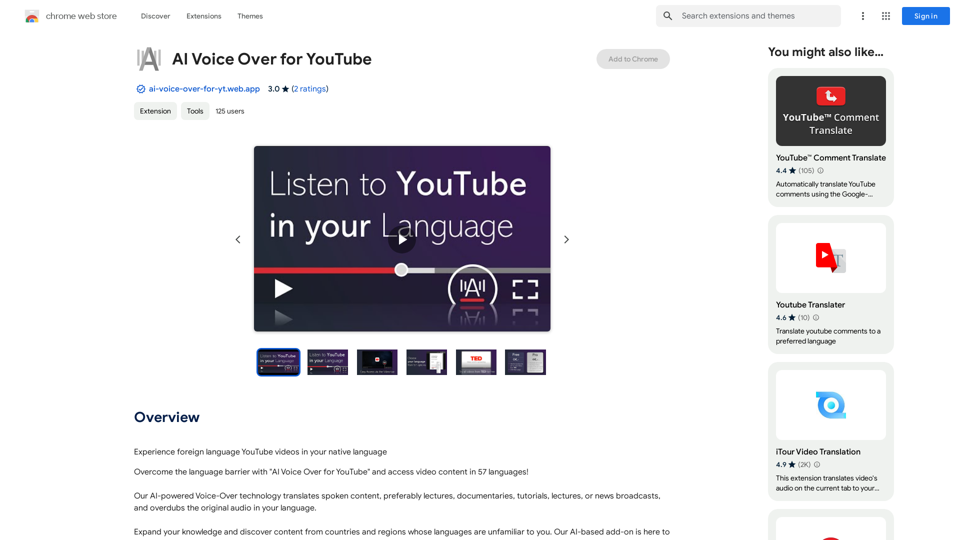
AI Voice Over for YouTube This is a guide to using AI voice over for your YouTube videos. Why Use AI Voice Over? * Cost-Effective: AI voice over is much cheaper than hiring a professional voice actor. * Time-Saving: You can generate voice over quickly and easily, without needing to schedule recording sessions. * Variety of Voices: Choose from a wide range of AI voices, including male, female, and even robotic voices. * Accessibility: Make your videos accessible to viewers who are deaf or hard of hearing by adding captions generated by AI. How to Use AI Voice Over 1. Choose a Platform: There are many different platforms that offer AI voice over services, such as: * Google Cloud Text-to-Speech * Amazon Polly * Microsoft Azure Text to Speech * Murf.ai * NaturalReader 2. Write Your Script: Write a clear and concise script for your video. 3. Upload Your Script: Upload your script to the chosen platform. 4. Select a Voice: Choose the voice that best suits your video. 5. Adjust Settings: Adjust settings such as speed, pitch, and volume. 6. Generate Voice Over: Click the "Generate" button to create your voice over. 7. Download and Edit: Download the generated voice over file and edit it as needed. 8. Add to Your Video: Add the voice over to your YouTube video. Tips for Using AI Voice Over * Use Natural Language: Write your script as if you were speaking naturally. * Vary Your Tone: Use different tones of voice to keep your viewers engaged. * Add Pauses: Include pauses in your script to allow viewers to process information. * Proofread Carefully: Always proofread your script before generating the voice over. * Experiment: Try different voices, settings, and styles to find what works best for you.Watch foreign language YouTube videos in your own language.
193.90 M
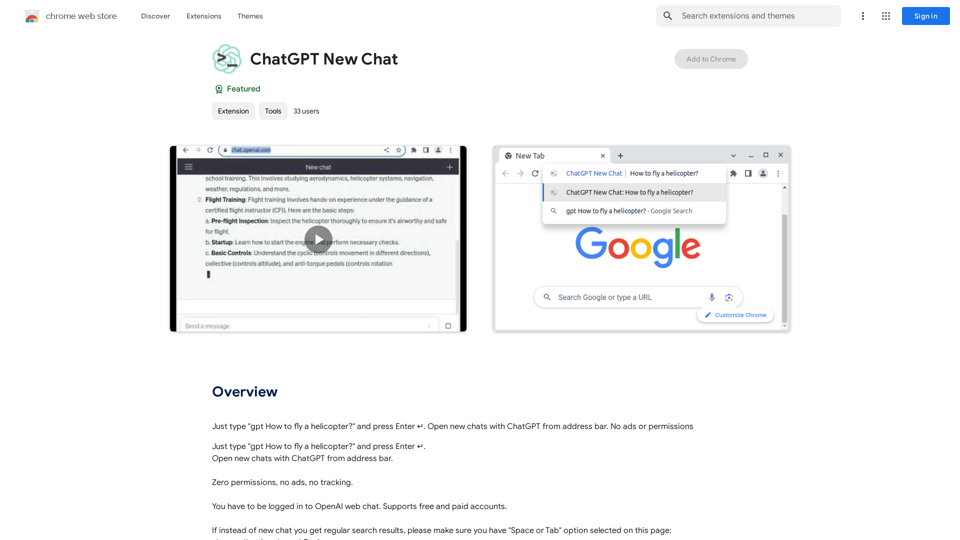
Just type "gpt How to fly a helicopter?" and press Enter ↵. Open new chats with ChatGPT from address bar. No ads or permissions
193.90 M
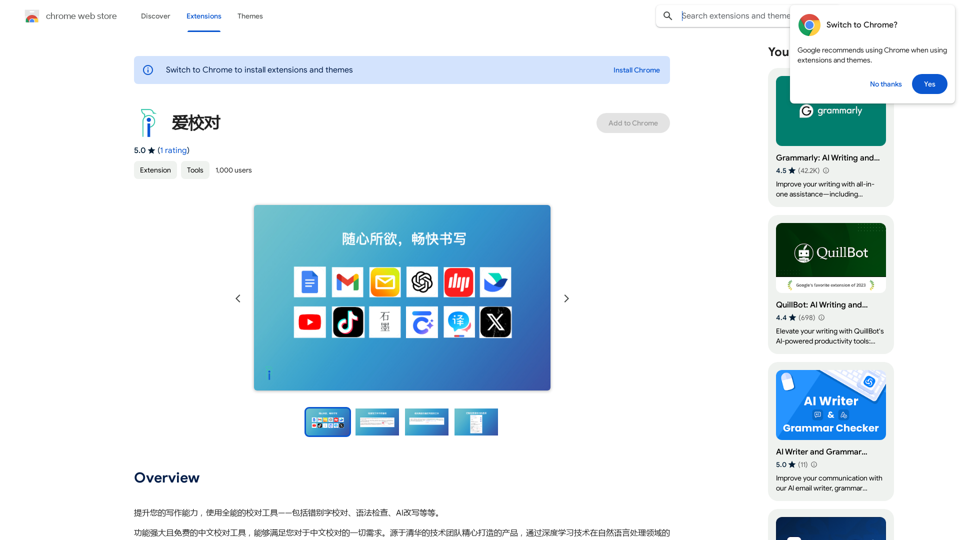
Enhance your writing skills with an all-powerful proofreading tool, including typo correction, grammar checking, AI rewriting, and more.
193.90 M

Wallow To roll or move about in a lazy, relaxed way, often in a pleasant or enjoyable manner.
Wallow To roll or move about in a lazy, relaxed way, often in a pleasant or enjoyable manner.Wallow streamlines digital product development with real-time incident tracking, team alignment, and integrated communication tools. Experience seamless collaboration and boost productivity with Wallow.
847
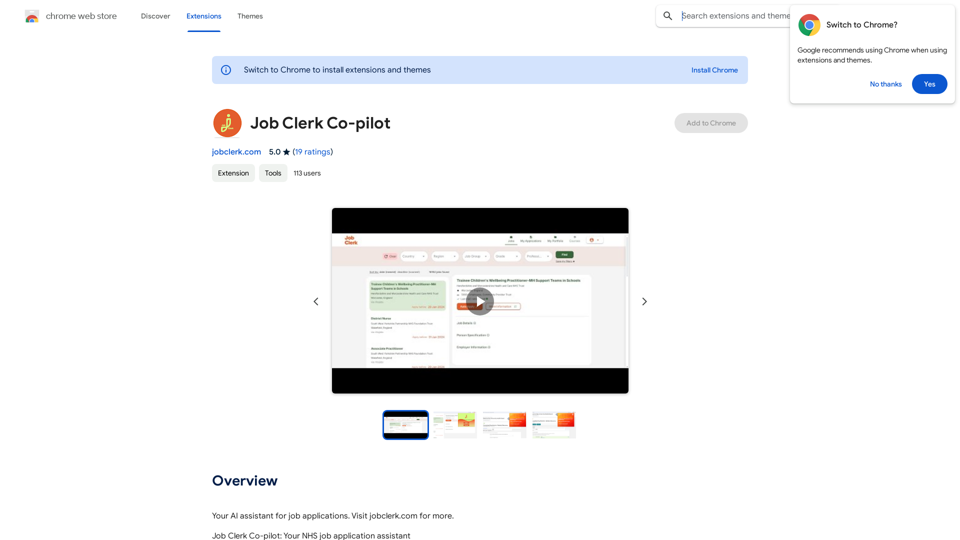
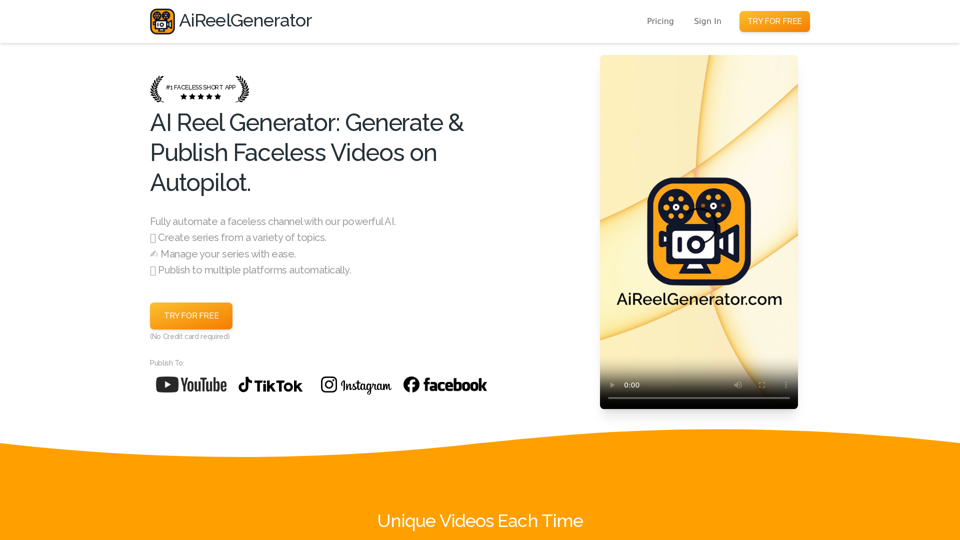
AiReelGenerator.com | Faceless Videos on Autopilot.
AiReelGenerator.com | Faceless Videos on Autopilot.Discover AiReelGenerator, the newest app that automatically makes videos without faces. Just pick a subject, and our AI will make and upload fresh videos to your YouTube, TikTok, Instagram, or Facebook account every day.
196