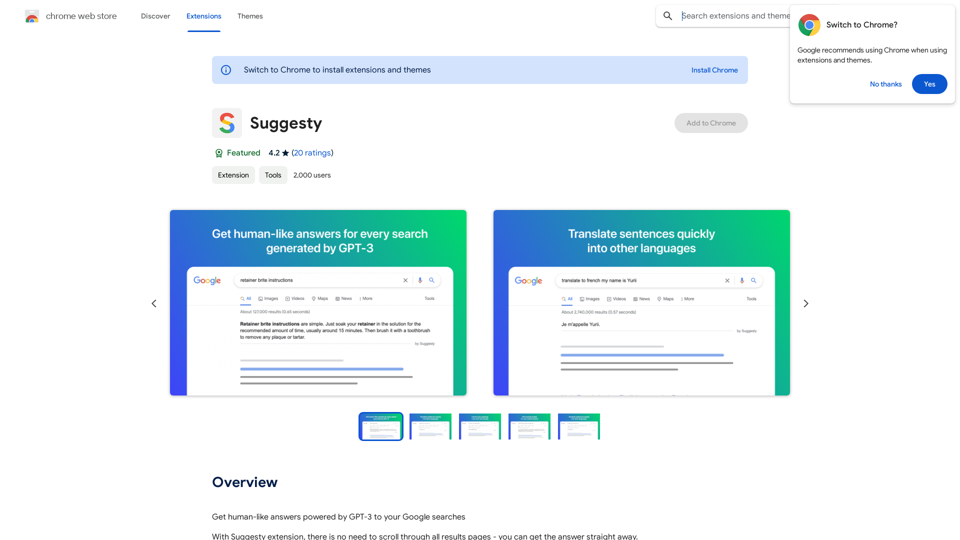
Suggesty is a Chrome extension that leverages GPT-3 to provide human-like answers to Google searches. It offers instant responses to queries without the need to scroll through multiple search result pages. This tool enhances the search experience by integrating advanced AI capabilities directly into the Google search interface.
Suggesty Suggesty is a cutting-edge AI-powered tool designed to assist users in generating high-quality content quickly and efficiently.
Get human-like answers powered by GPT-3 to your Google searches
Introduction
Feature
Instant AI-Powered Answers
Suggesty sends your Google request to GPT-3 and displays its answers directly on the Google page, providing quick and relevant information without leaving the search results.
Grammar Correction
Users can type "fix grammar" to correct their sentences, making it a useful tool for improving writing skills and ensuring error-free text.
Language Translation
Suggesty offers easy translation of text into various languages, facilitating multilingual communication and understanding.
Recipe Generation
The extension can create cocktail recipes based on the ingredients you have, showcasing its versatility beyond simple question-answering.
Versatile Query Handling
Suggesty can handle a wide range of requests, allowing users to type any question and receive an AI-generated answer powered by GPT-3.
Google Chrome Integration
As a Chrome extension, Suggesty seamlessly integrates with the Google search experience, enhancing the browser's functionality.
FAQ
How does Suggesty work?
Suggesty utilizes GPT-3 to generate answers to user questions. Upon installation, users can start by typing their questions in the search bar. The extension then sends the request to GPT-3 and displays the answer directly on the Google page.
What are the benefits of using Suggesty?
- Instant access to AI-generated answers
- Improvement of writing and grammar skills
- Generation of ideas and inspiration through GPT-3
What are the limitations of Suggesty?
- Exclusive compatibility with Google Chrome
- Potential inaccuracies in GPT-3 generated answers
- Not a replacement for human judgment and critical thinking
How can users maximize their use of Suggesty?
- Utilize Suggesty for quick answers to questions
- Experiment with various types of requests to explore GPT-3's capabilities
- Leverage the tool to enhance writing and grammar skills
Related Websites
The all-in-one Audio AI platform. The ultimate solution for Audio Transcription, Speech-To-Text, Audio Pen, Text-To-Speech, Video Dubbing, Live Stream Captioning.
The all-in-one Audio AI platform. The ultimate solution for Audio Transcription, Speech-To-Text, Audio Pen, Text-To-Speech, Video Dubbing, Live Stream Captioning.The all-in-one Audio AI platform. The ultimate solution for Audio Transcription, Speech-To-Text, Audio Pen, Text-To-Speech, Video Dubbing, Live Stream Caption
0
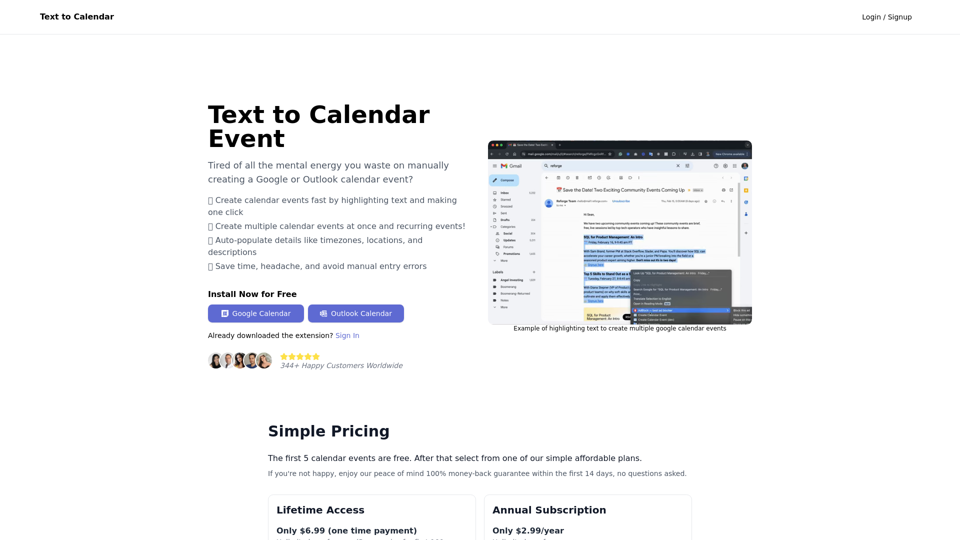
Text to Calendar Convert text into a calendar format, making it easy to organize and schedule events.
Text to Calendar Convert text into a calendar format, making it easy to organize and schedule events.Easily create calendar events from any piece of highlighted text
4.65 K
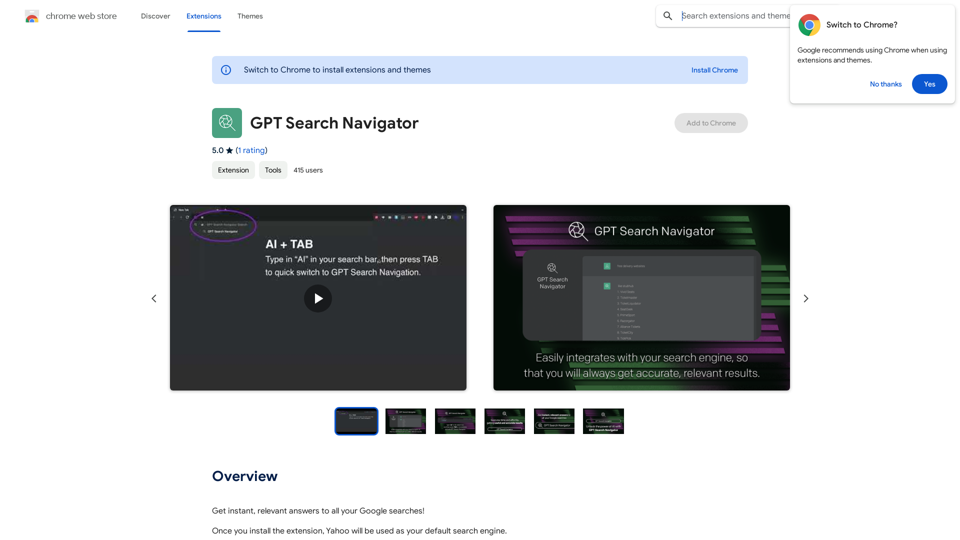
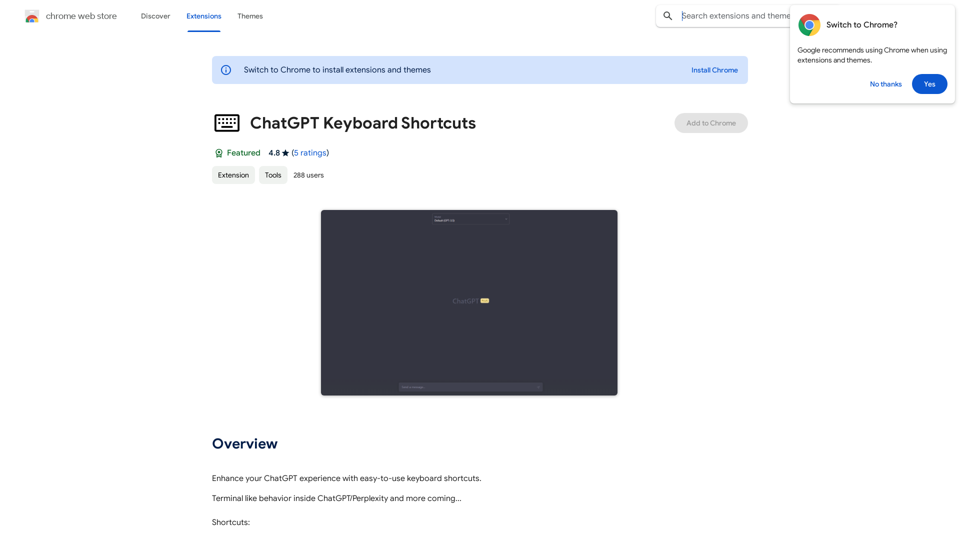
ChatGPT Keyboard Shortcuts #Navigation * Ctrl + →: Move to the next message * Ctrl + ←: Move to the previous message * Home: Move to the beginning of the conversation * End: Move to the end of the conversation #Editing * Ctrl + A: Select all text * Ctrl + C: Copy selected text * Ctrl + X: Cut selected text * Ctrl + V: Paste copied or cut text * Ctrl + Z: Undo * Ctrl + Y: Redo * Ctrl + Shift + F: Format text as code #Actions * Enter: Send the message * Shift + Enter: Insert a new line * Ctrl + Shift + Enter: Send the message and insert a new line * Esc: Cancel editing and close the message input field * Ctrl + Shift + Space: Open the emoji picker * Ctrl + Shift + /: Open the help menu #Accessibility * Ctrl + +: Increase font size * Ctrl + -: Decrease font size * Ctrl + 0: Reset font size to default
ChatGPT Keyboard Shortcuts #Navigation * Ctrl + →: Move to the next message * Ctrl + ←: Move to the previous message * Home: Move to the beginning of the conversation * End: Move to the end of the conversation #Editing * Ctrl + A: Select all text * Ctrl + C: Copy selected text * Ctrl + X: Cut selected text * Ctrl + V: Paste copied or cut text * Ctrl + Z: Undo * Ctrl + Y: Redo * Ctrl + Shift + F: Format text as code #Actions * Enter: Send the message * Shift + Enter: Insert a new line * Ctrl + Shift + Enter: Send the message and insert a new line * Esc: Cancel editing and close the message input field * Ctrl + Shift + Space: Open the emoji picker * Ctrl + Shift + /: Open the help menu #Accessibility * Ctrl + +: Increase font size * Ctrl + -: Decrease font size * Ctrl + 0: Reset font size to defaultEnhance your ChatGPT experience with easy-to-use keyboard shortcuts.
193.90 M
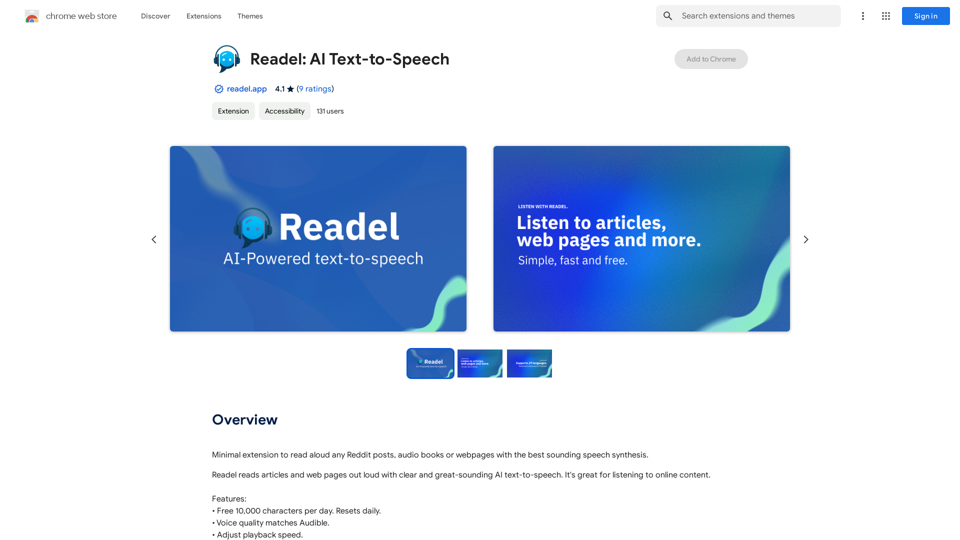
A small program that can read aloud any Reddit posts, audiobooks, or webpages using the highest quality text-to-speech technology.
193.90 M
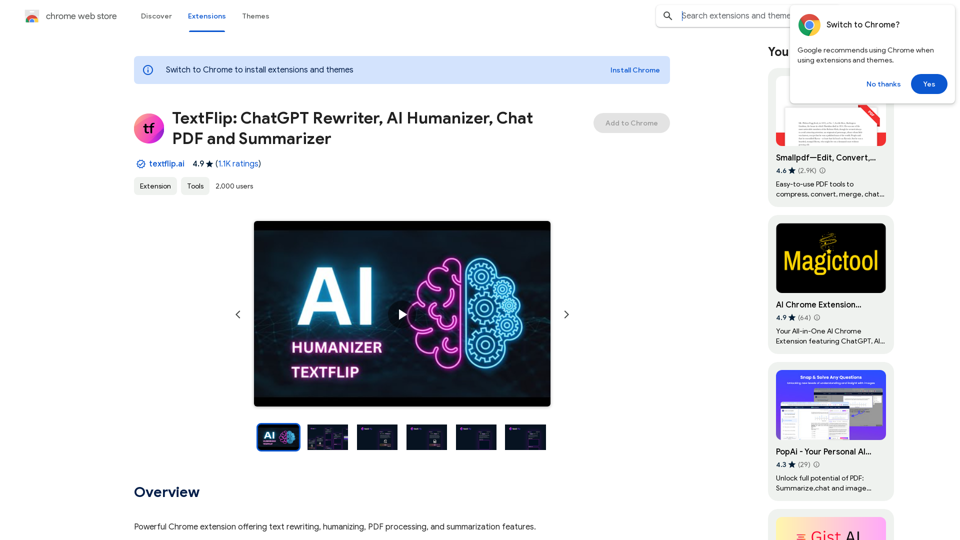
TextFlip: ChatGPT Rewriter, AI Humanizer, Chat PDF and Summarizer
TextFlip: ChatGPT Rewriter, AI Humanizer, Chat PDF and SummarizerPowerful Chrome extension offering text rewriting, making it sound more natural, PDF processing, and summarization features.
193.90 M