Rizz Baby is an AI-powered dating tool designed to enhance users' social interactions. It generates personalized responses and icebreakers, analyzing communication styles to provide tailored suggestions. This innovative app aims to boost users' confidence and success in the dating world by offering smart, context-aware conversation assistance.
Rizz Baby - AI Dating Tools on the App Store
Want to take your social interactions to the next level? Rizz Baby is your perfect partner! Powered by cutting-edge AI, our app creates customized responses and icebreakers that will help you shine in any social situation.
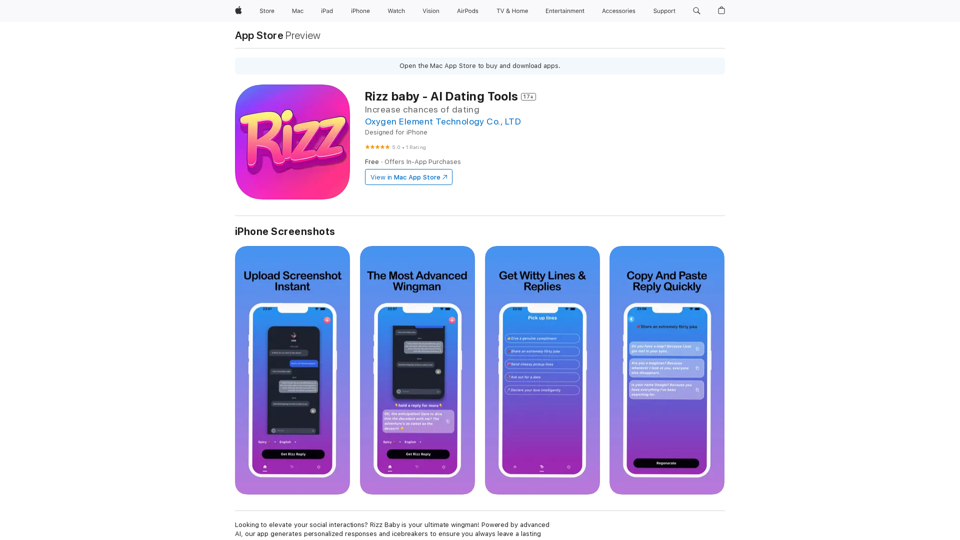
Introduction
Feature
Screenshot to Response
Upload screenshots of social app conversations and receive perfect, context-appropriate replies generated by AI.
Icebreaker Generator
Create engaging and creative opening lines to start conversations effectively and stand out from other users.
Personalized Conversations
Adapt to each user's unique communication style, providing responses that authentically reflect their personality.
User-Friendly Interface
Easy-to-use design allows quick uploading of profiles, bios, or conversation screenshots for instant, tailored responses.
Platform Availability
Currently available exclusively for iPhone users, with free download option.
Flexible Pricing Options
| Plan | Price |
|---|---|
| Monthly | $12.99 |
| Yearly | $44.99 |
| Lifetime | $69.99 |
FAQ
Is Rizz Baby available for Android?
No, Rizz Baby is currently only available for iPhone.
Can I use Rizz Baby for free?
Yes, the app offers a free version with in-app purchases for premium features.
How do I cancel my premium subscription?
You can cancel your subscription through the app's settings or by contacting the developer directly.
How can I get support or ask questions?
For assistance or inquiries, contact the support team at [email protected]. Visit the website for more information on terms and privacy policy.
Related Websites
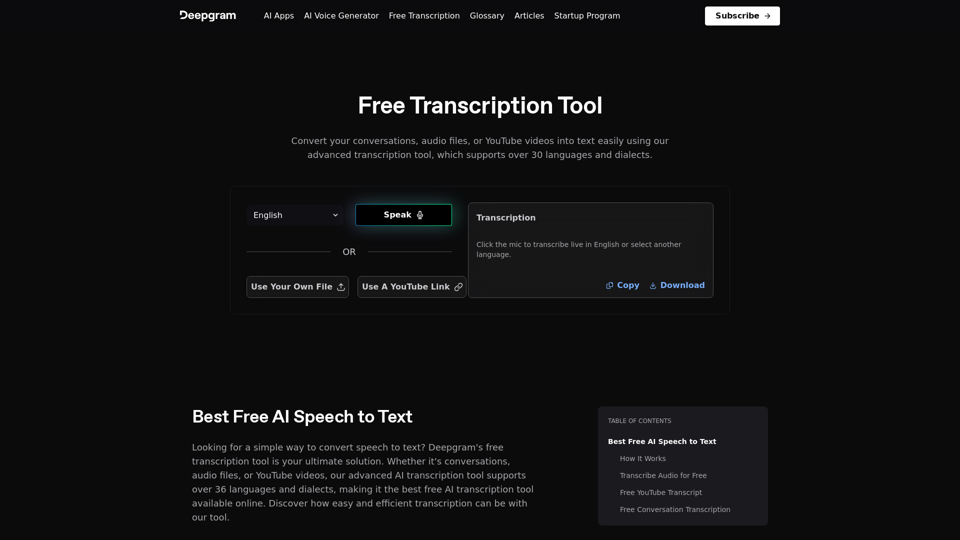
Easily convert your conversations, audio files, or YouTube videos into text for free with our advanced transcription tool.
835.16 K
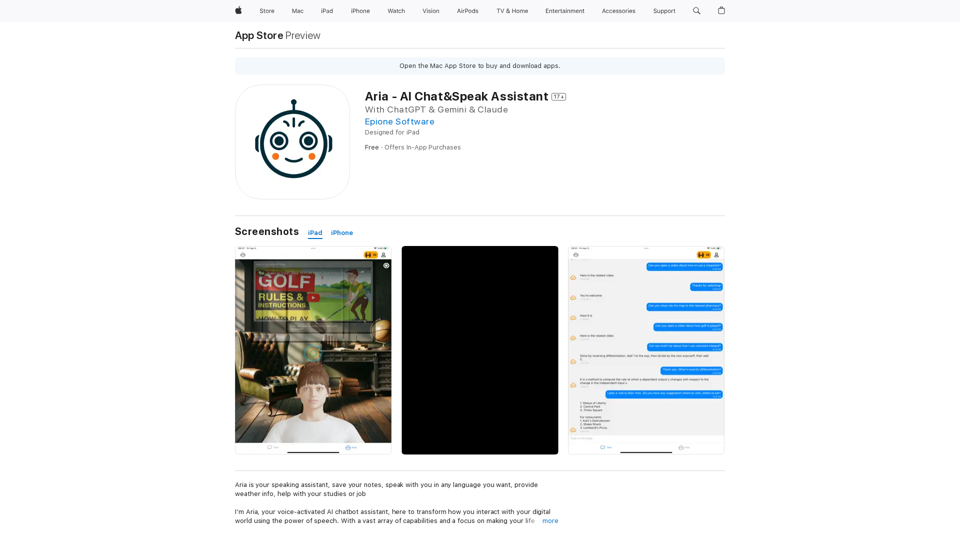
I'm Aria, your voice-activated AI chatbot assistant, here to transform how you interact with your digital world using the power of speech. With a vast array of…
124.77 M
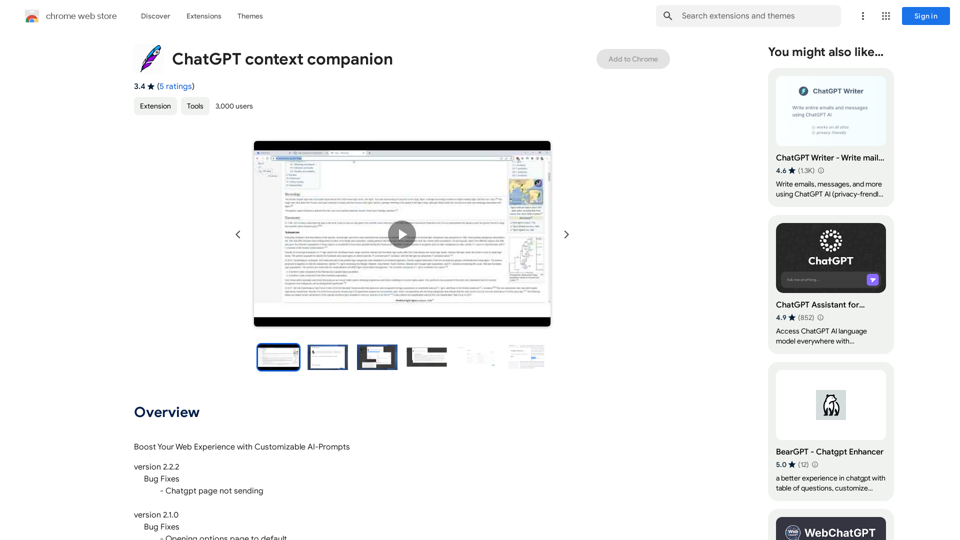
ChatGPT Context Companion The ChatGPT Context Companion is an innovative tool designed to enhance the conversational experience with ChatGPT, a cutting-edge language model. This companion tool provides users with a more comprehensive and engaging interaction by offering real-time suggestions, relevant information, and personalized responses. Key Features * Real-time Suggestions: The Context Companion provides users with relevant suggestions based on the conversation, enabling them to explore new topics, ask follow-up questions, or delve deeper into a subject. * Relevant Information: The tool offers users access to a vast knowledge base, providing them with accurate and up-to-date information on a wide range of topics, from science and history to entertainment and culture. * Personalized Responses: By analyzing the conversation context, the Context Companion generates personalized responses that cater to the user's interests, preferences, and communication style. Benefits * Enhanced Engagement: The ChatGPT Context Companion fosters a more engaging and interactive conversation, encouraging users to explore new ideas, ask questions, and learn from the conversation. * Improved Understanding: By providing users with relevant information and suggestions, the tool helps to clarify complex topics, resolve misunderstandings, and promote a deeper understanding of the subject matter. * Increased Productivity: The Context Companion saves users time and effort by offering quick access to relevant information, enabling them to focus on the conversation and achieve their goals more efficiently. Applications * Education: The ChatGPT Context Companion is an invaluable resource for students, teachers, and researchers, providing them with a wealth of information, suggestions, and insights to support their learning and research endeavors. * Business: The tool is an excellent communication aid for professionals, enabling them to access relevant information, generate ideas, and respond to customer inquiries more effectively. * Entertainment: The Context Companion adds a new dimension to online conversations, making them more engaging, informative, and enjoyable for users.
ChatGPT Context Companion The ChatGPT Context Companion is an innovative tool designed to enhance the conversational experience with ChatGPT, a cutting-edge language model. This companion tool provides users with a more comprehensive and engaging interaction by offering real-time suggestions, relevant information, and personalized responses. Key Features * Real-time Suggestions: The Context Companion provides users with relevant suggestions based on the conversation, enabling them to explore new topics, ask follow-up questions, or delve deeper into a subject. * Relevant Information: The tool offers users access to a vast knowledge base, providing them with accurate and up-to-date information on a wide range of topics, from science and history to entertainment and culture. * Personalized Responses: By analyzing the conversation context, the Context Companion generates personalized responses that cater to the user's interests, preferences, and communication style. Benefits * Enhanced Engagement: The ChatGPT Context Companion fosters a more engaging and interactive conversation, encouraging users to explore new ideas, ask questions, and learn from the conversation. * Improved Understanding: By providing users with relevant information and suggestions, the tool helps to clarify complex topics, resolve misunderstandings, and promote a deeper understanding of the subject matter. * Increased Productivity: The Context Companion saves users time and effort by offering quick access to relevant information, enabling them to focus on the conversation and achieve their goals more efficiently. Applications * Education: The ChatGPT Context Companion is an invaluable resource for students, teachers, and researchers, providing them with a wealth of information, suggestions, and insights to support their learning and research endeavors. * Business: The tool is an excellent communication aid for professionals, enabling them to access relevant information, generate ideas, and respond to customer inquiries more effectively. * Entertainment: The Context Companion adds a new dimension to online conversations, making them more engaging, informative, and enjoyable for users.Boost Your Web Experience with Customizable AI-Prompts
193.90 M
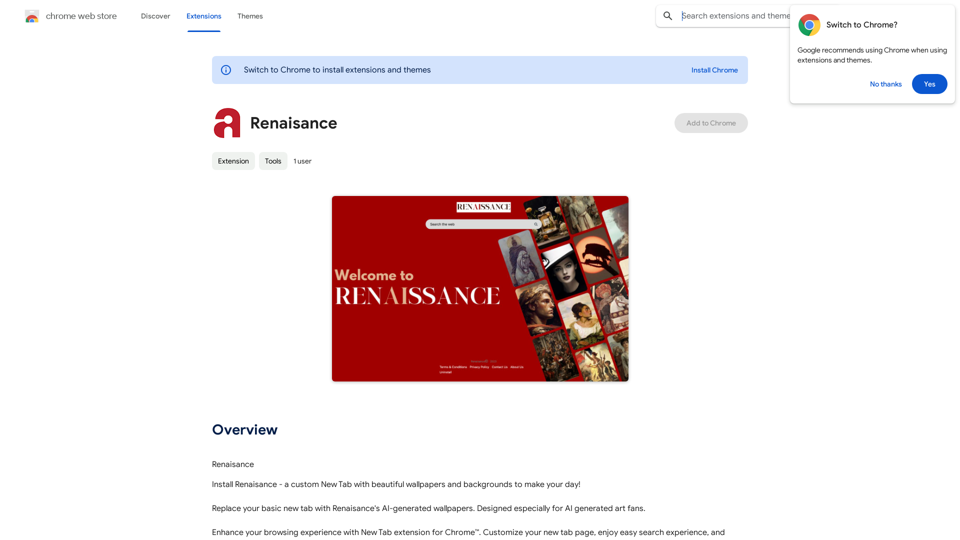
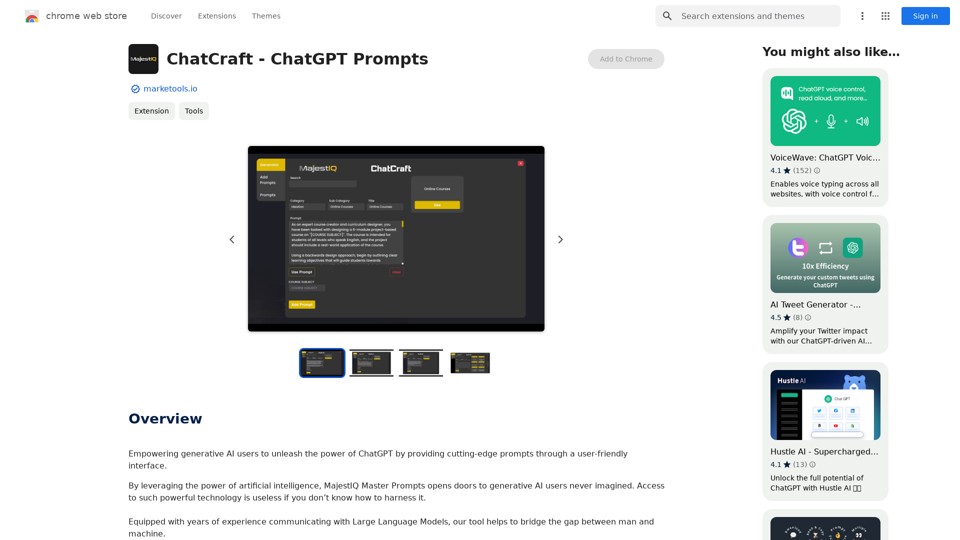
ChatCraft - ChatGPT Prompts What is ChatCraft? ChatCraft is a tool that helps you generate creative and effective prompts for ChatGPT. Why Use ChatCraft? * Unlock ChatGPT's Potential: Get more insightful, engaging, and surprising responses from ChatGPT. * Save Time and Effort: Quickly brainstorm and refine prompts without getting stuck. * Explore New Ideas: Discover unique angles and perspectives for your ChatGPT interactions. How to Use ChatCraft: 1. Choose a Category: Select from a range of categories like storytelling, code generation, dialogue writing, and more. 2. Provide Input: Give ChatCraft some context or keywords related to your desired outcome. 3. Generate Prompts: ChatCraft will generate a variety of tailored prompts for you to use with ChatGPT. 4. Experiment and Refine: Try out different prompts and see what works best for your needs. Let ChatCraft be your guide to unlocking the full potential of ChatGPT!
ChatCraft - ChatGPT Prompts What is ChatCraft? ChatCraft is a tool that helps you generate creative and effective prompts for ChatGPT. Why Use ChatCraft? * Unlock ChatGPT's Potential: Get more insightful, engaging, and surprising responses from ChatGPT. * Save Time and Effort: Quickly brainstorm and refine prompts without getting stuck. * Explore New Ideas: Discover unique angles and perspectives for your ChatGPT interactions. How to Use ChatCraft: 1. Choose a Category: Select from a range of categories like storytelling, code generation, dialogue writing, and more. 2. Provide Input: Give ChatCraft some context or keywords related to your desired outcome. 3. Generate Prompts: ChatCraft will generate a variety of tailored prompts for you to use with ChatGPT. 4. Experiment and Refine: Try out different prompts and see what works best for your needs. Let ChatCraft be your guide to unlocking the full potential of ChatGPT!Helping users of generative AI get the most out of ChatGPT by giving them easy-to-use, advanced prompts.
193.90 M

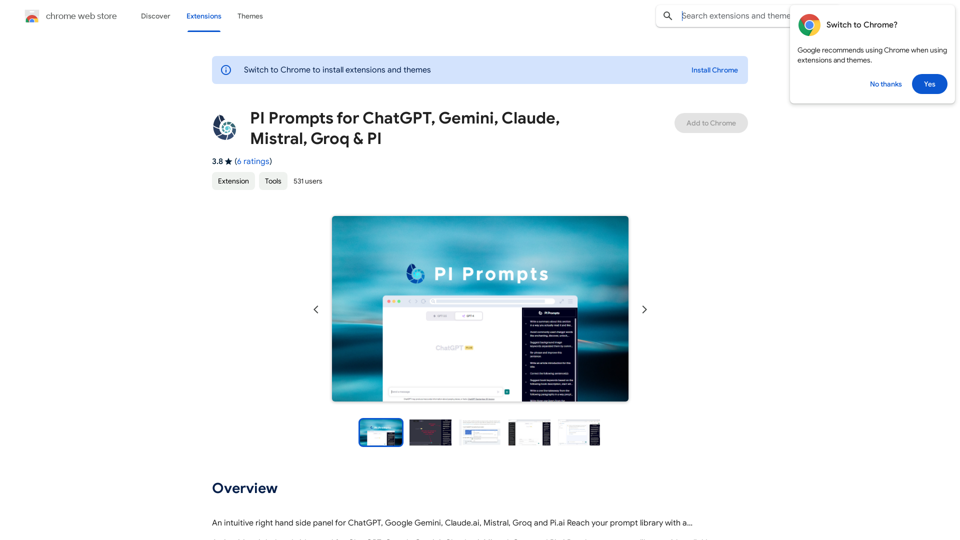
PI Prompts for ChatGPT, Gemini, Claude, Mistral, Groq & PI General Instructions: * Be specific: Clearly state what you want the AI to do. * Provide context: Give the AI enough information to understand your request. * Experiment: Try different prompts and see what works best. Creative Writing: * ChatGPT: Write a short story about a robot who learns to feel emotions. * Gemini: Compose a poem in the style of Emily Dickinson about the nature of time. * Claude: Create a fictional news article about a discovery on Mars. * Mistral: Generate a song lyric about the feeling of falling in love. * Groq: Write a screenplay for a 5-minute film about a lost dog finding its way home. * PI: Design a worldbuilding document for a fantasy novel, including its history, geography, and magic system. Informative Tasks: * ChatGPT: Summarize the main points of the article on climate change. * Gemini: Explain the concept of quantum mechanics in simple terms. * Claude: Compare and contrast the philosophies of Socrates and Plato. * Mistral: Create a list of 10 interesting facts about the human brain. * Groq: Write a code snippet to scrape data from a website. * PI: Generate a research proposal on the impact of social media on mental health. Code Generation: * ChatGPT: Write a Python function to calculate the factorial of a number. * Gemini: Generate HTML code for a simple webpage with a heading and a paragraph. * Claude: Create a SQL query to retrieve all customers from a database. * Mistral: Write a JavaScript function to validate an email address. * Groq: Generate code to create a new user account in a web application. * PI: Design a machine learning model to classify images of cats and dogs.
PI Prompts for ChatGPT, Gemini, Claude, Mistral, Groq & PI General Instructions: * Be specific: Clearly state what you want the AI to do. * Provide context: Give the AI enough information to understand your request. * Experiment: Try different prompts and see what works best. Creative Writing: * ChatGPT: Write a short story about a robot who learns to feel emotions. * Gemini: Compose a poem in the style of Emily Dickinson about the nature of time. * Claude: Create a fictional news article about a discovery on Mars. * Mistral: Generate a song lyric about the feeling of falling in love. * Groq: Write a screenplay for a 5-minute film about a lost dog finding its way home. * PI: Design a worldbuilding document for a fantasy novel, including its history, geography, and magic system. Informative Tasks: * ChatGPT: Summarize the main points of the article on climate change. * Gemini: Explain the concept of quantum mechanics in simple terms. * Claude: Compare and contrast the philosophies of Socrates and Plato. * Mistral: Create a list of 10 interesting facts about the human brain. * Groq: Write a code snippet to scrape data from a website. * PI: Generate a research proposal on the impact of social media on mental health. Code Generation: * ChatGPT: Write a Python function to calculate the factorial of a number. * Gemini: Generate HTML code for a simple webpage with a heading and a paragraph. * Claude: Create a SQL query to retrieve all customers from a database. * Mistral: Write a JavaScript function to validate an email address. * Groq: Generate code to create a new user account in a web application. * PI: Design a machine learning model to classify images of cats and dogs.An intuitive right-hand side panel for ChatGPT, Google Gemini, Claude.ai, Mistral, Groq, and Pi.ai. Reach your prompt library with a...
193.90 M