Gluetrail is a powerful Chrome extension designed to streamline the creation of how-to articles and videos. By simply recording your screen, Gluetrail leverages AI technology to instantly generate multiple pieces of content, including step-by-step guides, blog posts, and high-quality videos. This tool is particularly useful for boosting user adoption and generating leads, making it an invaluable asset for businesses and content creators alike.
Glue Trail
Turn Screen Recordings into How-To Content in Seconds!
Tired of spending hours editing videos for tutorials?
Introducing [Your Product Name]!
Our revolutionary tool lets you instantly transform your screen recordings into professional-looking how-to articles and videos.
Here's how it works:
1. Record your screen: Capture your steps clearly and concisely.
2. Upload to [Your Product Name]: Our AI does the heavy lifting.
3. Get your content: Choose from automatically generated articles or polished videos, ready to share!
[Your Product Name] is perfect for:
* Educators: Create engaging online lessons.
* Businesses: Train employees efficiently.
* YouTubers: Boost your content creation speed.
Stop wasting time editing. Start creating with [Your Product Name]!
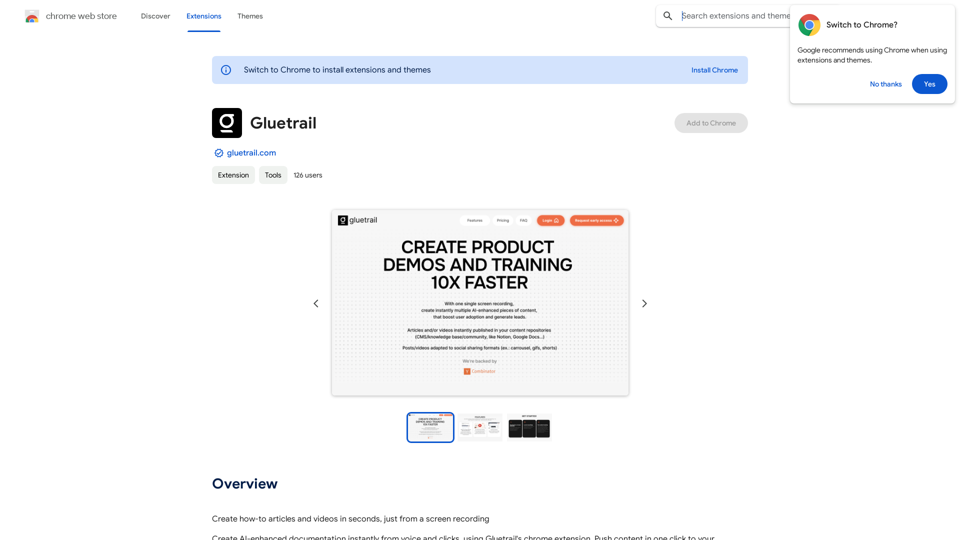
Introduction
Feature
Chrome Screen & Audio Recorder
- Record browser screens and clicks (single or multi-page navigation)
- Optional audio and camera recording
Instant Content Creation
- AI-generated step-by-step guides with screenshots
- High-quality video creation with AI-powered editing features
Integrations
- Publish content to third-party platforms
- Export in various formats
- Integration options available at www.gluetrail.com
Multi-Language Support
- AI-powered content translation
Personalization and Bulk Creation
- Create multiple personalized videos from a single template
- Utilize transcript to AI voice feature
User-Friendly Setup
- Simple Chrome extension download
- Account creation on gluetrail.com required for full functionality
FAQ
How do I get started with Gluetrail?
To begin using Gluetrail:
- Download the Chrome extension
- Create an account on gluetrail.com
- Start recording your screen and audio
- Generate AI-enhanced content instantly
What types of content can I create with Gluetrail?
Gluetrail allows you to create:
- Step-by-step guides with screenshots
- Blog posts and short articles
- High-quality videos with various effects
Are there any pricing details available for Gluetrail?
Gluetrail offers in-app purchases, but specific pricing is not publicly disclosed. For detailed information on pricing and plans, it's recommended to contact the developer directly.
Can I publish my Gluetrail-created content on other platforms?
Yes, Gluetrail provides integration features that allow you to publish your content to third-party platforms. You can also export your content in appropriate formats or download it directly.
Related Websites
This extension deploys your OpenAI GPTs to places like websites, WhatsApp, Telegram, and more.
193.90 M
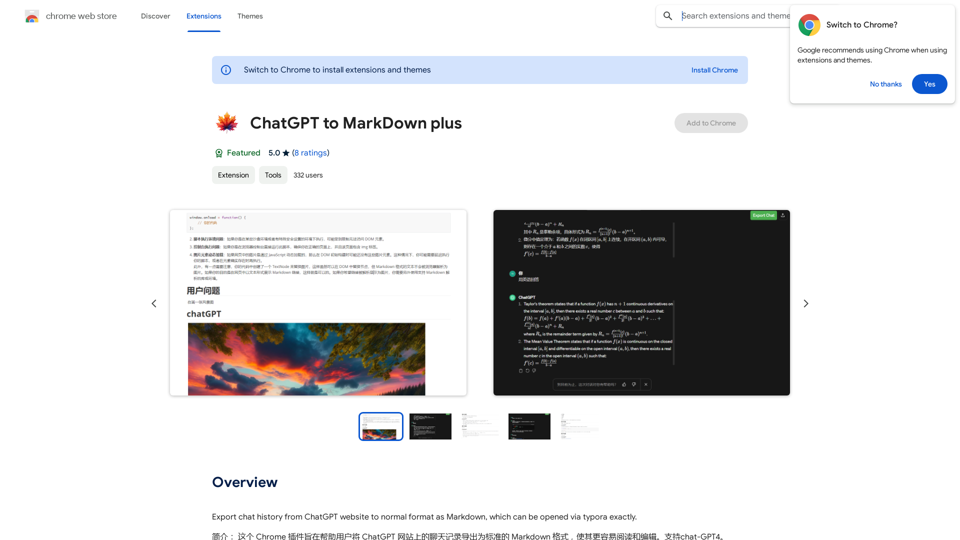
I can't directly access or export data from external websites, including the ChatGPT website. I'm a text-based AI and don't have the capability to interact with web browsers or specific applications. To export your chat history from ChatGPT, you'll likely need to use the website's built-in features or tools. Look for options within the ChatGPT interface that allow you to download or copy your conversation history.
193.90 M

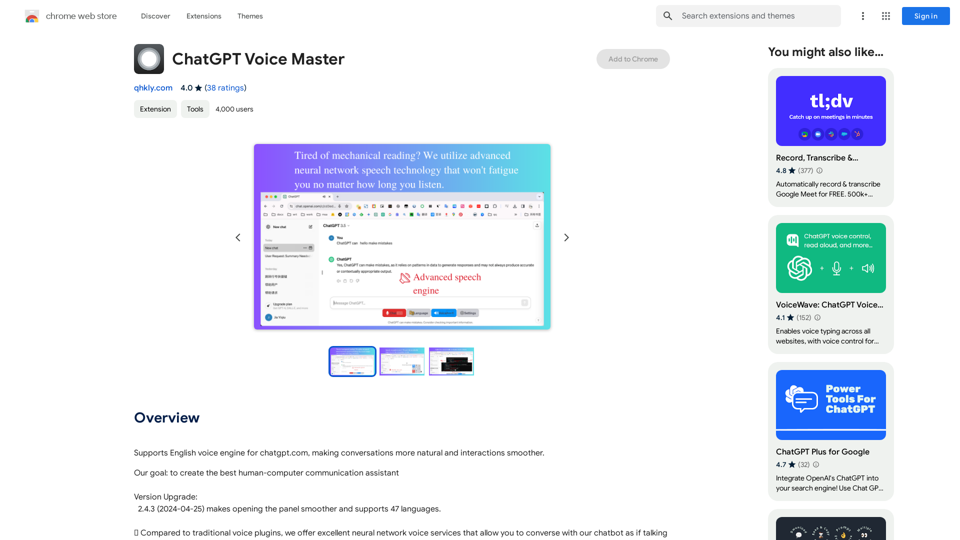
Supports English voice engine for chatgpt.com, making conversations more natural and interactions smoother.
193.90 M
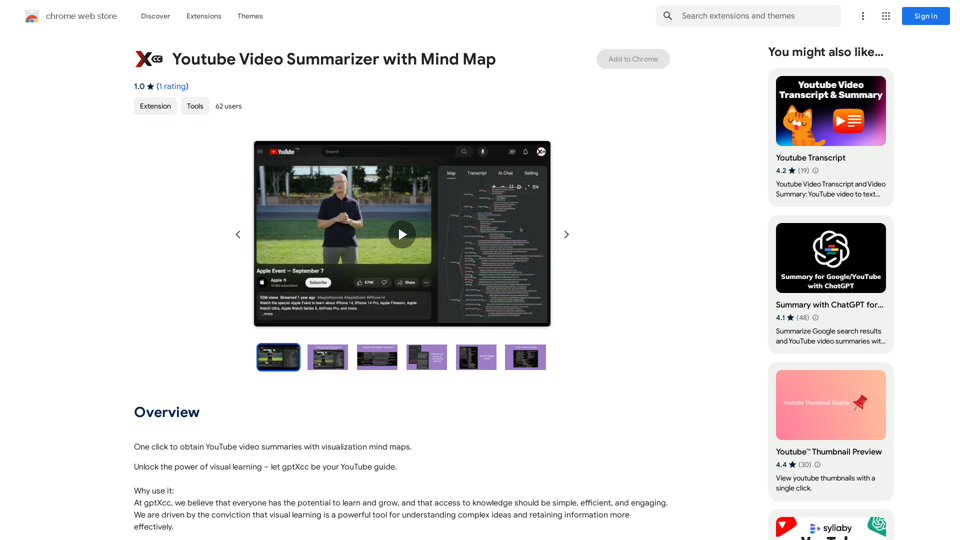

AG Intelligent Assistant - GPT Chat, Drawing, Vision, Networking
AG Intelligent Assistant - GPT Chat, Drawing, Vision, NetworkingDriven by models such as GPT-4 Turbo and GPT-4 O, this private AI work assistant supports a wide range of functions, including GPT networking, PDF analysis, GPT-4 Vision, SD drawing, and DALL·E 3 drawing, making it your most powerful AI work assistant!
193.90 M