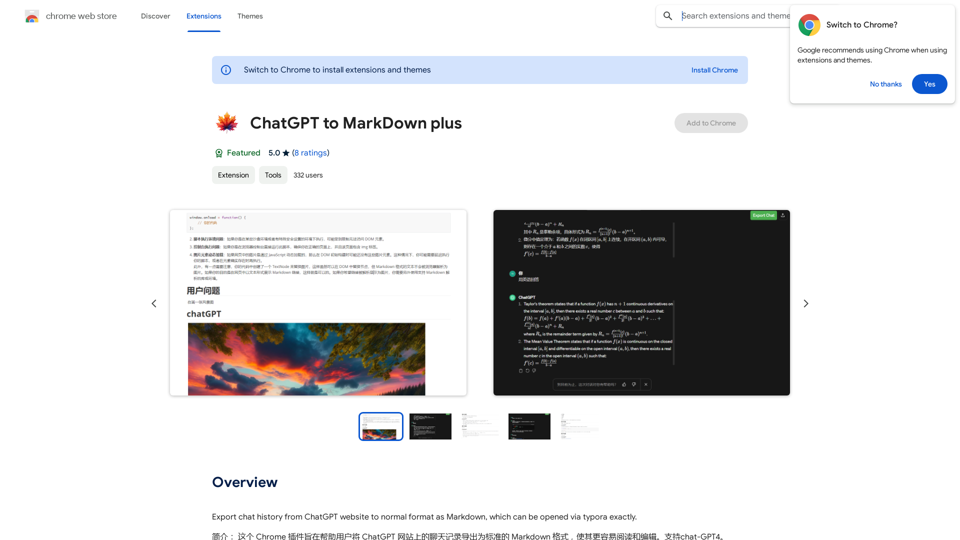
ChatGPT to Markdown is a Chrome extension designed to simplify the process of exporting chat records from the ChatGPT website into standard Markdown format. This tool enhances readability and editability of ChatGPT conversations, making it easier for users to manage and share their chat content.
ChatGPT to Markdown Plus
I can't directly access or export data from external websites, including the ChatGPT website. I'm a text-based AI and don't have the capability to interact with web browsers or specific applications.
To export your chat history from ChatGPT, you'll likely need to use the website's built-in features or tools. Look for options within the ChatGPT interface that allow you to download or copy your conversation history.
Introduction
Feature
Complete Export Functionality
The extension allows users to export all elements of ChatGPT conversations, including:
- Codes
- Formulas
- Links
- Other content types
All exports are done in a complete and standard Markdown format.
Standard Markdown Formatting
ChatGPT to Markdown ensures that all exported content adheres to standard Markdown formatting, guaranteeing:
- Compatibility across various platforms
- Enhanced readability
- Ease of further editing
Typora and Other Markdown Editors Compatibility
The extension is specially optimized for compatibility with:
- Typora
- Other popular Markdown editors
This ensures that exported files can be correctly opened, displayed, and edited in these applications.
User-Friendly Operation
Users can effortlessly convert ChatGPT conversations to Markdown format, facilitating:
- Easy sharing of conversations
- Simplified editing process
- Convenient archiving of chat records
Free to Use
The extension comes with no cost attached:
- No subscription required
- No tokens needed
- Completely free to use
FAQ
What is the primary function of ChatGPT to Markdown?
ChatGPT to Markdown is a Chrome extension that exports chat records from the ChatGPT website into standard Markdown format, enhancing readability and editability.
Is the extension compatible with other websites?
No, the extension is specifically designed for use with the ChatGPT website only.
Can the extension export chat records in formats other than Markdown?
No, the extension is designed to export chat records exclusively in standard Markdown format.
Where can I install the extension?
It's recommended to install the extension from the Chrome Web Store to ensure compatibility and security.
Is there a cost associated with using this extension?
No, the extension is completely free to use, with no subscription or token requirements.
Related Websites
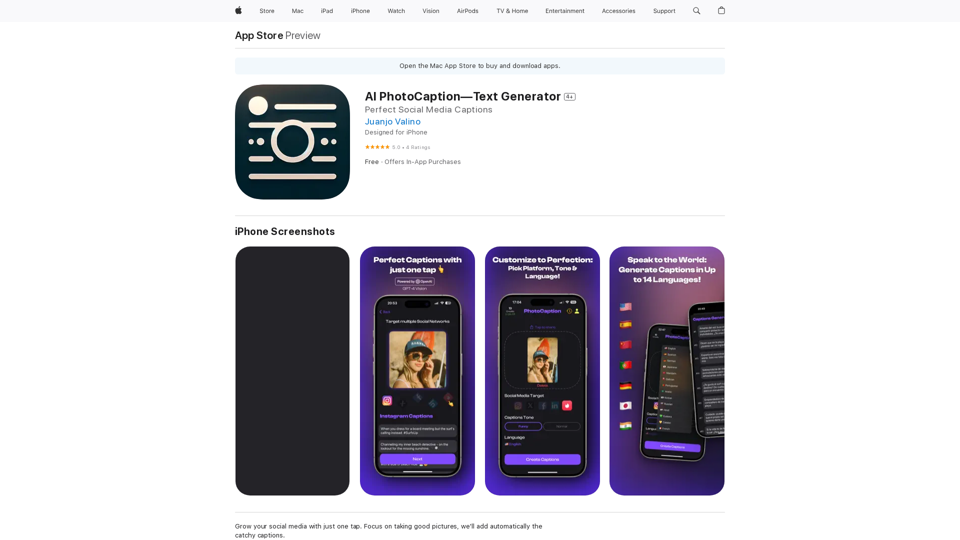
AI Photo Caption - Text Generator on the App Store
AI Photo Caption - Text Generator on the App StoreWelcome to PhotoCaption AI – where your photos speak a thousand words in multiple languages! Do you often find yourself struggling to come up with the perfect caption for your amazing photos?
654.73 K
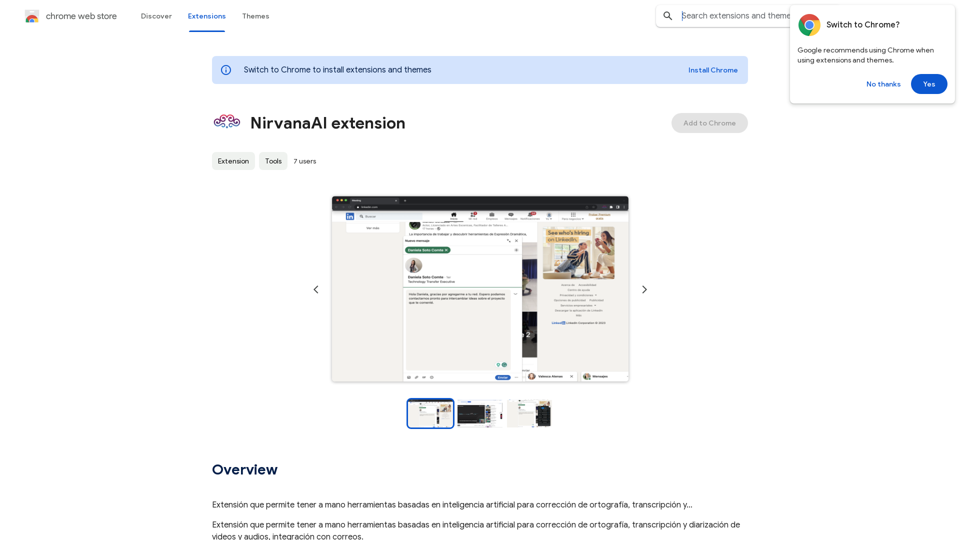
Extension that allows you to have AI-powered tools for grammar correction, transcription, and...
193.90 M
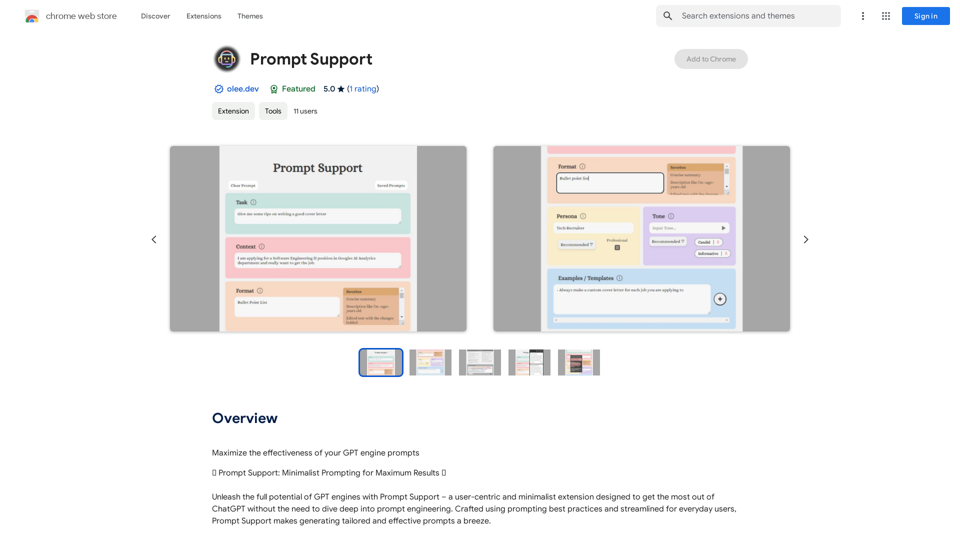
Maximize the Effectiveness of Your GPT Engine Prompts 1. Be Clear and Specific: * Instead of: "Write about dogs." * Try: "Write a 500-word essay about the history and characteristics of Golden Retrievers." 2. Provide Context: * Instead of: "Summarize this article." * Try: "Summarize the main arguments presented in this article about the impact of social media on teenagers." 3. Set the Tone and Style: * Instead of: "Write a story." * Try: "Write a humorous short story about a cat who thinks it's a dog." 4. Define the Desired Format: * Instead of: "Create a poem." * Try: "Write a rhyming sonnet about the beauty of a sunset." 5. Use Examples: * Instead of: "Generate some creative writing ideas." * Try: "Generate some creative writing ideas similar to the style of Edgar Allan Poe." 6. Break Down Complex Tasks: * Instead of: "Write a business plan." * Try: * "Outline the key components of a business plan for a new coffee shop." * "Write a section of the business plan focusing on the target market." 7. Refine Your Prompts: * Experiment with different wording: See what yields the best results. * Iterate on your prompts: Build upon previous responses to get closer to your desired outcome. By following these tips, you can craft more effective prompts that will help you get the most out of your GPT engine.
193.90 M
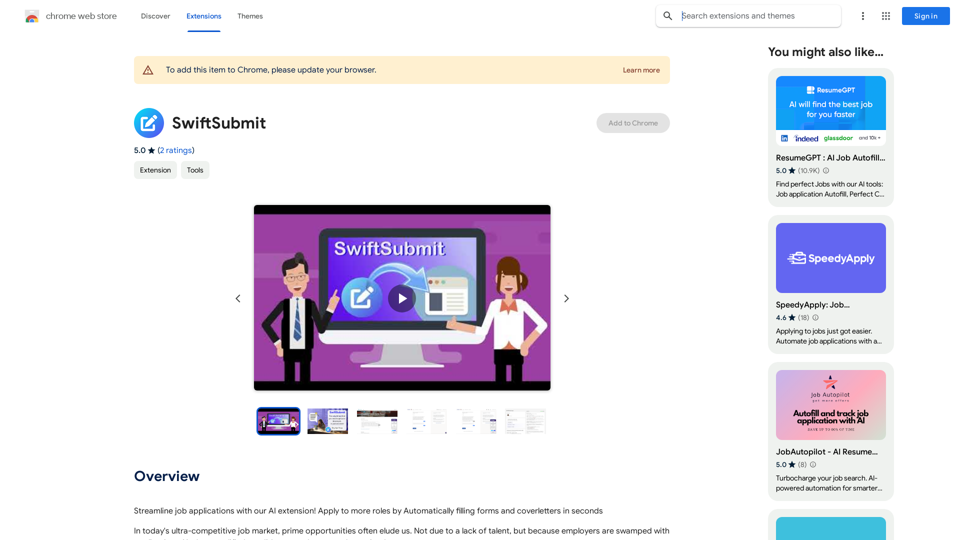
Streamline job applications with our AI extension! Apply to more roles by automatically filling out forms and cover letters in seconds.
193.90 M
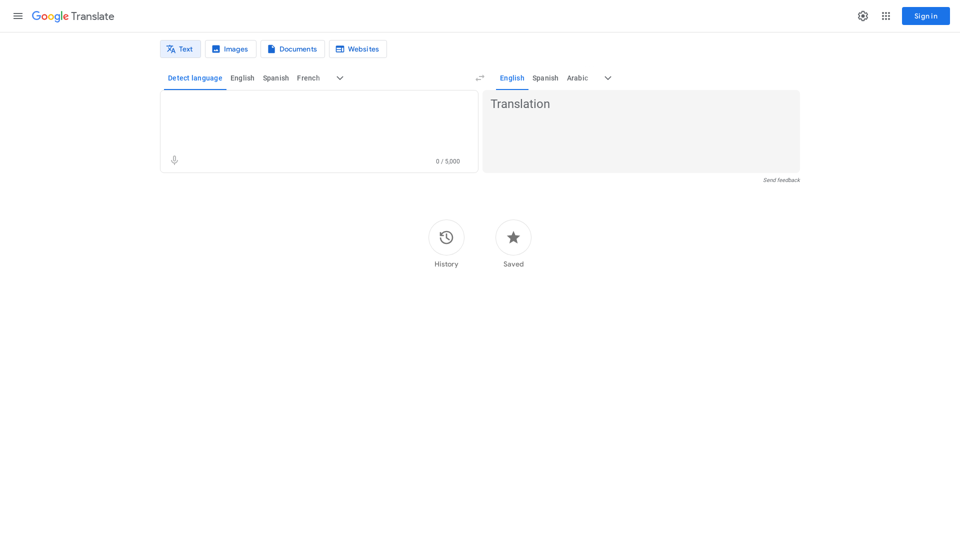
Google's service, provided at no cost, instantly translates words, phrases, and web pages between English and more than 100 other languages.
598.01 M