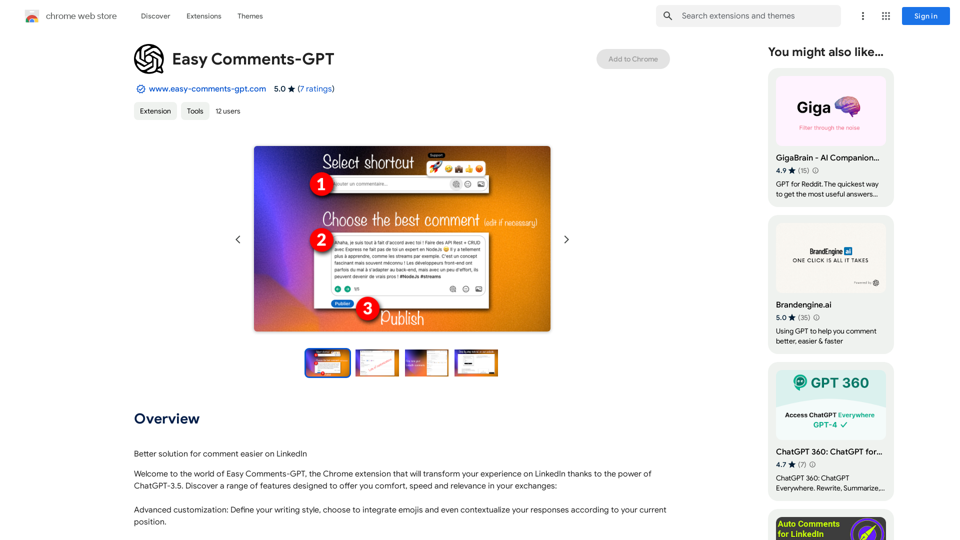
Easy Comments-GPT is a Chrome extension that enhances LinkedIn interactions using ChatGPT-3.5. It offers customizable features for creating relevant, personalized comments quickly and efficiently. The tool aims to improve user experience by providing advanced customization options, multi-language support, and automatic contextualization.
Easy Comments-GPT
Better ways to comment and make it easier on LinkedIn
Introduction
Feature
Advanced Customization
- Define writing style
- Integrate emojis
- Contextualize responses based on current position
Language and Genre Selection
- Choose preferred language
- Select suitable genre for comments
Quick Comment Generation
- Create up to 10 comments simultaneously
- Control word count per reply
User-Friendly Interface
- Intuitive handling
- Simplified configuration for ease of use
Automatic Contextualization
- Integrate personal information
- Generate more appropriate and human-like responses
In-App Purchases
- Upgrade options available
- Access to additional features
FAQ
What is Easy Comments-GPT?
Easy Comments-GPT is a Chrome extension that uses ChatGPT-3.5 to enhance LinkedIn interactions by offering customizable features for creating relevant, personalized comments quickly and efficiently.
How do I use Easy Comments-GPT?
To use Easy Comments-GPT:
- Install the Chrome extension
- Configure your settings
- Start creating tailored comments on LinkedIn
Is Easy Comments-GPT free to use?
Easy Comments-GPT offers a free version, but some additional features may require an upgrade through in-app purchases.
How does Easy Comments-GPT ensure data safety?
Easy Comments-GPT prioritizes user privacy and security, handling data with care and adhering to high standards of protection.
Related Websites
PI Prompts for ChatGPT, Gemini, Claude, Mistral, Groq & PI General Instructions: * Be specific: Clearly state what you want the AI to do. * Provide context: Give the AI enough information to understand your request. * Experiment: Try different prompts and see what works best. Creative Writing: * ChatGPT: Write a short story about a robot who learns to feel emotions. * Gemini: Compose a poem in the style of Emily Dickinson about the nature of time. * Claude: Create a fictional news article about a discovery on Mars. * Mistral: Generate a song lyric about the feeling of falling in love. * Groq: Write a screenplay for a 5-minute film about a lost dog finding its way home. * PI: Design a worldbuilding document for a fantasy novel, including its history, geography, and magic system. Informative Tasks: * ChatGPT: Summarize the main points of the article on climate change. * Gemini: Explain the concept of quantum mechanics in simple terms. * Claude: Compare and contrast the philosophies of Socrates and Plato. * Mistral: Create a list of 10 interesting facts about the human brain. * Groq: Write a code snippet to scrape data from a website. * PI: Generate a research proposal on the impact of social media on mental health. Code Generation: * ChatGPT: Write a Python function to calculate the factorial of a number. * Gemini: Generate HTML code for a simple webpage with a heading and a paragraph. * Claude: Create a SQL query to retrieve all customers from a database. * Mistral: Write a JavaScript function to validate an email address. * Groq: Generate code to create a new user account in a web application. * PI: Design a machine learning model to classify images of cats and dogs.
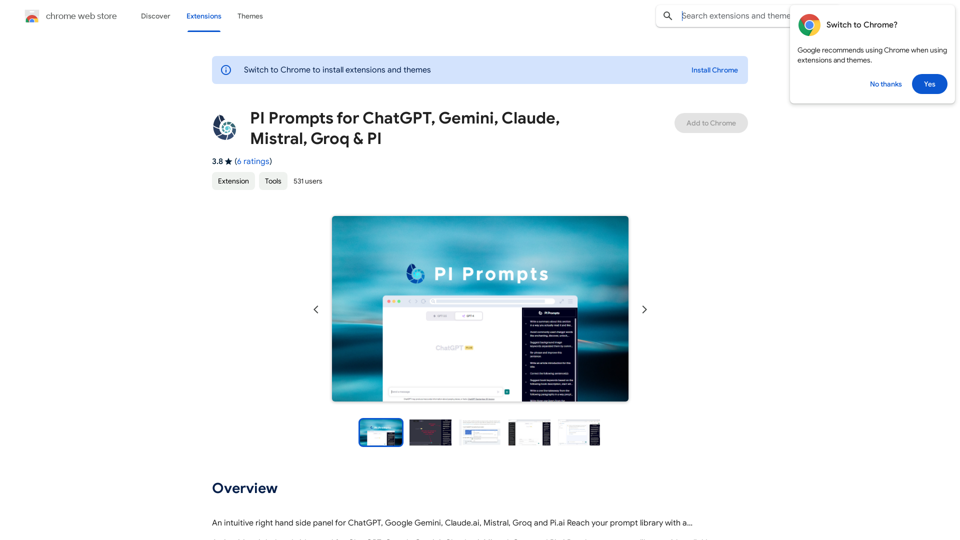
PI Prompts for ChatGPT, Gemini, Claude, Mistral, Groq & PI General Instructions: * Be specific: Clearly state what you want the AI to do. * Provide context: Give the AI enough information to understand your request. * Experiment: Try different prompts and see what works best. Creative Writing: * ChatGPT: Write a short story about a robot who learns to feel emotions. * Gemini: Compose a poem in the style of Emily Dickinson about the nature of time. * Claude: Create a fictional news article about a discovery on Mars. * Mistral: Generate a song lyric about the feeling of falling in love. * Groq: Write a screenplay for a 5-minute film about a lost dog finding its way home. * PI: Design a worldbuilding document for a fantasy novel, including its history, geography, and magic system. Informative Tasks: * ChatGPT: Summarize the main points of the article on climate change. * Gemini: Explain the concept of quantum mechanics in simple terms. * Claude: Compare and contrast the philosophies of Socrates and Plato. * Mistral: Create a list of 10 interesting facts about the human brain. * Groq: Write a code snippet to scrape data from a website. * PI: Generate a research proposal on the impact of social media on mental health. Code Generation: * ChatGPT: Write a Python function to calculate the factorial of a number. * Gemini: Generate HTML code for a simple webpage with a heading and a paragraph. * Claude: Create a SQL query to retrieve all customers from a database. * Mistral: Write a JavaScript function to validate an email address. * Groq: Generate code to create a new user account in a web application. * PI: Design a machine learning model to classify images of cats and dogs.An intuitive right-hand side panel for ChatGPT, Google Gemini, Claude.ai, Mistral, Groq, and Pi.ai. Reach your prompt library with a...
193.90 M
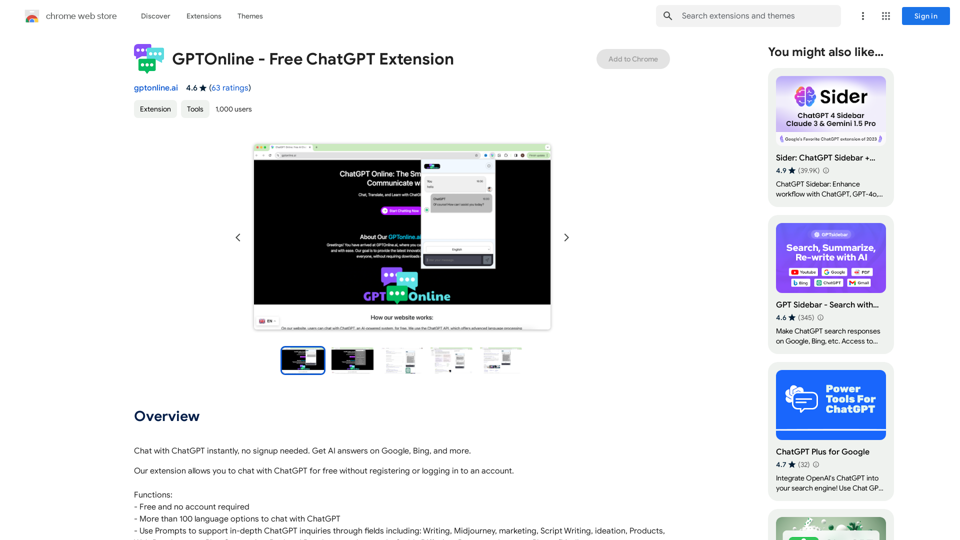
Talk to ChatGPT right away, you don't need to create an account. Get answers from AI on Google, Bing, and other search engines.
193.90 M
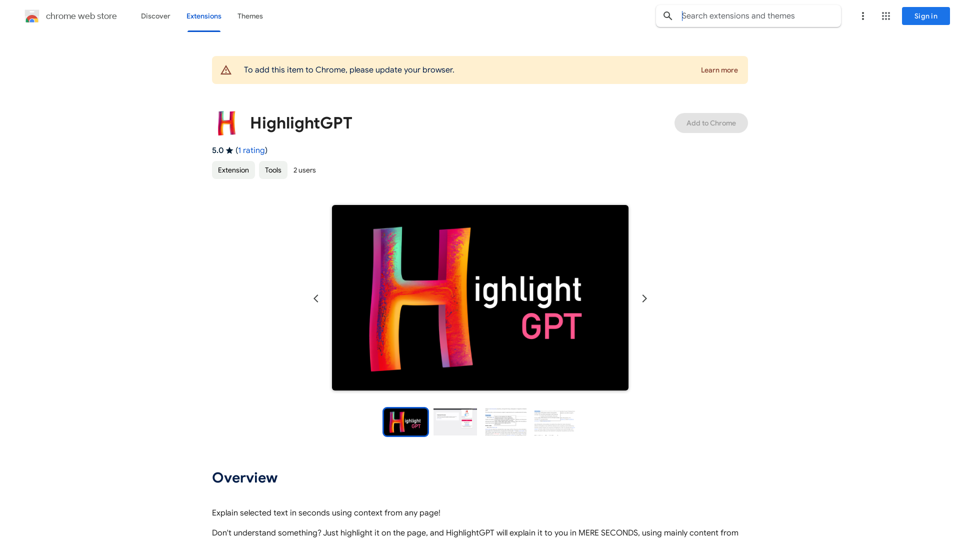
HighlightGPT Let me know what you'd like to know about HighlightGPT! For example, you could ask: * What is HighlightGPT? * How does HighlightGPT work? * What are the benefits of using HighlightGPT? * What are some examples of how HighlightGPT can be used?
HighlightGPT Let me know what you'd like to know about HighlightGPT! For example, you could ask: * What is HighlightGPT? * How does HighlightGPT work? * What are the benefits of using HighlightGPT? * What are some examples of how HighlightGPT can be used?I can explain a piece of text you select and give you a short summary based on the information on the current page. Just highlight the text you want me to explain and ask!
193.90 M
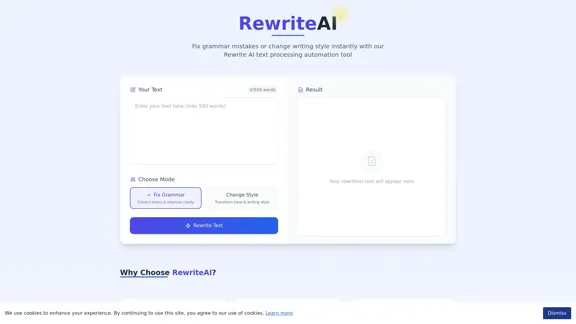
Rewrite AI - Correct Grammar or Alter Writing Style with AI
Rewrite AI - Correct Grammar or Alter Writing Style with AIRewrite AI assists you in refining your writing with immediate grammar corrections and style changes. Improve your content using our AI-driven writing assistant.
6.84 K
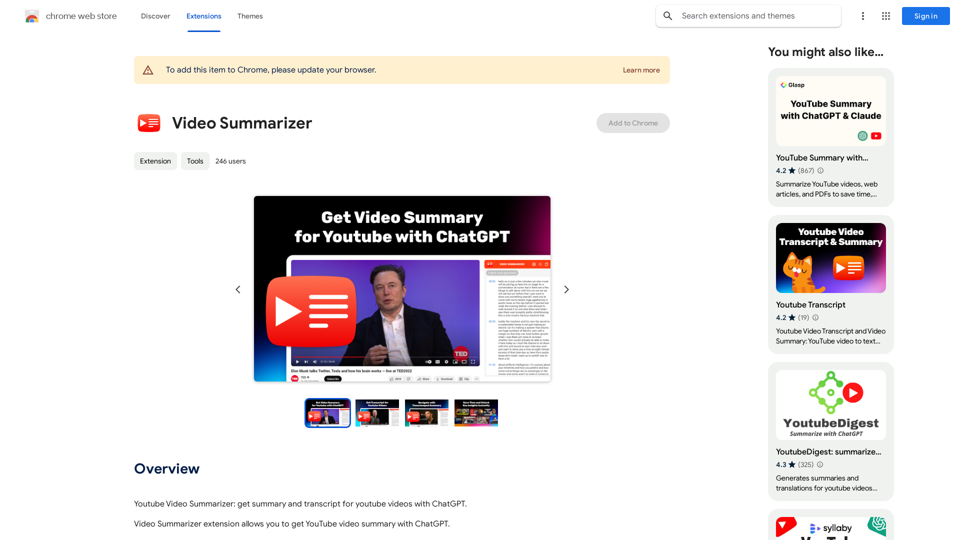
Youtube Video Summarizer: Get Summaries and Transcripts for YouTube Videos with ChatGPT This tool helps you quickly understand YouTube videos by providing: * Summaries: Concise overviews of the video's main points. * Transcripts: Full text versions of what is spoken in the video. Both summaries and transcripts are powered by ChatGPT, allowing for accurate and insightful analysis.
193.90 M
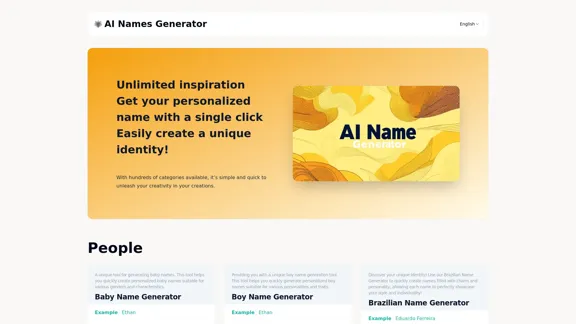
Explore our name generator to easily create unique names! Whether it's for a business name or a character name, we offer a wide variety of options, and each name comes with a detailed meaning. Try it now to discover creative names that add charm to your projects or pets!
6.03 K