Video Summarizer is an AI-powered Chrome extension that simplifies the process of summarizing and transcribing YouTube videos. It leverages advanced AI technologies, including ChatGPT, to provide users with concise summaries and accurate transcripts of video content. This tool is designed to save time and enhance the viewing experience for various purposes, including education and research.
Video Summarizer
Youtube Video Summarizer: Get Summaries and Transcripts for YouTube Videos with ChatGPT
This tool helps you quickly understand YouTube videos by providing:
* Summaries: Concise overviews of the video's main points.
* Transcripts: Full text versions of what is spoken in the video.
Both summaries and transcripts are powered by ChatGPT, allowing for accurate and insightful analysis.
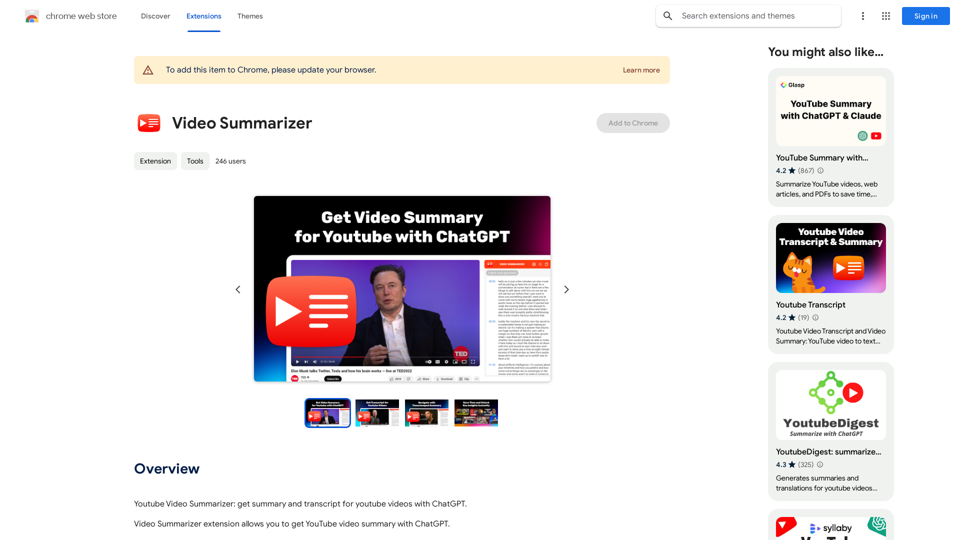
Introduction
Feature
Instant YouTube Summary with ChatGPT
Video Summarizer uses ChatGPT 3.5 Turbo to generate quick and accurate summaries of YouTube videos, allowing users to grasp key points without watching the entire content.
Timecodes Navigation
The extension provides timecode navigation, enabling users to easily jump to specific parts of the video based on the summary or transcript.
YouTube Transcript Integration
Users can access and copy the full transcript of YouTube videos directly from the extension interface, making it easy to review or reference video content.
Multilingual Support
Video Summarizer offers support for multiple languages, enhancing accessibility and providing a more inclusive viewing experience for users worldwide.
Free to Use with OpenAI Account
The extension is free to use, requiring only an OpenAI account for access to its features.
Easy Installation and Usage
Users can quickly install the extension from the Google Chrome Store and access its features directly from the YouTube interface.
FAQ
How do I utilize the summarize YouTube video function?
Install the Video Summarizer extension from the Google Chrome Store. Once activated, it will automatically generate concise summaries for any YouTube video you watch.
What technology drives the YouTube Video Summarizer?
The extension harnesses the advanced capabilities of ChatGPT 3.5 Turbo, ensuring swift and accurate summarization for a wide array of video content.
Is the extension suitable for educational purposes?
Yes, Video Summarizer is a valuable tool for educational purposes. It helps save time on studying video lectures by systematizing information and highlighting key points.
How can I access the transcript of a YouTube video?
After installing the extension, navigate to the desired YouTube video. Expand the "Video Summarizer" block in the sidebar to view the transcript. Use the copy icon to easily copy the transcript text.
Related Websites
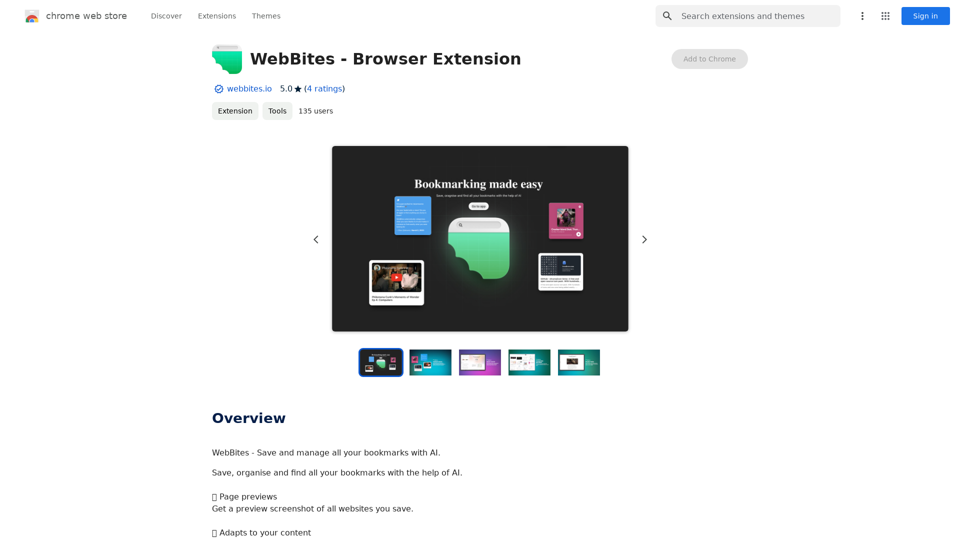
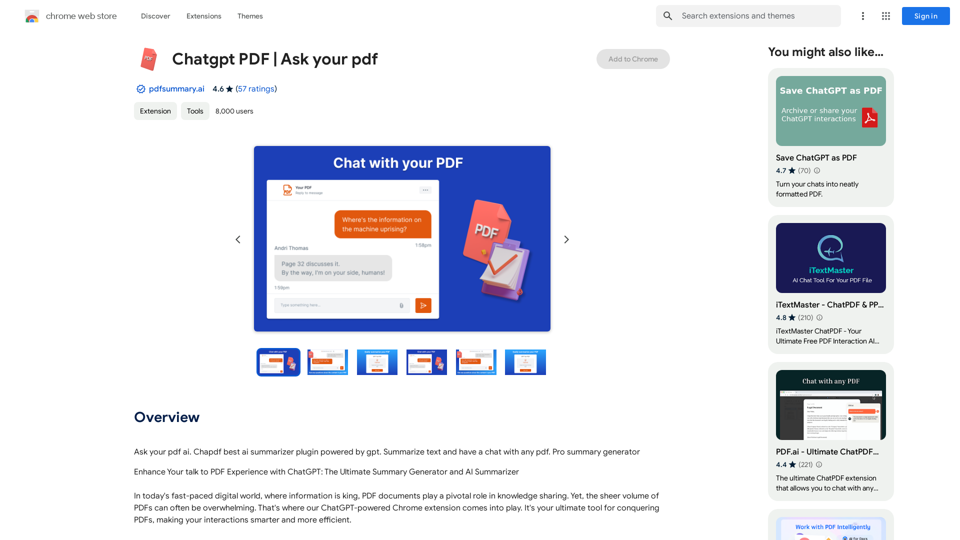
Chatgpt PDF =============== Ask your PDF ----------------
Chatgpt PDF =============== Ask your PDF ----------------Ask Your PDF AI Chapdf: Best AI Summarizer Plugin Powered by GPT Summarize Text and Have a Chat with Any PDF Pro Summary Generator
193.90 M
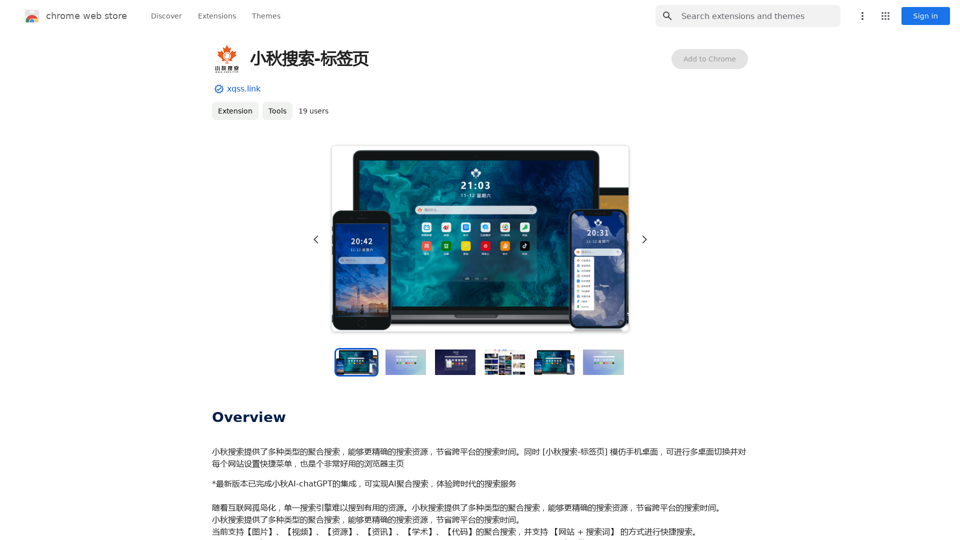
Xiaoqiu Search provides multiple types of aggregated searches, enabling more precise resource searching and saving cross-platform search time. Simultaneously, the [Xiaoqiu Search - Tab Page] mimics a mobile desktop, allowing for multi-desktop switching and setting quick menus for each website, making it a very useful browser homepage as well.
193.90 M
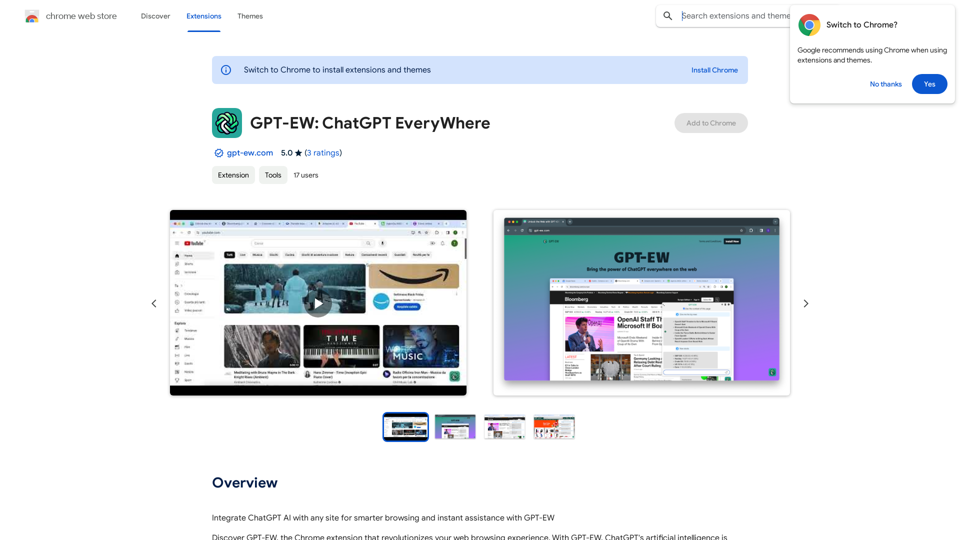
Add ChatGPT AI to Any Website for Smarter Browsing and Instant Help with GPT-EW Imagine having ChatGPT's powerful AI right there on any website you visit. That's what GPT-EW makes possible! It lets you seamlessly integrate ChatGPT into your favorite sites, giving you: * Smarter Browsing: Get instant answers to your questions about the content on the page. * Instant Assistance: Have ChatGPT help you summarize articles, translate text, or even write emails based on the information you're reading. GPT-EW unlocks a whole new level of interactivity and intelligence for your online experience.
193.90 M
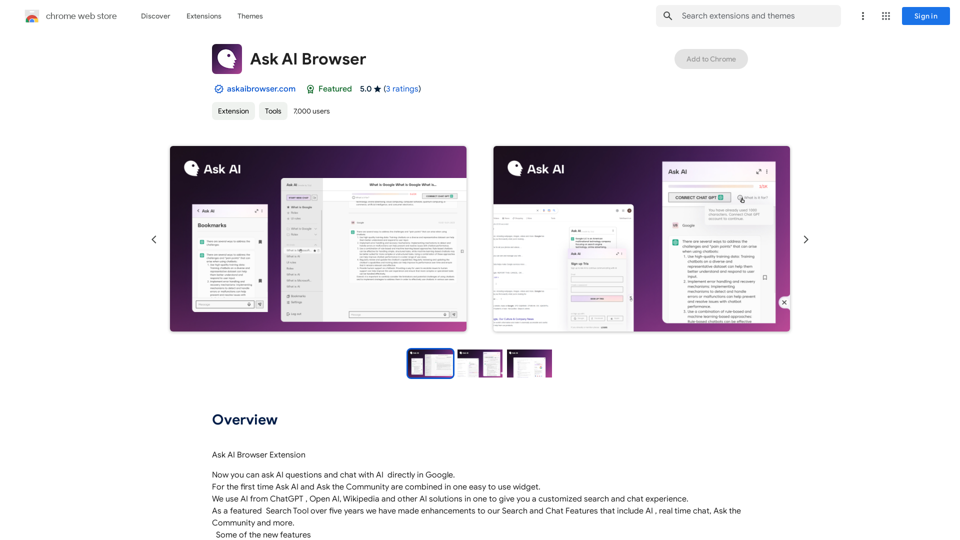
Ask AI Browser Extension ========================== Description The Ask AI browser extension is a cutting-edge tool that revolutionizes the way you interact with the internet. This innovative extension harnesses the power of artificial intelligence to provide you with instant answers, suggestions, and insights as you browse the web. Features * Instant Answers: Get quick answers to your questions without leaving the current webpage. * Smart Suggestions: Receive relevant suggestions based on your browsing history and preferences. * AI-driven Insights: Uncover hidden gems and interesting facts about the topics you're interested in. * Personalized Experience: Enjoy a tailored browsing experience that adapts to your needs and preferences. How it Works 1. Install the Extension: Add the Ask AI browser extension to your favorite browser. 2. Ask Your Question: Type your question in the search bar or highlight a phrase on a webpage. 3. Get Instant Answers: Receive accurate and relevant answers, suggestions, and insights in real-time. Benefits * Save Time: Get instant answers and reduce your search time. * Enhance Productivity: Stay focused on your tasks with relevant suggestions and insights. * Improve Knowledge: Expand your knowledge with interesting facts and hidden gems. Get Started Download the Ask AI browser extension today and experience the future of browsing!
193.90 M
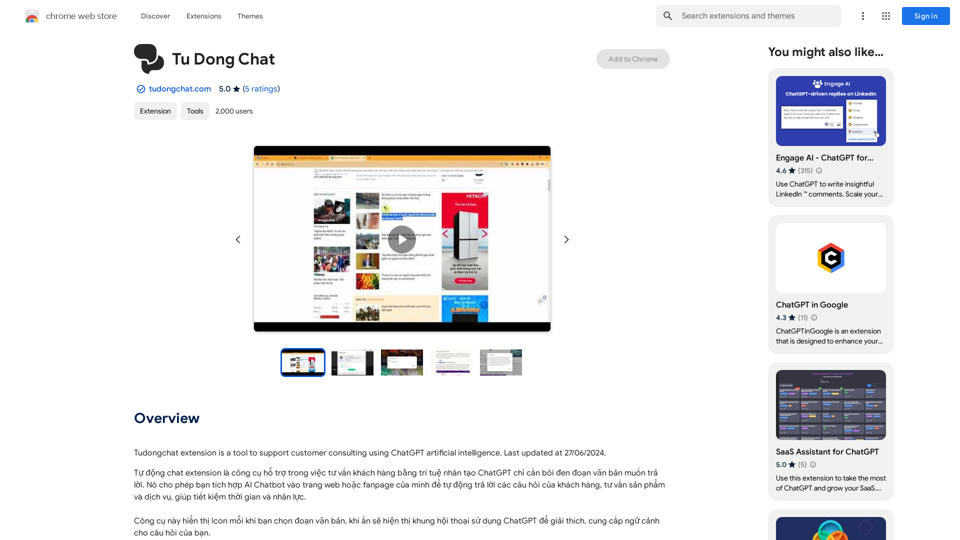
The Tudongchat extension is a tool that supports customer consulting using ChatGPT artificial intelligence. Last updated on June 27, 2024.
193.90 M
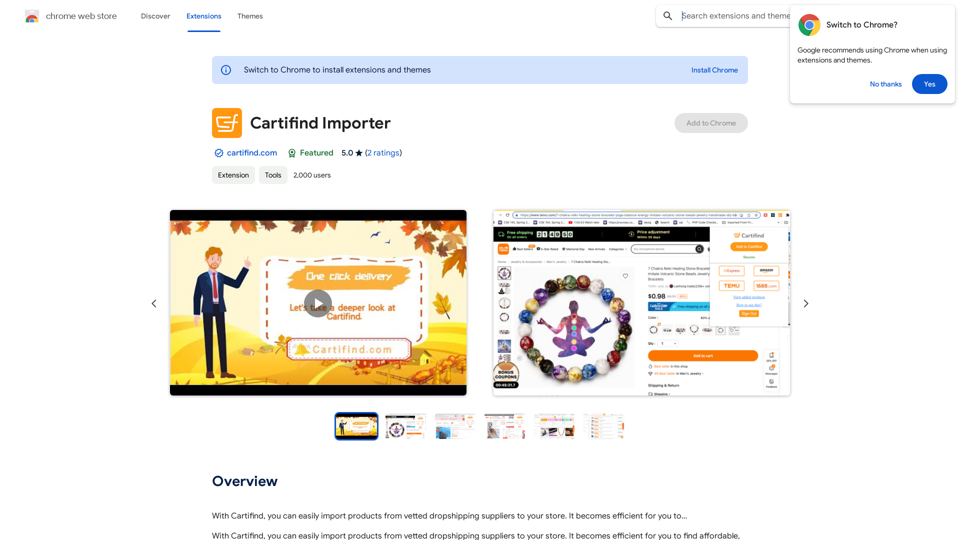
With Cartifind, you can easily import products from vetted dropshipping suppliers to your store. It becomes efficient for you to manage your product catalog, track inventory, and fulfill orders seamlessly.
193.90 M
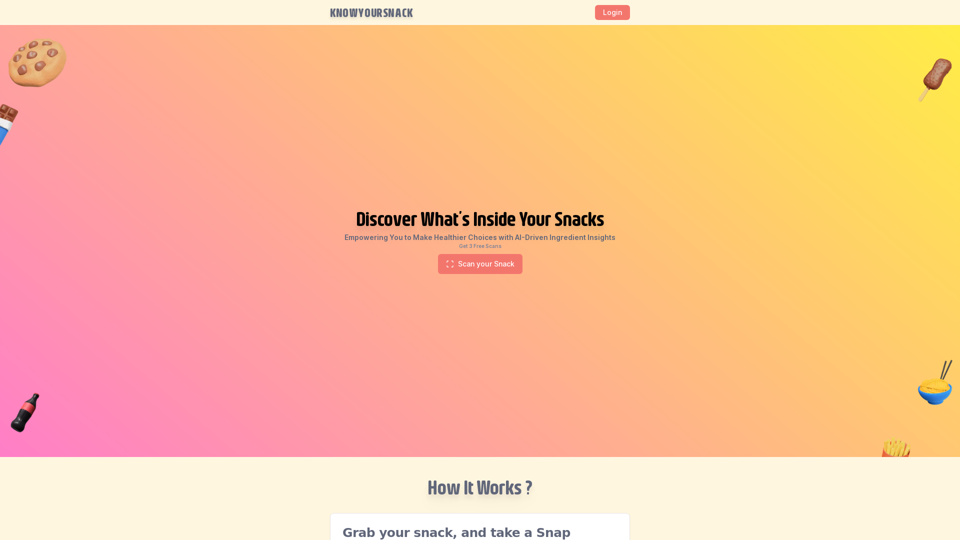
Knowyoursnack - Discover What’s Inside Your Snacks
Knowyoursnack - Discover What’s Inside Your SnacksKnowYourSnack is your personal guide to understanding snack ingredients. Simply snap a photo of the ingredients list on any snack package, and our AI-powered app will identify harmful substances, provide detailed information, and help you make healthier choices.
0