Tudongchat is an innovative extension tool that leverages ChatGPT artificial intelligence to enhance customer consulting. It enables seamless integration of AI Chatbot functionality into websites and fanpages, automating customer inquiries, providing product and service information, and optimizing time and labor resources.
Tu Dong Chat
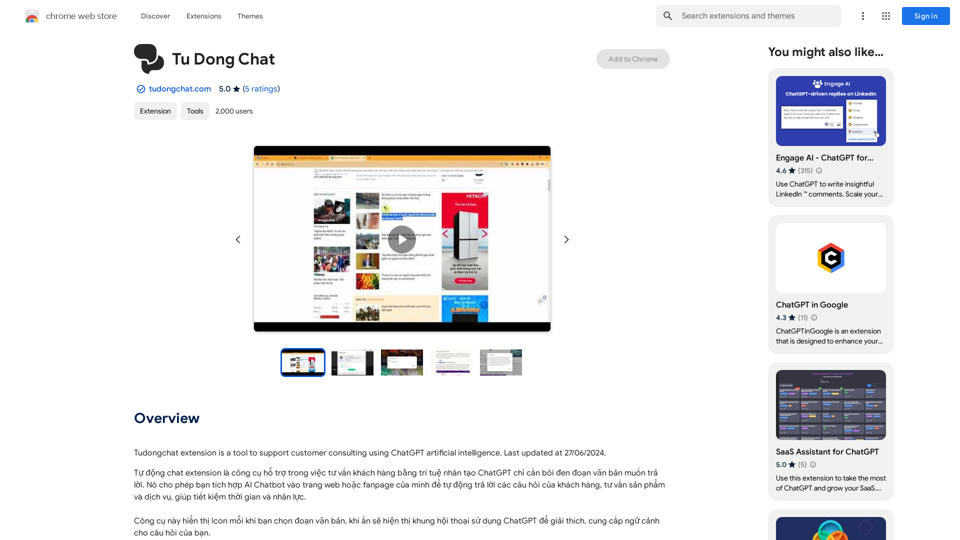
The Tudongchat extension is a tool that supports customer consulting using ChatGPT artificial intelligence. Last updated on June 27, 2024.
Introduction
Feature
Automatic Chat Extension
Tudongchat harnesses ChatGPT's AI capabilities to offer automated customer consulting. This feature allows for effortless integration of AI Chatbot into websites and fanpages, enabling automatic responses to customer queries and dissemination of product and service information.
Easy Integration
The extension boasts a user-friendly design, allowing for quick and simple integration into existing websites or fanpages. This feature ensures that businesses can swiftly implement AI-powered customer consulting without extensive technical knowledge.
Free Trial
Tudongchat offers a risk-free experience through its free trial option. This feature allows users to explore and evaluate the extension's capabilities before committing to a subscription, ensuring it meets their specific needs.
24/7 Customer Support
By leveraging AI technology, Tudongchat enables round-the-clock customer support. This feature significantly enhances customer satisfaction by providing immediate assistance at any time of day.
Data Analysis
Tudongchat goes beyond simple chat functionality by offering data analysis capabilities. This feature allows businesses to gain valuable insights from customer interactions, facilitating informed decision-making and strategy improvements.
Flexible Pricing
To cater to diverse business needs, Tudongchat offers a range of pricing plans. This feature ensures that businesses of all sizes can access AI-powered customer consulting solutions that fit their budget.
FAQ
What is Tudongchat?
Tudongchat is an extension tool that integrates ChatGPT artificial intelligence to support customer consulting. It allows businesses to incorporate AI Chatbot functionality into their websites or fanpages, automating customer inquiries and providing product and service information.
How do I use Tudongchat?
Using Tudongchat involves three simple steps:
- Installation: Download and install the extension from the Chrome Web Store.
- Configuration: Set up the extension by selecting your preferred AI Chatbot and configuring it for your website or fanpage.
- Start Chatting: Once configured, you can immediately begin using the AI Chatbot to interact with your customers.
Is Tudongchat free?
Tudongchat offers a free trial period, allowing users to test its features and functionality. After the trial, users can choose from various subscription-based pricing plans to continue using the extension.
Related Websites
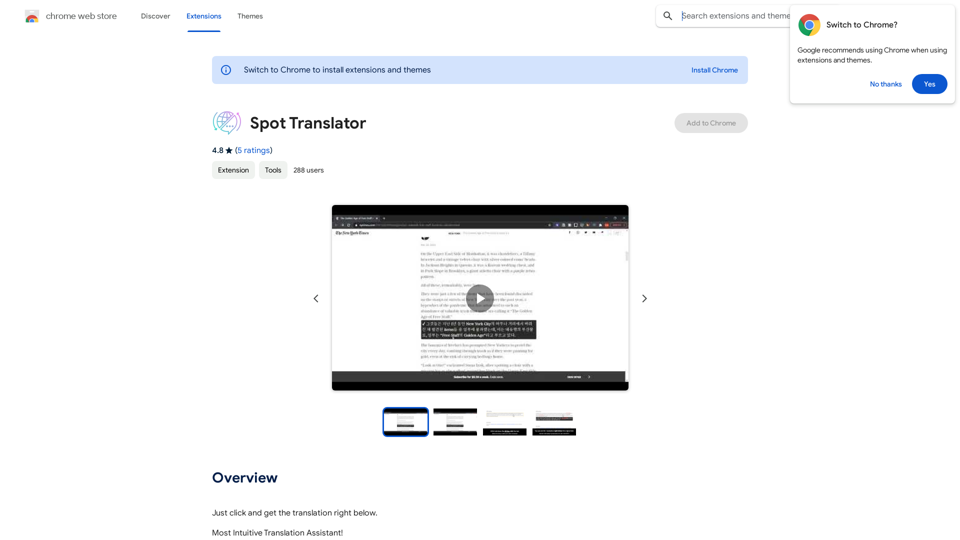
Spot Translator This is a simple tool to translate text from one language to another. How to use: 1. Enter the text you want to translate in the input box. 2. Choose the source language from the dropdown menu. 3. Choose the target language from the dropdown menu. 4. Click the "Translate" button. The translated text will appear in the output box.
Spot Translator This is a simple tool to translate text from one language to another. How to use: 1. Enter the text you want to translate in the input box. 2. Choose the source language from the dropdown menu. 3. Choose the target language from the dropdown menu. 4. Click the "Translate" button. The translated text will appear in the output box.Just click and get the translation right below.
193.90 M

FlowTunes - Enhance your focus with curated music playlists designed to boost your productivity.
27.51 K
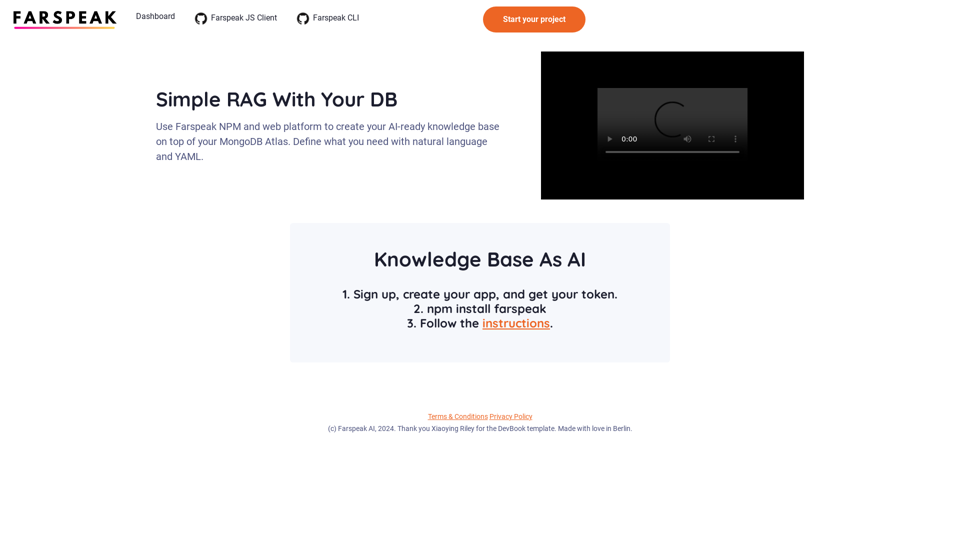
Farspeak is a Gen AI platform made for building apps. It makes it easy to create AI-powered knowledge bases and connect them to your MongoDB Atlas database.
0
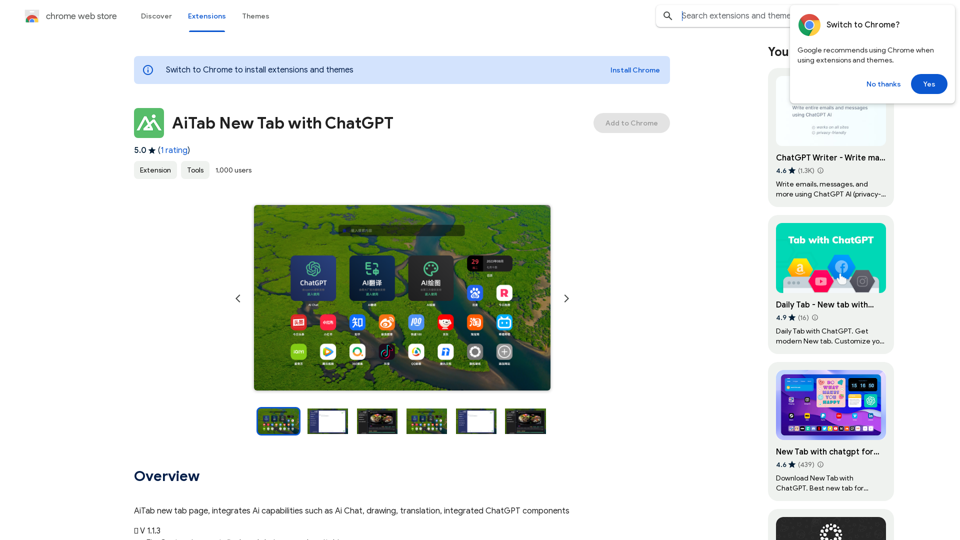
AiTab new tab page, integrates AI capabilities such as AI Chat, drawing, translation, and integrated ChatGPT components
193.90 M
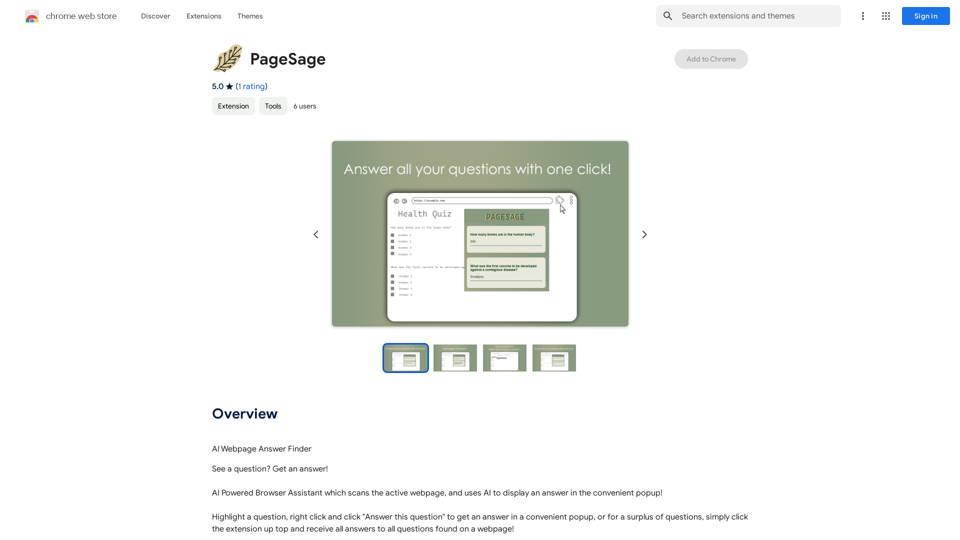
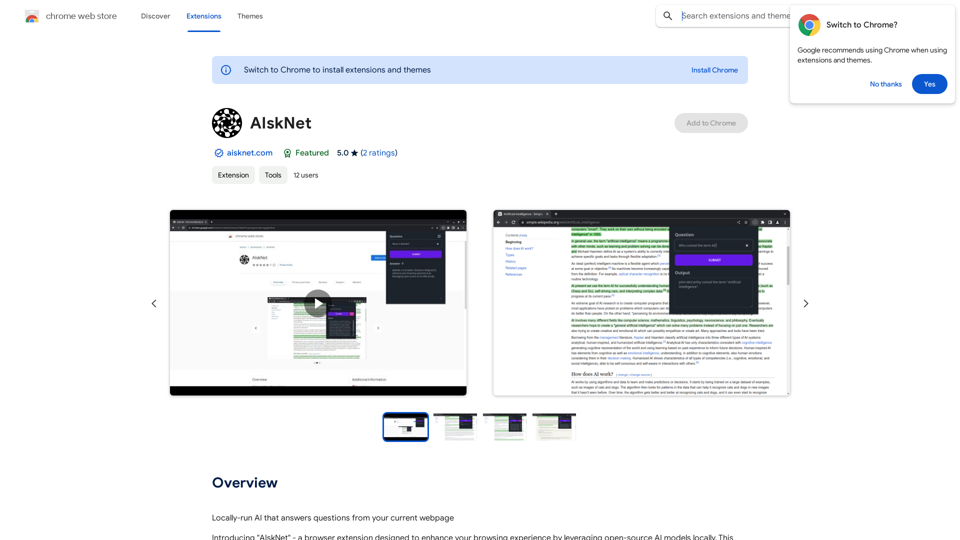
AI that runs on your computer and answers questions about the web page you are currently viewing.
193.90 M