Tudongchat is an innovative extension tool that leverages ChatGPT artificial intelligence to enhance customer consulting. It enables seamless integration of AI Chatbot functionality into websites and fanpages, automating customer inquiries, providing product and service information, and optimizing time and labor resources.
Tu Dong Chat
The Tudongchat extension is a tool that supports customer consulting using ChatGPT artificial intelligence. Last updated on June 27, 2024.
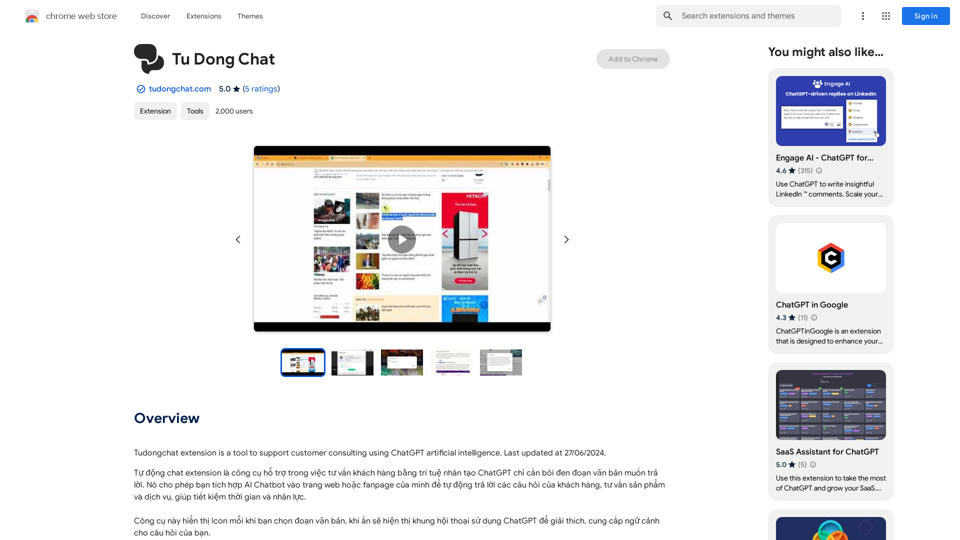
Introduction
Feature
Automatic Chat Extension
Tudongchat harnesses ChatGPT's AI capabilities to offer automated customer consulting. This feature allows for effortless integration of AI Chatbot into websites and fanpages, enabling automatic responses to customer queries and dissemination of product and service information.
Easy Integration
The extension boasts a user-friendly design, allowing for quick and simple integration into existing websites or fanpages. This feature ensures that businesses can swiftly implement AI-powered customer consulting without extensive technical knowledge.
Free Trial
Tudongchat offers a risk-free experience through its free trial option. This feature allows users to explore and evaluate the extension's capabilities before committing to a subscription, ensuring it meets their specific needs.
24/7 Customer Support
By leveraging AI technology, Tudongchat enables round-the-clock customer support. This feature significantly enhances customer satisfaction by providing immediate assistance at any time of day.
Data Analysis
Tudongchat goes beyond simple chat functionality by offering data analysis capabilities. This feature allows businesses to gain valuable insights from customer interactions, facilitating informed decision-making and strategy improvements.
Flexible Pricing
To cater to diverse business needs, Tudongchat offers a range of pricing plans. This feature ensures that businesses of all sizes can access AI-powered customer consulting solutions that fit their budget.
FAQ
What is Tudongchat?
Tudongchat is an extension tool that integrates ChatGPT artificial intelligence to support customer consulting. It allows businesses to incorporate AI Chatbot functionality into their websites or fanpages, automating customer inquiries and providing product and service information.
How do I use Tudongchat?
Using Tudongchat involves three simple steps:
- Installation: Download and install the extension from the Chrome Web Store.
- Configuration: Set up the extension by selecting your preferred AI Chatbot and configuring it for your website or fanpage.
- Start Chatting: Once configured, you can immediately begin using the AI Chatbot to interact with your customers.
Is Tudongchat free?
Tudongchat offers a free trial period, allowing users to test its features and functionality. After the trial, users can choose from various subscription-based pricing plans to continue using the extension.
Related Websites
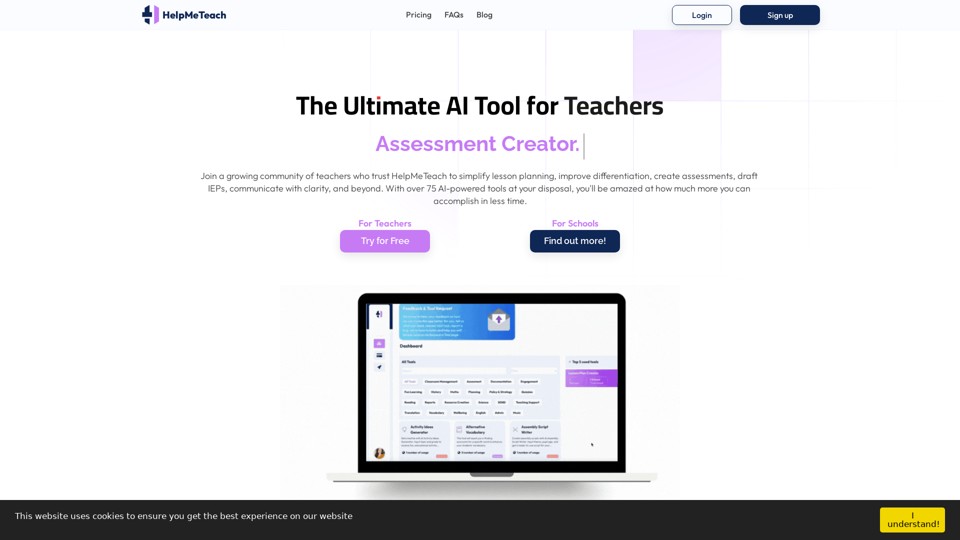
HelpMeTeach - AI Simplifies Teaching | Lesson Plans, Assessments, and More!
HelpMeTeach - AI Simplifies Teaching | Lesson Plans, Assessments, and More!Revolutionize your teaching with HelpMeTeach, the premier AI assistant for teachers. Simplify lesson plans and assessments, generate ideas, and create reports with ease. Enhance work-life balance and reduce workload with our 70+ teacher tools. Start now!
1.62 K
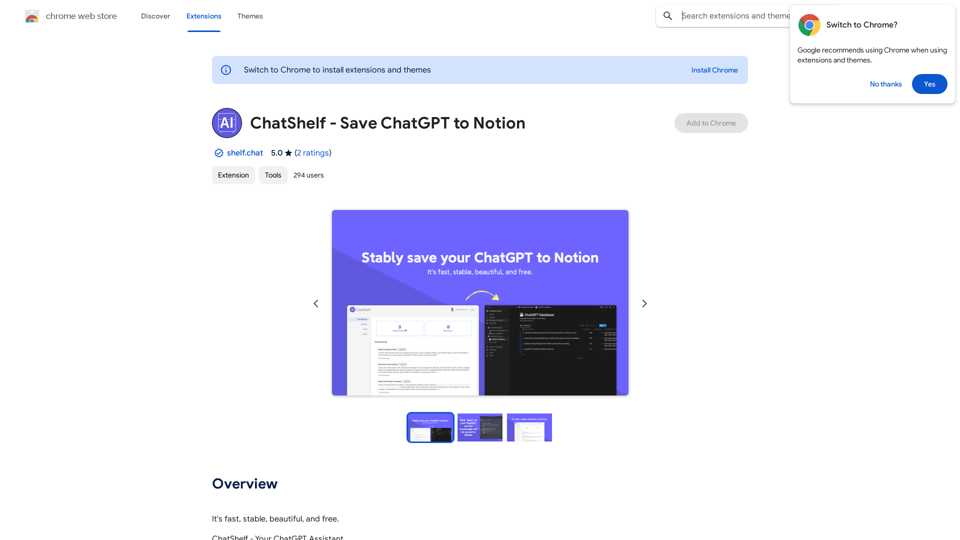
ChatShelf - Save ChatGPT to Notion ChatShelf is a tool that lets you save your ChatGPT conversations directly into Notion. It's a simple way to keep track of your AI interactions and use them later. Just copy the link to your ChatGPT conversation and paste it into ChatShelf. It will then extract the conversation and create a Notion page for you.
ChatShelf - Save ChatGPT to Notion ChatShelf is a tool that lets you save your ChatGPT conversations directly into Notion. It's a simple way to keep track of your AI interactions and use them later. Just copy the link to your ChatGPT conversation and paste it into ChatShelf. It will then extract the conversation and create a Notion page for you.It's fast, stable, beautiful, and free.
193.90 M
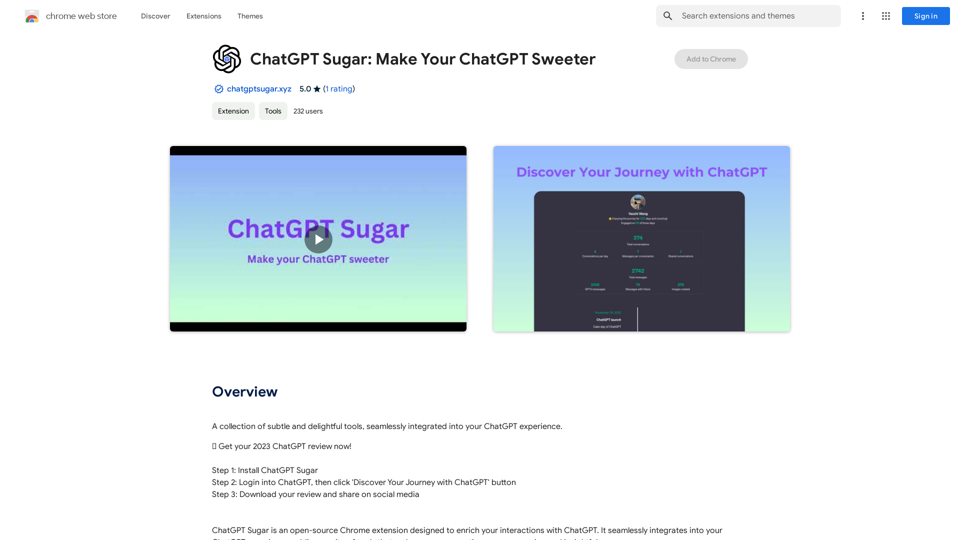
A collection of subtle and delightful tools, seamlessly integrated into your ChatGPT experience.
193.90 M
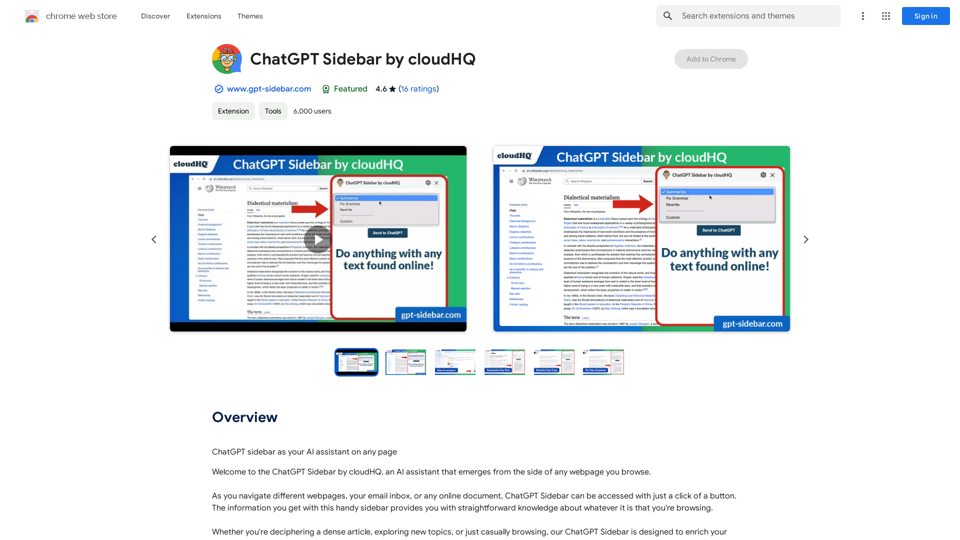
ChatGPT Sidebar by cloudHQ This is a powerful tool that brings the capabilities of ChatGPT directly into your workflow. Key Features: * Seamless Integration: Effortlessly access ChatGPT within your favorite applications like Gmail, Slack, and Notion. * Contextual Understanding: ChatGPT remembers past interactions, providing relevant and coherent responses within the context of your current task. * Boost Productivity: Automate repetitive tasks, generate creative content, and get instant answers to your questions, all without leaving your workspace. * Enhanced Collaboration: Share ChatGPT-powered insights and ideas with your team, fostering more productive and efficient collaboration. Benefits: * Save Time and Effort: Streamline your workflow and focus on high-value tasks. * Unlock Creativity: Overcome writer's block and generate innovative ideas. * Improve Communication: Craft clear, concise, and engaging messages. * Make Informed Decisions: Access reliable information and insights to support your decision-making process. Get Started Today: Visit our website to learn more and start using ChatGPT Sidebar by cloudHQ.
ChatGPT Sidebar by cloudHQ This is a powerful tool that brings the capabilities of ChatGPT directly into your workflow. Key Features: * Seamless Integration: Effortlessly access ChatGPT within your favorite applications like Gmail, Slack, and Notion. * Contextual Understanding: ChatGPT remembers past interactions, providing relevant and coherent responses within the context of your current task. * Boost Productivity: Automate repetitive tasks, generate creative content, and get instant answers to your questions, all without leaving your workspace. * Enhanced Collaboration: Share ChatGPT-powered insights and ideas with your team, fostering more productive and efficient collaboration. Benefits: * Save Time and Effort: Streamline your workflow and focus on high-value tasks. * Unlock Creativity: Overcome writer's block and generate innovative ideas. * Improve Communication: Craft clear, concise, and engaging messages. * Make Informed Decisions: Access reliable information and insights to support your decision-making process. Get Started Today: Visit our website to learn more and start using ChatGPT Sidebar by cloudHQ.ChatGPT sidebar as your AI assistant on any page
193.90 M
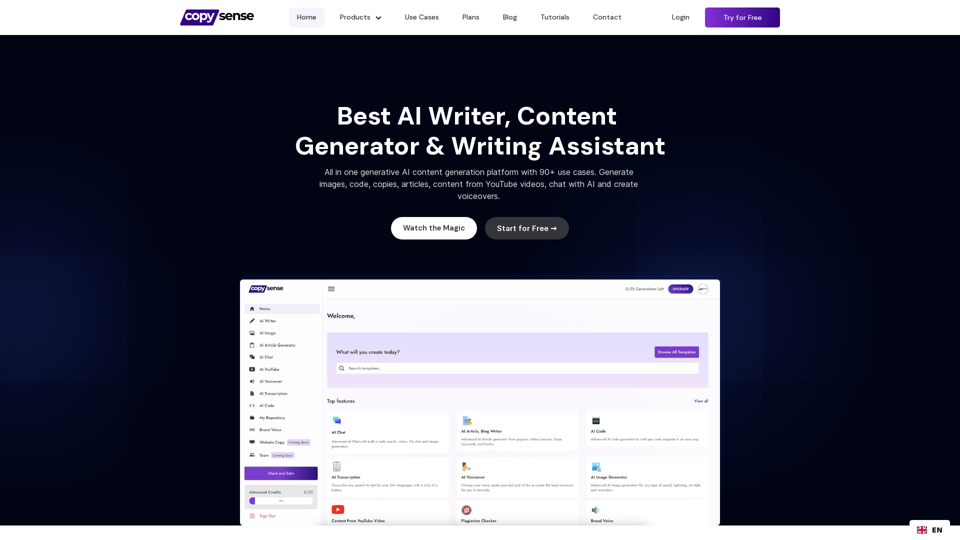
Copysense AI Copysense AI is an innovative artificial intelligence technology designed to detect and prevent copyright infringement.
Copysense AI Copysense AI is an innovative artificial intelligence technology designed to detect and prevent copyright infringement.Copysense AI is the Generative AI platform for crafting factually accurate, on-brand content with real-time data, generating images, voiceovers, and content from YouTube and URLs.
0
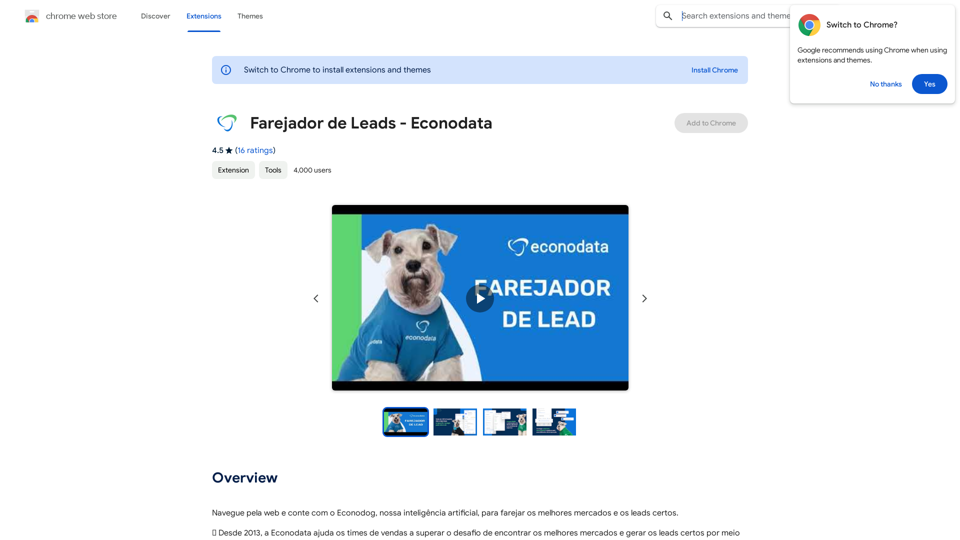
Browse the web and count on Econodog, our artificial intelligence, to sniff out the best markets and the right leads.
193.90 M
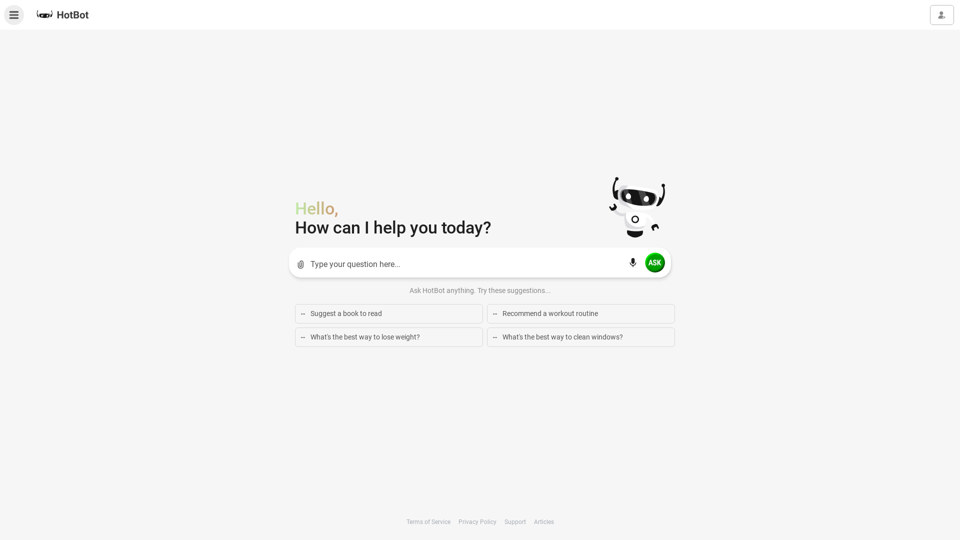
HotBot: Smarter Answers. AI Made Easy. Ask Your Question Now.
HotBot: Smarter Answers. AI Made Easy. Ask Your Question Now.HotBot is AI made simple. We made searching the web better in 1996, and now we're making AI easier in 2024. Just type in your question and receive your answer, all powered by ChatGPT 4. HotBot is totally free to use and no sign-up is required.
708.64 K
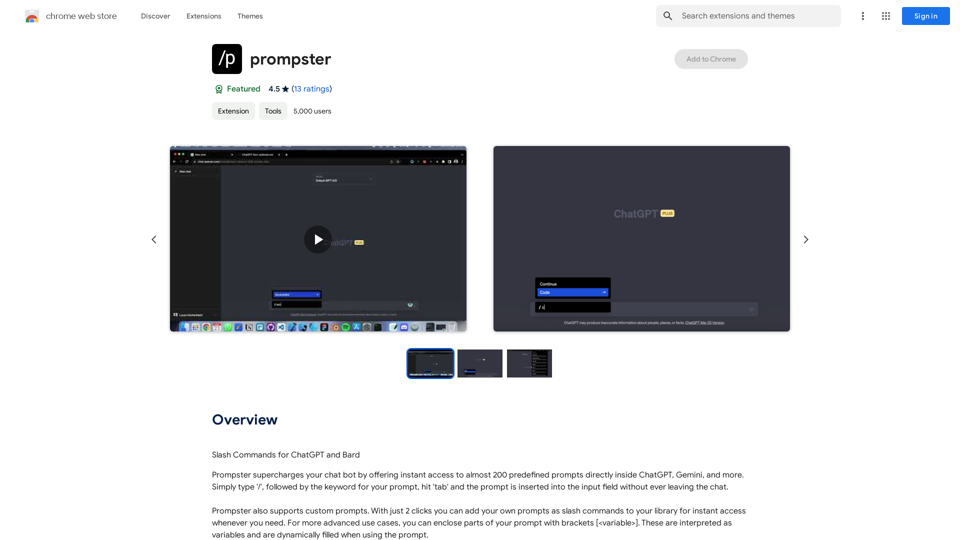
What is a Prompster? A Prompster is a person who assists a speaker, actor, or presenter by providing them with lines or cues, usually in a subtle and discreet manner, during a performance, presentation, or speech.
What is a Prompster? A Prompster is a person who assists a speaker, actor, or presenter by providing them with lines or cues, usually in a subtle and discreet manner, during a performance, presentation, or speech.Slash Commands for ChatGPT and Bard ===================================== Introduction Slash commands are a convenient way to interact with ChatGPT and Bard, allowing you to perform various tasks and actions within the chat interface. This guide provides an overview of the available slash commands for both ChatGPT and Bard. ChatGPT Slash Commands #General Commands * `/help`: Displays a list of available slash commands and their descriptions. * `/reset`: Resets the conversation, clearing all previous messages and context. #Conversation Management * `/start`: Starts a new conversation, allowing you to begin a fresh topic or task. * `/stop`: Ends the current conversation, stopping any ongoing tasks or topics. #Language and Tone * `/lang <language_code>`: Sets the language for the conversation (e.g., `/lang en` for English). * `/tone <tone>`: Adjusts the tone of the responses (e.g., `/tone formal` for formal tone). #Task Management * `/task <task_name>`: Creates a new task or topic for the conversation (e.g., `/task math problem`). * `/done`: Marks the current task as completed. #Information and Resources * `/define <word>`: Provides the definition of a word or phrase. * `/wiki <topic>`: Displays information about a topic from Wikipedia. Bard Slash Commands #General Commands * `/help`: Displays a list of available slash commands and their descriptions. * `/reset`: Resets the conversation, clearing all previous messages and context. #Conversation Management * `/start`: Starts a new conversation, allowing you to begin a fresh topic or task. * `/stop`: Ends the current conversation, stopping any ongoing tasks or topics. #Language and Tone * `/lang <language_code>`: Sets the language for the conversation (e.g., `/lang en` for English). * `/tone <tone>`: Adjusts the tone of the responses (e.g., `/tone formal` for formal tone). #Task Management * `/task <task_name>`: Creates a new task or topic for the conversation (e.g., `/task math problem`). * `/done`: Marks the current task as completed. #Information and Resources * `/define <word>`: Provides the definition of a word or phrase. * `/wiki <topic>`: Displays information about a topic from Wikipedia. * `/news <topic>`: Displays news articles related to a specific topic. Conclusion Slash commands provide a convenient way to interact with ChatGPT and Bard, allowing you to manage conversations, adjust language and tone, and access various resources. By mastering these commands, you can optimize your experience and get the most out of your interactions with these AI models.
193.90 M