Open-source RightAI Tools Directory
  • Discover AI
  • Submit
  • Startup
  • Blog
Open-source RightAI Tools Directory
Discover the best AI tools of 2025 with the RightAI Tools Directory!

Friend Links

AI Anime GeneratorToolsApp AI

Support

Tap4
Privacy policyTerms & ConditionsContact Us
Loading...
loading...

Copysense AI Copysense AI is an innovative artificial intelligence technology designed to detect and prevent copyright infringement.

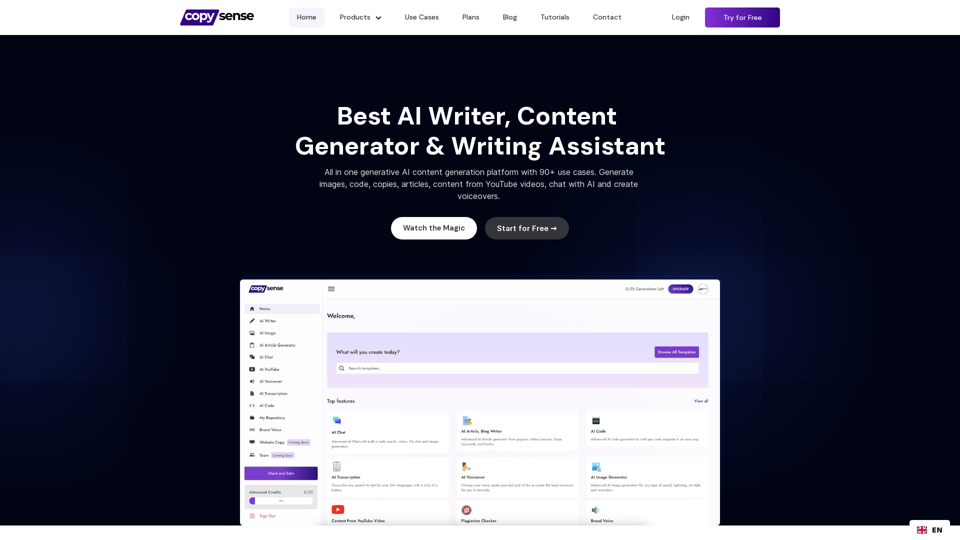
Copysense AI is the Generative AI platform for crafting factually accurate, on-brand content with real-time data, generating images, voiceovers, and content from YouTube and URLs.
Visit Website
Copysense AI

Copysense AI is an innovative artificial intelligence technology designed to detect and prevent copyright infringement.
Visit Website

Introduction

Copysense AI is a comprehensive AI-powered content generation platform designed to revolutionize content creation and management. With over 90 use cases and a wide array of features, it streamlines the content creation process, boosts productivity, and unleashes creative potential. The platform offers AI-driven tools for article writing, image generation, voiceovers, and more, catering to various content needs across different industries.

Feature

AI Article and Blog Writer

Generate up to 5,000 words of factually correct, well-structured content.

Advanced AI Chat

Interact with PDF files, images, URLs, and more to generate content or get answers to questions.

AI Voiceover

Convert text to speech in multiple languages with a single click.

AI Image Generator

Create realistic images from text descriptions.

90+ Content Generators

From blog conclusions to YouTube video content, covering a wide range of use cases.

Built-in Smart Editor

Edit and refine content with AI assistance, including brand voice customization, rewriting, summarizing, and grammar correction.

Flexible Pricing Plans

PlanPriceKey Features
Forever Free$0/month90+ Content Generators, Image Generator, 3-day AI Chat trial, 25 one-time Advanced Credits
Personal$9/monthEverything in Free plan, AI Article Writer, Unlimited AI Chat, 25 Advanced Credits/month
Freelancer$18/monthEverything in Personal, Higher quality AI Chat, 50 Advanced Credits/month
Professional$30/monthHighest quality results, 100 Advanced Credits/month, 50 Brand Voices allowed

Brand Voice Feature

Create consistent content aligned with your brand's tone and style.

Content from YouTube Generator

Transform YouTube video content into written articles, summaries, or social media posts.

FAQ

What is Copysense AI?

Copysense AI is an all-in-one generative AI content creation platform offering 90+ use cases, including article writing, image generation, voiceovers, and more.

How does the AI Writer function?

The AI Writer uses advanced natural language processing to generate high-quality, coherent text content based on your input and requirements.

Can Copysense AI generate images?

Yes, Copysense AI includes an AI Image Generator that creates realistic images from text descriptions.

How does the AI Voiceover feature work?

The AI Voiceover feature converts text to speech in multiple languages, allowing you to create voiceovers for your content easily.

Is there a feature for maintaining brand voice consistency?

Yes, Copysense AI offers a Brand Voice feature that allows you to customize and maintain a consistent tone and style across your content.

Latest Traffic Insights

  • Monthly Visits

    0

  • Bounce Rate

    0.00%

  • Pages Per Visit

    0.00

  • Time on Site(s)

    0.00

  • Global Rank

    -

  • Country Rank

    -

Recent Visits

Traffic Sources

  • Social Media:
    0.00%
  • Paid Referrals:
    0.00%
  • Email:
    0.00%
  • Referrals:
    0.00%
  • Search Engines:
    0.00%
  • Direct:
    0.00%
More Data

Related Websites

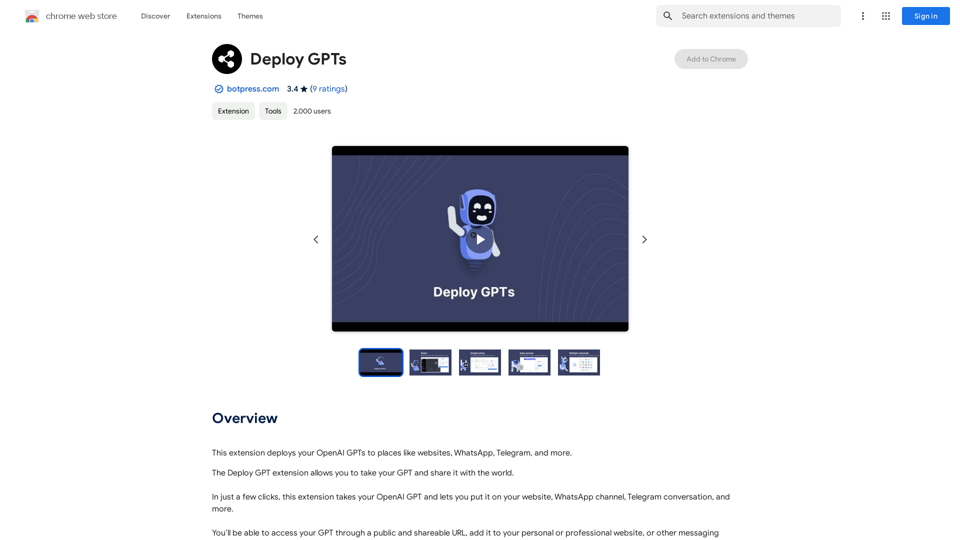
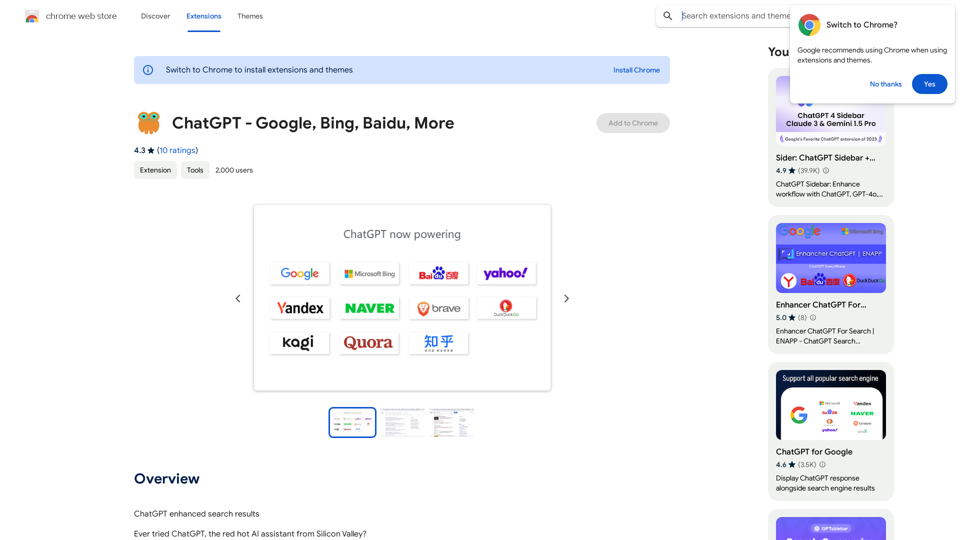
ChatGPT + Google, Bing, Yahoo
View Detail

ChatGPT + Google, Bing, Yahoo

ChatGPT + Google, Bing, Yahoo

Combine the power of OpenAI's ChatGPT with major search engines.

193.90 M
Midjourney SREF Codes Library for Style Reference

What are SREF Codes?

SREF codes are special text strings used in Midjourney to quickly and easily apply specific artistic styles to your image generations. 

How to Use SREF Codes:

Simply add an SREF code to your Midjourney prompt. For example:

`/imagine a majestic dragon, SREF:cyberpunk`

SREF Code Library:

This library contains a collection of SREF codes categorized by style. 

* Art Styles:
    * `photorealistic`: Creates images with high levels of realism.
    * `impressionistic`:  Captures the essence of a scene with loose brushstrokes and vibrant colors.
    * `cubist`:  Breaks down objects into geometric shapes.
    * `surrealist`:  Creates dreamlike and fantastical images.
    * `abstract`:  Focuses on form, color, and composition rather than representational imagery.

* Visual Effects:
    * `cinematic`:  Gives images a cinematic look and feel.
    * `HDR`:  Creates images with high dynamic range, resulting in greater detail and contrast.
    * `neon`:  Adds vibrant neon lights to the image.
    * `pixel art`:  Generates images in a retro pixel art style.

* Other Styles:
    * `anime`:  Creates images in the style of Japanese animation.
    * `manga`:  Similar to anime, but with a more comic book aesthetic.
    * `sketch`:  Generates images that resemble pencil sketches.
    * `watercolor`:  Creates images with the look and feel of watercolor paintings.

Note: This is just a small sample of the many SREF codes available. 

Explore and Experiment:

The best way to learn about SREF codes is to experiment with them! Try combining different codes to create unique and interesting styles.
View Detail

Midjourney SREF Codes Library for Style Reference What are SREF Codes? SREF codes are special text strings used in Midjourney to quickly and easily apply specific artistic styles to your image generations. How to Use SREF Codes: Simply add an SREF code to your Midjourney prompt. For example: `/imagine a majestic dragon, SREF:cyberpunk` SREF Code Library: This library contains a collection of SREF codes categorized by style. * Art Styles: * `photorealistic`: Creates images with high levels of realism. * `impressionistic`: Captures the essence of a scene with loose brushstrokes and vibrant colors. * `cubist`: Breaks down objects into geometric shapes. * `surrealist`: Creates dreamlike and fantastical images. * `abstract`: Focuses on form, color, and composition rather than representational imagery. * Visual Effects: * `cinematic`: Gives images a cinematic look and feel. * `HDR`: Creates images with high dynamic range, resulting in greater detail and contrast. * `neon`: Adds vibrant neon lights to the image. * `pixel art`: Generates images in a retro pixel art style. * Other Styles: * `anime`: Creates images in the style of Japanese animation. * `manga`: Similar to anime, but with a more comic book aesthetic. * `sketch`: Generates images that resemble pencil sketches. * `watercolor`: Creates images with the look and feel of watercolor paintings. Note: This is just a small sample of the many SREF codes available. Explore and Experiment: The best way to learn about SREF codes is to experiment with them! Try combining different codes to create unique and interesting styles.

Midjourney SREF Codes Library for Style Reference What are SREF Codes? SREF codes are special text strings used in Midjourney to quickly and easily apply specific artistic styles to your image generations. How to Use SREF Codes: Simply add an SREF code to your Midjourney prompt. For example: `/imagine a majestic dragon, SREF:cyberpunk` SREF Code Library: This library contains a collection of SREF codes categorized by style. * Art Styles: * `photorealistic`: Creates images with high levels of realism. * `impressionistic`: Captures the essence of a scene with loose brushstrokes and vibrant colors. * `cubist`: Breaks down objects into geometric shapes. * `surrealist`: Creates dreamlike and fantastical images. * `abstract`: Focuses on form, color, and composition rather than representational imagery. * Visual Effects: * `cinematic`: Gives images a cinematic look and feel. * `HDR`: Creates images with high dynamic range, resulting in greater detail and contrast. * `neon`: Adds vibrant neon lights to the image. * `pixel art`: Generates images in a retro pixel art style. * Other Styles: * `anime`: Creates images in the style of Japanese animation. * `manga`: Similar to anime, but with a more comic book aesthetic. * `sketch`: Generates images that resemble pencil sketches. * `watercolor`: Creates images with the look and feel of watercolor paintings. Note: This is just a small sample of the many SREF codes available. Explore and Experiment: The best way to learn about SREF codes is to experiment with them! Try combining different codes to create unique and interesting styles.

Explore a list of 177 unique Midjourney sref codes and style references to find your perfect Midjourney sref code effect.

149.96 K
AI Prompt Manager
View Detail

AI Prompt Manager

AI Prompt Manager

AI Prompt Manager: Store and manage GPT prompts. Sleek user interface, easy search and sharing. Maximize the potential of GPT.

193.90 M
Grey Cat - Randomizer
View Detail

Grey Cat - Randomizer

Grey Cat - Randomizer

This extension randomly selects a specific number of items from a given list.

193.90 M
CO-STAR Prompt Template
==========================

Task Description
Describe the task you want the AI to perform. Be specific and concise.

Input Prompt
Provide the input prompt that the AI will receive. This can be a question, a statement, or a scenario.

Desired Response
Describe the desired response from the AI. What type of answer or output are you expecting?

Constraints
List any constraints or rules that the AI should follow when generating a response. This can include tone, style, or specific keywords to include or avoid.

Evaluation Metrics
Describe how you will evaluate the AI's response. What metrics or criteria will you use to determine the quality of the response?

Example Output
Provide an example of what a good response from the AI might look like. This can help clarify the task and provide a target for the AI to aim for.
View Detail

CO-STAR Prompt Template ========================== Task Description Describe the task you want the AI to perform. Be specific and concise. Input Prompt Provide the input prompt that the AI will receive. This can be a question, a statement, or a scenario. Desired Response Describe the desired response from the AI. What type of answer or output are you expecting? Constraints List any constraints or rules that the AI should follow when generating a response. This can include tone, style, or specific keywords to include or avoid. Evaluation Metrics Describe how you will evaluate the AI's response. What metrics or criteria will you use to determine the quality of the response? Example Output Provide an example of what a good response from the AI might look like. This can help clarify the task and provide a target for the AI to aim for.

CO-STAR Prompt Template ========================== Task Description Describe the task you want the AI to perform. Be specific and concise. Input Prompt Provide the input prompt that the AI will receive. This can be a question, a statement, or a scenario. Desired Response Describe the desired response from the AI. What type of answer or output are you expecting? Constraints List any constraints or rules that the AI should follow when generating a response. This can include tone, style, or specific keywords to include or avoid. Evaluation Metrics Describe how you will evaluate the AI's response. What metrics or criteria will you use to determine the quality of the response? Example Output Provide an example of what a good response from the AI might look like. This can help clarify the task and provide a target for the AI to aim for.

Using CO-STAR to Make Your Prompt 10 Times More Effective!

193.90 M
PromptFolder - ChatGPT Prompt Manager
View Detail

PromptFolder - ChatGPT Prompt Manager

PromptFolder - ChatGPT Prompt Manager

Save, share, and discover prompts for ChatGPT, Midjourney, and other AI tools.

193.90 M
Horus
View Detail

Horus

Horus

Horus is your AI assistant for creating summaries, insights, and expanding knowledge.

193.90 M
Trovy for Threads
View Detail

Trovy for Threads

Trovy for Threads

Manage your content creation and Track your Threads statistics.

193.90 M