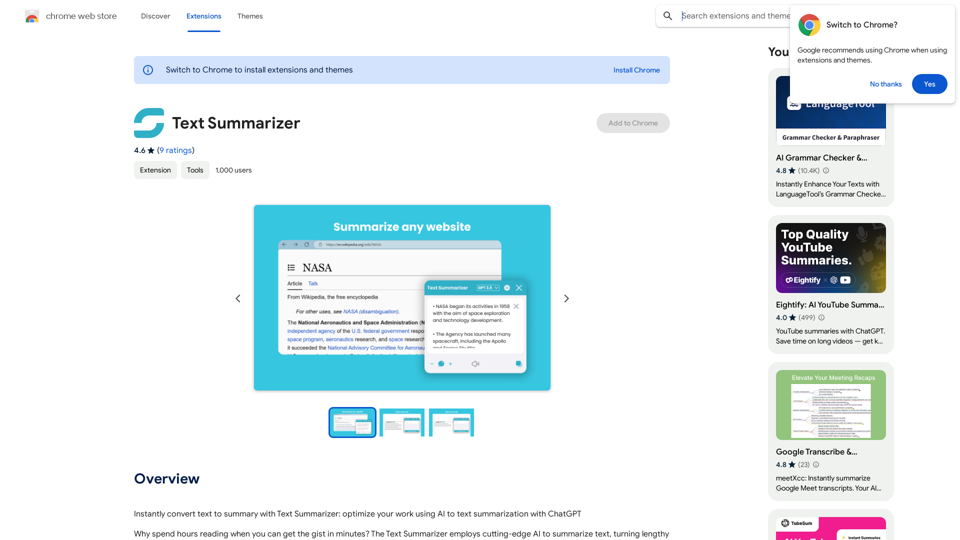
Text Summarizer is an AI-powered browser extension designed to quickly convert lengthy text into concise summaries. This tool utilizes advanced AI technology to analyze and condense articles, books, and various types of text, providing users with the main points in a digestible format. It aims to save time and enhance productivity by offering quick access to key information.
Text Summarizer This is a tool that can condense large amounts of text into shorter, more manageable summaries.
Instantly summarize text with Text Summarizer: optimize your work using AI-powered text summarization with ChatGPT.
Introduction
Feature
AI-Driven Summarization
Text Summarizer employs sophisticated AI technology, including ChatGPT, to generate accurate and context-aware summaries of various text types.
One-Click Operation
Users can summarize any web page content with a single click on the "Get Summary" button, streamlining the process of information extraction.
Customizable Summary Length
The extension offers options to adjust the summary length, allowing users to tailor the output to their specific needs.
Browser Integration
Text Summarizer seamlessly integrates with your browser, enabling efficient summarization without leaving the current webpage.
Privacy and Security
The extension prioritizes user privacy, ensuring secure data processing and maintaining confidentiality of information.
Free Availability
Text Summarizer is available as a free Chrome extension, making it accessible to a wide range of users.
Versatile Application
The tool can summarize various text types, including articles, books, web pages, and online documents, catering to diverse user needs.
FAQ
Can I add options for summary web in bullet list format?
Yes, you can add options for summary web in bullet list format.
Is this extension helpful for my work?
Yes, users have found this extension to be a great help in their work. It provides good summarization of text on web pages, enhancing productivity and efficiency.
How does the Text Summarizer work?
- Navigate to the web page with the text you want to summarize
- Click the "Get Summary" button provided by the extension
- The AI analyzes the text on the page
- A concise, clear summary is quickly generated
- Advanced options allow for customization of the summarization process
Related Websites

Kartiv: Automated Visual Content for eCommerce & Marketing Agencies
Kartiv: Automated Visual Content for eCommerce & Marketing AgenciesElevate your brand with Kartiv's AI-powered design solutions. Perfect for eCommerce businesses and marketing agencies.
440
Octoparse VOC - AI Review Research & Analysis This is a document outlining the research and analysis conducted on user voice (VOC) data using Octoparse's AI capabilities.
Octoparse VOC - AI Review Research & Analysis This is a document outlining the research and analysis conducted on user voice (VOC) data using Octoparse's AI capabilities.AI Consumer Review Research Extension by Octoparse.
193.90 M

Life is tiring, but the future "will be better" - Pokkoa AI x I Ching Insight Discovery
Life is tiring, but the future "will be better" - Pokkoa AI x I Ching Insight DiscoveryUnleash the Power of AI I Ching for Insight Discovery and Detailed Guidance
0

Signify - Compliance Management System for Manufacturing
Signify - Compliance Management System for ManufacturingSignify automates compliance for manufacturers by analyzing documents to ensure regulatory requirements are met throughout the product lifecycle.
3.17 K
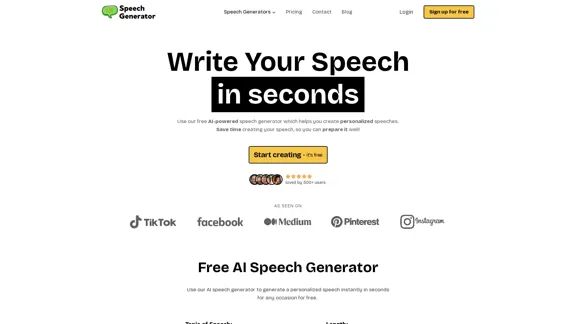
SpeechGeneratorAI - Write Speeches in Seconds with AI
SpeechGeneratorAI - Write Speeches in Seconds with AINeed to write a speech instantly? Use our free AI speech writer to create a speech for any occasion in seconds!
63.54 K
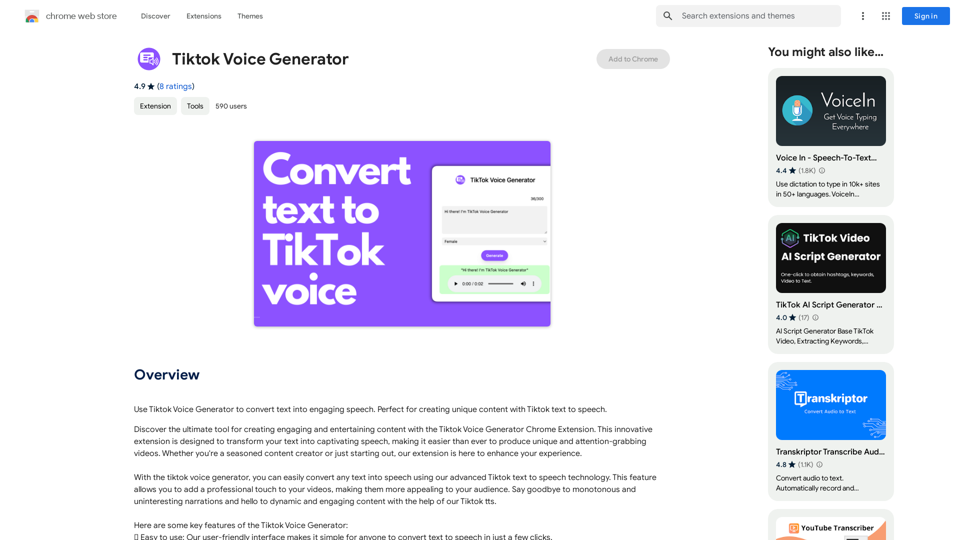
TikTok Voice Generator ========================== The TikTok voice generator is a popular feature on the social media platform that allows users to create and share videos with unique and entertaining voiceovers. This feature has become a sensation among TikTok users, with many using it to add humor, creativity, and personality to their videos. How Does it Work? -------------------- The TikTok voice generator uses advanced AI technology to convert written text into a spoken voice. Users can type in the text they want to convert, and the generator will produce a natural-sounding voiceover in a matter of seconds. The voice generator offers a range of voices, accents, and languages to choose from, allowing users to customize their voiceovers to fit their style and preferences. Features and Benefits ------------------------- Variety of Voices The TikTok voice generator offers a vast library of voices, including male and female voices, different accents, and languages. This allows users to experiment with different voices and find the one that best suits their content. Easy to Use The voice generator is incredibly easy to use. Users simply need to type in the text they want to convert, select the voice they want to use, and the generator will do the rest. Add Humor and Creativity The TikTok voice generator is a great way to add humor and creativity to videos. Users can use the generator to create funny voiceovers, parody songs, or even create their own characters. Increase Engagement Videos with voiceovers generated by the TikTok voice generator tend to perform better in terms of engagement. The unique and entertaining voiceovers can help capture viewers' attention and increase the chances of going viral. Conclusion ---------- The TikTok voice generator is a powerful tool that can help users take their content to the next level. With its advanced AI technology, ease of use, and variety of voices, it's no wonder why it has become a favorite among TikTok users. Whether you're looking to add humor, creativity, or personality to your videos, the TikTok voice generator is definitely worth trying out.
TikTok Voice Generator ========================== The TikTok voice generator is a popular feature on the social media platform that allows users to create and share videos with unique and entertaining voiceovers. This feature has become a sensation among TikTok users, with many using it to add humor, creativity, and personality to their videos. How Does it Work? -------------------- The TikTok voice generator uses advanced AI technology to convert written text into a spoken voice. Users can type in the text they want to convert, and the generator will produce a natural-sounding voiceover in a matter of seconds. The voice generator offers a range of voices, accents, and languages to choose from, allowing users to customize their voiceovers to fit their style and preferences. Features and Benefits ------------------------- Variety of Voices The TikTok voice generator offers a vast library of voices, including male and female voices, different accents, and languages. This allows users to experiment with different voices and find the one that best suits their content. Easy to Use The voice generator is incredibly easy to use. Users simply need to type in the text they want to convert, select the voice they want to use, and the generator will do the rest. Add Humor and Creativity The TikTok voice generator is a great way to add humor and creativity to videos. Users can use the generator to create funny voiceovers, parody songs, or even create their own characters. Increase Engagement Videos with voiceovers generated by the TikTok voice generator tend to perform better in terms of engagement. The unique and entertaining voiceovers can help capture viewers' attention and increase the chances of going viral. Conclusion ---------- The TikTok voice generator is a powerful tool that can help users take their content to the next level. With its advanced AI technology, ease of use, and variety of voices, it's no wonder why it has become a favorite among TikTok users. Whether you're looking to add humor, creativity, or personality to your videos, the TikTok voice generator is definitely worth trying out.Use the Tiktok Voice Generator to convert text into engaging speech. Perfect for creating unique content with Tiktok text to speech.
193.90 M