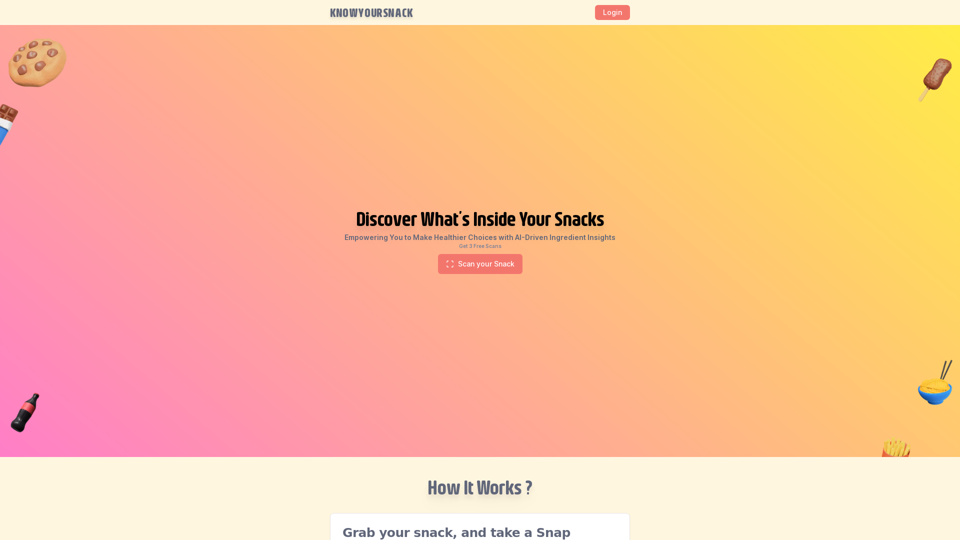
KnowYourSnack is an innovative AI-driven platform that helps users make healthier snack choices. By scanning ingredient lists on snack packages, the app provides detailed information about ingredients, empowering users to make informed decisions about their snack consumption. The platform uses advanced machine learning algorithms to detect harmful substances and offer comprehensive reports on ingredient content.
Knowyoursnack - Discover What’s Inside Your Snacks
KnowYourSnack is your personal guide to understanding snack ingredients. Simply snap a photo of the ingredients list on any snack package, and our AI-powered app will identify harmful substances, provide detailed information, and help you make healthier choices.
Introduction
Feature
AI-Powered Ingredient Scanner
KnowYourSnack's app utilizes machine learning algorithms to analyze ingredient lists, providing users with detailed reports on the contents of their snacks.
Harmful Ingredient Detection
The app identifies potentially harmful substances in snacks, enabling users to make informed choices about their consumption.
Detailed Ingredient Information
Users receive comprehensive information about each ingredient, promoting a better understanding of snack contents.
Easy-to-Use Process
- Select a snack package
- Take a photo of the ingredients list
- Receive a detailed report on all ingredients
Free Trial Option
KnowYourSnack offers a free trial, allowing users to scan three snacks before subscribing for continued access.
Subscription Model
After the trial period, users can subscribe to the platform for ongoing access to AI-driven ingredient insights.
FAQ
Is KnowYourSnack free to use?
KnowYourSnack offers a free trial that allows users to scan three snacks. After the trial, a subscription is required for continued access to the service.
How does KnowYourSnack detect harmful ingredients?
KnowYourSnack employs AI-powered algorithms to analyze ingredient lists and identify potentially harmful substances in snacks.
Can I cancel my subscription to KnowYourSnack?
Yes, users have the flexibility to cancel their subscription to KnowYourSnack at any time.
What are some helpful tips for using KnowYourSnack?
- Always read ingredient lists before consuming snacks
- Be aware of hidden ingredients and potential allergens
- Utilize KnowYourSnack to make informed decisions about snack choices
Related Websites
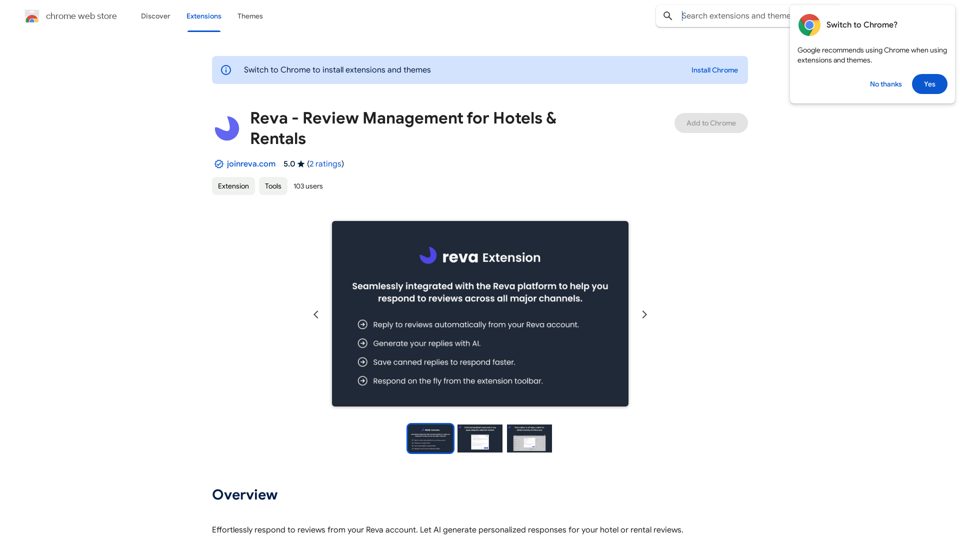
Easily reply to reviews from your Reva account. Let AI create custom responses for your hotel or rental reviews.
193.90 M
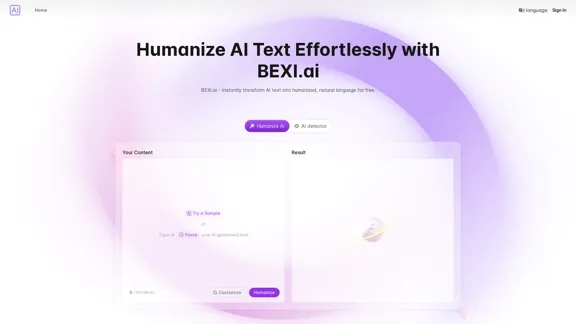
BEXI.ai - Humanize AI Text | Free AI Humanizer Tool for Natural Language
BEXI.ai - Humanize AI Text | Free AI Humanizer Tool for Natural LanguageBEXI.ai is a free tool for making AI-generated text more natural and undetectable. With support for multiple languages and customizable styles, BEXI.ai helps you easily create engaging, human-like content.
33.18 K

AI Journey: Explore the Leading AI Tools Software - Expert Reviews & Insights
AI Journey: Explore the Leading AI Tools Software - Expert Reviews & InsightsFind the best AI tools and software with AIJourney. Our daily updates and expert reviews help you enhance your productivity and efficiency.
56.90 K
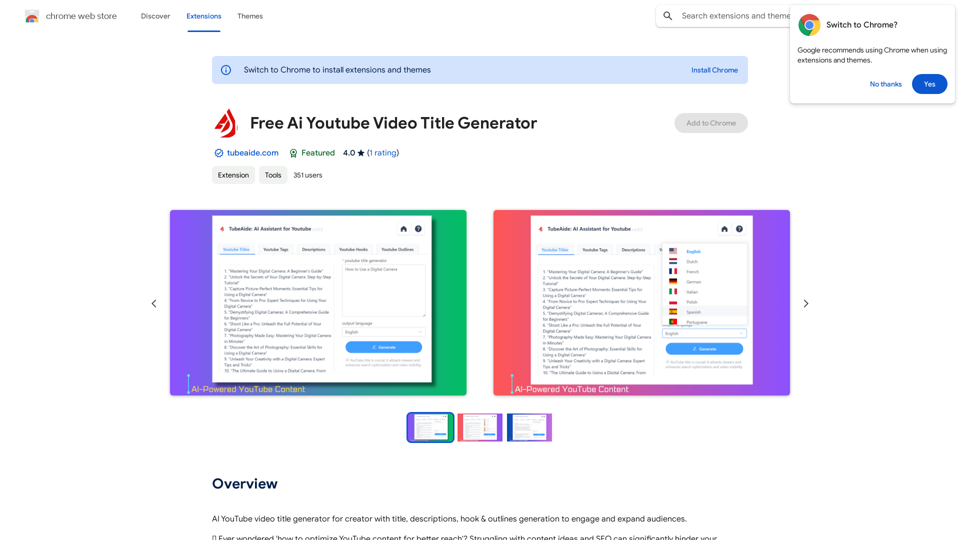
AI YouTube Video Title Generator for Creators: Generate Titles, Descriptions, Hooks, and Outlines to Engage and Expand Your Audience.
193.90 M
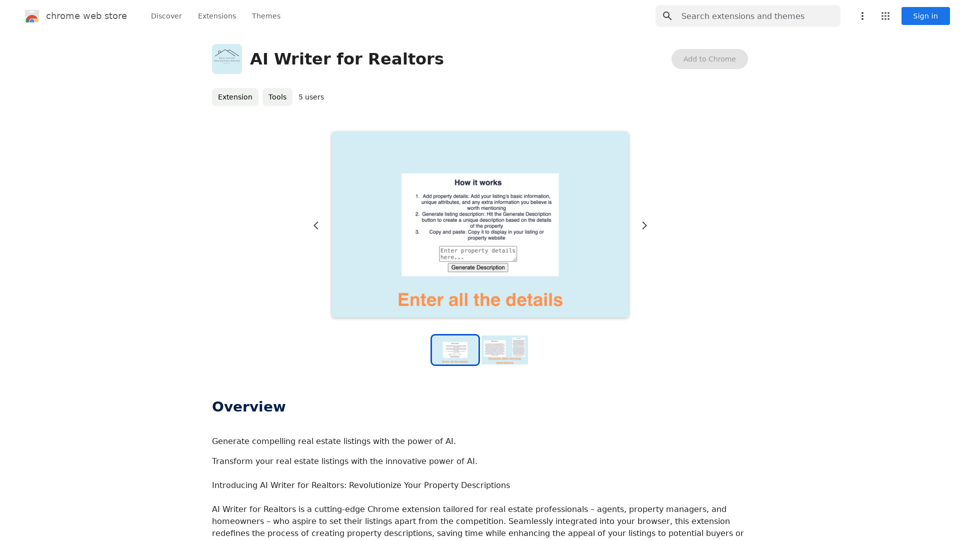
AI Writer for Realtors This AI-powered writing tool is designed to help real estate agents save time and create compelling content. Here's what it can do: * Generate property descriptions: Craft engaging and informative descriptions that highlight key features and benefits. * Write listing headlines: Create attention-grabbing headlines that attract potential buyers. * Compose social media posts: Share property updates, market insights, and client testimonials in a concise and engaging way. * Draft email campaigns: Automate email marketing efforts with personalized messages to potential clients. * Summarize property reports: Quickly understand key information from property reports and market analyses. Benefits for Realtors: * Save time and effort: Automate repetitive writing tasks and focus on client interactions. * Improve content quality: Generate high-quality, engaging content that resonates with target audiences. * Boost marketing effectiveness: Create compelling content that drives leads and increases sales. * Stay ahead of the competition: Leverage AI technology to streamline your workflow and deliver exceptional service.
AI Writer for Realtors This AI-powered writing tool is designed to help real estate agents save time and create compelling content. Here's what it can do: * Generate property descriptions: Craft engaging and informative descriptions that highlight key features and benefits. * Write listing headlines: Create attention-grabbing headlines that attract potential buyers. * Compose social media posts: Share property updates, market insights, and client testimonials in a concise and engaging way. * Draft email campaigns: Automate email marketing efforts with personalized messages to potential clients. * Summarize property reports: Quickly understand key information from property reports and market analyses. Benefits for Realtors: * Save time and effort: Automate repetitive writing tasks and focus on client interactions. * Improve content quality: Generate high-quality, engaging content that resonates with target audiences. * Boost marketing effectiveness: Create compelling content that drives leads and increases sales. * Stay ahead of the competition: Leverage AI technology to streamline your workflow and deliver exceptional service.Unlock the Power of AI for Captivating Real Estate Listings Tired of crafting bland, forgettable property descriptions? Let AI revolutionize your listings and attract more potential buyers! Here's how AI can elevate your real estate game: * Craft Compelling Narratives: AI can weave engaging stories around your properties, highlighting their unique features and benefits in a way that resonates with buyers. * Optimize for Search Engines: AI-powered tools can analyze market trends and keywords to ensure your listings rank higher in search results, boosting visibility and attracting more clicks. * Personalize the Experience: AI can tailor descriptions to specific buyer demographics, creating a more personalized and impactful connection. * Generate Stunning Visuals: From virtual tours to 3D floor plans, AI can enhance your listings with captivating visuals that showcase your properties in their best light. Stop settling for ordinary listings. Embrace the future of real estate with AI-powered descriptions that captivate, convert, and close deals.
193.90 M