KnowYourSnack is an innovative AI-driven platform that helps users make healthier snack choices. By scanning ingredient lists on snack packages, the app provides detailed information about ingredients, empowering users to make informed decisions about their snack consumption. The platform uses advanced machine learning algorithms to detect harmful substances and offer comprehensive reports on ingredient content.
Knowyoursnack - Discover What’s Inside Your Snacks
KnowYourSnack is your personal guide to understanding snack ingredients. Simply snap a photo of the ingredients list on any snack package, and our AI-powered app will identify harmful substances, provide detailed information, and help you make healthier choices.
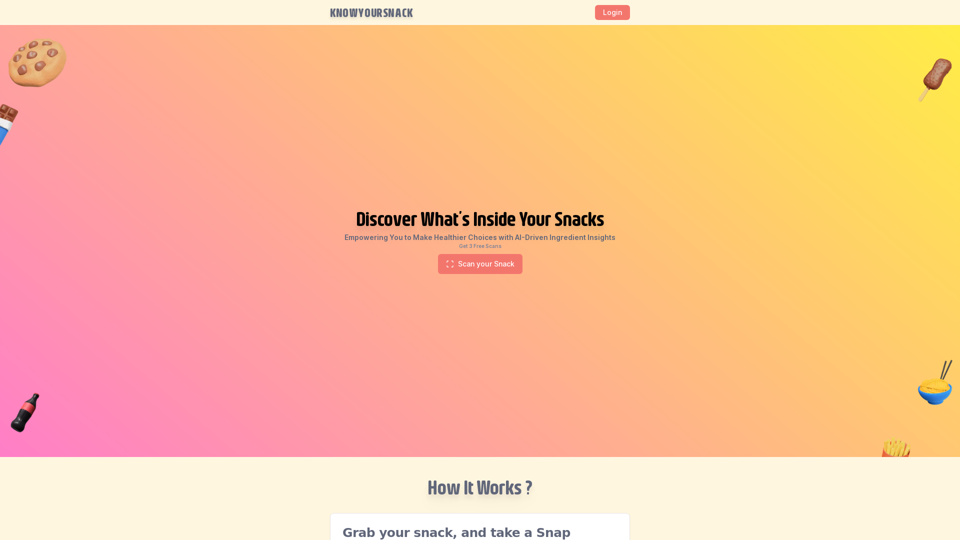
Introduction
Feature
AI-Powered Ingredient Scanner
KnowYourSnack's app utilizes machine learning algorithms to analyze ingredient lists, providing users with detailed reports on the contents of their snacks.
Harmful Ingredient Detection
The app identifies potentially harmful substances in snacks, enabling users to make informed choices about their consumption.
Detailed Ingredient Information
Users receive comprehensive information about each ingredient, promoting a better understanding of snack contents.
Easy-to-Use Process
- Select a snack package
- Take a photo of the ingredients list
- Receive a detailed report on all ingredients
Free Trial Option
KnowYourSnack offers a free trial, allowing users to scan three snacks before subscribing for continued access.
Subscription Model
After the trial period, users can subscribe to the platform for ongoing access to AI-driven ingredient insights.
FAQ
Is KnowYourSnack free to use?
KnowYourSnack offers a free trial that allows users to scan three snacks. After the trial, a subscription is required for continued access to the service.
How does KnowYourSnack detect harmful ingredients?
KnowYourSnack employs AI-powered algorithms to analyze ingredient lists and identify potentially harmful substances in snacks.
Can I cancel my subscription to KnowYourSnack?
Yes, users have the flexibility to cancel their subscription to KnowYourSnack at any time.
What are some helpful tips for using KnowYourSnack?
- Always read ingredient lists before consuming snacks
- Be aware of hidden ingredients and potential allergens
- Utilize KnowYourSnack to make informed decisions about snack choices
Related Websites
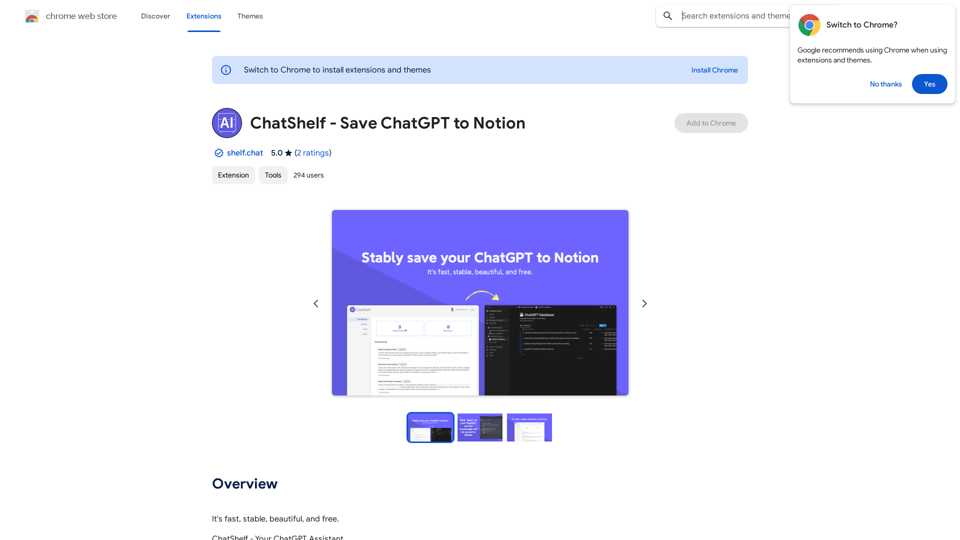
ChatShelf - Save ChatGPT to Notion ChatShelf is a tool that lets you save your ChatGPT conversations directly into Notion. It's a simple way to keep track of your AI interactions and use them later. Just copy the link to your ChatGPT conversation and paste it into ChatShelf. It will then extract the conversation and create a Notion page for you.
ChatShelf - Save ChatGPT to Notion ChatShelf is a tool that lets you save your ChatGPT conversations directly into Notion. It's a simple way to keep track of your AI interactions and use them later. Just copy the link to your ChatGPT conversation and paste it into ChatShelf. It will then extract the conversation and create a Notion page for you.It's fast, stable, beautiful, and free.
193.90 M
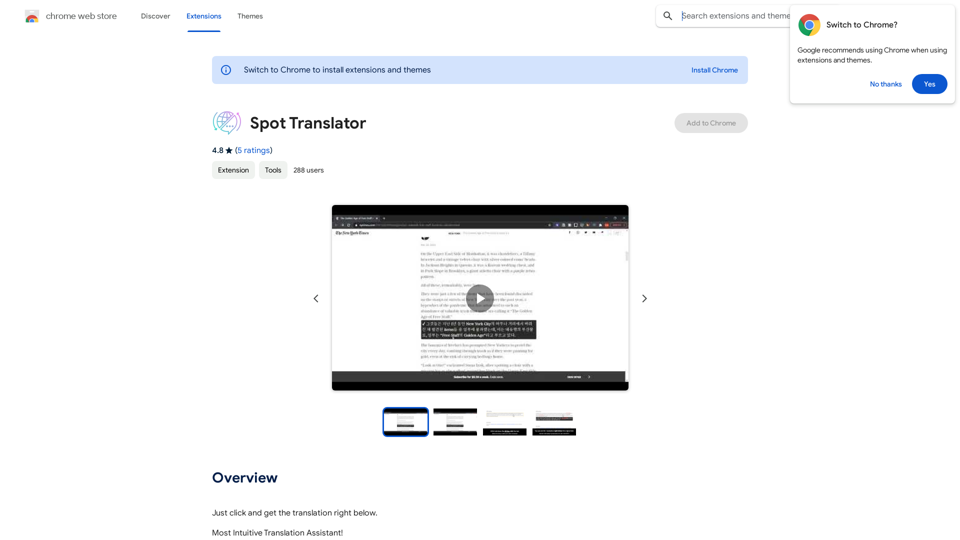
Spot Translator This is a simple tool to translate text from one language to another. How to use: 1. Enter the text you want to translate in the input box. 2. Choose the source language from the dropdown menu. 3. Choose the target language from the dropdown menu. 4. Click the "Translate" button. The translated text will appear in the output box.
Spot Translator This is a simple tool to translate text from one language to another. How to use: 1. Enter the text you want to translate in the input box. 2. Choose the source language from the dropdown menu. 3. Choose the target language from the dropdown menu. 4. Click the "Translate" button. The translated text will appear in the output box.Just click and get the translation right below.
193.90 M
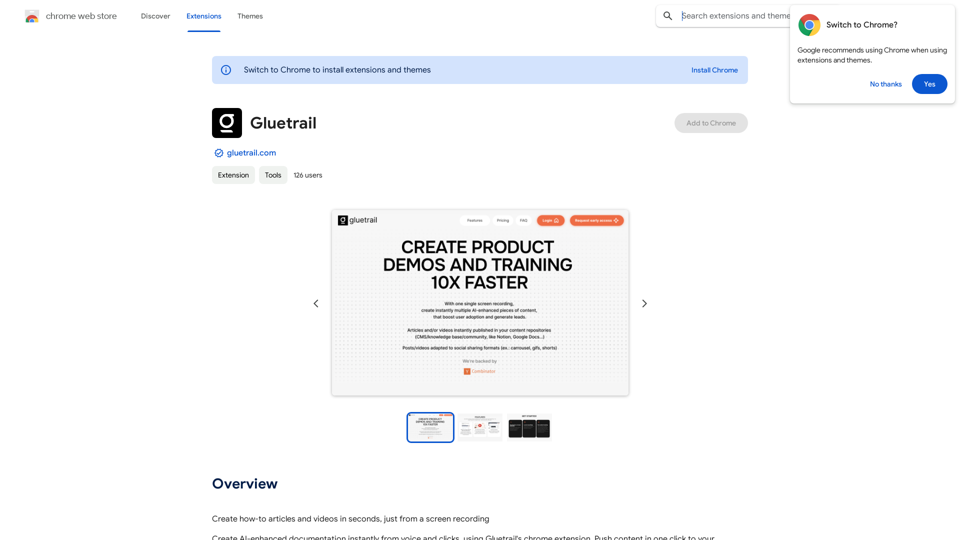
Turn Screen Recordings into How-To Content in Seconds! Tired of spending hours editing videos for tutorials? Introducing [Your Product Name]! Our revolutionary tool lets you instantly transform your screen recordings into professional-looking how-to articles and videos. Here's how it works: 1. Record your screen: Capture your steps clearly and concisely. 2. Upload to [Your Product Name]: Our AI does the heavy lifting. 3. Get your content: Choose from automatically generated articles or polished videos, ready to share! [Your Product Name] is perfect for: * Educators: Create engaging online lessons. * Businesses: Train employees efficiently. * YouTubers: Boost your content creation speed. Stop wasting time editing. Start creating with [Your Product Name]!
193.90 M
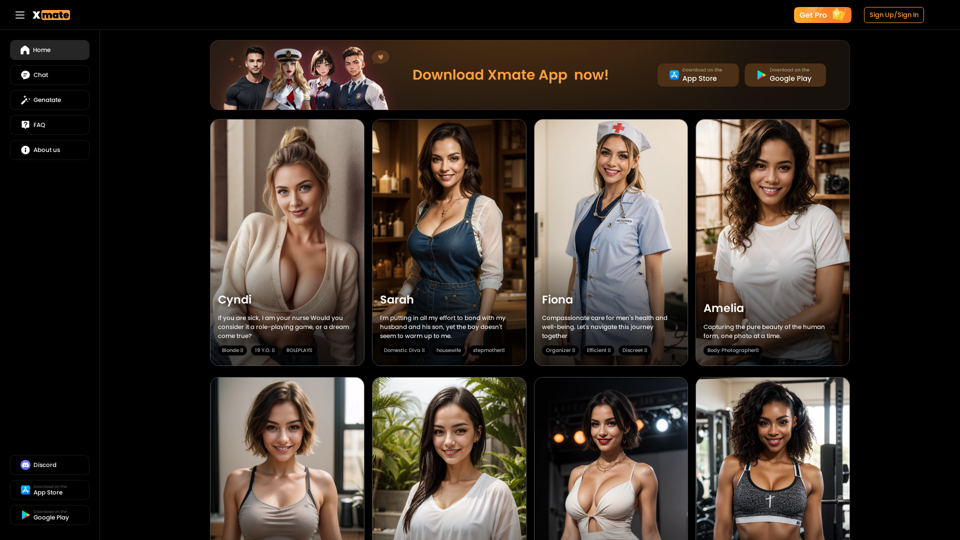
Xmate: AI Girlfriend for Adults & Porn Chat & More
Xmate: AI Girlfriend for Adults & Porn Chat & MoreExperience the ultimate thrill with NSFW Character AI Roleplay, where boundaries disappear. Engage in unrestricted AI conversations and uncensored NSFW AI interactions, and even request images from your virtual partner.
886
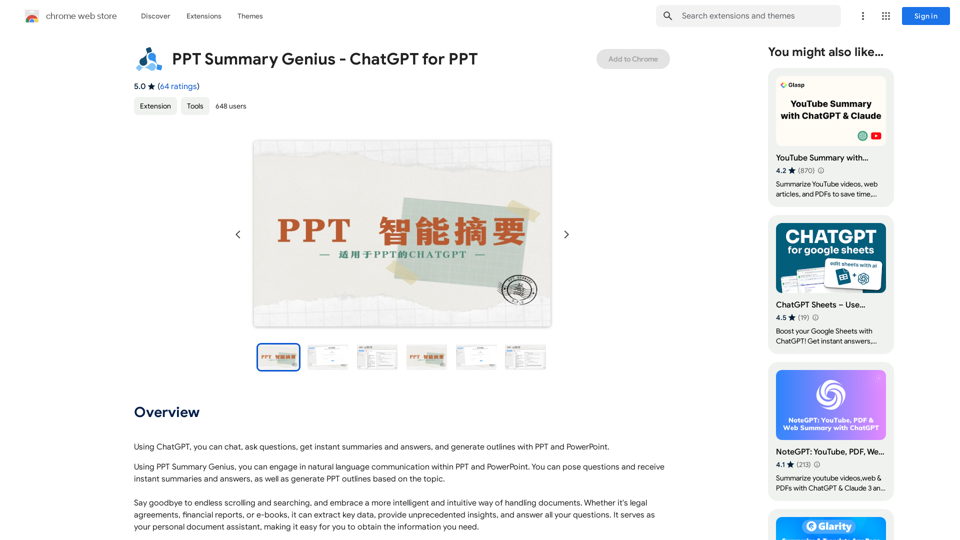
PPT Summary Genius - ChatGPT for PPT Turn your boring presentations into engaging masterpieces! * Summarize lengthy PPTs: ChatGPT can condense your slides into concise summaries, perfect for quick reviews or sharing key points. * Generate compelling narratives: Transform your data and bullet points into captivating stories that resonate with your audience. * Craft impactful introductions and conclusions: Start strong and leave a lasting impression with ChatGPT's help. * Overcome writer's block: Struggling with slide content? ChatGPT can provide creative ideas and help you overcome creative hurdles. * Tailor your message: Adjust the tone and style of your presentation to match your audience and purpose. Boost your productivity and create presentations that truly shine!
PPT Summary Genius - ChatGPT for PPT Turn your boring presentations into engaging masterpieces! * Summarize lengthy PPTs: ChatGPT can condense your slides into concise summaries, perfect for quick reviews or sharing key points. * Generate compelling narratives: Transform your data and bullet points into captivating stories that resonate with your audience. * Craft impactful introductions and conclusions: Start strong and leave a lasting impression with ChatGPT's help. * Overcome writer's block: Struggling with slide content? ChatGPT can provide creative ideas and help you overcome creative hurdles. * Tailor your message: Adjust the tone and style of your presentation to match your audience and purpose. Boost your productivity and create presentations that truly shine!Using ChatGPT, you can chat, ask questions, get instant summaries and answers, and generate outlines for presentations in PPT and PowerPoint format.
193.90 M
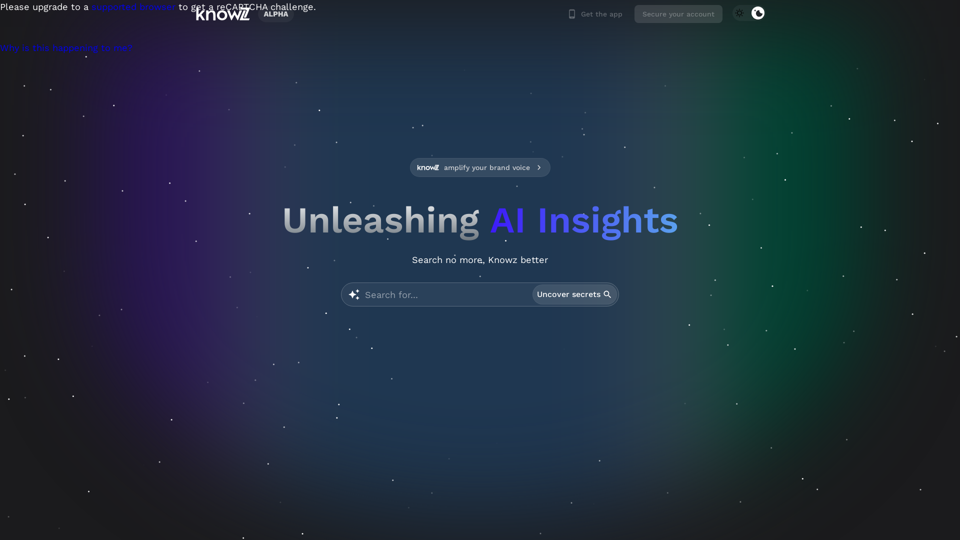
Knowz AI Search Engine: A New Era of Online Searching Experience
Knowz AI Search Engine: A New Era of Online Searching ExperienceDiscover the power of Knowz, a free AI search designed to deliver fast, accurate, and clutter-free answers, revolutionizing your online searches.
270