Open-source RightAI Tools Directory
  • Discover AI
  • Submit
  • Startup
  • Blog
Open-source RightAI Tools Directory
Discover the best AI tools of 2025 with the RightAI Tools Directory!

Friend Links

AI Anime GeneratorToolsApp AI

Support

Tap4
Privacy policyTerms & ConditionsContact Us
Loading...
loading...

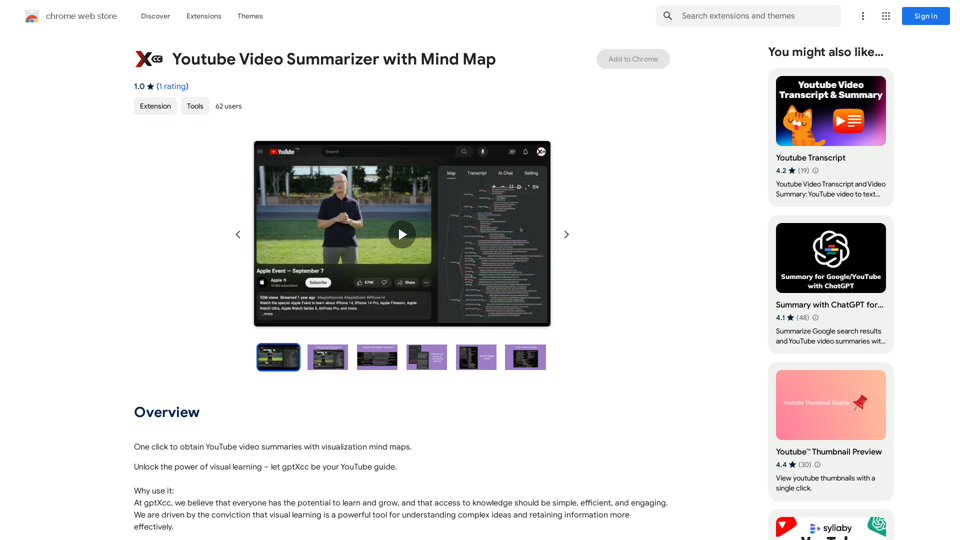
Youtube Video Summarizer with Mind Map

Get YouTube video summaries with visualization mind maps in just one click.
Visit Website
Youtube Video Summarizer with Mind Map
Visit Website

Introduction

gptXcc is an innovative AI-powered platform that revolutionizes the way users interact with YouTube content. By leveraging advanced AI technologies, gptXcc transforms lengthy videos into concise, easy-to-understand mind maps. This tool enables efficient learning and quick comprehension of complex information, making it an invaluable resource for students, professionals, and anyone seeking to optimize their online learning experience.

Feature

Seamless YouTube Integration

gptXcc integrates effortlessly with YouTube, allowing users to generate mind maps from videos with just a single click. This feature streamlines the process of content summarization and enhances the overall user experience.

Rapid Mind Map Generation

Using cutting-edge AI technology, gptXcc can auto-generate comprehensive mind maps in a mere 15 seconds. This quick turnaround time ensures that users can access summarized content almost instantly.

Comprehensive Content Representation

The platform provides a clear and organized representation of video content, including:

  • Structure
  • Topics
  • People mentioned
  • Timeline

This detailed breakdown allows users to grasp the essence of the video quickly and efficiently.

Time-Efficient Learning

By condensing lengthy videos into easily digestible mind maps, gptXcc enables users to absorb essential information in a fraction of the time it would take to watch the entire video.

Free Access

gptXcc is offered as a free extension, with no subscription fees required. This makes it accessible to a wide range of users, regardless of their budget constraints.

Cross-Browser Compatibility

The tool is compatible with all major web browsers, including:

  • Google Chrome
  • Mozilla Firefox
  • Microsoft Edge

This ensures that users can access gptXcc's features regardless of their preferred browsing platform.

FAQ

How does gptXcc work?

gptXcc utilizes advanced AI technology to analyze YouTube videos and generate mind maps. The process involves:

  1. Single-click activation from the YouTube page
  2. AI-powered content analysis
  3. Automatic generation of a structured mind map within 15 seconds
  4. Clear representation of the video's content, including structure, topics, people, and timeline

Can I customize the mind maps generated by gptXcc?

Yes, gptXcc allows users to customize the generated mind maps by adjusting settings and preferences to suit their individual needs.

Does gptXcc work for all YouTube videos?

While gptXcc is designed to work with most YouTube videos, some content may not be accessible due to copyright restrictions. However, the tool is compatible with a vast majority of available videos on the platform.

Latest Traffic Insights

  • Monthly Visits

    193.90 M

  • Bounce Rate

    56.27%

  • Pages Per Visit

    2.71

  • Time on Site(s)

    115.91

  • Global Rank

    -

  • Country Rank

    -

Recent Visits

Traffic Sources

  • Social Media:
    0.48%
  • Paid Referrals:
    0.55%
  • Email:
    0.15%
  • Referrals:
    12.81%
  • Search Engines:
    16.21%
  • Direct:
    69.81%
More Data

Related Websites

TransformFace  Swap with AI. Click to add your photo/face.

or in a more natural English tone:

Transform Your Face  Swap with AI. Click to Upload Your Photo!
View Detail

TransformFace Swap with AI. Click to add your photo/face. or in a more natural English tone: Transform Your Face Swap with AI. Click to Upload Your Photo!

TransformFace Swap with AI. Click to add your photo/face. or in a more natural English tone: Transform Your Face Swap with AI. Click to Upload Your Photo!

Upload your face or photo and swap faces with TransformFace. Free Download Image. TransformFace

0
Insync Browser Co-Pilot (Beta)
View Detail

Insync Browser Co-Pilot (Beta)

Insync Browser Co-Pilot (Beta)

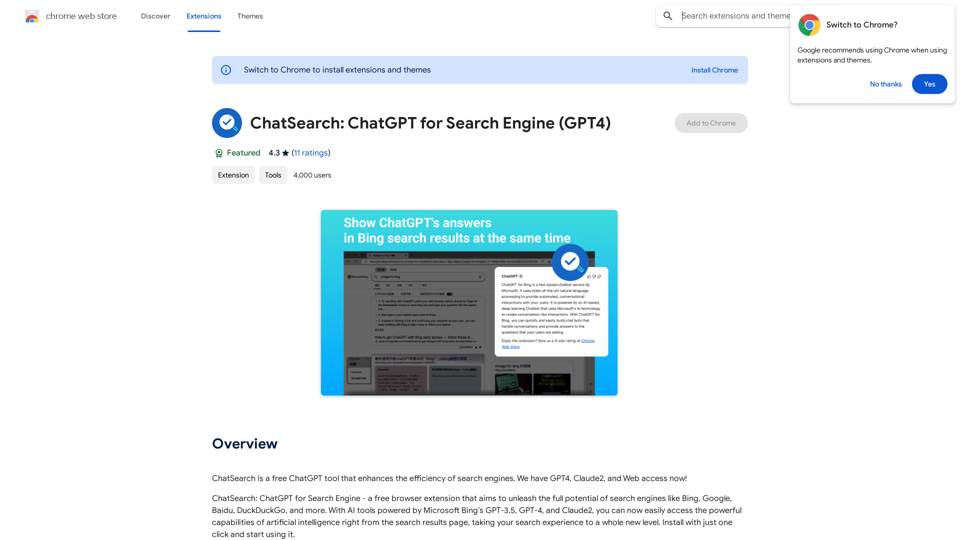
Navigate the web smarter with Insyncai Co-Pilot: Your AI-powered assistant for quick summaries and finding information on any webpage!

193.90 M
An AI-powered search engine that provides immediate answers to your most important questions.
View Detail

An AI-powered search engine that provides immediate answers to your most important questions.

An AI-powered search engine that provides immediate answers to your most important questions.

MassivePrediction: A specialized AI search engine that is always available and runs directly in your browser. It instantly retrieves highly relevant content from the internet that was created by AI.

0
AI Quick Links
View Detail

AI Quick Links

AI Quick Links

Ai Quick Links is a collection of AI tools for your new tab page, which also includes a Bing search bar.

193.90 M
CleanerPro - The Best Image Editor for Shopify
View Detail

CleanerPro - The Best Image Editor for Shopify

CleanerPro - The Best Image Editor for Shopify

CleanerPro, our AI-powered image editor, transforms e-commerce visuals by enabling effortless removal of logos, text, and unwanted elements with just one click.

0
Chat-GPT PDF

What is Chat-GPT PDF?

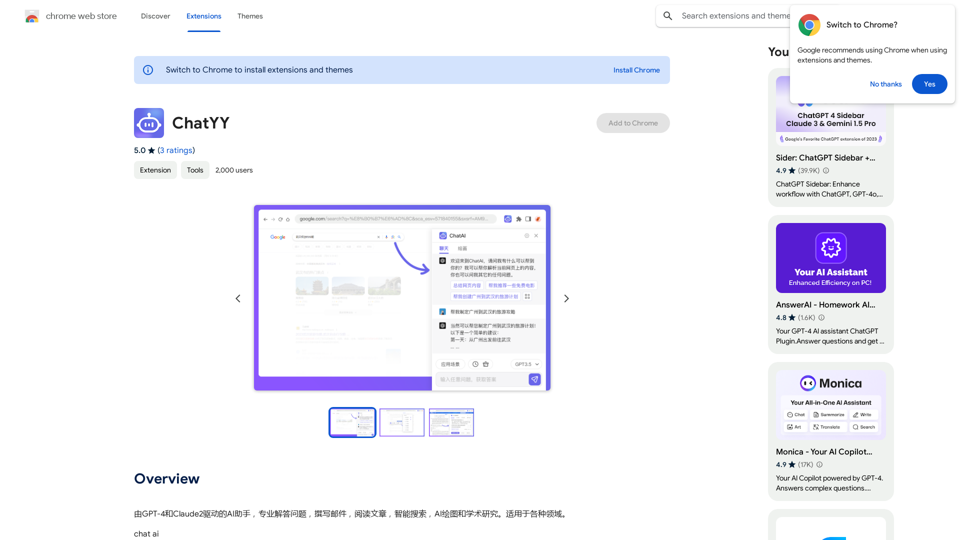
Chat-GPT PDF is a tool that allows users to generate PDF files from Chat-GPT conversations. This innovative tool enables users to save and share their conversations in a more organized and visually appealing format.

How does Chat-GPT PDF work?

The process is simple and straightforward. Here's a step-by-step guide:

1. Copy the conversation: Copy the entire conversation from the Chat-GPT platform.
2. Paste the conversation: Paste the copied conversation into the Chat-GPT PDF tool.
3. Customize the layout: Customize the layout, font, and design of the PDF file according to your preferences.
4. Generate the PDF: Click the "Generate PDF" button to create a downloadable PDF file.

Features of Chat-GPT PDF

Chat-GPT PDF offers several features that make it an essential tool for users:

* Customizable layout: Customize the layout, font, and design of the PDF file to suit your needs.
* Easy sharing: Share the PDF file with others via email, social media, or messaging apps.
* Offline access: Access your conversations offline, even without an internet connection.
* Organization: Organize your conversations in a neat and tidy format, making it easier to review and reference.

Benefits of Chat-GPT PDF

The benefits of using Chat-GPT PDF are numerous:

* Improved productivity: Save time and increase productivity by having all your conversations in one place.
* Enhanced collaboration: Collaborate with others more effectively by sharing conversations in a clear and concise format.
* Better organization: Keep your conversations organized, making it easier to review and reference them later.

Conclusion

Chat-GPT PDF is a game-changer for anyone who uses Chat-GPT regularly. With its ease of use, customization options, and benefits, it's an essential tool for anyone looking to get the most out of their conversations.
View Detail

Chat-GPT PDF What is Chat-GPT PDF? Chat-GPT PDF is a tool that allows users to generate PDF files from Chat-GPT conversations. This innovative tool enables users to save and share their conversations in a more organized and visually appealing format. How does Chat-GPT PDF work? The process is simple and straightforward. Here's a step-by-step guide: 1. Copy the conversation: Copy the entire conversation from the Chat-GPT platform. 2. Paste the conversation: Paste the copied conversation into the Chat-GPT PDF tool. 3. Customize the layout: Customize the layout, font, and design of the PDF file according to your preferences. 4. Generate the PDF: Click the "Generate PDF" button to create a downloadable PDF file. Features of Chat-GPT PDF Chat-GPT PDF offers several features that make it an essential tool for users: * Customizable layout: Customize the layout, font, and design of the PDF file to suit your needs. * Easy sharing: Share the PDF file with others via email, social media, or messaging apps. * Offline access: Access your conversations offline, even without an internet connection. * Organization: Organize your conversations in a neat and tidy format, making it easier to review and reference. Benefits of Chat-GPT PDF The benefits of using Chat-GPT PDF are numerous: * Improved productivity: Save time and increase productivity by having all your conversations in one place. * Enhanced collaboration: Collaborate with others more effectively by sharing conversations in a clear and concise format. * Better organization: Keep your conversations organized, making it easier to review and reference them later. Conclusion Chat-GPT PDF is a game-changer for anyone who uses Chat-GPT regularly. With its ease of use, customization options, and benefits, it's an essential tool for anyone looking to get the most out of their conversations.

Chat-GPT PDF What is Chat-GPT PDF? Chat-GPT PDF is a tool that allows users to generate PDF files from Chat-GPT conversations. This innovative tool enables users to save and share their conversations in a more organized and visually appealing format. How does Chat-GPT PDF work? The process is simple and straightforward. Here's a step-by-step guide: 1. Copy the conversation: Copy the entire conversation from the Chat-GPT platform. 2. Paste the conversation: Paste the copied conversation into the Chat-GPT PDF tool. 3. Customize the layout: Customize the layout, font, and design of the PDF file according to your preferences. 4. Generate the PDF: Click the "Generate PDF" button to create a downloadable PDF file. Features of Chat-GPT PDF Chat-GPT PDF offers several features that make it an essential tool for users: * Customizable layout: Customize the layout, font, and design of the PDF file to suit your needs. * Easy sharing: Share the PDF file with others via email, social media, or messaging apps. * Offline access: Access your conversations offline, even without an internet connection. * Organization: Organize your conversations in a neat and tidy format, making it easier to review and reference. Benefits of Chat-GPT PDF The benefits of using Chat-GPT PDF are numerous: * Improved productivity: Save time and increase productivity by having all your conversations in one place. * Enhanced collaboration: Collaborate with others more effectively by sharing conversations in a clear and concise format. * Better organization: Keep your conversations organized, making it easier to review and reference them later. Conclusion Chat-GPT PDF is a game-changer for anyone who uses Chat-GPT regularly. With its ease of use, customization options, and benefits, it's an essential tool for anyone looking to get the most out of their conversations.

Exporting Chat History to PDF You can export your chat history with Chat-GPT to a PDF file using the following methods: #Method 1: Browser Print Function 1. Open your chat conversation with Chat-GPT in a web browser. 2. Press `Ctrl + P` (Windows) or `Cmd + P` (Mac) to open the print dialog box. 3. Select "Save as PDF" as the printer destination. 4. Choose a location to save the PDF file and set the file name. 5. Click "Save" to export the chat history to a PDF file. #Method 2: Online PDF Conversion Tools 1. Copy the entire chat conversation by pressing `Ctrl + A` (Windows) or `Cmd + A` (Mac) and then `Ctrl + C` (Windows) or `Cmd + C` (Mac). 2. Go to an online PDF conversion tool, such as SmallPDF or Convertio. 3. Paste the chat conversation into the conversion tool's text box. 4. Select the PDF format and click "Convert" to generate the PDF file. 5. Download the PDF file to your computer. #Method 3: Browser Extensions 1. Install a browser extension, such as Print Friendly & PDF or FireShot, that allows you to save web pages as PDF files. 2. Open your chat conversation with Chat-GPT in a web browser. 3. Click the browser extension's icon in the toolbar. 4. Select the "Save as PDF" option and choose a location to save the file. 5. Click "Save" to export the chat history to a PDF file. By following these methods, you can easily export your chat history with Chat-GPT to a PDF file for future reference or sharing.

193.90 M
iVu.AI - Intelligent Search Engine Powered by Artificial Intelligence - iVu.AI
View Detail

iVu.AI - Intelligent Search Engine Powered by Artificial Intelligence - iVu.AI

iVu.AI - Intelligent Search Engine Powered by Artificial Intelligence - iVu.AI

An AI-powered search engine

0
JustRecap
View Detail

JustRecap

JustRecap

JustRecap extracts summaries and key moments from videos so you can learn more in less time.

193.90 M