WordLimit is an AI-powered text reduction tool designed to help users achieve precise word and character counts quickly and efficiently. By allowing users to input their text and set specific limitations, WordLimit intelligently condenses content while preserving essential information and the author's unique voice. This tool is particularly beneficial for academic, professional, and creative writing where concise expression is crucial.
AI Text Shortener | Precise Text Adjuster | WordLimiter
WordLimit helps you to shorten your text precisely without losing key information and your unique writing style. Feel free to use it because it will never make your Human-Written content become AI-Written!
Introduction
Feature
-
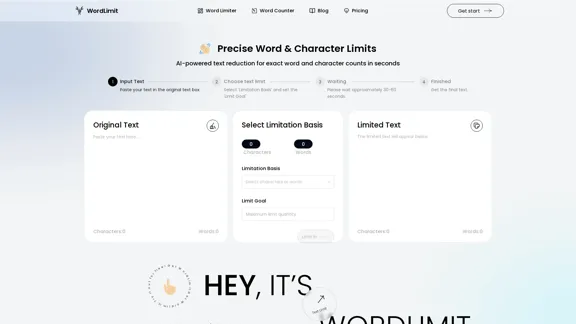
Input Text
Users can easily paste their original text into the designated input box for processing.
-
Choose Text Limit
The tool allows users to select a limitation basis (characters or words) and set a specific limit goal for their text.
-
Processing Time
After inputting the text and setting the limits, users need to wait approximately 30-60 seconds for the tool to process their request.
-
Core Information Preservation
WordLimit focuses on retaining key facts, names, citations, and central arguments while reducing word count, ensuring that the essential meaning of the text remains intact.
-
Preserve Your Unique Voice
The tool maintains the author's distinctive writing style, ensuring that personal flair and tone are preserved even when the text is condensed or expanded.
-
Maintain Human Authenticity
WordLimit adjusts text length without introducing AI-generated content, ensuring that the writing remains authentic and undetectable by AI content detectors.
How to Use?
- Start by pasting your original text into the input box.
- Select the limitation basis (characters or words) that suits your needs.
- Set your desired limit goal for the text.
- Wait for approximately 30-60 seconds for the tool to process your request.
- Review the limited text that appears below the input box.
FAQ
What is WordLimit?
WordLimit is an AI-powered tool designed to reduce text to precise word and character counts while preserving the core information and unique voice of the author.
How does WordLimit work?
Users paste their text, select a limitation basis (characters or words), and set a limit goal. The tool processes the input and generates a condensed version of the text while maintaining essential elements.
Can I trust that my text will remain authentic?
Yes, WordLimit ensures that the adjusted text remains human-written and authentic, without introducing AI-generated content.
What types of writing can benefit from WordLimit?
WordLimit is ideal for academic papers, professional documents, creative writing, and any situation where concise yet accurate content is essential.
Price
- Free plan: $0/month
- Basic plan: $9.99/month
- Standard plan: $19.99/month
- Professional plan: $49.99/month
The price is for reference only, please refer to the latest official data for actual information.
Evaluation
-
WordLimit effectively balances text reduction with the preservation of essential information, making it a valuable tool for writers facing strict word limits.
-
The user-friendly interface simplifies the process of inputting text and setting limits, catering to both novice and experienced users.
-
While the tool excels in maintaining the author's voice, there may be instances where the compression could lead to the loss of nuanced expressions or complex ideas.
-
Overall, WordLimit is a practical solution for anyone needing to condense their writing without sacrificing authenticity, though users should be mindful of potential limitations in conveying intricate thoughts.
Related Websites
What is a Prompster? A Prompster is a person who assists a speaker, actor, or presenter by providing them with lines or cues, usually in a subtle and discreet manner, during a performance, presentation, or speech.
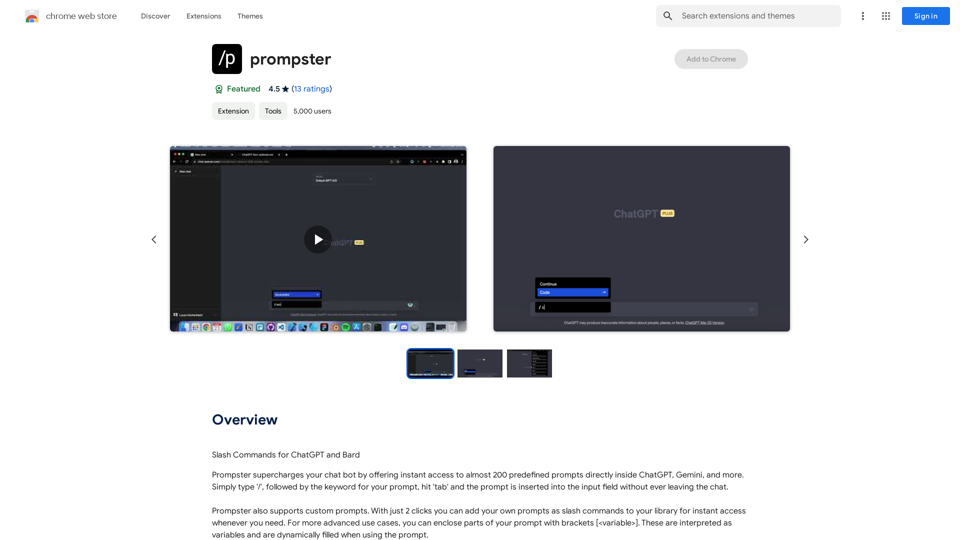
What is a Prompster? A Prompster is a person who assists a speaker, actor, or presenter by providing them with lines or cues, usually in a subtle and discreet manner, during a performance, presentation, or speech.Slash Commands for ChatGPT and Bard ===================================== Introduction Slash commands are a convenient way to interact with ChatGPT and Bard, allowing you to perform various tasks and actions within the chat interface. This guide provides an overview of the available slash commands for both ChatGPT and Bard. ChatGPT Slash Commands #General Commands * `/help`: Displays a list of available slash commands and their descriptions. * `/reset`: Resets the conversation, clearing all previous messages and context. #Conversation Management * `/start`: Starts a new conversation, allowing you to begin a fresh topic or task. * `/stop`: Ends the current conversation, stopping any ongoing tasks or topics. #Language and Tone * `/lang <language_code>`: Sets the language for the conversation (e.g., `/lang en` for English). * `/tone <tone>`: Adjusts the tone of the responses (e.g., `/tone formal` for formal tone). #Task Management * `/task <task_name>`: Creates a new task or topic for the conversation (e.g., `/task math problem`). * `/done`: Marks the current task as completed. #Information and Resources * `/define <word>`: Provides the definition of a word or phrase. * `/wiki <topic>`: Displays information about a topic from Wikipedia. Bard Slash Commands #General Commands * `/help`: Displays a list of available slash commands and their descriptions. * `/reset`: Resets the conversation, clearing all previous messages and context. #Conversation Management * `/start`: Starts a new conversation, allowing you to begin a fresh topic or task. * `/stop`: Ends the current conversation, stopping any ongoing tasks or topics. #Language and Tone * `/lang <language_code>`: Sets the language for the conversation (e.g., `/lang en` for English). * `/tone <tone>`: Adjusts the tone of the responses (e.g., `/tone formal` for formal tone). #Task Management * `/task <task_name>`: Creates a new task or topic for the conversation (e.g., `/task math problem`). * `/done`: Marks the current task as completed. #Information and Resources * `/define <word>`: Provides the definition of a word or phrase. * `/wiki <topic>`: Displays information about a topic from Wikipedia. * `/news <topic>`: Displays news articles related to a specific topic. Conclusion Slash commands provide a convenient way to interact with ChatGPT and Bard, allowing you to manage conversations, adjust language and tone, and access various resources. By mastering these commands, you can optimize your experience and get the most out of your interactions with these AI models.
193.90 M
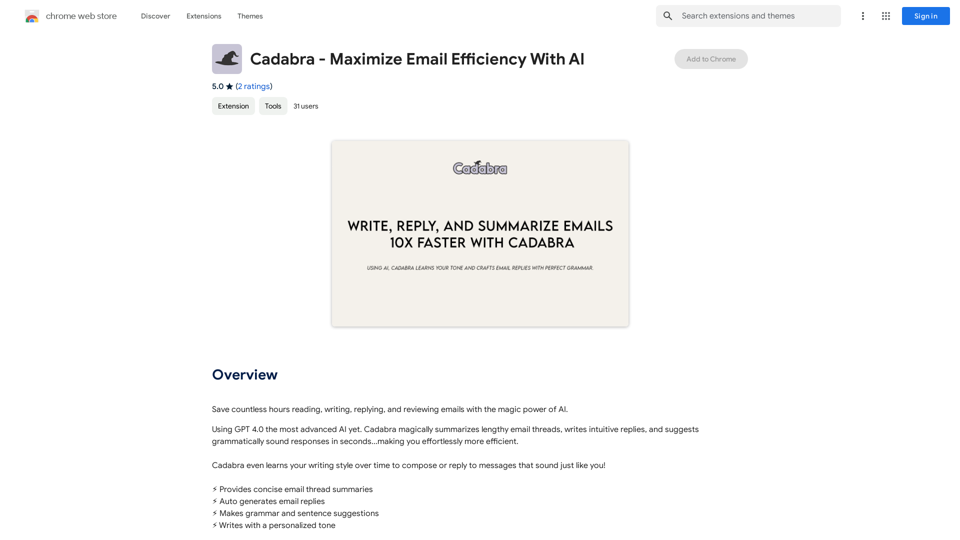
Save countless hours reading, writing, replying to, and reviewing emails with the power of AI.
193.90 M
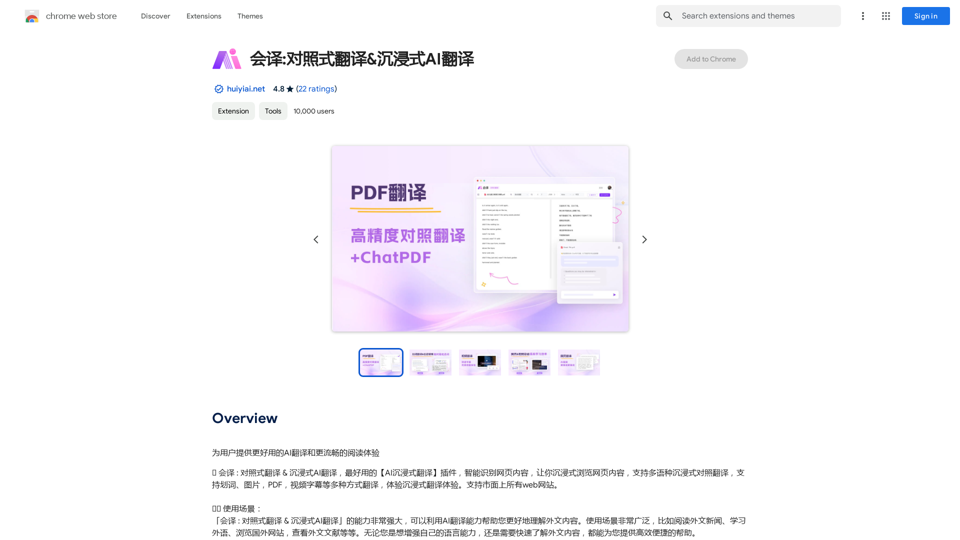
Translation Methods: Comparative Translation & Immersive AI Translation
Translation Methods: Comparative Translation & Immersive AI TranslationProvide users with better AI translation and a more fluent reading experience.
193.90 M
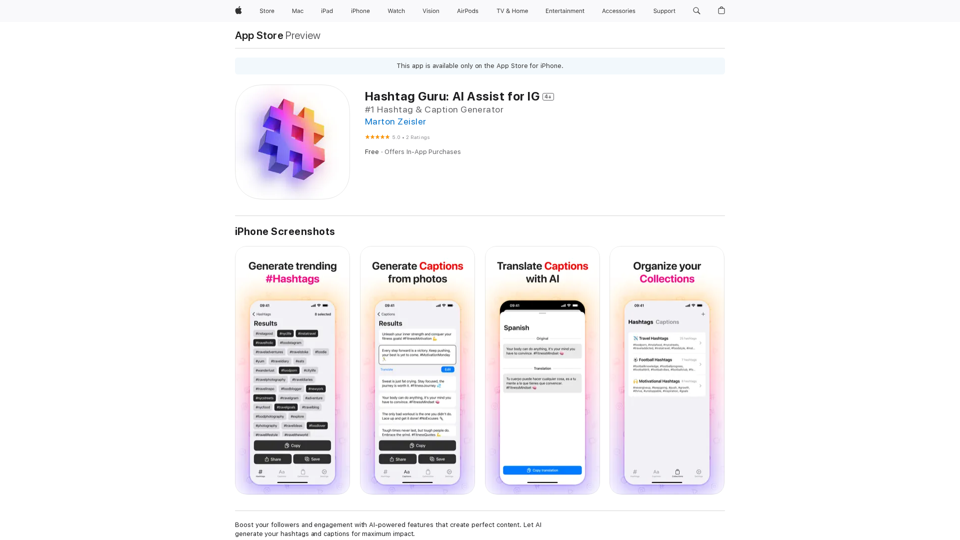
Hashtag Guru: AI Assistant for Instagram on the App Store
Hashtag Guru: AI Assistant for Instagram on the App StoreYour Ultimate AI-Powered Hashtag and Caption Generator! Unlock the secret to social media success with Hashtag Guru, the ultimate AI-driven hashtag generator and caption creator that helps you increase your online visibility, boost engagement, and grow your followers!
124.77 M
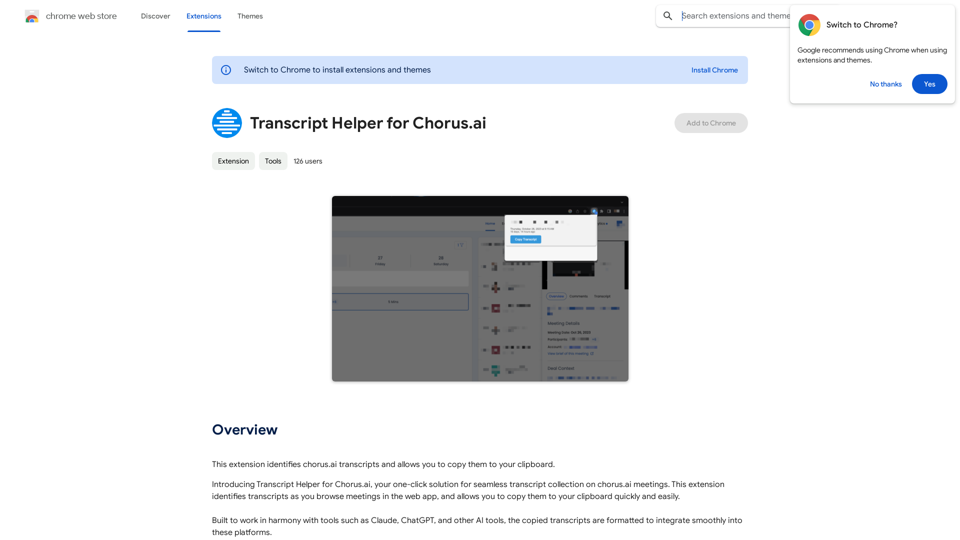
Transcript Helper for Chorus.ai This is a tool designed to help you work with transcripts generated by Chorus.ai. Let me know what you need help with! For example, you can ask me to: * Summarize a transcript: Give me a transcript and I'll provide a concise summary of the main points. * Find specific information: Tell me what you're looking for (e.g., "find all mentions of product X") and I'll search the transcript for relevant text. * Identify key speakers: I can analyze the transcript and tell you who the main speakers are. * Generate action items: Based on the transcript, I can help you identify tasks that need to be completed. * Translate the transcript: I can translate the transcript into another language. What can I do for you today?
Transcript Helper for Chorus.ai This is a tool designed to help you work with transcripts generated by Chorus.ai. Let me know what you need help with! For example, you can ask me to: * Summarize a transcript: Give me a transcript and I'll provide a concise summary of the main points. * Find specific information: Tell me what you're looking for (e.g., "find all mentions of product X") and I'll search the transcript for relevant text. * Identify key speakers: I can analyze the transcript and tell you who the main speakers are. * Generate action items: Based on the transcript, I can help you identify tasks that need to be completed. * Translate the transcript: I can translate the transcript into another language. What can I do for you today?This extension finds chorus.ai transcripts and lets you copy them to your clipboard.
193.90 M
Chat with any PDFs, get an AI-generated summary, table interpretation, data analysis, formula explanation, and any details within seconds.
193.90 M