Everest Data Scraper is a powerful Chrome extension that revolutionizes web data extraction and analysis. This AI-driven tool simplifies the process of parsing web pages, allowing users to transform raw web data into structured, actionable insights with just a few clicks. It's designed to empower users across various fields who need quick, accurate, and meaningful data from the web.
Everest Data Scraper
Everest Data Bot: turning your web data into useful information right away.
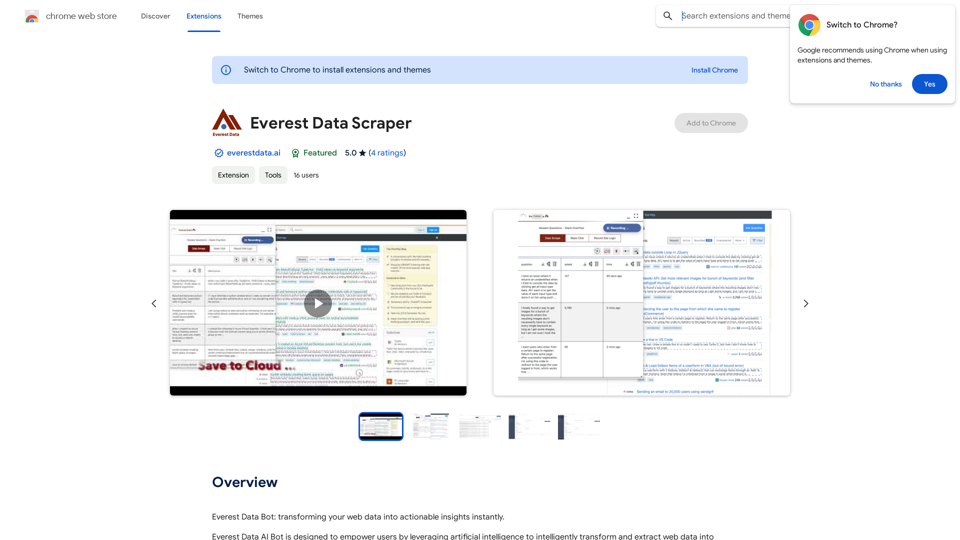
Introduction
Feature
AI-Driven Data Transformation
Everest Data Scraper utilizes advanced AI technology to understand, categorize, and analyze data contextually. This feature ensures users receive meaningful, structured information from complex web pages.
Machine Learning Algorithms
The extension integrates sophisticated machine learning algorithms to identify patterns and trends in the scraped data. This enhances the value of the insights generated, providing users with deeper understanding of the information.
Scheduling Capabilities
Users can set up periodic data extraction and transformation tasks. This feature ensures access to up-to-date information without manual intervention, saving time and ensuring data consistency.
Flexible Data Export
Transformed data can be easily downloaded, uploaded, or shared with preferred storage or analysis platforms. The extension supports various output formats, including Excel and CSV, catering to different user needs.
User-Friendly Interface
The extension offers a simple, intuitive interface. Users can extract and transform data in just a few clicks, making it accessible even to those without technical expertise.
Free to Use
Everest Data Scraper is completely free, with no subscription fees or hidden costs. This makes powerful AI-driven data transformation accessible to all users.
FAQ
What is Everest Data Scraper?
Everest Data Scraper is a free Chrome extension that uses AI to transform web data into actionable insights. It simplifies web page parsing, allowing users to access structured information with just a few clicks.
How do I use Everest Data Scraper?
To use Everest Data Scraper:
- Install the Chrome extension
- Navigate to the desired web page
- Click the Everest Data Scraper icon in your Chrome toolbar
- Select the data to extract and transform
- Choose the output format
- Click "Transform" to generate insights
Is Everest Data Scraper free?
Yes, Everest Data Scraper is completely free. There are no subscription fees or hidden costs associated with using this Chrome extension.
Related Websites
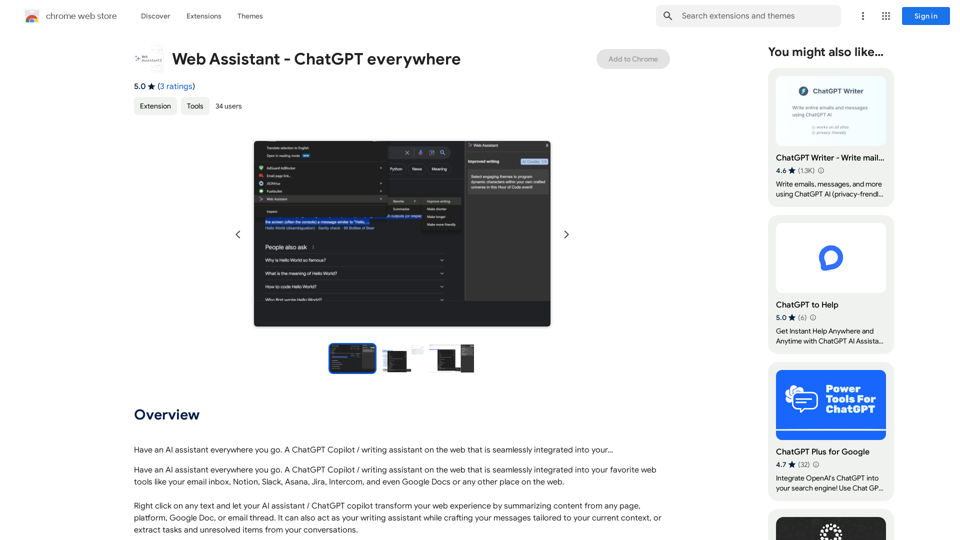
Have an AI assistant everywhere you go. A ChatGPT Copilot / writing assistant on the web that is seamlessly integrated into your...
193.90 M
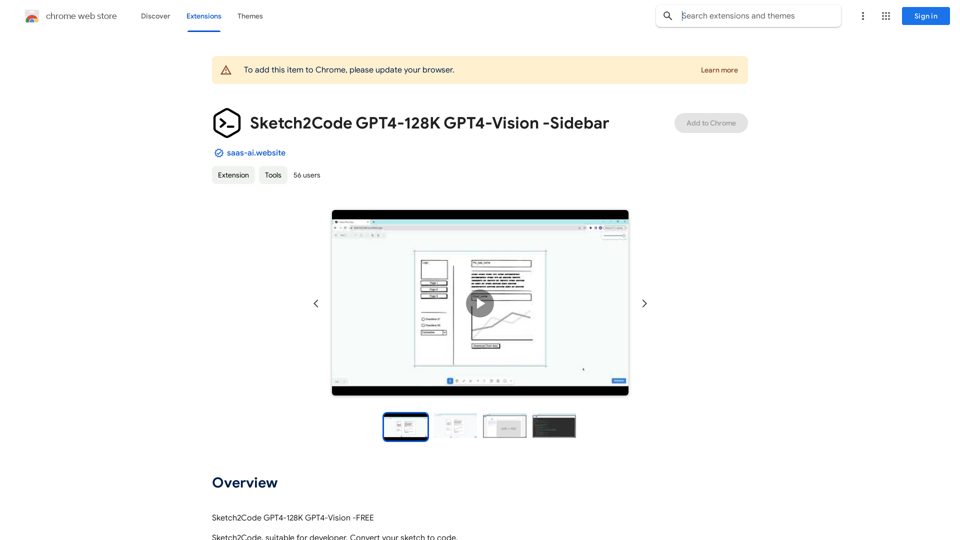
Sketch2Code GPT4-128K GPT4-Vision - Sidebar This is a simple sidebar for a Sketch2Code application powered by GPT4-128K and GPT4-Vision. It likely contains: * Upload Sketch: A button or area to upload an image sketch. * Code Generation Options: Settings to choose the programming language, desired code complexity, or other generation parameters. * Output Code: A display area to show the generated code. * Clear Output: A button to clear the generated code. Let me know if you'd like me to elaborate on any specific aspect of the sidebar!
Sketch2Code GPT4-128K GPT4-Vision - Sidebar This is a simple sidebar for a Sketch2Code application powered by GPT4-128K and GPT4-Vision. It likely contains: * Upload Sketch: A button or area to upload an image sketch. * Code Generation Options: Settings to choose the programming language, desired code complexity, or other generation parameters. * Output Code: A display area to show the generated code. * Clear Output: A button to clear the generated code. Let me know if you'd like me to elaborate on any specific aspect of the sidebar!Sketch2Code GPT4-128K GPT4-Vision - FREE
193.90 M
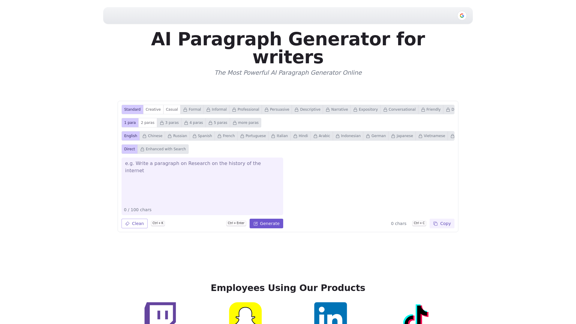
AI Paragraph Generator is a powerful tool that transforms your ideas into well-structured and engaging paragraphs. Artificial Intelligence Paragraph Generator meets all your content needs, from blogs to academic papers, with our tool ensuring originality, relevance and professionalism in every use case.
0