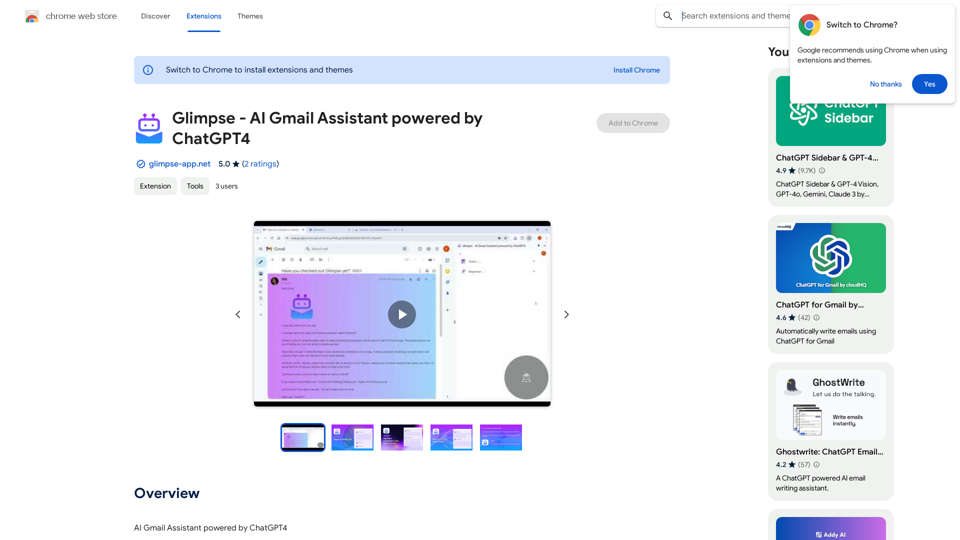
Glimpse is an AI-powered Gmail assistant that leverages ChatGPT4 technology to help users manage their email overload. It offers features such as email summarization, action and response highlighting, and question-answer matching within email threads. Designed to save time and improve email management efficiency, Glimpse is a free Chrome extension compatible with Gmail.
Glimpse - AI Gmail Assistant powered by ChatGPT4
AI Gmail Assistant powered by ChatGPT4
Introduction
Feature
Email Summarization
Glimpse provides concise summaries of email content, allowing users to quickly grasp the main points without reading through lengthy messages. This feature significantly reduces the time spent on email management.
Action and Response Highlighting
The extension automatically identifies and highlights proposed actions and responses within email threads. This feature ensures that users don't miss important tasks or required responses, improving overall productivity and responsiveness.
Question and Answer Matching
Glimpse matches questions with their corresponding answers in email threads. This functionality helps users quickly identify which questions still need their attention, facilitating more efficient communication.
Easy Installation and Use
Glimpse can be easily installed as a Chrome browser extension. Once installed, it seamlessly integrates with Gmail, providing instant assistance without complicated setup processes.
Free to Use
As a free extension, Glimpse offers its powerful email management features without any subscription fees or payments, making it accessible to all Gmail users.
FAQ
Is Glimpse compatible with other email clients?
Currently, Glimpse is only compatible with Gmail. However, the developers are working on expanding support to other email clients in the future.
How do I install Glimpse?
To install Glimpse, simply navigate to the Chrome Web Store and click the "Add to Chrome" button on the Glimpse extension page.
Can Glimpse handle long email threads?
Yes, Glimpse is designed to handle emails of various lengths. It's particularly useful for summarizing long emails, allowing users to focus on the most important information quickly.
Is my email data secure when using Glimpse?
While the website content doesn't explicitly mention security measures, it's important to note that as an AI-powered tool, Glimpse likely processes email data. Users concerned about privacy should review the extension's privacy policy and terms of service before installation.
Related Websites
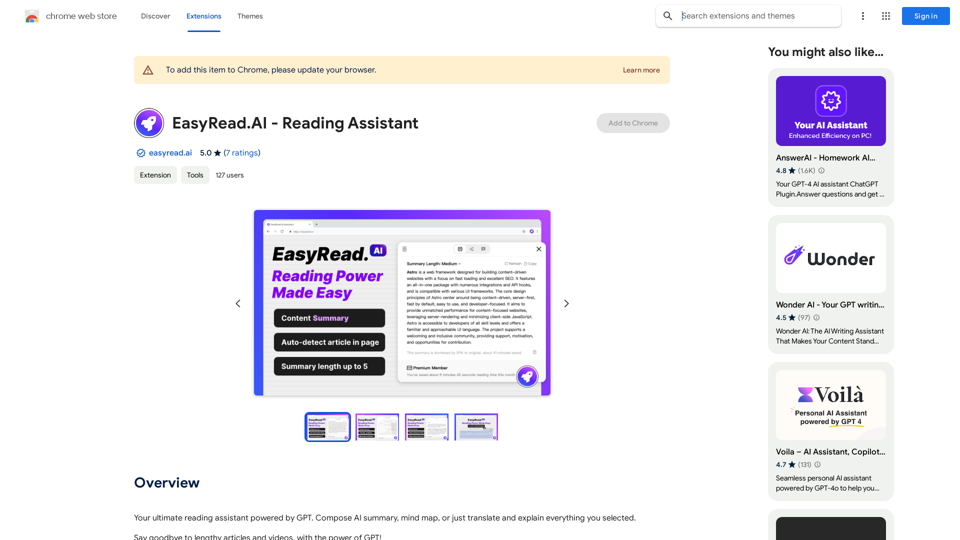
Your ultimate reading assistant powered by GPT. Compose AI summaries, mind maps, or just translate and explain everything you select.
193.90 M
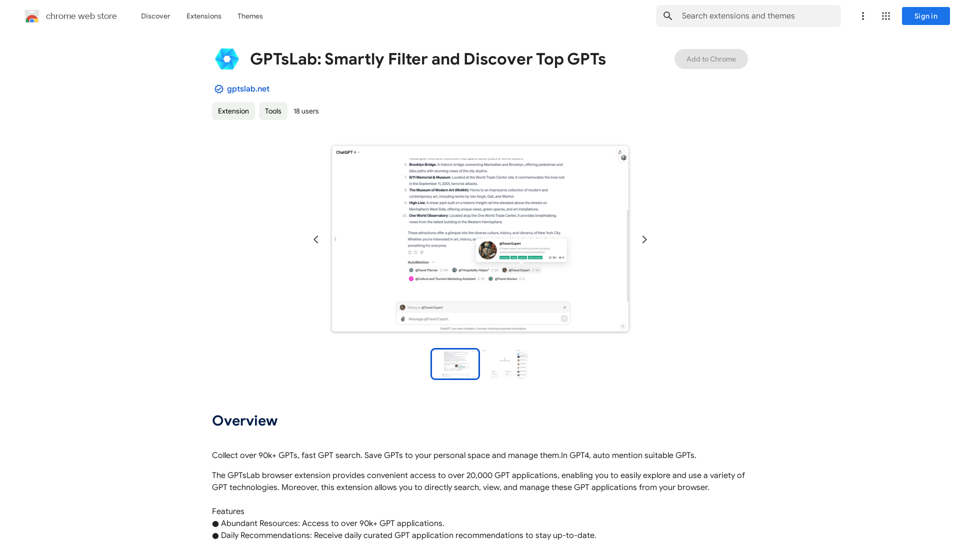
Collect over 90,000+ GPTs, search for them quickly. Save GPTs to your personal space and manage them. In GPT-4, it will automatically suggest relevant GPTs.
193.90 M
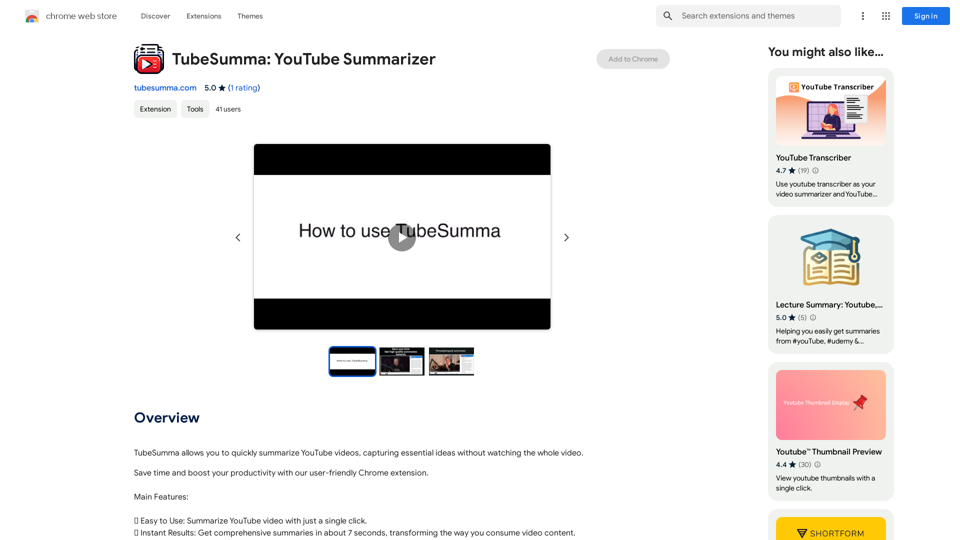
TubeSumma lets you quickly summarize YouTube videos, grabbing the main points without having to watch the entire thing.
193.90 M
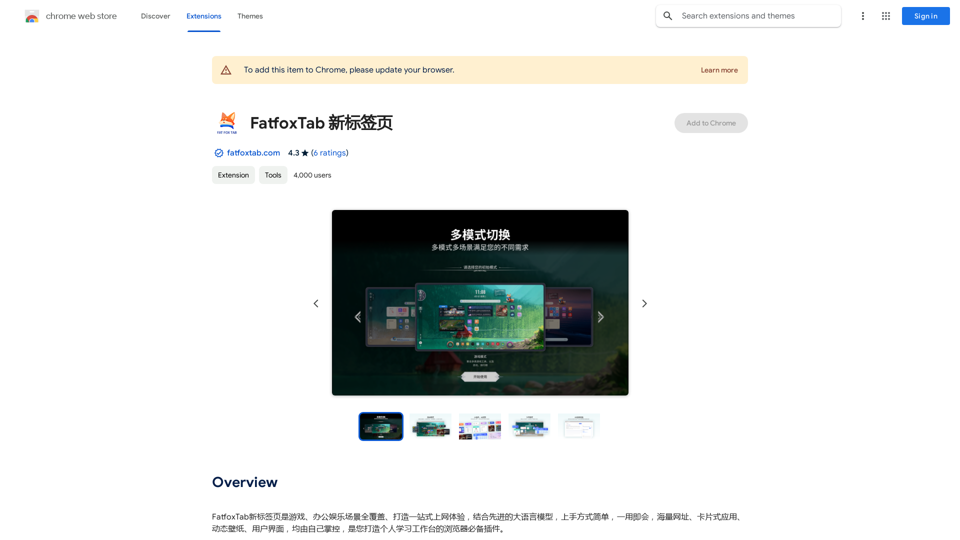
FatfoxTab, a new tab page, provides an all-around online experience covering gaming, office, and entertainment scenarios. With advanced language models, it's easy to get started and use, offering a vast array of websites, card-style apps, dynamic wallpapers, and a customizable user interface, all at your fingertips. It's a must-have browser plugin for building your personalized learning and working platform.
193.90 M
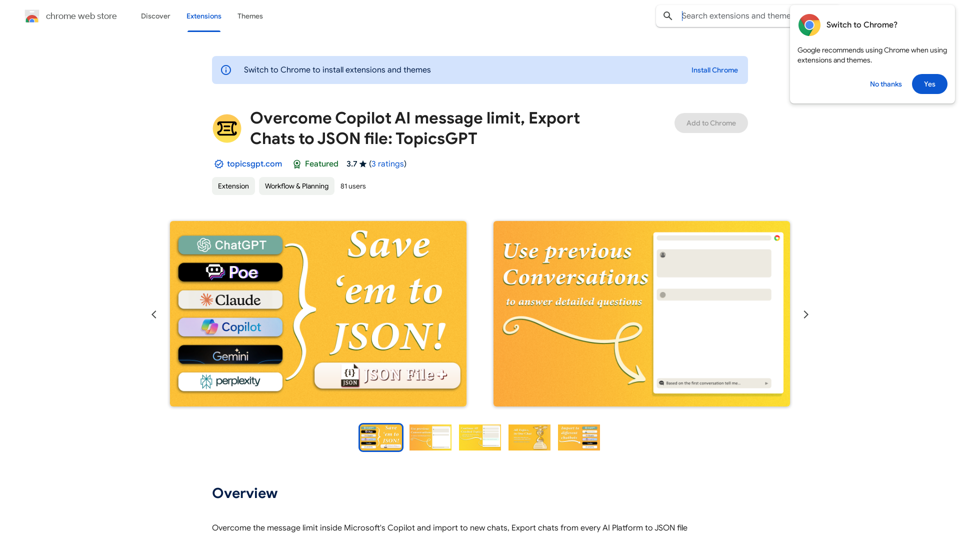
Overcome Copilot AI Message Limit, Export Chats to JSON File: TopicsGPT This is a tool to help you work around the message limit in Copilot AI and export your conversations to a JSON file. Here's how it works: * Extend Your Conversations: TopicsGPT allows you to continue your conversations with Copilot AI beyond the usual message limit. * Save Your History: Export your entire chat history with Copilot AI as a structured JSON file. This makes it easy to review past interactions, analyze your conversations, or even use the data for other purposes. Benefits: * No More Interruptions: Keep your creative flow going without worrying about hitting the message limit. * Organized Data: Have a clear and organized record of your conversations with Copilot AI. * Flexibility: Use the exported JSON data for your own projects or analysis. Let me know if you have any questions!
Overcome Copilot AI Message Limit, Export Chats to JSON File: TopicsGPT This is a tool to help you work around the message limit in Copilot AI and export your conversations to a JSON file. Here's how it works: * Extend Your Conversations: TopicsGPT allows you to continue your conversations with Copilot AI beyond the usual message limit. * Save Your History: Export your entire chat history with Copilot AI as a structured JSON file. This makes it easy to review past interactions, analyze your conversations, or even use the data for other purposes. Benefits: * No More Interruptions: Keep your creative flow going without worrying about hitting the message limit. * Organized Data: Have a clear and organized record of your conversations with Copilot AI. * Flexibility: Use the exported JSON data for your own projects or analysis. Let me know if you have any questions!Bypass Copilot's Message Limit and Move Conversations * Get around the message limit in Microsoft's Copilot: Find ways to exceed the character or message count restrictions within Copilot. * Transfer conversations to new chats: Move existing conversations from one chat space to another. Export AI Chat Histories * Download chat history from any AI platform: Save your conversations with various AI systems as JSON files.
193.90 M
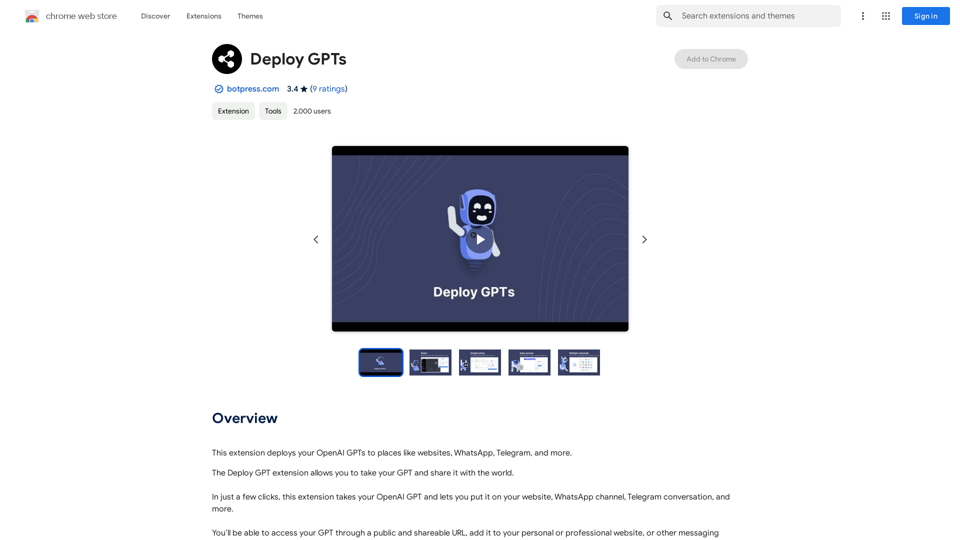
This extension deploys your OpenAI GPTs to places like websites, WhatsApp, Telegram, and more.
193.90 M
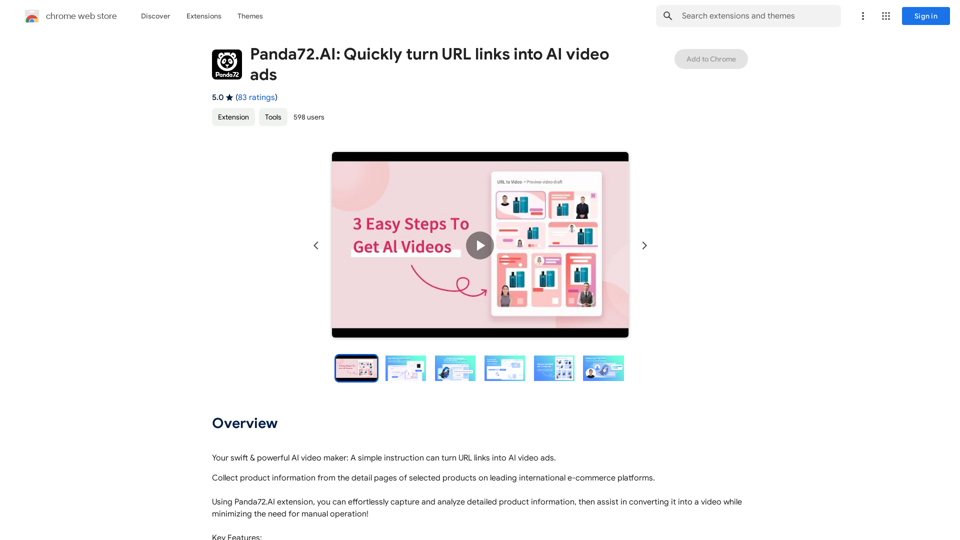
Panda72.AI: Quickly turn URL links into AI video ads
Panda72.AI: Quickly turn URL links into AI video adsYour swift & powerful AI video maker: A simple instruction can turn URL links into AI video ads.
193.90 M