FatfoxTab is a browser extension that enhances your new tab experience with customizable features. It offers a personalized interface with widgets, an AI assistant, and advanced search capabilities. Users can tailor their new tab page to match their preferences, improving productivity and browsing efficiency.
FatfoxTab New Tab Page
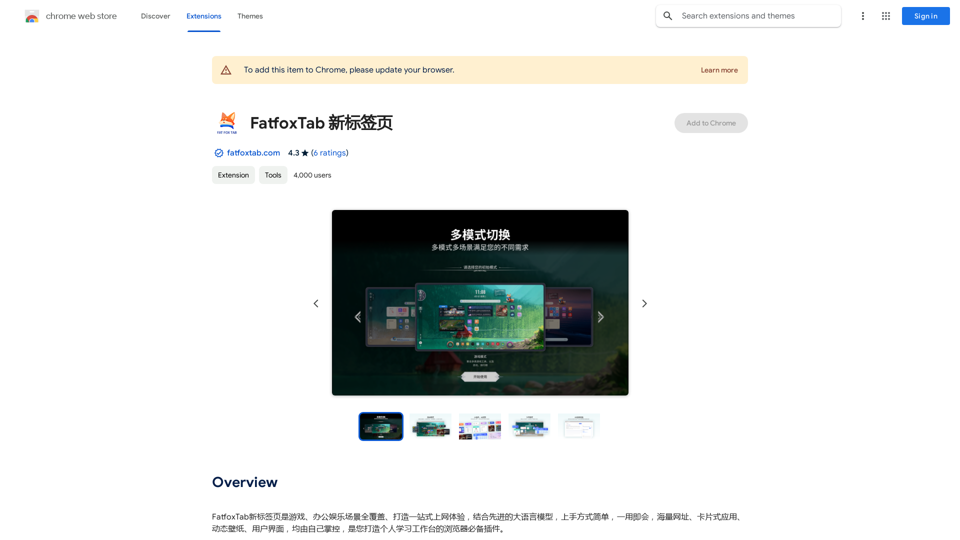
FatfoxTab, a new tab page, provides an all-around online experience covering gaming, office, and entertainment scenarios. With advanced language models, it's easy to get started and use, offering a vast array of websites, card-style apps, dynamic wallpapers, and a customizable user interface, all at your fingertips. It's a must-have browser plugin for building your personalized learning and working platform.
Introduction
Feature
Customizable New Tab Page
FatfoxTab allows users to create a personalized new tab page with various widgets and layouts. Users can add their favorite websites, apps, and customize the background image and color to suit their style.
AI-Powered Assistant
The extension includes an AI-powered assistant that provides quick answers and suggestions, enhancing user productivity and information access.
Advanced Search Capabilities
FatfoxTab features a search bar with advanced search capabilities, allowing users to efficiently search the web or access their favorite websites directly from the new tab page.
Multiple Language Support
The extension supports multiple languages, making it accessible to a diverse user base across different regions.
Integration with Popular Services
FatfoxTab integrates with popular services such as bilibili and Pixiv, providing quick access to these platforms from the new tab page.
Free and Premium Options
While FatfoxTab is available for free, users have the option to upgrade to a premium version for additional features and ad removal.
FAQ
What is FatfoxTab?
FatfoxTab is a browser extension that provides a comprehensive and customizable new tab page experience, offering features like widgets, an AI assistant, and advanced search capabilities.
How do I use FatfoxTab?
To use FatfoxTab:
- Install the extension from the Chrome Web Store
- Click the FatfoxTab icon in your browser to access settings
- Customize your new tab page with widgets, layouts, and background preferences
- Use the search bar and AI assistant for enhanced browsing
Is FatfoxTab free?
Yes, FatfoxTab is free to use. However, a premium version is available for users who want additional features or ad removal.
How can I contact FatfoxTab support?
You can contact FatfoxTab support by visiting their website or sending an email to [email protected].
Related Websites
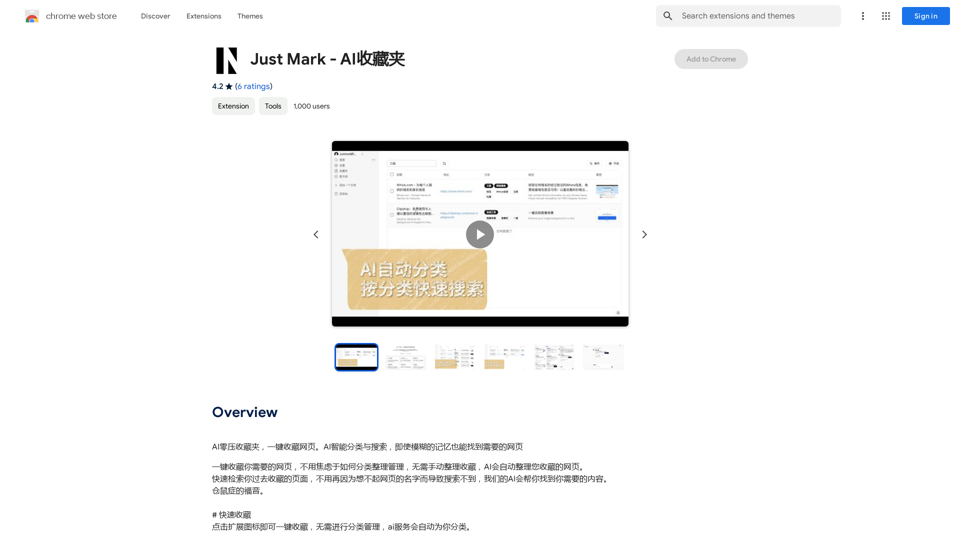
AI Zero-Pressure Bookmark Folder, one-click to collect web pages. AI intelligent classification and search, even with vague memories, you can find the web pages you need.
193.90 M
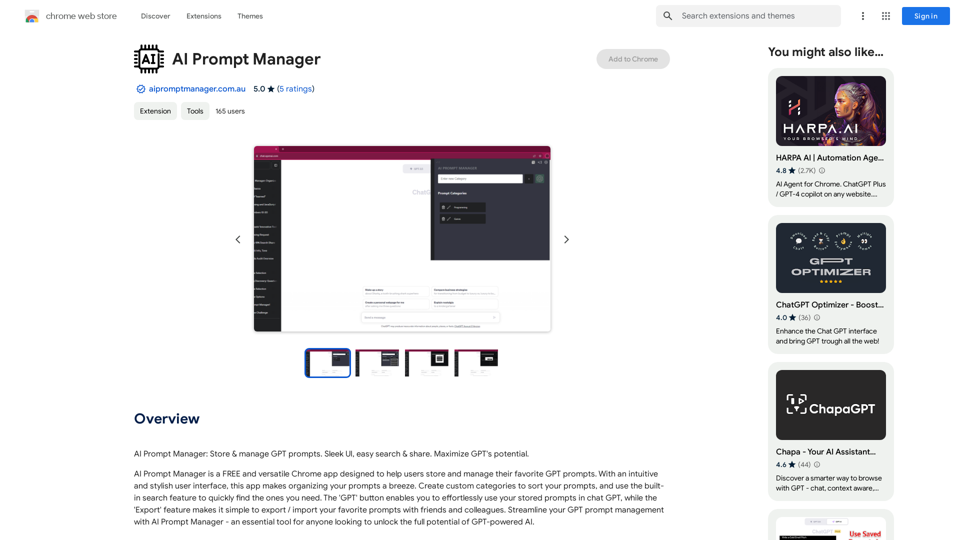
AI Prompt Manager: Store and manage GPT prompts. Sleek user interface, easy search and sharing. Maximize the potential of GPT.
193.90 M
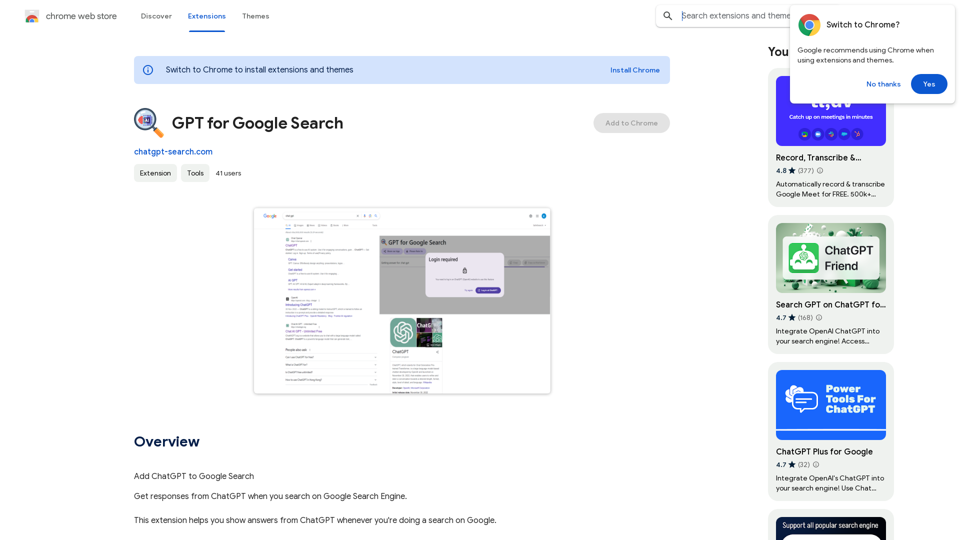
GPT for Google Search * What is GPT? GPT stands for Generative Pre-trained Transformer. It's a type of artificial intelligence (AI) that can understand and generate human-like text. * How could GPT improve Google Search? GPT could help Google Search in several ways: * Better understanding of natural language: GPT is trained on massive amounts of text data, allowing it to understand complex and nuanced search queries. * More conversational search experience: GPT could enable users to interact with Google Search in a more natural, conversational way. * Summarizing search results: GPT could condense large amounts of information from search results into concise summaries. * Generating different creative text formats: GPT could help users find information in new and interesting ways, such as generating poems, code, scripts, musical pieces, email, letters, etc., based on their search queries. * Challenges and Considerations: While GPT offers exciting possibilities, there are also challenges to consider: * Accuracy and bias: GPT models can sometimes generate inaccurate or biased information. It's crucial to ensure that GPT-powered search results are reliable and unbiased. * Transparency and explainability: It can be difficult to understand how GPT arrives at its results. Making GPT's decision-making process more transparent is important for building trust. * Ethical implications: The use of GPT in search raises ethical questions about the potential for misuse, such as generating harmful content or manipulating search results.
GPT for Google Search * What is GPT? GPT stands for Generative Pre-trained Transformer. It's a type of artificial intelligence (AI) that can understand and generate human-like text. * How could GPT improve Google Search? GPT could help Google Search in several ways: * Better understanding of natural language: GPT is trained on massive amounts of text data, allowing it to understand complex and nuanced search queries. * More conversational search experience: GPT could enable users to interact with Google Search in a more natural, conversational way. * Summarizing search results: GPT could condense large amounts of information from search results into concise summaries. * Generating different creative text formats: GPT could help users find information in new and interesting ways, such as generating poems, code, scripts, musical pieces, email, letters, etc., based on their search queries. * Challenges and Considerations: While GPT offers exciting possibilities, there are also challenges to consider: * Accuracy and bias: GPT models can sometimes generate inaccurate or biased information. It's crucial to ensure that GPT-powered search results are reliable and unbiased. * Transparency and explainability: It can be difficult to understand how GPT arrives at its results. Making GPT's decision-making process more transparent is important for building trust. * Ethical implications: The use of GPT in search raises ethical questions about the potential for misuse, such as generating harmful content or manipulating search results.Add ChatGPT to Google Search This is a popular idea! Many people think it would be amazing to have the power of ChatGPT directly integrated into Google Search. Imagine being able to ask Google a complex question and getting a clear, concise, and human-like response generated by ChatGPT. It could revolutionize how we search for information and interact with the web.
193.90 M
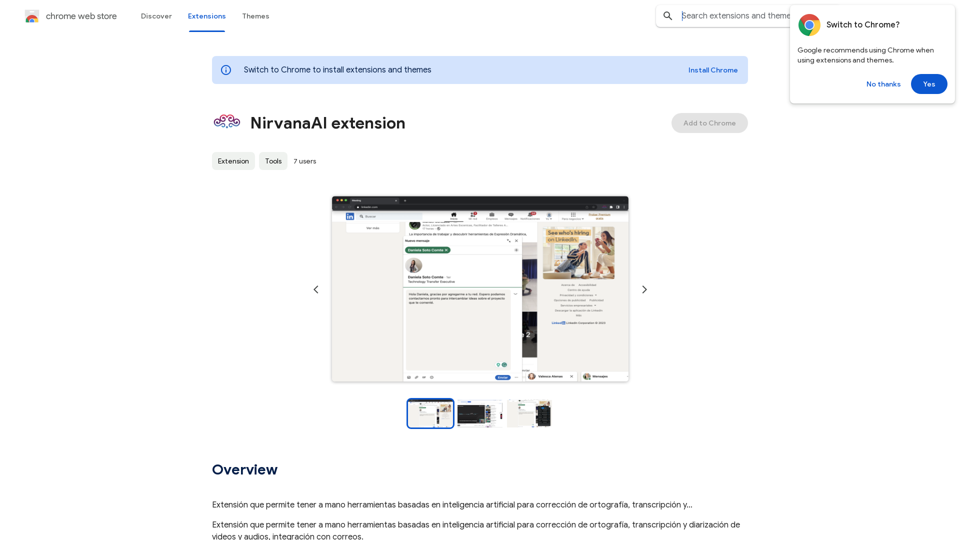
Extension that allows you to have AI-powered tools for grammar correction, transcription, and...
193.90 M

File Zen, a tool for AI-powered intelligent file organization and classification.
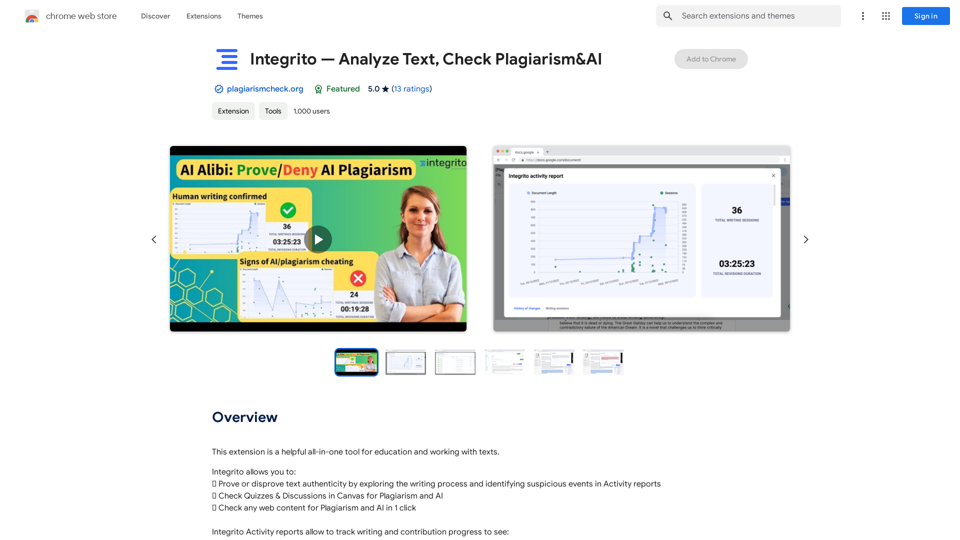
File Zen, a tool for AI-powered intelligent file organization and classification.FileNeatAI is a professional AI-powered file organization tool designed to streamline the process of categorizing and organizing text files on your computer. By leveraging advanced AI capabilities, FileNeatAI reads the content of each file within a specified folder and intelligently categorizes these files into different folders based on their content.
2.42 K