DeckBird.ai is an innovative presentation sharing tool that transforms presentations into AI-powered sales and marketing assistants. It offers features to increase click rates, expand reach, and enhance impact through embedded presentations, easy sharing, and AI-driven narration. The platform integrates with CRM tools and calendar apps, streamlining sales and marketing processes.
DeckBird
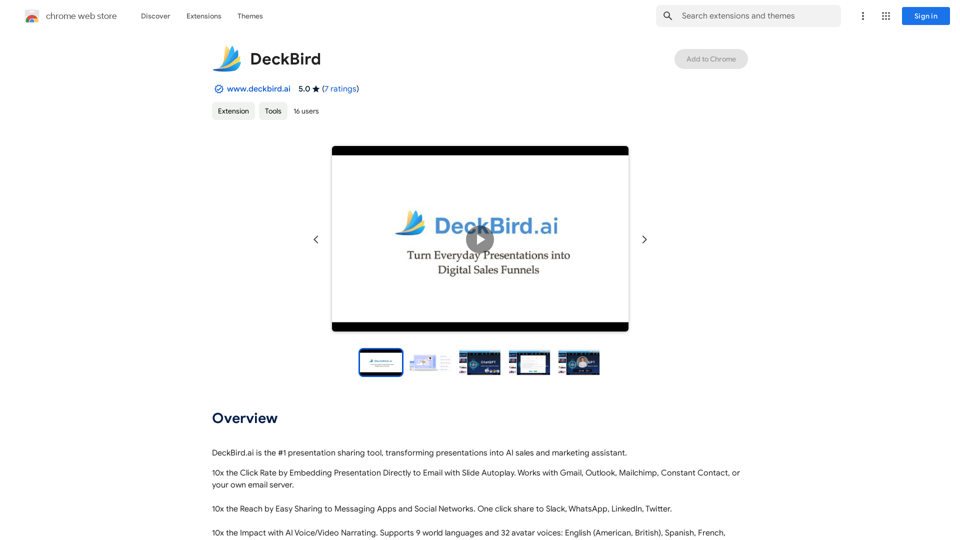
DeckBird.ai is the number one presentation sharing tool, turning presentations into an AI sales and marketing assistant.
Introduction
Feature
Embed Presentations in Emails
DeckBird.ai allows users to embed presentations directly into emails with slide autoplay, significantly increasing click rates and capturing audience attention more effectively.
Easy Sharing on Multiple Platforms
Users can easily share presentations on various messaging apps and social networks, expanding their reach and audience tenfold.
AI Voice/Video Narration
The platform offers AI-powered voice and video narration capabilities, adding a personal touch to presentations and increasing engagement.
CRM and Meeting Scheduling Integration
DeckBird.ai comes with built-in CRM functionality and integrates with popular calendar apps, streamlining sales and marketing processes.
User-Friendly Sign-Up Process
Getting started with DeckBird.ai is simple. Users can sign up for a free account using their email or via Gmail, LinkedIn, or Twitter.
Flexible Pricing Options
The platform offers a free plan along with affordable subscription options for both individuals and businesses.
FAQ
What makes DeckBird.ai unique?
DeckBird.ai stands out by transforming presentations into AI sales and marketing assistants, offering features like embedded presentations, easy sharing, and AI narration to increase click rates, reach, and impact.
How does DeckBird.ai improve presentation engagement?
DeckBird.ai improves engagement through features such as slide autoplay in emails, easy sharing on various platforms, and AI voice/video narration, all of which help capture attention and increase interaction with the presented content.
Is DeckBird.ai suitable for both individuals and businesses?
Yes, DeckBird.ai caters to both individuals and businesses with its flexible pricing options, including a free plan and affordable subscription choices for various needs.
Related Websites
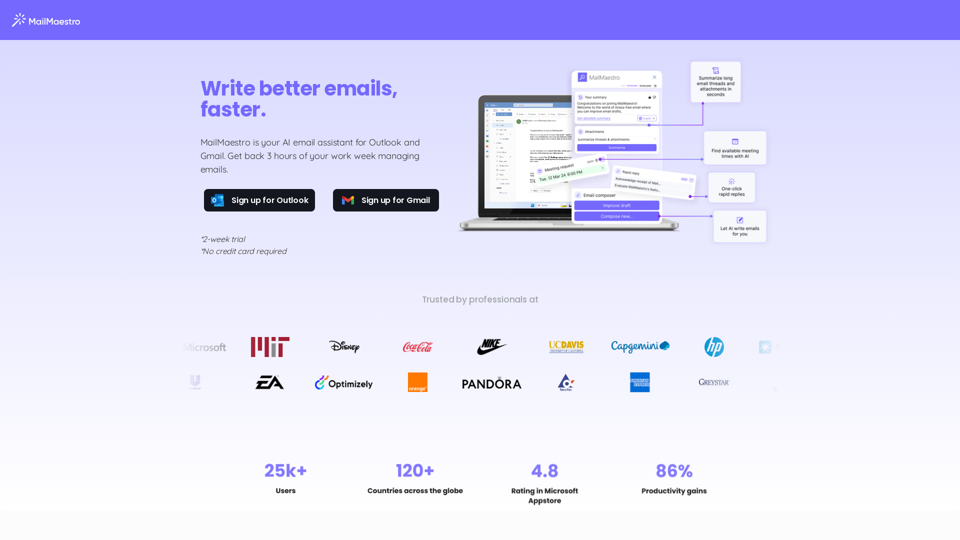
Enhance your email productivity with MailMaestro. Enjoy AI-assisted email summaries, unique style personalization, and top-quality drafts. Check our features today!
222.20 K
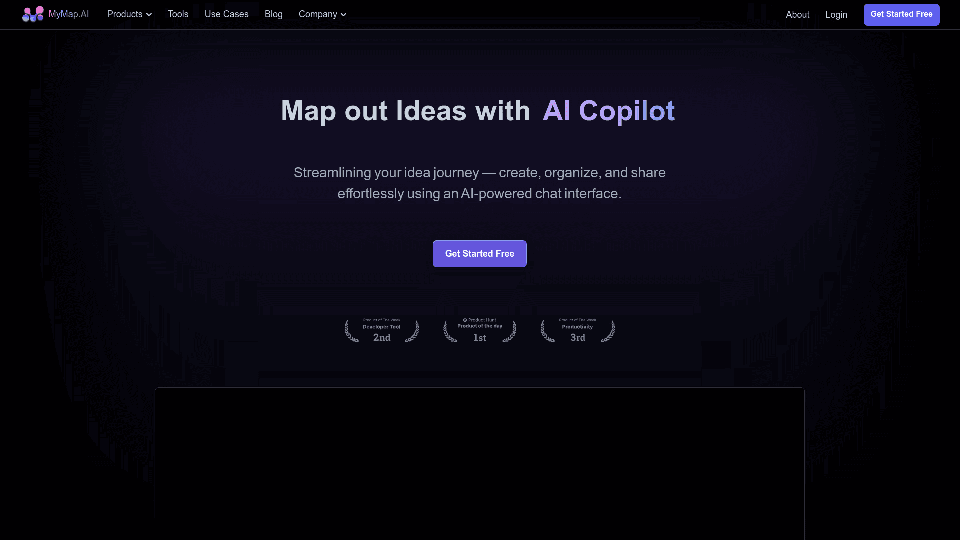
MyMap transforms your textual concepts into visual representations such as mind maps and presentations through a straightforward chat interface. It's perfect for students, educators, and professionals, requiring no design expertise. This tool saves you time by enabling effortless, collaborative visual creation.
1.04 M
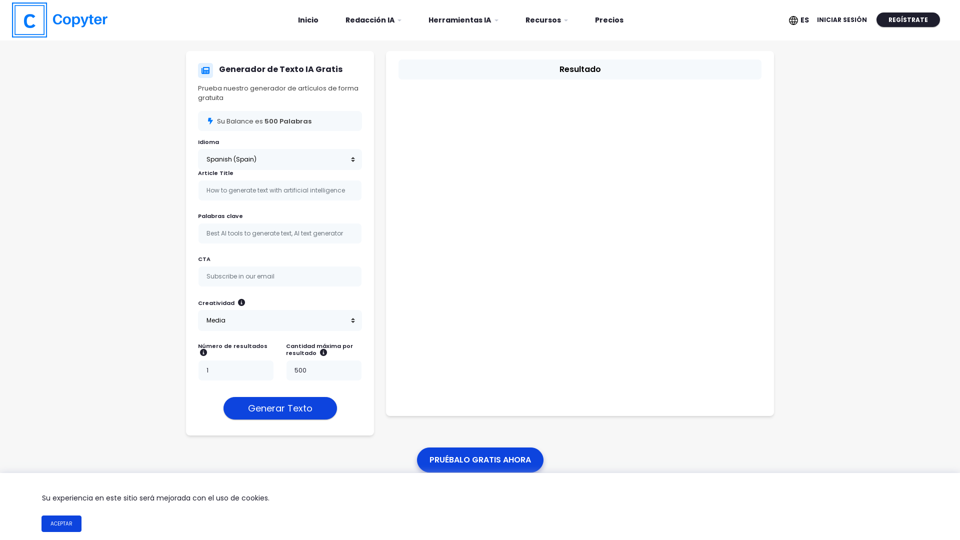
The High-Quality AI Text Generator. Writes texts with artificial intelligence for articles, essays, ecommerce, social media, blogs, and much more 🤖
38.49 K
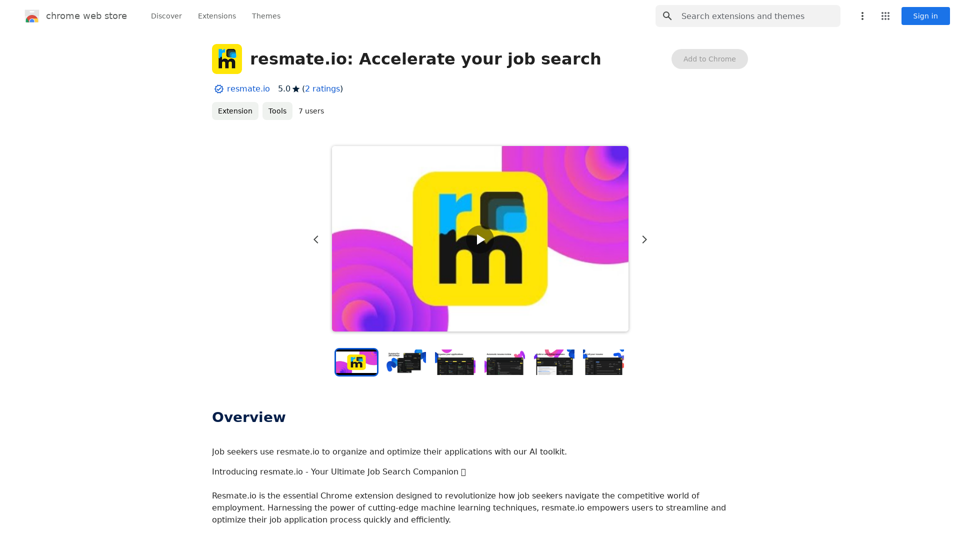
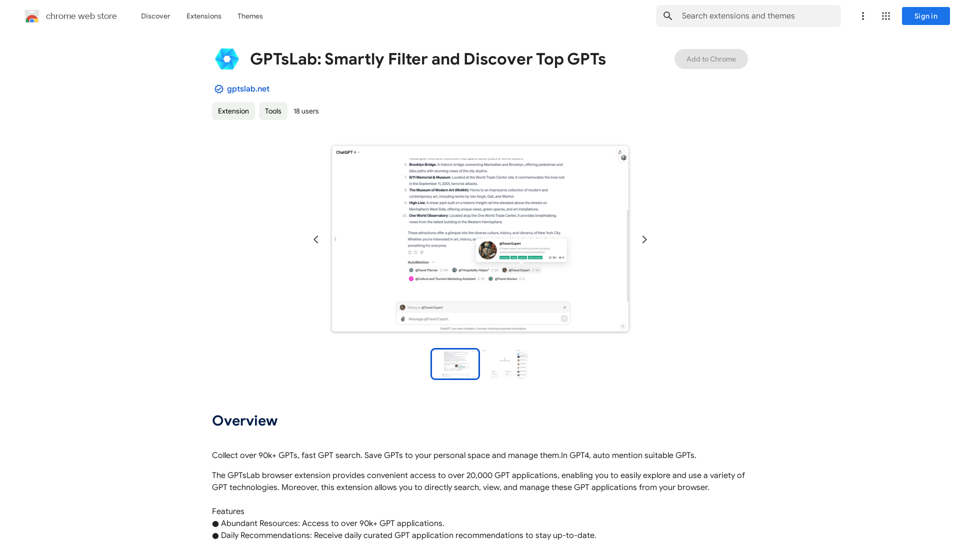
Collect over 90,000+ GPTs, search for them quickly. Save GPTs to your personal space and manage them. In GPT-4, it will automatically suggest relevant GPTs.
193.90 M
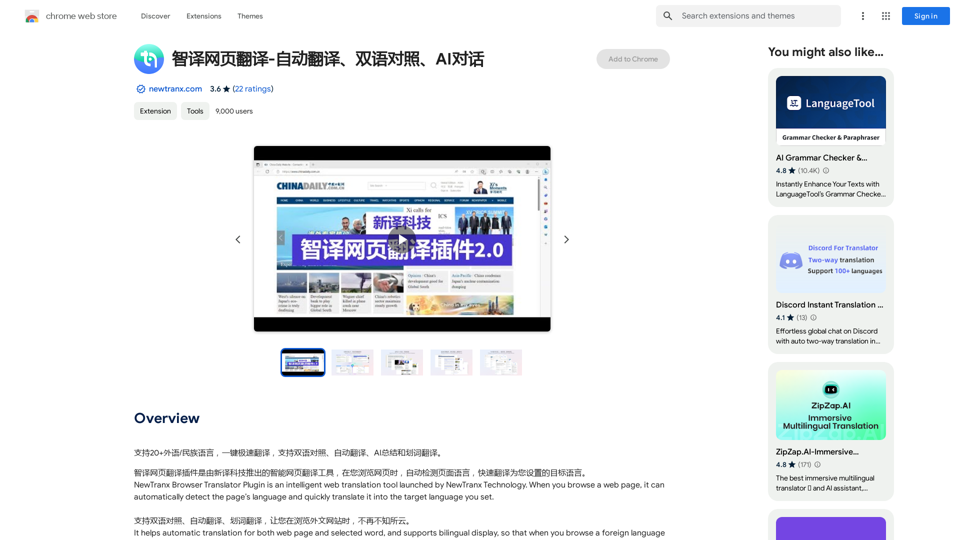
Intelligent Web Translation - Automatic Translation, Bilingual Comparison, AI Dialogue
Intelligent Web Translation - Automatic Translation, Bilingual Comparison, AI DialogueSupports 20+ foreign languages/national languages, one-key rapid translation, supports bilingual comparison, automatic translation, AI summary, and phrase translation.
193.90 M
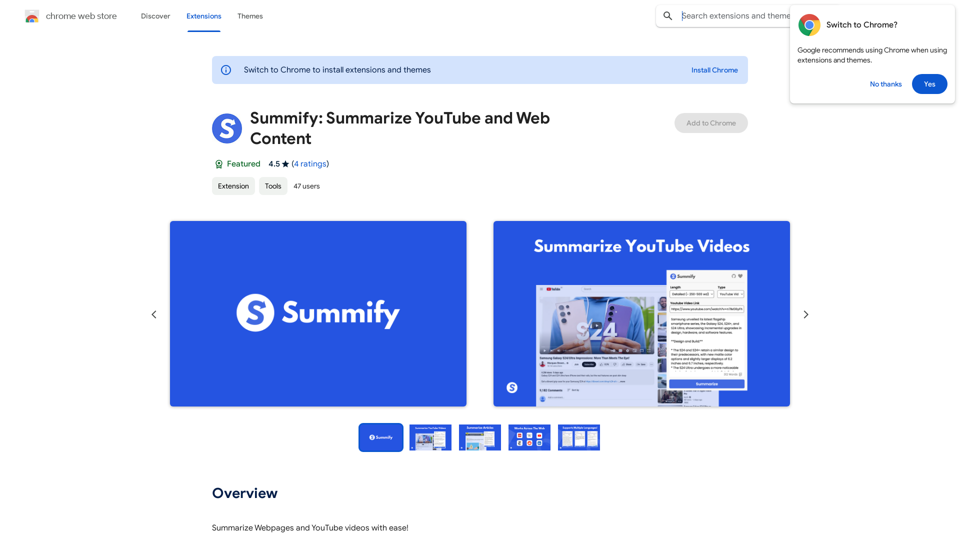
Summify: Summarize YouTube and Web Content This is a tool that can summarize videos from YouTube and web pages.
Summify: Summarize YouTube and Web Content This is a tool that can summarize videos from YouTube and web pages.Quickly get the main points of websites and YouTube videos.
193.90 M