MailMaestro is an innovative AI email assistant designed for Outlook and Gmail users. It aims to help users write better emails faster, potentially saving up to 3 hours of work time per week. This tool transforms simple points into high-quality prose, offering personalized email drafting assistance while maintaining enterprise-grade security.
Get MailMaestro
Enhance your email productivity with MailMaestro. Enjoy AI-assisted email summaries, unique style personalization, and top-quality drafts. Check our features today!

Introduction
Feature
AI-Powered Email Writing
- Quickly transforms simple points into high-quality prose
- Generates three curated email drafts for user selection
- Offers Magic Templates for various scenarios, streamlining the drafting process
Personalization and Customization
- Learns user's writing style over time
- Allows selection of preferred tone and language
- Customizable email length to match recipient expectations
Time-Saving Features
- Summarizes lengthy email threads
- Improves existing drafts with AI capabilities
- Creates new emails from scratch using an intuitive platform
User-Friendly Interface
- Easy-to-use interface for selecting preferences
- Option to pin MailMaestro to the sidebar for easy access
- Provides a final review before sending emails
Enterprise-Grade Security
- Adheres to strict security protocols
- Uses obfuscation and encryption to protect sensitive data
FAQ
What is MailMaestro?
MailMaestro is an AI email assistant for Outlook and Gmail users that helps write better emails faster, potentially saving up to 3 hours of work time per week.
How does MailMaestro work?
MailMaestro uses AI to transform simple points into high-quality prose, summarize email threads, improve existing drafts, and create new emails from scratch. It offers personalized templates and learns the user's writing style over time.
Is MailMaestro secure?
Yes, MailMaestro prioritizes security by adhering to strict protocols and using obfuscation and encryption to protect sensitive data.
Can I try MailMaestro before committing?
Yes, MailMaestro offers a 2-week trial with no credit card required, allowing users to experience its features firsthand.
How does MailMaestro save time?
MailMaestro saves time by quickly summarizing email threads, improving existing drafts, offering ready-to-use templates, and generating high-quality email drafts in seconds.
Related Websites
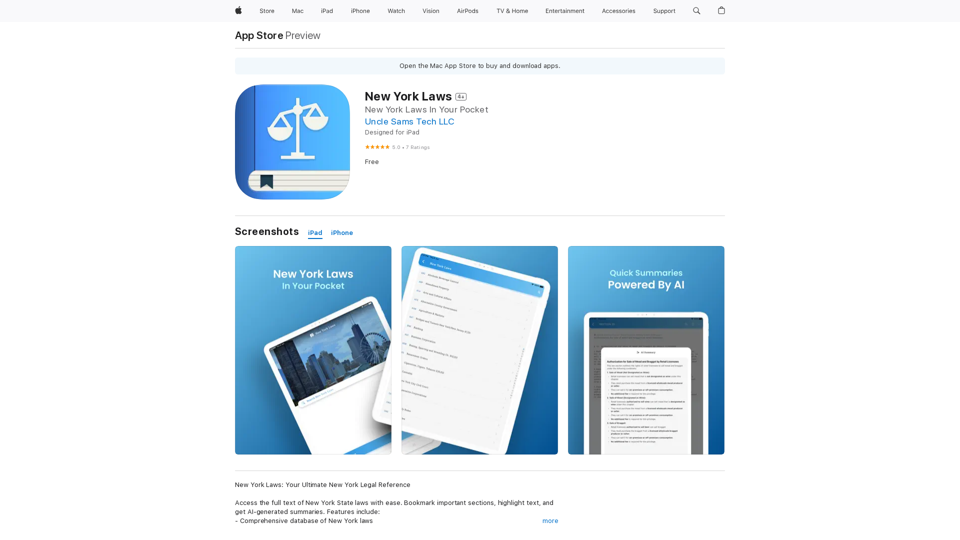
Access the full text of New York State laws with ease. Bookmark important sections, highlight text, and get AI-generated summaries. Features include: - Comprehensive search functionality to quickly find specific laws and regulations - Customizable bookmarks to mark important sections for future reference - Highlighting tool to emphasize key points and phrases - AI-powered summaries to provide a concise overview of complex laws
124.77 M
ChatGPT Context Menu * Copy: Copies the selected text. * Paste: Pastes the copied text. * Delete: Deletes the selected text. * Edit: Opens a text editor to modify the selected text. * Generate: Uses ChatGPT to generate new text based on the selected context. * Summarize: Creates a concise summary of the selected text. * Translate: Translates the selected text into another language. * Translate to English: Translates the selected text into English. * Code: Attempts to identify and format the selected text as code. * Help: Provides information about the context menu options.
ChatGPT Context Menu * Copy: Copies the selected text. * Paste: Pastes the copied text. * Delete: Deletes the selected text. * Edit: Opens a text editor to modify the selected text. * Generate: Uses ChatGPT to generate new text based on the selected context. * Summarize: Creates a concise summary of the selected text. * Translate: Translates the selected text into another language. * Translate to English: Translates the selected text into English. * Code: Attempts to identify and format the selected text as code. * Help: Provides information about the context menu options.Please provide the text you would like to send to ChatGPT.
193.90 M

TeamCreate AI: Build Your AI Dream Team in Minutes!
TeamCreate AI: Build Your AI Dream Team in Minutes!What if you could grow your team and boost productivity without the usual financial or hiring constraints? Teamcreate enables companies of all sizes to create AI workers for hundreds of roles in Sales, Finance, Product and more.
422
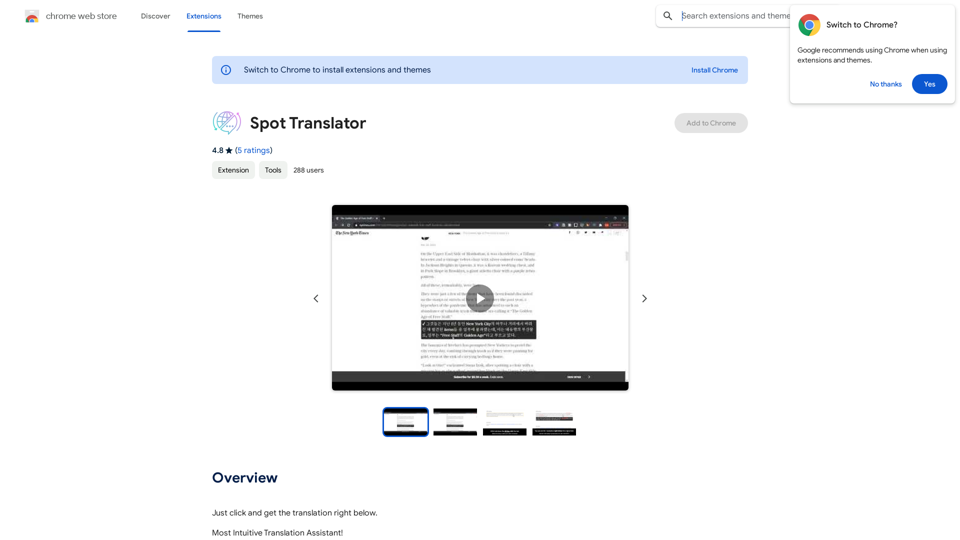
Spot Translator This is a simple tool to translate text from one language to another. How to use: 1. Enter the text you want to translate in the input box. 2. Choose the source language from the dropdown menu. 3. Choose the target language from the dropdown menu. 4. Click the "Translate" button. The translated text will appear in the output box.
Spot Translator This is a simple tool to translate text from one language to another. How to use: 1. Enter the text you want to translate in the input box. 2. Choose the source language from the dropdown menu. 3. Choose the target language from the dropdown menu. 4. Click the "Translate" button. The translated text will appear in the output box.Just click and get the translation right below.
193.90 M

FaceArt is a powerful AI face swap plugin that utilizes AI technology to generate face swap images in one click!
193.90 M
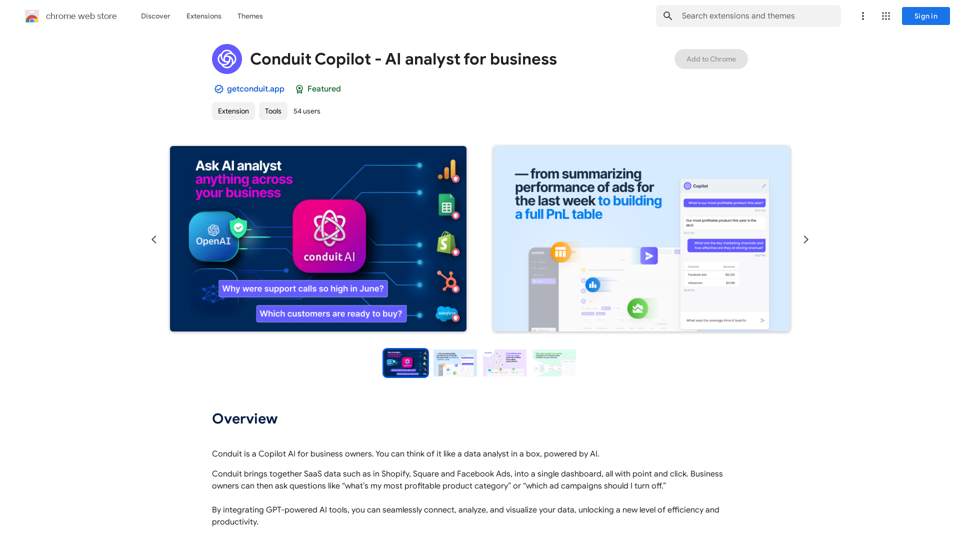
Conduit is a Copilot AI for business owners. Think of it like a data analyst in a box, powered by AI.
193.90 M
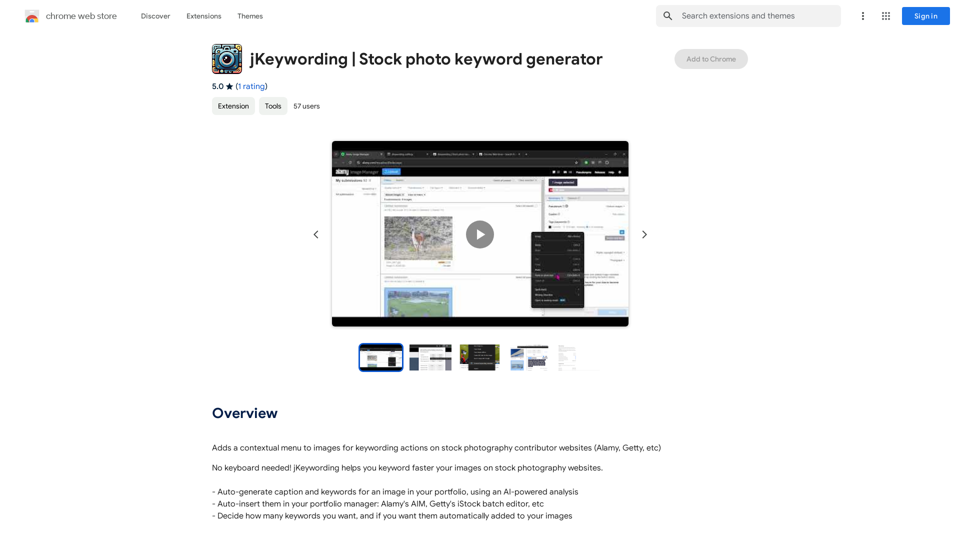
Adds a right-click menu to images, allowing users to easily add keywords to stock photos on websites like Alamy and Getty.
193.90 M