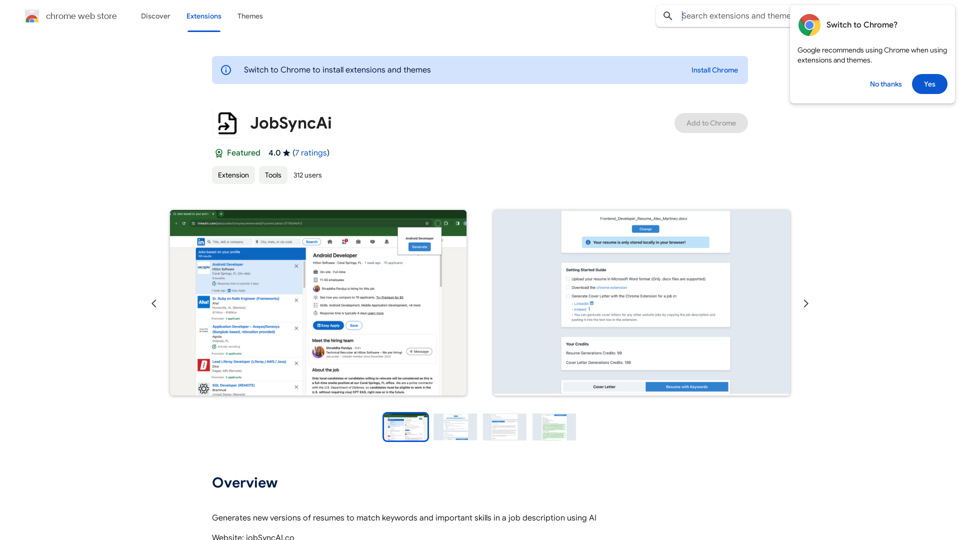
JobSyncAi is an AI-powered extension designed to enhance job application success. It generates tailored resumes and cover letters that align with specific job descriptions, improving candidates' chances of passing Applicant Tracking Systems (ATS) and impressing human recruiters. This tool streamlines the application process, saving time and increasing the likelihood of securing interviews.
JobSyncAi
Generates new versions of resumes to match keywords and important skills in a job description using AI
Introduction
Feature
Beat the ATS
JobSyncAi's advanced AI analyzes job descriptions and optimizes resumes to successfully pass through initial ATS filters, increasing the chances of reaching human recruiters.
Tailored Resumes
Users can create customized versions of their resumes for each job application with just a few clicks, ensuring that each application is uniquely suited to the specific role.
Skill Matching
Instead of simply listing skills, JobSyncAi precisely matches candidate skills to job requirements, highlighting relevant qualifications for each position.
Time-Saving
By automating the resume customization process, JobSyncAi allows users to spend less time tweaking their resumes and more time applying to jobs, increasing overall efficiency.
Custom Cover Letters
JobSyncAi's advanced AI can generate custom cover letters for each job application, complementing the tailored resumes.
Free and Paid Options
Users can generate up to 5 free resumes with JobSyncAi. After reaching this limit, a subscription provides extended access and additional benefits.
FAQ
How many resumes can I generate with JobSyncAi?
You can generate up to 5 free resumes with JobSyncAi. After that, a subscription allows for 20 or more resume generations.
Will my information be used for training purposes?
No, JobSyncAi highly values user privacy, and your data will not be used for any training purposes.
How do I get help with JobSyncAi?
You can reach out to JobSyncAi's support team at [email protected] for assistance.
Related Websites
Track your emails in real-time with TraceMail and get instant notifications when someone opens them.
193.90 M
ChatGPT Context Menu * Copy: Copies the selected text. * Paste: Pastes the copied text. * Delete: Deletes the selected text. * Edit: Opens a text editor to modify the selected text. * Generate: Uses ChatGPT to generate new text based on the selected context. * Summarize: Creates a concise summary of the selected text. * Translate: Translates the selected text into another language. * Translate to English: Translates the selected text into English. * Code: Attempts to identify and format the selected text as code. * Help: Provides information about the context menu options.
ChatGPT Context Menu * Copy: Copies the selected text. * Paste: Pastes the copied text. * Delete: Deletes the selected text. * Edit: Opens a text editor to modify the selected text. * Generate: Uses ChatGPT to generate new text based on the selected context. * Summarize: Creates a concise summary of the selected text. * Translate: Translates the selected text into another language. * Translate to English: Translates the selected text into English. * Code: Attempts to identify and format the selected text as code. * Help: Provides information about the context menu options.Please provide the text you would like to send to ChatGPT.
193.90 M
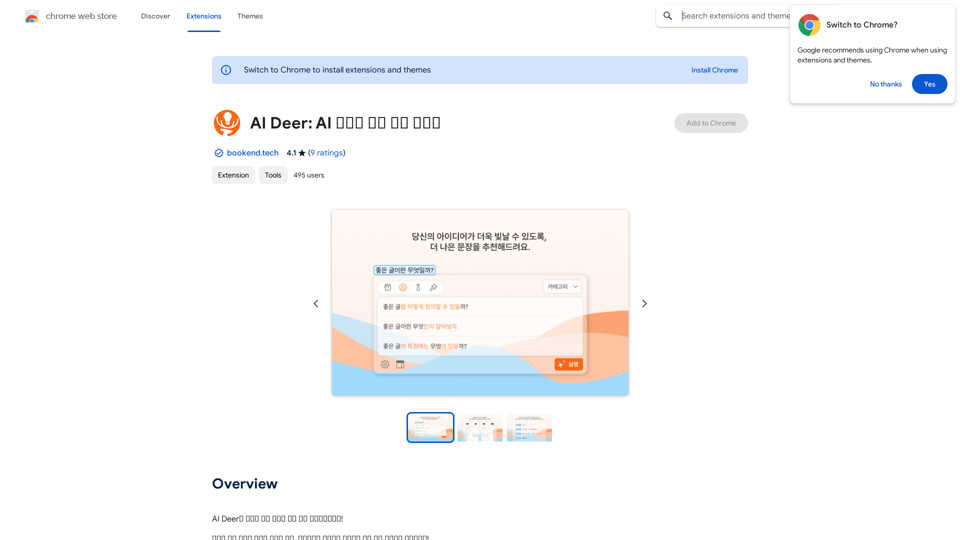
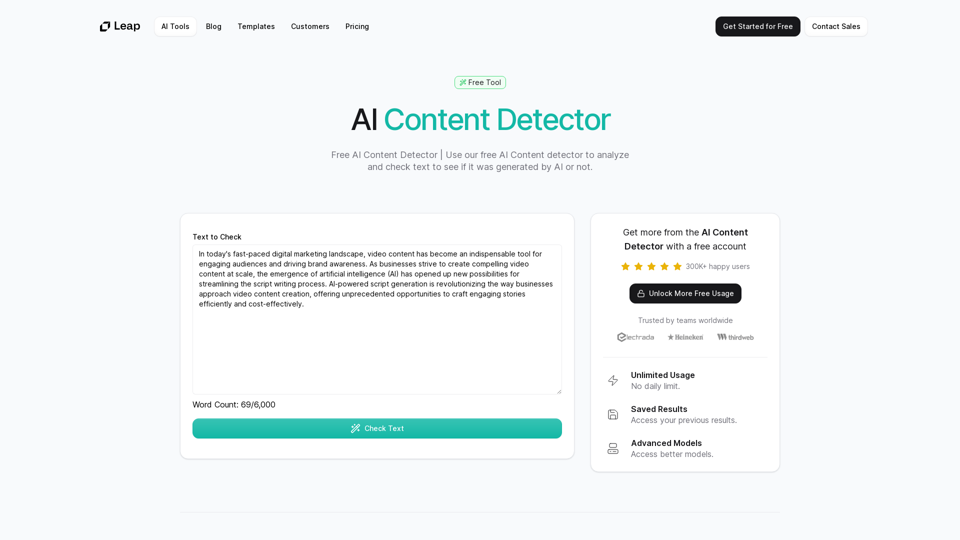
AI Content Detector | GPT-4o, Anthropic, & ChatGPT This AI content detector is designed to identify text generated by popular AI models, including GPT-4o, Anthropic, and ChatGPT.
AI Content Detector | GPT-4o, Anthropic, & ChatGPT This AI content detector is designed to identify text generated by popular AI models, including GPT-4o, Anthropic, and ChatGPT.Free AI Content Detector | 使用我们的免费AI内容检测器来分析和检查文本,以查看它是否由AI生成。
97.78 K
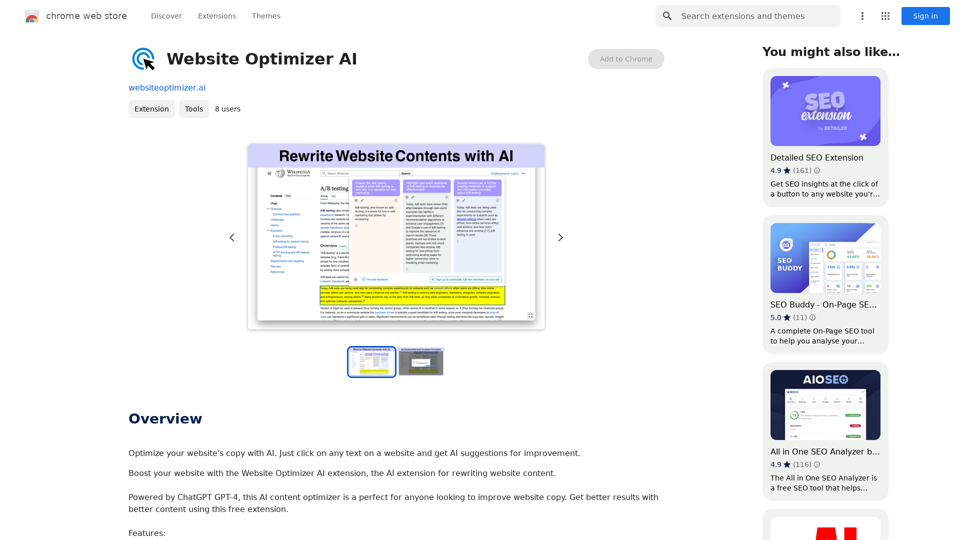
Improve your website's text with AI. Simply click on any text on a website and receive AI-powered suggestions for making it better.
193.90 M
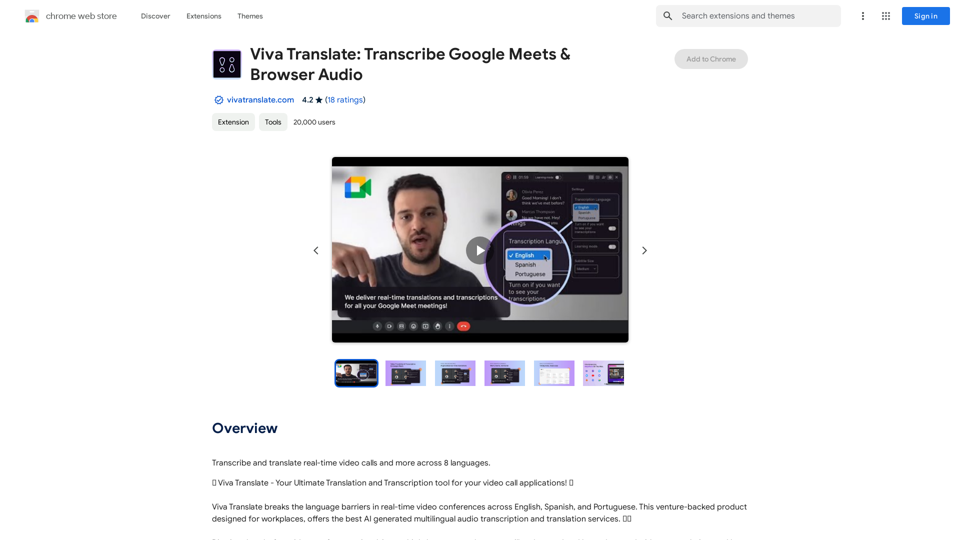
Viva Translate: Transcribe Google Meets & Browser Audio
Viva Translate: Transcribe Google Meets & Browser AudioTranscribe and translate real-time video calls and more across 8 languages.
193.90 M
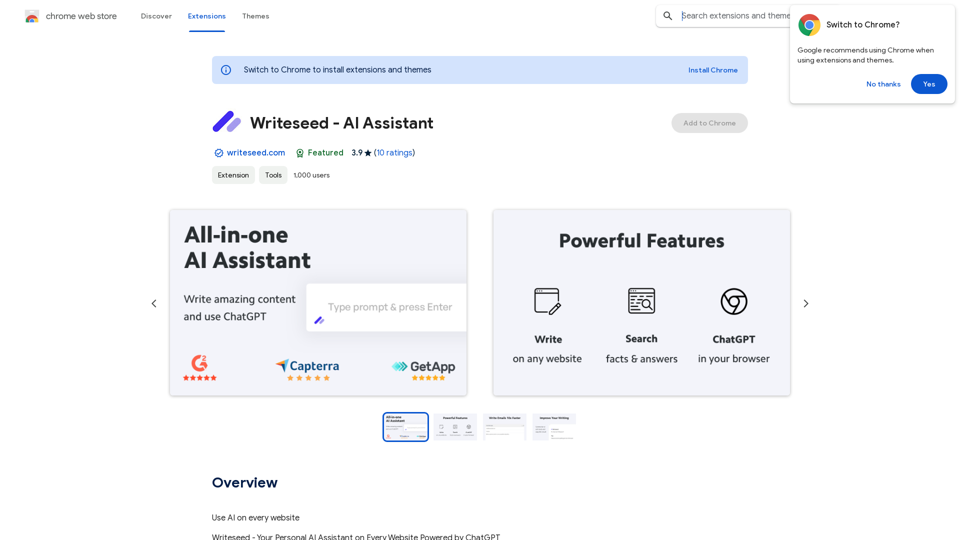
Using AI on Every Website With the rapid advancement of technology, Artificial Intelligence (AI) has become an integral part of our daily lives. From virtual assistants to self-driving cars, AI is revolutionizing the way we live and work. One area where AI can have a significant impact is on websites. Imagine a website that can learn from your behavior, adapt to your needs, and provide personalized experiences. In this article, we'll explore the possibilities of using AI on every website. Enhanced User Experience AI can analyze user behavior, preferences, and interests to provide a tailored experience. For instance, an e-commerce website can use AI to recommend products based on a user's browsing history and purchase behavior. This can lead to increased customer satisfaction, loyalty, and ultimately, revenue. Improved Website Performance AI can help optimize website performance by analyzing user traffic patterns, identifying bottlenecks, and providing insights to improve loading times. This can result in higher search engine rankings, increased conversions, and a better overall user experience. Personalized Content AI-powered content generation can help create personalized content for users based on their interests, preferences, and behavior. This can include customized product recommendations, tailored blog posts, and even personalized email marketing campaigns. Enhanced Security AI-powered security systems can detect and prevent cyber threats in real-time, providing an additional layer of protection for websites and their users. This can include identifying and blocking malicious traffic, detecting phishing attempts, and preventing data breaches. Chatbots and Virtual Assistants AI-powered chatbots and virtual assistants can provide 24/7 customer support, helping users navigate websites, answer questions, and resolve issues. This can lead to increased customer satisfaction, reduced support queries, and improved overall user experience. The Future of Web Development As AI technology continues to evolve, we can expect to see even more innovative applications on websites. From AI-powered design tools to AI-driven website analytics, the possibilities are endless. The future of web development is exciting, and AI is at the forefront of this revolution. Conclusion Using AI on every website can have a transformative impact on the way we interact with the internet. From enhanced user experiences to improved website performance, personalized content, enhanced security, and chatbots, the benefits of AI are undeniable. As technology continues to advance, we can expect to see even more innovative applications of AI on websites. The future is exciting, and AI is leading the way.
193.90 M