Assistant Miao is an AI-powered browser extension that enhances your browsing experience by providing a personal AI assistant on any webpage. Leveraging ChatGPT's capabilities, it offers features such as answering complex questions, assisting with writing tasks, and generating code. This versatile tool is designed to boost productivity and simplify various online activities.
Assistant Meow: Any page using a personal AI assistant
Chat, create, and enhance your browsing experience - there's more to discover! This personal AI assistant, powered by ChatGPT, works on any webpage to boost your online experience.
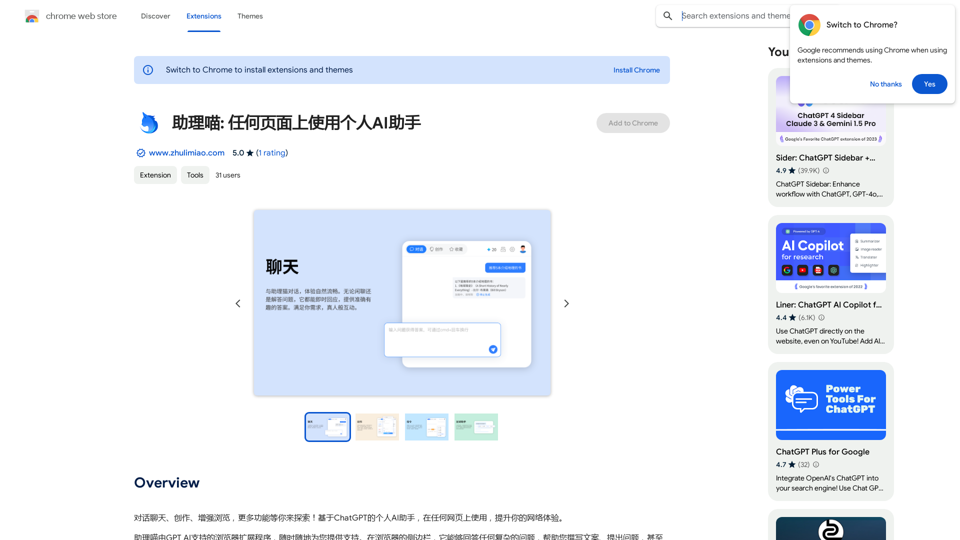
Introduction
Feature
Easy-to-Use Browser Extension
Assistant Miao supports all browsers and web pages, allowing users to increase their work efficiency anytime and anywhere.
AI-Powered Writing Assistance
Utilize Assistant Miao's AI capabilities to effortlessly create various types of content, including articles, novels, and academic papers.
Quick Information Search
Find relevant information quickly and easily, streamlining your research process.
Convenient Text Commands
Seamlessly translate, explain, or summarize any text on a webpage with simple commands.
Language Learning Support
Offers real-time translation of multiple languages, dictionary lookup, and grammar checking to facilitate language learning.
Code Generation and Programming Support
Generate professional code and access core industry knowledge with just one click, making it an invaluable tool for programmers.
Multiple Template Tools
Includes various template tools with prompts for different scenarios, simplifying operations and improving efficiency.
Flexible Login Options
Supports mobile phone and verification code login, ensuring convenient and fast access without device restrictions.
FAQ
How do I start using Assistant Miao?
To begin using Assistant Miao:
- Visit the official website to download and install the browser extension.
- Press Cmd+B (Mac) or Ctrl+B (Windows) to summon Assistant Miao and start chatting.
- Select any text on a webpage for Assistant Miao to explain, translate, or rewrite.
- Explore and utilize all of Assistant Miao's features.
Is Assistant Miao free to use?
Yes, Assistant Miao is a free browser extension with no subscription fees required.
What are the main features of Assistant Miao?
Assistant Miao offers:
- AI-powered writing assistance
- Quick information search
- Text translation and summarization
- Language learning support
- Code generation
- Multiple template tools
- Flexible login options
Can Assistant Miao work on any webpage?
Yes, Assistant Miao supports all browsers and web pages, allowing you to enhance your productivity across various online platforms.
Related Websites
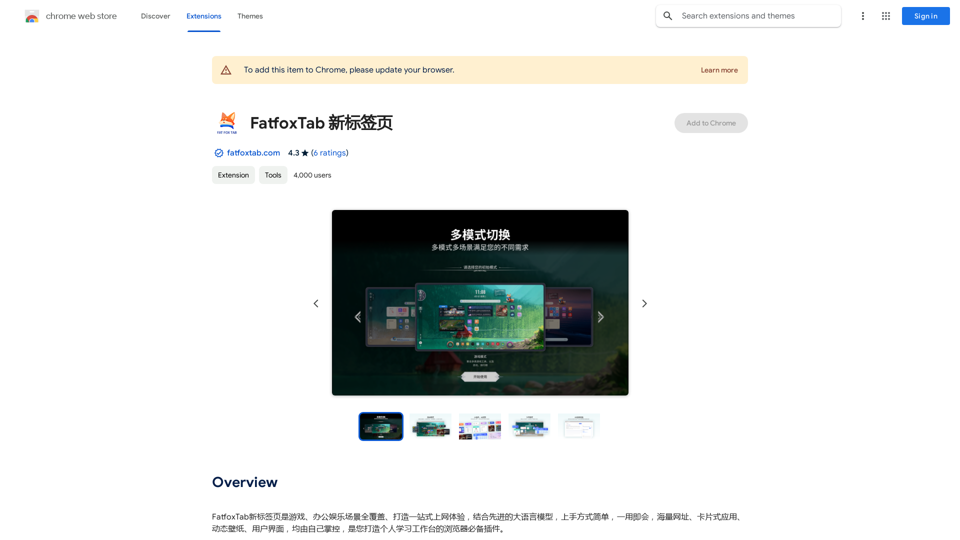
FatfoxTab, a new tab page, provides an all-around online experience covering gaming, office, and entertainment scenarios. With advanced language models, it's easy to get started and use, offering a vast array of websites, card-style apps, dynamic wallpapers, and a customizable user interface, all at your fingertips. It's a must-have browser plugin for building your personalized learning and working platform.
193.90 M
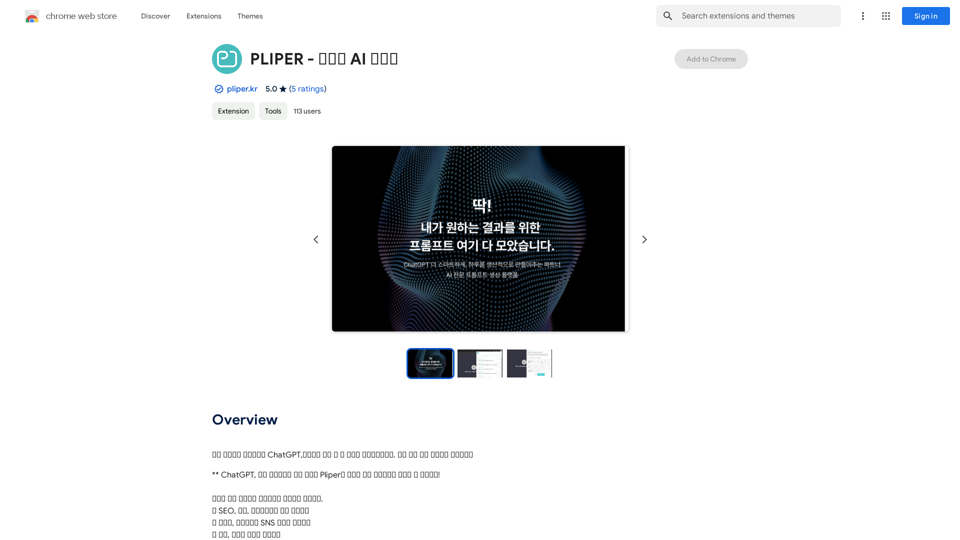
Here are some commonly used prompts that you can use directly in ChatGPT and LLaMA to boost your productivity today. Let's make today productive!
193.90 M

Beanbag is your AI assistant, residing in the browser sidebar, answering questions, summarizing translations of web pages, papers, and videos, and even helping you write emails quickly.
193.90 M
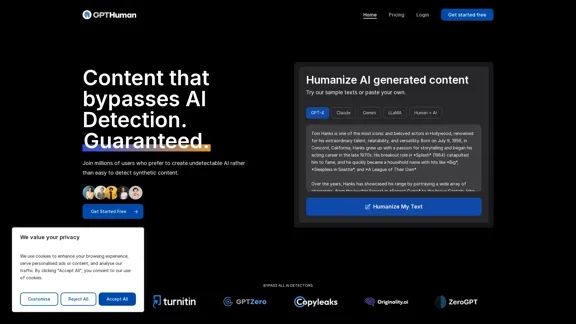
Humanize AI. Create AI Content That Can't Be Detected.
Humanize AI. Create AI Content That Can't Be Detected.The leading AI humanizer that converts machine-generated text into genuine, human-like content. It bypasses all AI detectors, guaranteed.
135.99 K
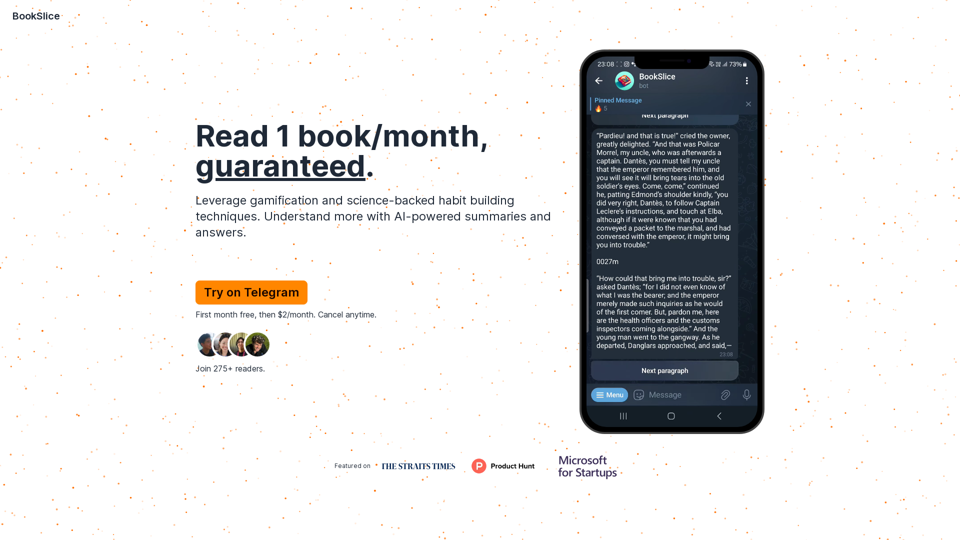
BookSlice - A fun, game-like way to read books for people with busy schedules.
BookSlice - A fun, game-like way to read books for people with busy schedules.Read one book per month, guaranteed, using science-backed techniques.
318