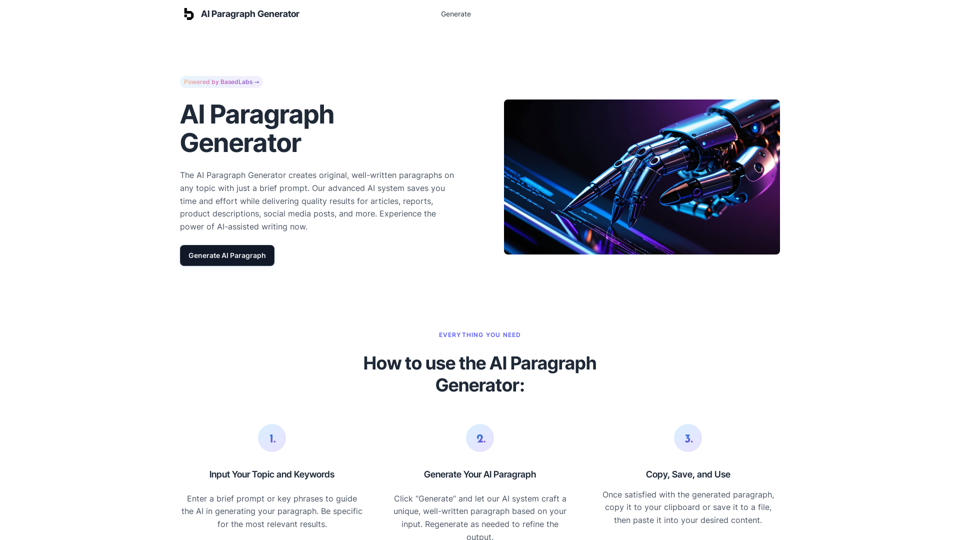
AI Paragraph Generator is an innovative tool that leverages artificial intelligence to create original, high-quality paragraphs on any topic. With just a brief prompt, users can generate well-written content for various purposes, including articles, reports, product descriptions, and social media posts. This powerful AI-driven system is designed to save time and effort while delivering consistent, professional results.
AI Paragraph Generator – Quickly generate paragraphs on any topic with our state-of-the-art AI Paragraph Generator
AI Paragraph Generator – Quickly generate paragraphs on any topic with our state-of-the-art AI Paragraph Generator
Introduction
Feature
Input Your Topic and Keywords
Users can easily start the process by entering a brief prompt or key phrases to guide the AI in generating relevant paragraphs. For optimal results, it's recommended to be specific with the input.
Generate Your AI Paragraph
With a simple click of the "Generate" button, the advanced AI system crafts a unique, well-written paragraph based on the provided input. Users have the flexibility to regenerate content as needed to refine the output.
Copy, Save, and Use
Once satisfied with the generated paragraph, users can quickly copy it to their clipboard or save it to a file. The content is then ready to be pasted into any desired document or platform.
Save Time and Boost Productivity
The AI Paragraph Generator offers:
- Streamlined writing process
- Increased efficiency in content creation
Overcome Writer's Block and Generate Fresh Ideas
Users benefit from:
- Creative inspiration for their writing
- New angles and perspectives on topics
Ensure Consistency and Quality
The tool provides:
- Consistent writing style across all generated content
- Professional output suitable for various applications
FAQ
How does the AI Paragraph Generator work?
The AI Paragraph Generator utilizes advanced artificial intelligence to create unique paragraphs based on user input. It analyzes the provided prompt and generates original content tailored to the specified topic.
Is the generated content original?
Yes, the AI creates brand new, original paragraphs each time you use the generator. Every output is unique and crafted specifically for your input.
Is there a limit to how many paragraphs I can generate?
No, there is no limit to the number of paragraphs you can generate. Users are free to create as many paragraphs as they need for their projects or content requirements.
Related Websites
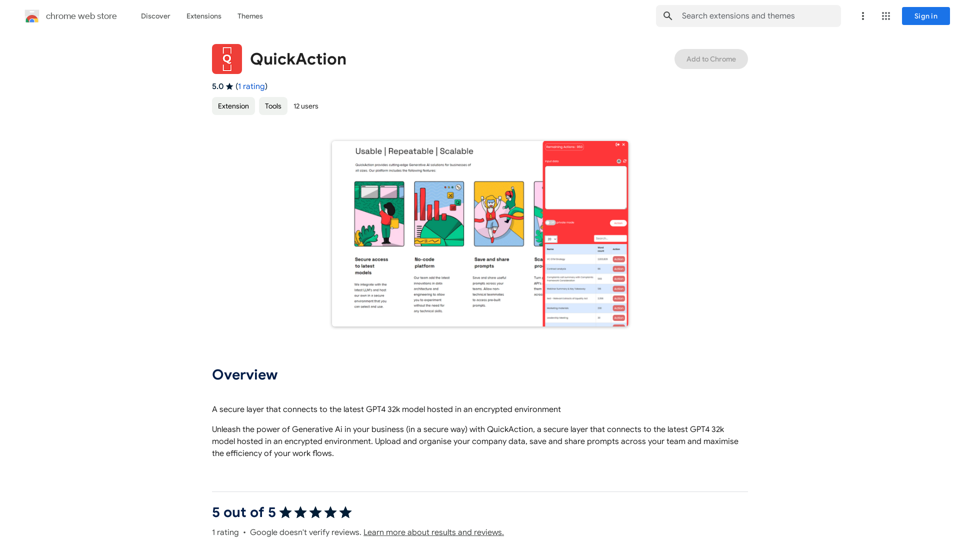
A secure layer connecting to the latest GPT-4 32k model hosted in an encrypted environment.
193.90 M
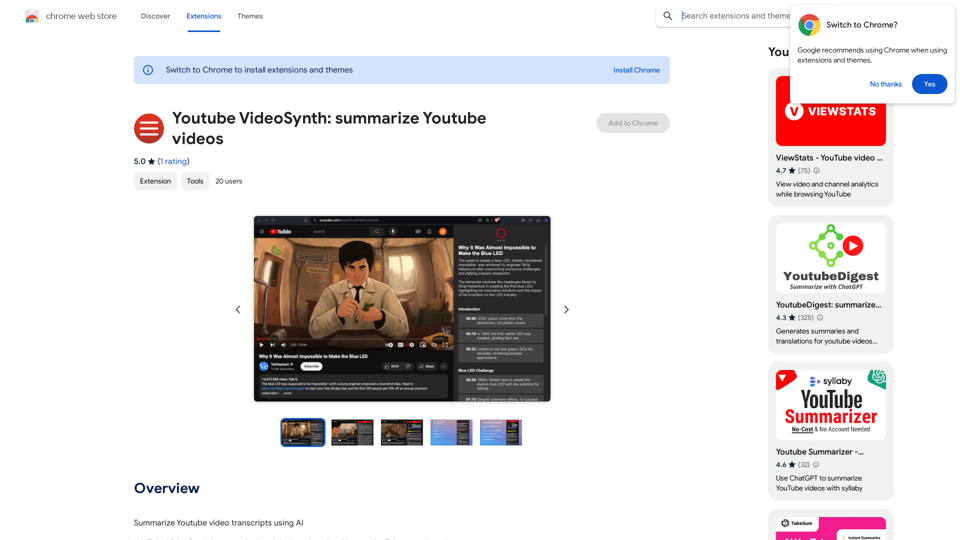
Youtube VideoSynth: Summarize Youtube Videos This tool uses artificial intelligence to create short summaries of YouTube videos. Simply paste the YouTube video URL into the input field, and VideoSynth will generate a concise summary of the video's content.
Youtube VideoSynth: Summarize Youtube Videos This tool uses artificial intelligence to create short summaries of YouTube videos. Simply paste the YouTube video URL into the input field, and VideoSynth will generate a concise summary of the video's content.Summarize YouTube Video Transcripts Using AI This is a powerful tool for quickly understanding the main points of long videos. Here's how it works: 1. Get the Transcript: You'll need a text transcript of the YouTube video. Many videos have automatic captions, or you can use a transcription service. 2. Choose an AI Summarizer: There are many free and paid AI summarization tools available online. Some popular options include: * OpenAI's GPT-3: A powerful language model that can generate high-quality summaries. * Google Cloud AI Platform: Offers a variety of AI services, including text summarization. * Hugging Face Transformers: An open-source library with pre-trained summarization models. 3. Input the Transcript: Paste the transcript into the AI summarizer. 4. Generate the Summary: The AI will analyze the text and generate a concise summary of the video's main points. 5. Review and Edit: Read through the AI-generated summary and make any necessary edits to ensure accuracy and clarity. Let me know if you'd like more details on any of these steps!
193.90 M
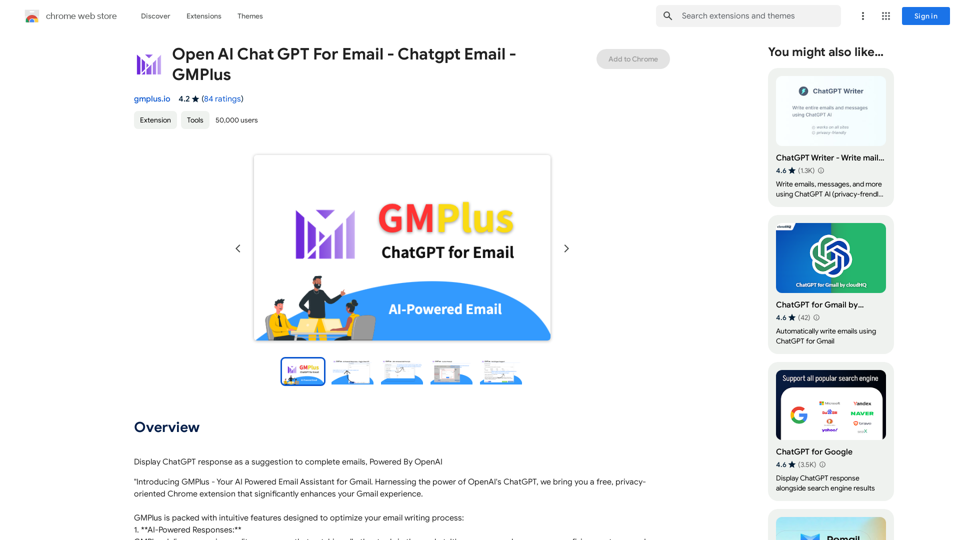
Email Completion Suggestions ============================= Powered by OpenAI, this feature provides intelligent suggestions to complete your emails, saving you time and effort. How it Works --------------- 1. Start Writing: Begin composing your email as you normally would. 2. AI Takes Over: Our AI engine, powered by OpenAI, kicks in and analyzes the context of your email. 3. Suggestions Appear: Relevant and contextual suggestions will appear, helping you complete your email quickly and efficiently. Benefits ------------ * Save Time: Get suggestions in real-time, reducing the time spent on writing emails. * Improve Quality: Enhance the clarity and coherence of your emails with AI-driven suggestions. * Boost Productivity: Focus on more important tasks while our AI handles the email completion. Get Started -------------- Try our email completion suggestions today and experience the power of AI-driven productivity!
193.90 M
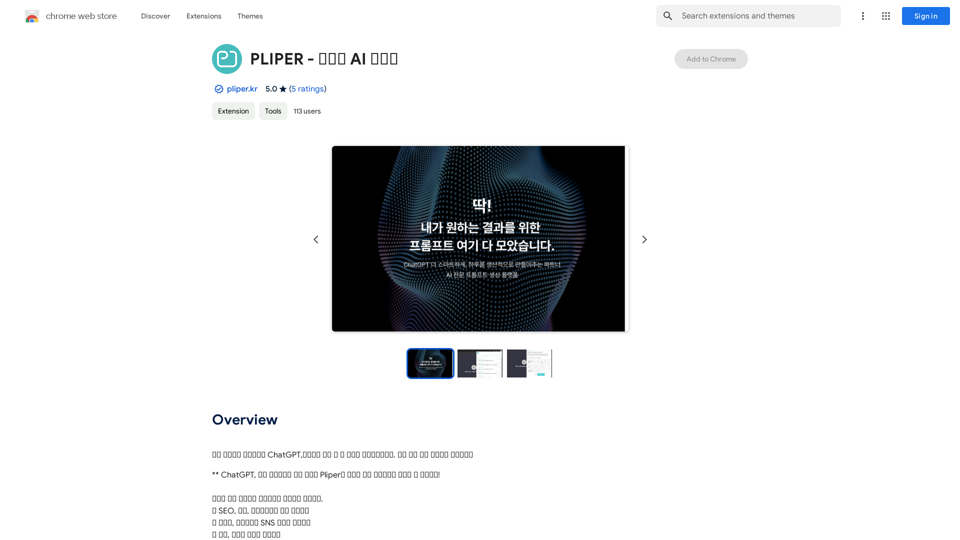
Here are some commonly used prompts that you can use directly in ChatGPT and LLaMA to boost your productivity today. Let's make today productive!
193.90 M
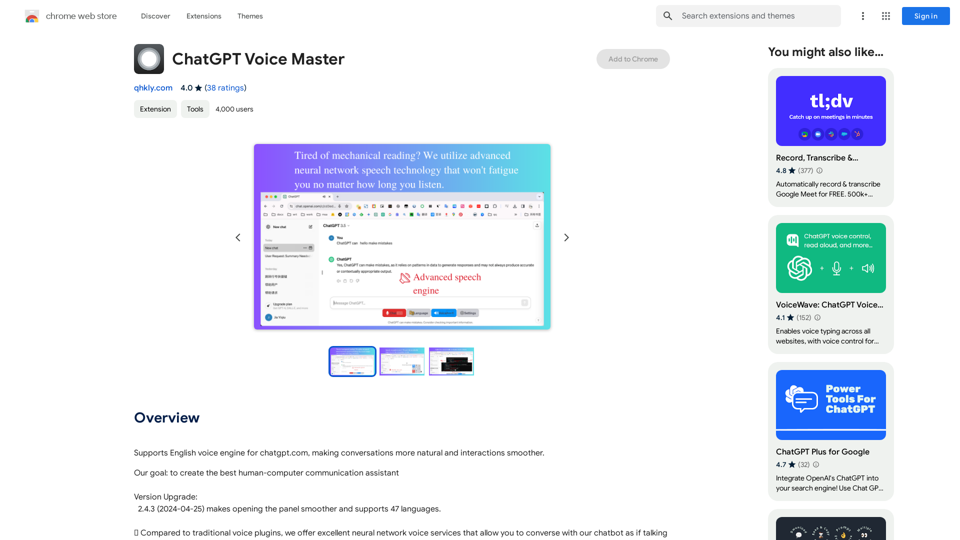
Supports English voice engine for chatgpt.com, making conversations more natural and interactions smoother.
193.90 M
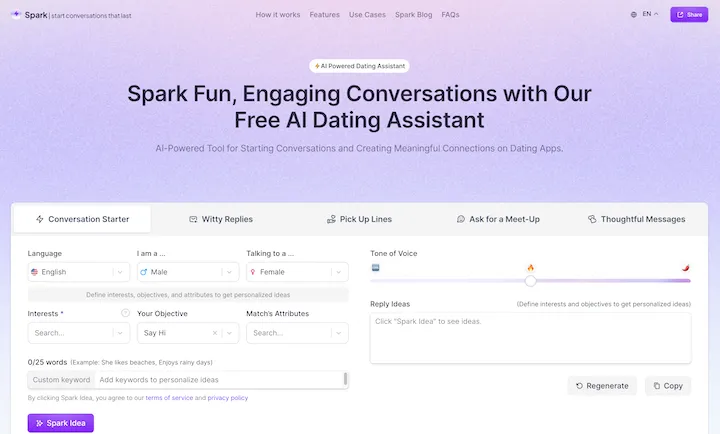
WithSpark.ai - The #1 Free AI Powered Dating Assistant
WithSpark.ai - The #1 Free AI Powered Dating AssistantSpark Fun, Engaging Conversations with Our Free AI Dating Assistant
0
IntegraBot - Advanced Agents with AI and Automations
IntegraBot - Advanced Agents with AI and AutomationsCreate an AI chatbot from your knowledge base and add it to your website or interact with it through our API.
357