Text&Writing
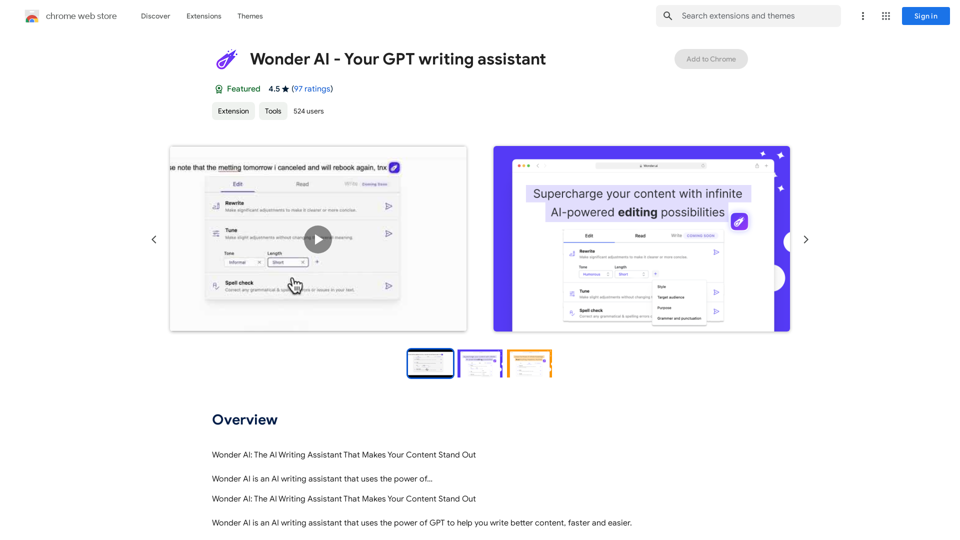
Wonder AI: The AI Writing Assistant That Makes Your Content Stand Out Wonder AI is an AI writing assistant that uses the power of artificial intelligence to help you create high-quality, engaging content that resonates with your audience.
193.90 M
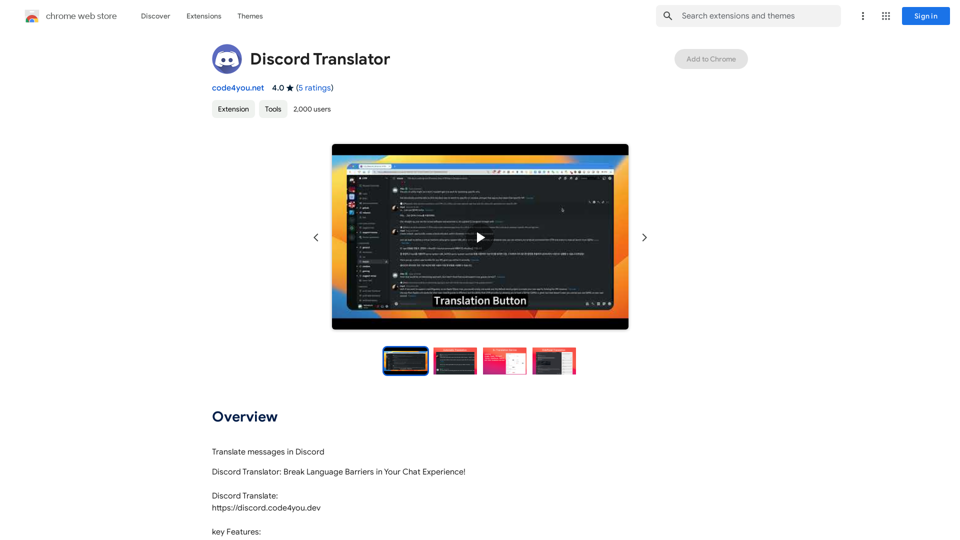
Translate Messages in Discord ============================= What is the "Translate" feature in Discord? The "Translate" feature in Discord allows users to translate messages in real-time, making it easier for people who speak different languages to communicate with each other. How to use the "Translate" feature in Discord? #1. Enable the "Translate" feature To enable the "Translate" feature, you need to go to the "User Settings" and click on the "Language" tab. Then, toggle the switch next to "Translator" to the "On" position. #2. Set your preferred language After enabling the "Translate" feature, you need to set your preferred language. You can do this by clicking on the "Language" dropdown menu and selecting your preferred language from the list. #3. Translate messages Once you've set your preferred language, you can start translating messages. To translate a message, simply hover over the message and click on the "Translate" button that appears. #4. View translated messages After clicking the "Translate" button, the message will be translated into your preferred language. You can view the translated message below the original message. Benefits of the "Translate" feature in Discord The "Translate" feature in Discord has several benefits, including: * Improved communication: The "Translate" feature helps to break down language barriers, making it easier for people who speak different languages to communicate with each other. * Increased accessibility: The "Translate" feature makes Discord more accessible to people who may not speak the dominant language of a server or community. * Enhanced collaboration: The "Translate" feature enables people to collaborate more effectively, even if they speak different languages.
193.90 M

Unlock your business's full potential with HexarAI, the all-in-one AI platform. Seamlessly integrate marketing, tech development, accounting, design, and business management for unparalleled efficiency and success.
0

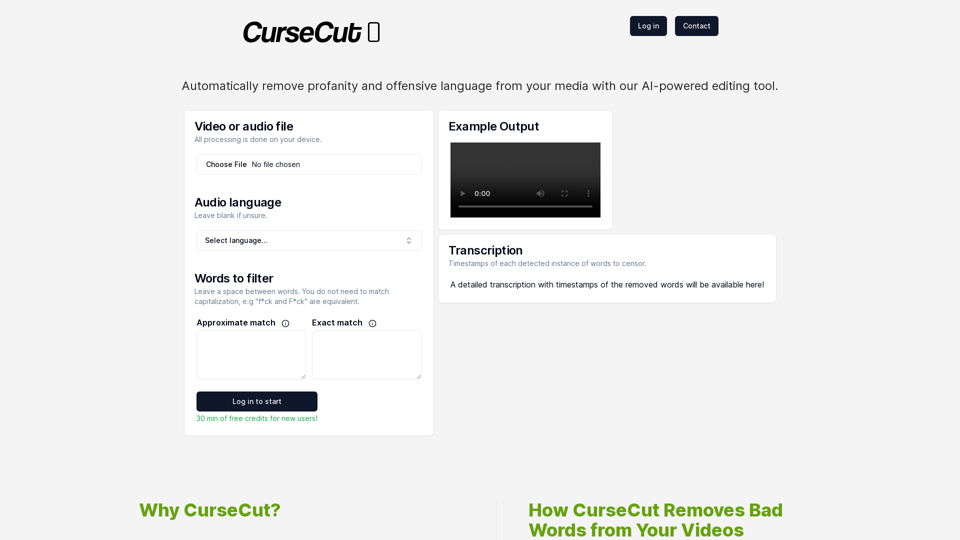
CurseCut - Automatic AI Profanity Removal for Video and Audio
CurseCut - Automatic AI Profanity Removal for Video and AudioEffortlessly remove profanity from your video audio using our advanced AI technology. Try CurseCut today for clean, professional content.
28.22 K
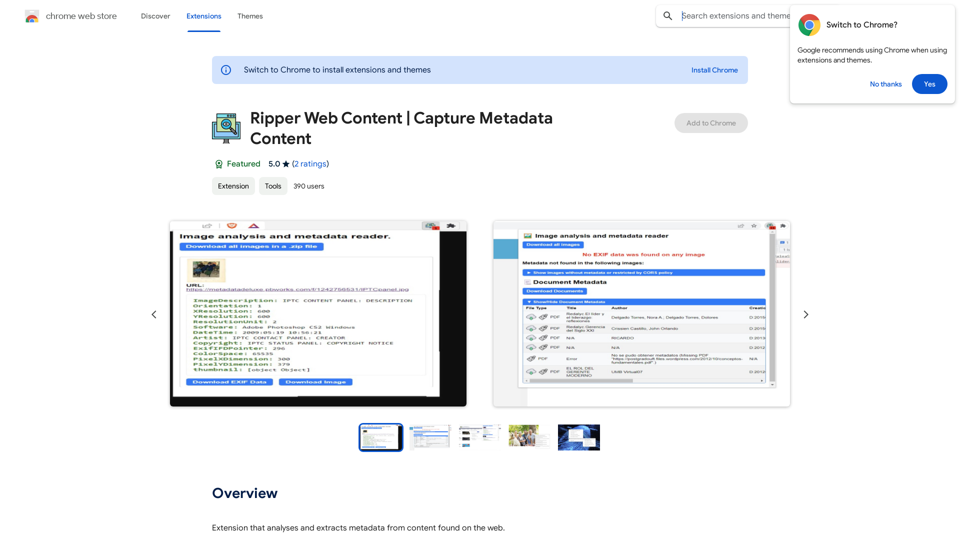

Adaapt.ai - Simplify and Optimize Your Processes with Automation
Adaapt.ai - Simplify and Optimize Your Processes with AutomationUnlock efficiency and elevate your business with Adaapt.ai - Your partner in automation. Streamline processes effortlessly and boost productivity. Discover cutting-edge solutions tailored for your success.
0
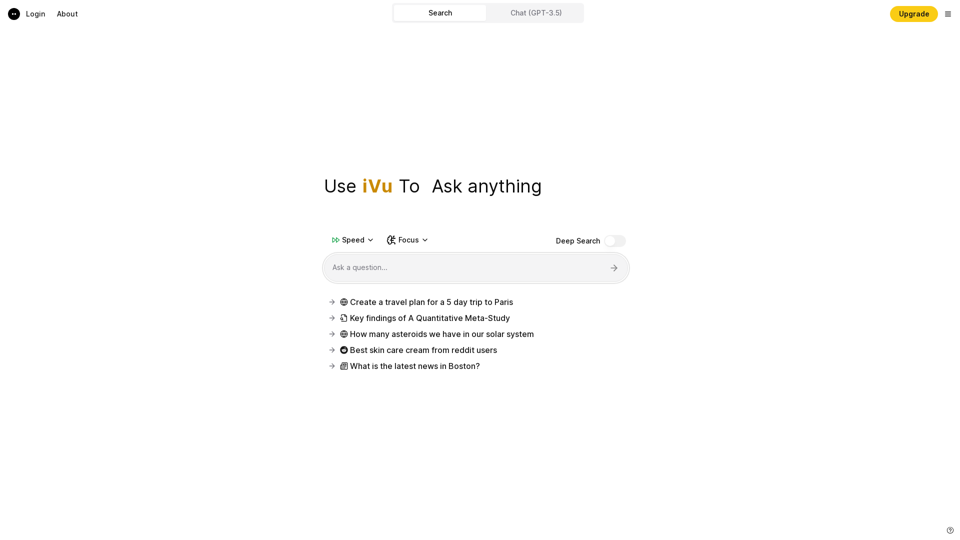
iVu.AI - Intelligent Search Engine Powered by Artificial Intelligence - iVu.AI
iVu.AI - Intelligent Search Engine Powered by Artificial Intelligence - iVu.AIAn AI-powered search engine
0
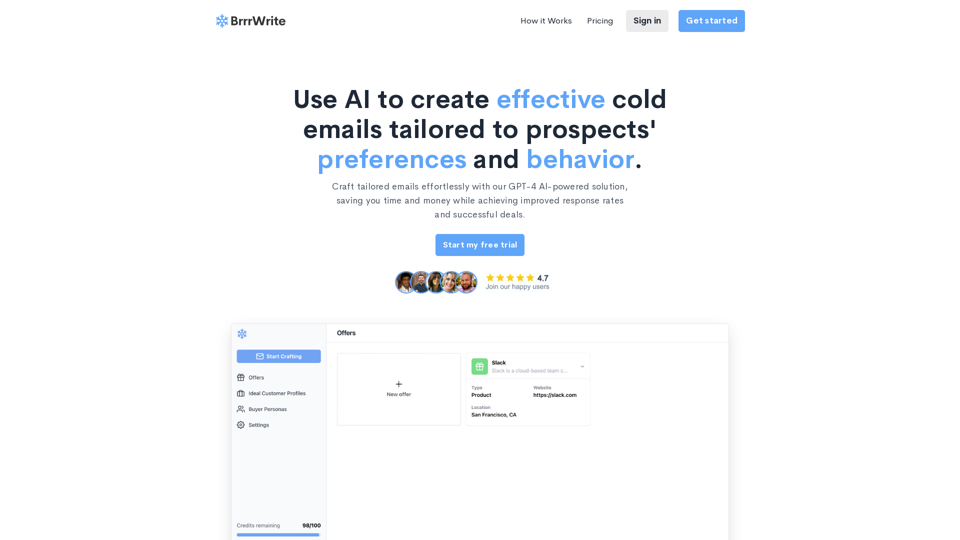
BrrrWrite - Create Compelling Cold Emails Using AI
BrrrWrite - Create Compelling Cold Emails Using AICraft tailored emails effortlessly with our GPT-4 AI-powered solution, saving you time and money while achieving improved response rates and successful deals.
0