AI Video Editor - Text to Video is an innovative platform that leverages OpenAI Viggle to transform text prompts into professional-quality videos. This tool democratizes video creation, allowing users to produce stunning content without the need for traditional equipment or personnel. It caters to various needs, from converting blog posts to creating product videos, making it a versatile solution for content creators, marketers, and businesses.
AI Video Editor - Text to Video By Viggle
Generate videos from text prompts with our Text-to-Video tool based on OpenAI Viggle.
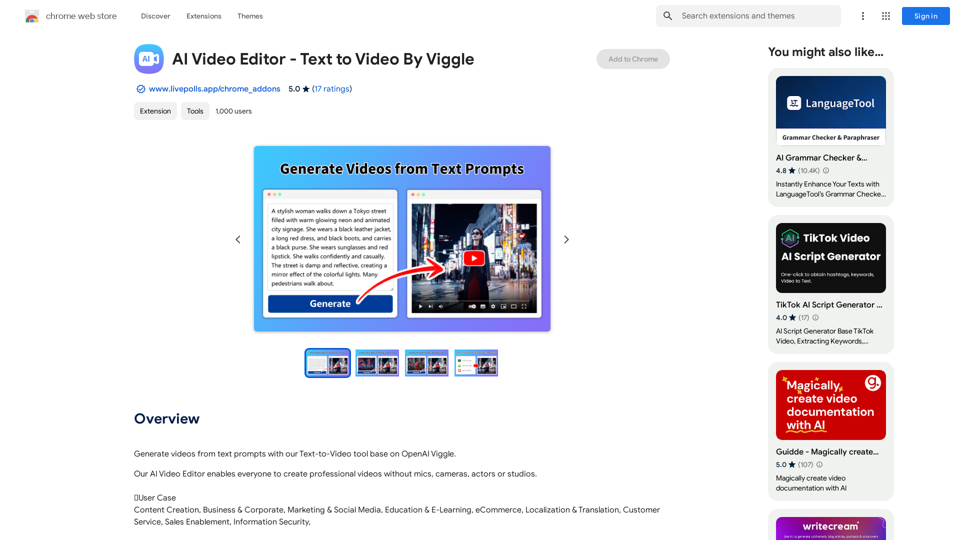
Introduction
Feature
Idea to Video
Transform your creative concepts into visually appealing videos complete with AI-generated voices, bringing your ideas to life effortlessly.
Blog to Video
Convert written blog articles into engaging video content, expanding your reach and enhancing audience engagement across different media formats.
PPT to Video
Quickly transform static PowerPoint presentations into dynamic video content, adding a new dimension to your presentations and making them more shareable.
Tweet to Video
Turn concise Twitter posts into captivating video content, amplifying your social media presence and message impact.
Avatar Video Creation
Generate impressive avatar videos with just one click, personalizing your content and adding a unique touch to your video productions.
Product to Video
Convert Amazon and Airbnb product listings into compelling video content, enhancing product visibility and appeal to potential customers.
Customization Options
Tailor your videos by selecting from a variety of styles, colors, and fonts to match your brand or personal preferences.
User-Friendly Prompt Writing
The platform provides guidance on crafting effective AI prompts, encouraging creativity while emphasizing simplicity and detailed descriptions.
Flexible Pricing
Offers both a free version with basic features and paid subscriptions for extended access, catering to different user needs and budgets.
FAQ
How do I use the AI Video Editor - Text to Video platform?
Enter your text prompt, select the desired features, and the platform will automatically generate a professional-looking video for you.
Can I customize the video output?
Yes, you can customize your videos by choosing from a range of styles, colors, and fonts to match your preferences or brand identity.
Is my data safe with the platform?
The platform prioritizes data security and complies with privacy laws. Your information is not shared with anyone, including the add-on owner, ensuring confidentiality.
What types of videos can I create with this tool?
You can create various types of videos, including idea presentations, blog content videos, PowerPoint presentation videos, tweet visualizations, avatar videos, and product showcase videos.
Do I need any video editing experience to use this platform?
No prior video editing experience is necessary. The AI-driven platform is designed to be user-friendly, allowing anyone to create professional-looking videos from text inputs.
Related Websites
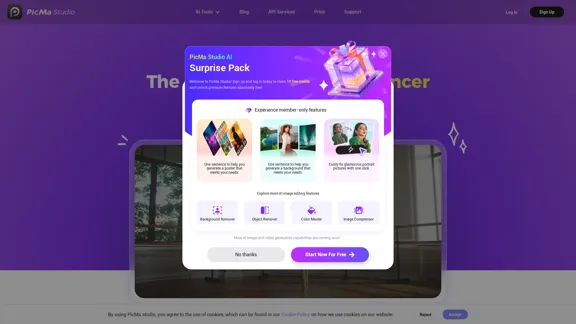
PicMa Photo Enhancer - One Click AI Photo Quality Enhancer
PicMa Photo Enhancer - One Click AI Photo Quality EnhancerPicMa AI enhances photo resolution and image quality. Unblur, restore old photos, and colorize black and white images instantly. Try our tool for free.
65.77 K
![AI-Powered Cover Letter
==========================
Introduction
As a highly motivated and innovative professional, I am excited to apply for the [Position] role at [Company]. With a strong background in [Industry/Field], I am confident that my skills and experience make me an ideal candidate for this position.
Summary
With [Number] years of experience in [Industry/Field], I have developed a unique combination of skills in [Key Skills]. My expertise in [Technical Skills] has enabled me to [Desirable Outcome], resulting in [Desirable Metric]. I am excited to leverage my skills to drive success at [Company].
Achievements
* [ Achievement 1 ]: Developed and implemented [Project/Initiative], resulting in [Desirable Metric] and [Desirable Outcome].
* [ Achievement 2 ]: Successfully [Key Skill] to [Desirable Outcome], resulting in [Desirable Metric].
* [ Achievement 3 ]: Collaborated with [Team/Department] to [Desirable Outcome], resulting in [Desirable Metric].
Education
* [Degree], [Field of Study], [University], [Graduation Date]
* [Relevant Coursework or Specialization]
Skills
* Technical Skills: [Technical Skill 1], [Technical Skill 2], [Technical Skill 3]
* Soft Skills: [Soft Skill 1], [Soft Skill 2], [Soft Skill 3]
Why [Company]?
I am drawn to [Company] because of its [Reason for Interest]. I am impressed by the company's [Initiative/Value] and believe that my skills and experience align with its mission to [Company Mission].
Conclusion
Thank you for considering my application. I am excited about the opportunity to contribute to [Company] and discuss how my skills and experience can drive success. Please feel free to contact me at [Contact Information].
Sincerely,
[Your Name]](https://static.right-ai.com/tools/2024/7/3/chromewebstore-google-com-detail-ai-cover-letter-bcomdehdkdilamaajciocnpgapckeong-thumbnail-1720036712.png "AI-Powered Cover Letter
==========================
Introduction
As a highly motivated and innovative professional, I am excited to apply for the [Position] role at [Company]. With a strong background in [Industry/Field], I am confident that my skills and experience make me an ideal candidate for this position.
Summary
With [Number] years of experience in [Industry/Field], I have developed a unique combination of skills in [Key Skills]. My expertise in [Technical Skills] has enabled me to [Desirable Outcome], resulting in [Desirable Metric]. I am excited to leverage my skills to drive success at [Company].
Achievements
* [ Achievement 1 ]: Developed and implemented [Project/Initiative], resulting in [Desirable Metric] and [Desirable Outcome].
* [ Achievement 2 ]: Successfully [Key Skill] to [Desirable Outcome], resulting in [Desirable Metric].
* [ Achievement 3 ]: Collaborated with [Team/Department] to [Desirable Outcome], resulting in [Desirable Metric].
Education
* [Degree], [Field of Study], [University], [Graduation Date]
* [Relevant Coursework or Specialization]
Skills
* Technical Skills: [Technical Skill 1], [Technical Skill 2], [Technical Skill 3]
* Soft Skills: [Soft Skill 1], [Soft Skill 2], [Soft Skill 3]
Why [Company]?
I am drawn to [Company] because of its [Reason for Interest]. I am impressed by the company's [Initiative/Value] and believe that my skills and experience align with its mission to [Company Mission].
Conclusion
Thank you for considering my application. I am excited about the opportunity to contribute to [Company] and discuss how my skills and experience can drive success. Please feel free to contact me at [Contact Information].
Sincerely,
[Your Name]")
AI-Powered Cover Letter ========================== Introduction As a highly motivated and innovative professional, I am excited to apply for the [Position] role at [Company]. With a strong background in [Industry/Field], I am confident that my skills and experience make me an ideal candidate for this position. Summary With [Number] years of experience in [Industry/Field], I have developed a unique combination of skills in [Key Skills]. My expertise in [Technical Skills] has enabled me to [Desirable Outcome], resulting in [Desirable Metric]. I am excited to leverage my skills to drive success at [Company]. Achievements * [ Achievement 1 ]: Developed and implemented [Project/Initiative], resulting in [Desirable Metric] and [Desirable Outcome]. * [ Achievement 2 ]: Successfully [Key Skill] to [Desirable Outcome], resulting in [Desirable Metric]. * [ Achievement 3 ]: Collaborated with [Team/Department] to [Desirable Outcome], resulting in [Desirable Metric]. Education * [Degree], [Field of Study], [University], [Graduation Date] * [Relevant Coursework or Specialization] Skills * Technical Skills: [Technical Skill 1], [Technical Skill 2], [Technical Skill 3] * Soft Skills: [Soft Skill 1], [Soft Skill 2], [Soft Skill 3] Why [Company]? I am drawn to [Company] because of its [Reason for Interest]. I am impressed by the company's [Initiative/Value] and believe that my skills and experience align with its mission to [Company Mission]. Conclusion Thank you for considering my application. I am excited about the opportunity to contribute to [Company] and discuss how my skills and experience can drive success. Please feel free to contact me at [Contact Information]. Sincerely, [Your Name]
AI-Powered Cover Letter ========================== Introduction As a highly motivated and innovative professional, I am excited to apply for the [Position] role at [Company]. With a strong background in [Industry/Field], I am confident that my skills and experience make me an ideal candidate for this position. Summary With [Number] years of experience in [Industry/Field], I have developed a unique combination of skills in [Key Skills]. My expertise in [Technical Skills] has enabled me to [Desirable Outcome], resulting in [Desirable Metric]. I am excited to leverage my skills to drive success at [Company]. Achievements * [ Achievement 1 ]: Developed and implemented [Project/Initiative], resulting in [Desirable Metric] and [Desirable Outcome]. * [ Achievement 2 ]: Successfully [Key Skill] to [Desirable Outcome], resulting in [Desirable Metric]. * [ Achievement 3 ]: Collaborated with [Team/Department] to [Desirable Outcome], resulting in [Desirable Metric]. Education * [Degree], [Field of Study], [University], [Graduation Date] * [Relevant Coursework or Specialization] Skills * Technical Skills: [Technical Skill 1], [Technical Skill 2], [Technical Skill 3] * Soft Skills: [Soft Skill 1], [Soft Skill 2], [Soft Skill 3] Why [Company]? I am drawn to [Company] because of its [Reason for Interest]. I am impressed by the company's [Initiative/Value] and believe that my skills and experience align with its mission to [Company Mission]. Conclusion Thank you for considering my application. I am excited about the opportunity to contribute to [Company] and discuss how my skills and experience can drive success. Please feel free to contact me at [Contact Information]. Sincerely, [Your Name]Craft tailored cover letters in seconds using AI, based on your CV and the job description. ✍️🤖📄
193.90 M
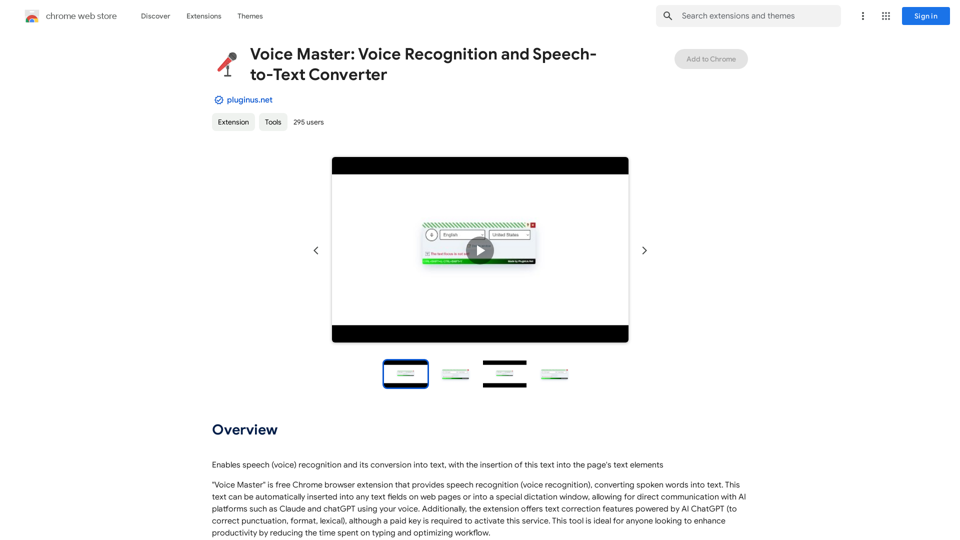
Voice Master: Voice Recognition and Speech-to-Text Converter
Voice Master: Voice Recognition and Speech-to-Text ConverterAllows you to speak and have your words recognized as text, which is then added to the text parts of the webpage.
193.90 M
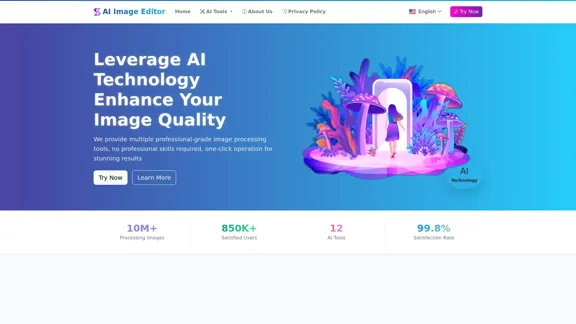
AI Image Editor │ Free Comprehensive Photo AI Tools
AI Image Editor │ Free Comprehensive Photo AI ToolsAIImageEditor.me offers 12 Free AI image tools—from image enhancement and watermark removal to style transfer and background editing—to simplify image editing.
21.99 K
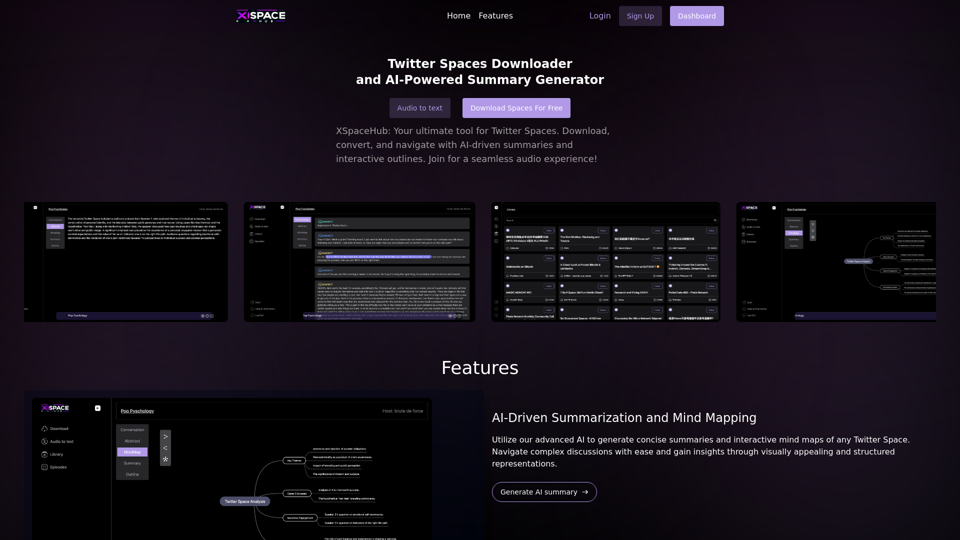
Spaces Downloader and AI-Powered Summary Generator | xspacehub.com
Spaces Downloader and AI-Powered Summary Generator | xspacehub.comXSPaceHub is your ultimate tool to download, convert, summarize, and navigate Twitter Spaces. Access a rich library, enjoy AI-driven summaries, interactive mind maps, and detailed outlines with clickable audio timestamps. Join now for a seamless audio experience!
0
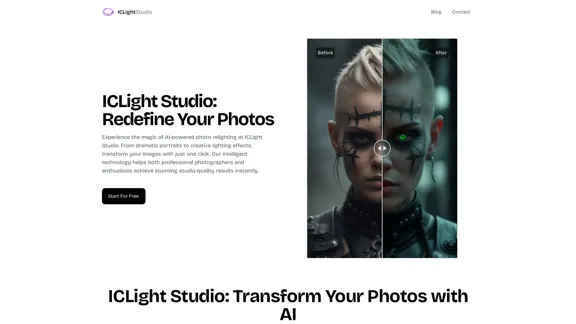
ICLight Studio - Free and Easy AI Photo Relighting
ICLight Studio - Free and Easy AI Photo RelightingTransform your photos with ICLight's free AI-powered relighting technology. Create professional studio lighting effects with simple text prompts.
0
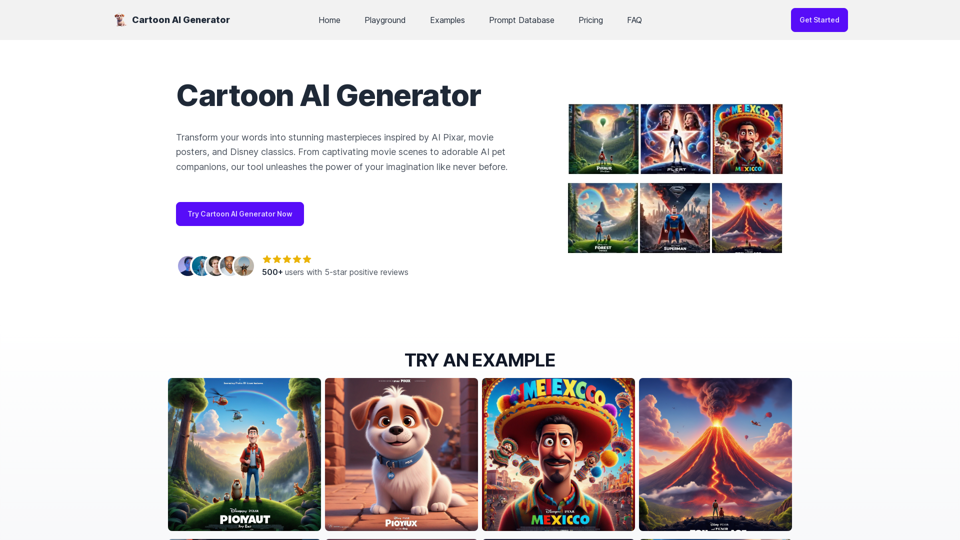
Create Stunning Disney-Style Posters with Our Cartoon AI Generator
Create Stunning Disney-Style Posters with Our Cartoon AI GeneratorCreate stunning Disney Pixar movie posters effortlessly with AI technology. pixar ai generator allows you to generate professional pixar&disney posters with ease.
0