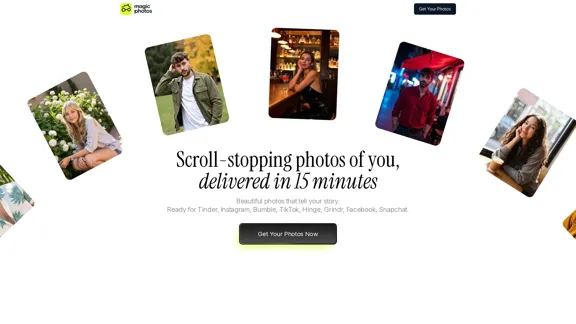
MagicPhotos offers a unique service that delivers high-quality, personalized photos in just 15 minutes. Users can upload their images and select styles that reflect their personality, allowing for stunning results that are perfect for social media, dating profiles, and personal branding. The platform emphasizes user privacy and provides a money-back guarantee if expectations are not met.
MagicPhotos
Beautiful photos that tell your story. Ready for Tinder, Instagram, Bumble, TikTok, Hinge, Grindr, Facebook, Snapchat.
Introduction
Feature
-
Upload Images and Select Styles
Users can upload 10 everyday images and choose from a variety of styles that best express their personality.
-
AI Learning Process
The AI analyzes the uploaded images to understand the user's features and style, ensuring personalized results.
-
Quick Delivery
Depending on the selected package, users can receive their edited photos in as little as 15 minutes.
-
Variety of Styles
MagicPhotos offers an extensive library of styles, catering to different moods and occasions, from casual to professional.
-
High-Quality Output
The platform guarantees high-resolution, hyper-realistic photos that capture the user's likeness accurately.
-
Privacy Assurance
User data is kept secure, with strict policies against sharing or selling images without consent.
-
Money-Back Guarantee
If users are not satisfied with the results, they can request a refund, ensuring a risk-free experience.
How to Use?
- Upload at least 10 high-quality images of yourself.
- Ensure consistency in your look across the images (hairstyle, facial hair).
- Choose a mix of angles, lighting, and expressions for the best results.
- Select a photo pack that fits your needs and budget.
- Review the styles available and pick those that resonate with your personality.
FAQ
How does this work?
Users start by uploading everyday images, then choose a photo pack and styles. The AI learns from the images and generates high-quality portraits within minutes.
What kind of images do I need to upload?
Upload high-quality images with a consistent look. A variety of angles and expressions will help the AI create better results.
What kind of photos can I create here?
Users can select from a wide range of curated styles, with each style generating around 20 unique portraits.
Will my AI-generated photos look real?
Yes, the AI is designed to produce hyper-realistic images that accurately capture the user's likeness.
Is my privacy protected?
Absolutely. User images are never shared or sold, and users have control over their data.
Price
| Package | Price (USD) | Number of Photos | Styles Available | Delivery Time |
|---|---|---|---|---|
| The Spark | $49 | 40 HD photos | 2 styles | 90 minutes |
| The Flame | $59 | 100 HD photos | 5 styles | 60 minutes |
| The Fire | $69 | 200 HD photos | 10 styles | 15 minutes |
The price is for reference only, please refer to the latest official data for actual information.
Evaluation
MagicPhotos excels in delivering quick, high-quality photo results that cater to various needs, from social media to personal branding. The AI's ability to learn from user-uploaded images ensures a personalized experience. However, the service could improve by offering more detailed guidance on selecting the best images for upload, as well as expanding the range of styles available. Additionally, while the privacy measures are robust, further transparency about data handling could enhance user trust. Overall, it provides a valuable service for those seeking professional-looking photos without the hassle of traditional photography.
Related Websites
Red Panda AI | A New Future of AI Image Generation
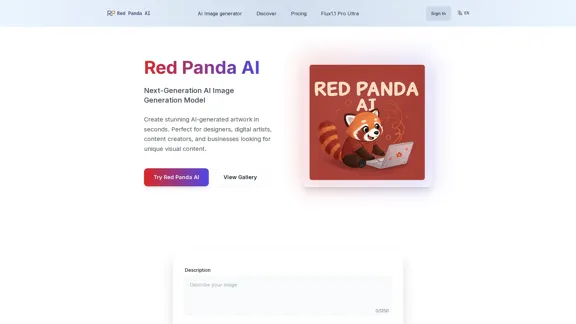
Red Panda AI | A New Future of AI Image GenerationTransform your designs with our professional AI red panda image generator. Create stunning artwork with perfect text placement, vector support, and consistent style. Start creating for free.
688
Leading Platform for Autonomous Automation & Artificial Intelligence Agents
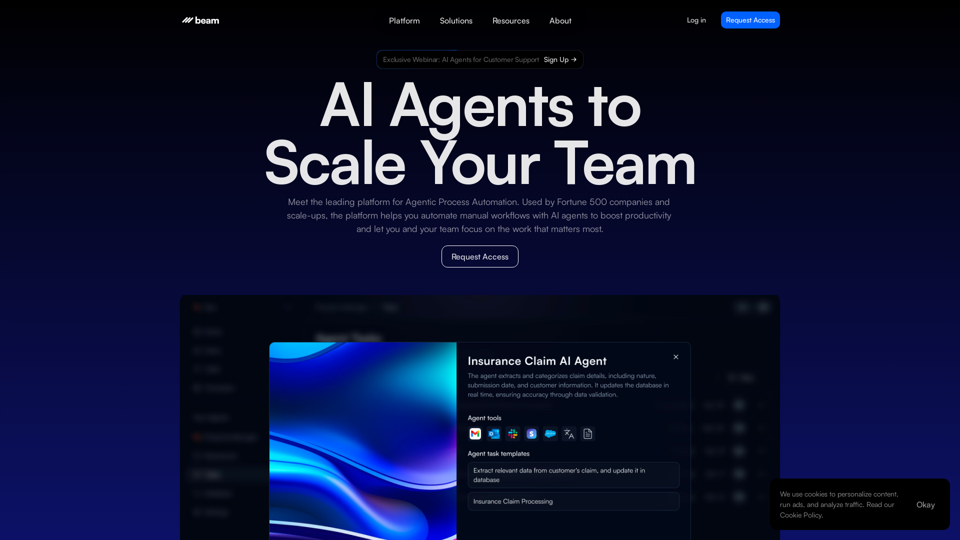
Leading Platform for Autonomous Automation & Artificial Intelligence AgentsAutonomous AI Agents to automate processes. Used by Fortune 500 companies and startups, our AI agent platform helps organizations build and deploy agents in minutes.
164.60 K
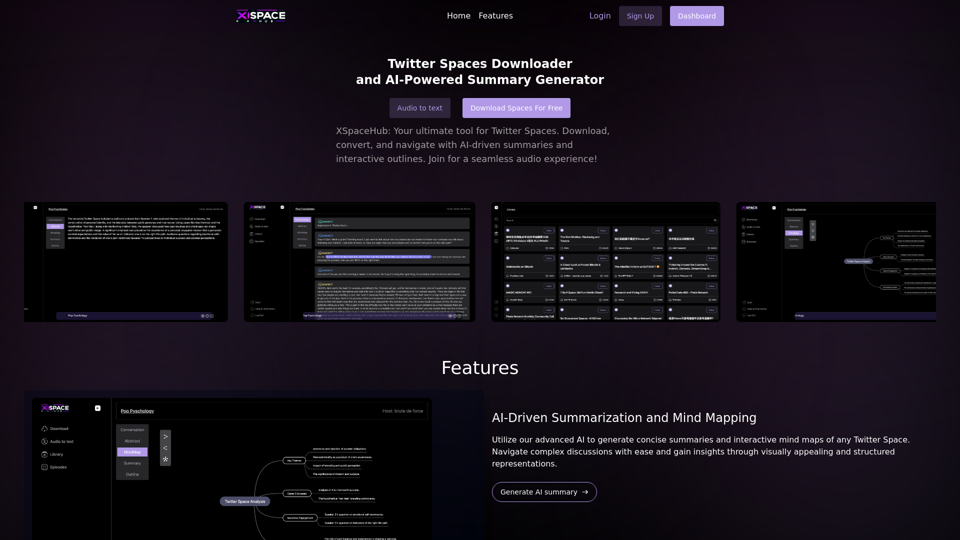
Spaces Downloader and AI-Powered Summary Generator | xspacehub.com
Spaces Downloader and AI-Powered Summary Generator | xspacehub.comXSPaceHub is your ultimate tool to download, convert, summarize, and navigate Twitter Spaces. Access a rich library, enjoy AI-driven summaries, interactive mind maps, and detailed outlines with clickable audio timestamps. Join now for a seamless audio experience!
0
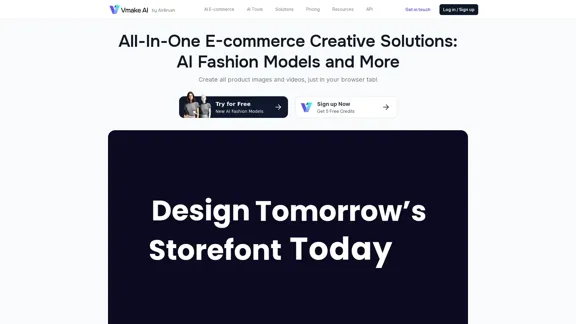
Vmake AI - All-In-One E-commerce Creative Solutions
Vmake AI - All-In-One E-commerce Creative SolutionsVmake is an online image and video editing platform that simplifies the process of creating product photos and social media content.
2.22 M
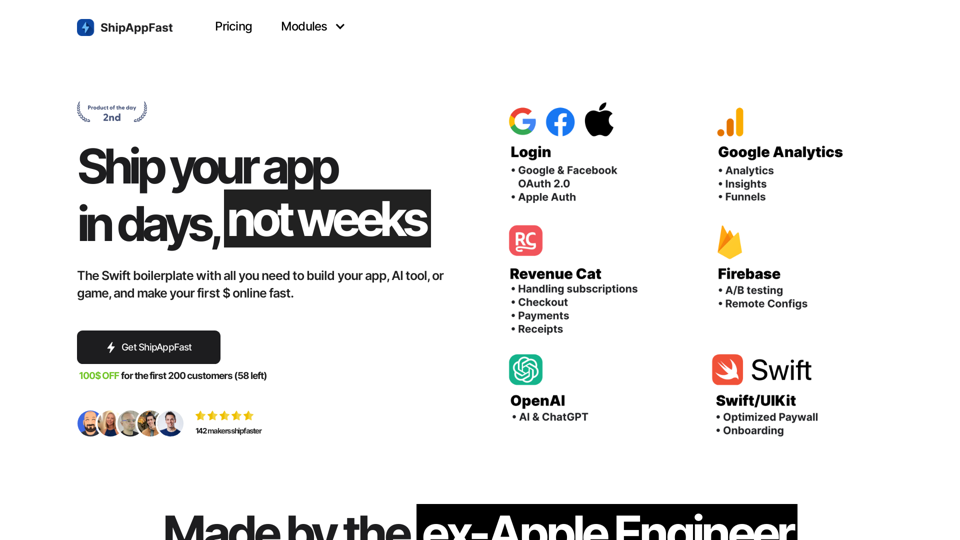
The Swift boilerplate with all the necessary elements to bring your product to customers. From concept to production in just 5 minutes.
0
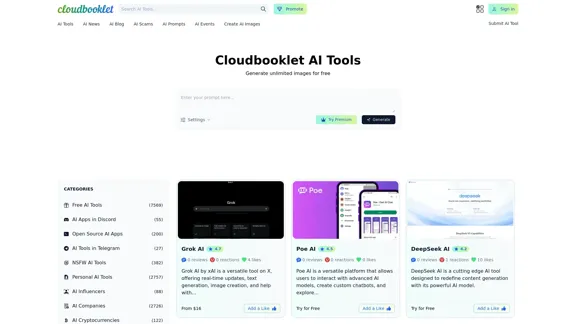
Cloudbooklet AI is the free and most popular source to find and use all the artificial intelligence tools and AI news. Follow us to stay updated in AI.
167.63 K
![AI-Powered Cover Letter
==========================
Introduction
As a highly motivated and innovative professional, I am excited to apply for the [Position] role at [Company]. With a strong background in [Industry/Field], I am confident that my skills and experience make me an ideal candidate for this position.
Summary
With [Number] years of experience in [Industry/Field], I have developed a unique combination of skills in [Key Skills]. My expertise in [Technical Skills] has enabled me to [Desirable Outcome], resulting in [Desirable Metric]. I am excited to leverage my skills to drive success at [Company].
Achievements
* [ Achievement 1 ]: Developed and implemented [Project/Initiative], resulting in [Desirable Metric] and [Desirable Outcome].
* [ Achievement 2 ]: Successfully [Key Skill] to [Desirable Outcome], resulting in [Desirable Metric].
* [ Achievement 3 ]: Collaborated with [Team/Department] to [Desirable Outcome], resulting in [Desirable Metric].
Education
* [Degree], [Field of Study], [University], [Graduation Date]
* [Relevant Coursework or Specialization]
Skills
* Technical Skills: [Technical Skill 1], [Technical Skill 2], [Technical Skill 3]
* Soft Skills: [Soft Skill 1], [Soft Skill 2], [Soft Skill 3]
Why [Company]?
I am drawn to [Company] because of its [Reason for Interest]. I am impressed by the company's [Initiative/Value] and believe that my skills and experience align with its mission to [Company Mission].
Conclusion
Thank you for considering my application. I am excited about the opportunity to contribute to [Company] and discuss how my skills and experience can drive success. Please feel free to contact me at [Contact Information].
Sincerely,
[Your Name]](https://static.right-ai.com/tools/2024/7/3/chromewebstore-google-com-detail-ai-cover-letter-bcomdehdkdilamaajciocnpgapckeong-thumbnail-1720036712.png "AI-Powered Cover Letter
==========================
Introduction
As a highly motivated and innovative professional, I am excited to apply for the [Position] role at [Company]. With a strong background in [Industry/Field], I am confident that my skills and experience make me an ideal candidate for this position.
Summary
With [Number] years of experience in [Industry/Field], I have developed a unique combination of skills in [Key Skills]. My expertise in [Technical Skills] has enabled me to [Desirable Outcome], resulting in [Desirable Metric]. I am excited to leverage my skills to drive success at [Company].
Achievements
* [ Achievement 1 ]: Developed and implemented [Project/Initiative], resulting in [Desirable Metric] and [Desirable Outcome].
* [ Achievement 2 ]: Successfully [Key Skill] to [Desirable Outcome], resulting in [Desirable Metric].
* [ Achievement 3 ]: Collaborated with [Team/Department] to [Desirable Outcome], resulting in [Desirable Metric].
Education
* [Degree], [Field of Study], [University], [Graduation Date]
* [Relevant Coursework or Specialization]
Skills
* Technical Skills: [Technical Skill 1], [Technical Skill 2], [Technical Skill 3]
* Soft Skills: [Soft Skill 1], [Soft Skill 2], [Soft Skill 3]
Why [Company]?
I am drawn to [Company] because of its [Reason for Interest]. I am impressed by the company's [Initiative/Value] and believe that my skills and experience align with its mission to [Company Mission].
Conclusion
Thank you for considering my application. I am excited about the opportunity to contribute to [Company] and discuss how my skills and experience can drive success. Please feel free to contact me at [Contact Information].
Sincerely,
[Your Name]")
AI-Powered Cover Letter ========================== Introduction As a highly motivated and innovative professional, I am excited to apply for the [Position] role at [Company]. With a strong background in [Industry/Field], I am confident that my skills and experience make me an ideal candidate for this position. Summary With [Number] years of experience in [Industry/Field], I have developed a unique combination of skills in [Key Skills]. My expertise in [Technical Skills] has enabled me to [Desirable Outcome], resulting in [Desirable Metric]. I am excited to leverage my skills to drive success at [Company]. Achievements * [ Achievement 1 ]: Developed and implemented [Project/Initiative], resulting in [Desirable Metric] and [Desirable Outcome]. * [ Achievement 2 ]: Successfully [Key Skill] to [Desirable Outcome], resulting in [Desirable Metric]. * [ Achievement 3 ]: Collaborated with [Team/Department] to [Desirable Outcome], resulting in [Desirable Metric]. Education * [Degree], [Field of Study], [University], [Graduation Date] * [Relevant Coursework or Specialization] Skills * Technical Skills: [Technical Skill 1], [Technical Skill 2], [Technical Skill 3] * Soft Skills: [Soft Skill 1], [Soft Skill 2], [Soft Skill 3] Why [Company]? I am drawn to [Company] because of its [Reason for Interest]. I am impressed by the company's [Initiative/Value] and believe that my skills and experience align with its mission to [Company Mission]. Conclusion Thank you for considering my application. I am excited about the opportunity to contribute to [Company] and discuss how my skills and experience can drive success. Please feel free to contact me at [Contact Information]. Sincerely, [Your Name]
AI-Powered Cover Letter ========================== Introduction As a highly motivated and innovative professional, I am excited to apply for the [Position] role at [Company]. With a strong background in [Industry/Field], I am confident that my skills and experience make me an ideal candidate for this position. Summary With [Number] years of experience in [Industry/Field], I have developed a unique combination of skills in [Key Skills]. My expertise in [Technical Skills] has enabled me to [Desirable Outcome], resulting in [Desirable Metric]. I am excited to leverage my skills to drive success at [Company]. Achievements * [ Achievement 1 ]: Developed and implemented [Project/Initiative], resulting in [Desirable Metric] and [Desirable Outcome]. * [ Achievement 2 ]: Successfully [Key Skill] to [Desirable Outcome], resulting in [Desirable Metric]. * [ Achievement 3 ]: Collaborated with [Team/Department] to [Desirable Outcome], resulting in [Desirable Metric]. Education * [Degree], [Field of Study], [University], [Graduation Date] * [Relevant Coursework or Specialization] Skills * Technical Skills: [Technical Skill 1], [Technical Skill 2], [Technical Skill 3] * Soft Skills: [Soft Skill 1], [Soft Skill 2], [Soft Skill 3] Why [Company]? I am drawn to [Company] because of its [Reason for Interest]. I am impressed by the company's [Initiative/Value] and believe that my skills and experience align with its mission to [Company Mission]. Conclusion Thank you for considering my application. I am excited about the opportunity to contribute to [Company] and discuss how my skills and experience can drive success. Please feel free to contact me at [Contact Information]. Sincerely, [Your Name]Craft tailored cover letters in seconds using AI, based on your CV and the job description. ✍️🤖📄
193.90 M