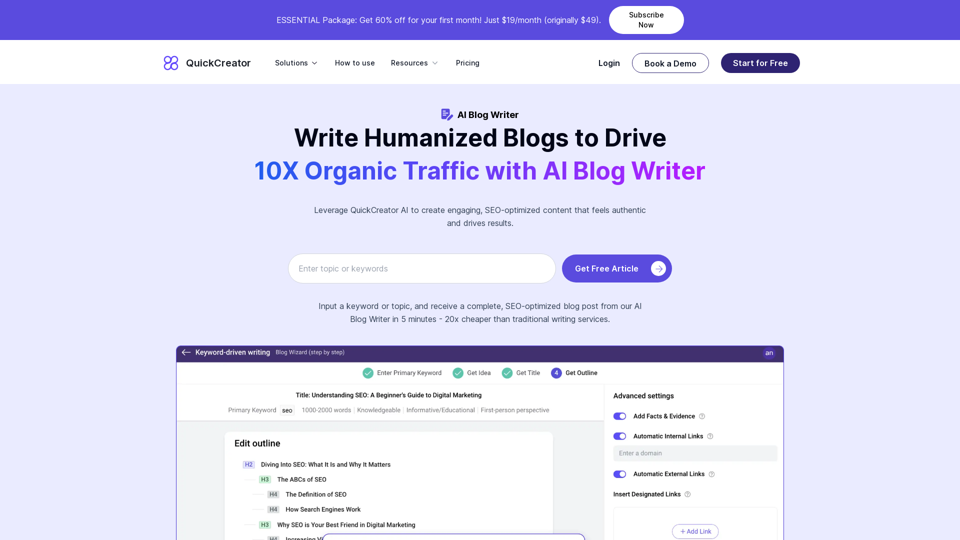
AI Blog Writer is an innovative platform that uses artificial intelligence to create high-quality, SEO-optimized blog posts in just 5 minutes. It produces engaging, humanized content that drives 10X organic traffic and resonates with the audience. The platform offers a range of features to streamline content creation, from analyzing high-ranking articles for ideas to generating compelling titles and descriptions.
AI Blog Writer - Create Humanized, SEO-Optimized Blogs | QuickCreator
Elevate your content with AI Blog Writer by QuickCreator. Generate engaging, human-like blog posts using real-time data and verified citations. Try it for Free.
Introduction
Feature
Analyze High-Ranking Articles for Ideas
AI Blog Writer searches the web for top-performing articles in your niche, extracting writing ideas that align with search intent. This ensures relevant and competitive content.
Generate High-Conversion Titles and Descriptions
The AI learns from high-ranking content to create compelling titles and descriptions, maximizing engagement and click-through rates.
AI-Powered Research with Real-time Data
The platform scans the web in real-time, gathering the latest data, trends, and insights related to your topic, ensuring fresh and relevant content.
Create High-Quality Articles with Brand Voice
Advanced algorithms tailor the article to match your brand's unique voice, making the content feel authentic and unique.
Crafting Humanized Content
The AI synthesizes gathered information and your brand voice into a coherent, engaging article that reads as if written by a human, enhancing relatability and engagement.
Multilingual Support
AI Blog Writer supports writing in over 28 languages, catering to a global audience.
SEO Optimization
The platform includes built-in SEO keyword and content quality scoring to optimize your content for search engines.
Flexible Content Creation
There's no limit to article length, and AI Blog Writer can create various types of content, including blog posts and product descriptions.
Additional Features
- Internal link insertion
- Automatic image insertion
- Blog hosting with custom domain support
- Integration with WordPress, Shopify, and Strapi
FAQ
How do I use AI Blog Writer?
Input a keyword or topic, and receive a complete, SEO-optimized blog post in 5 minutes.
Is AI Blog Writer free to use?
No, but you can get 3 free articles. The platform offers a trial period of 3 days.
Can articles written by AI Blog Writer pass AI detection?
Yes, AI Blog Writer's content is designed to pass AI detection.
What is the pricing for AI Blog Writer?
There's a special offer of 60% off for the first month, priced at $19/month (originally $49).
Can I modify the outline during the writing process?
Yes, you can modify the outline during the writing process.
Does AI Blog Writer support blog hosting and custom domains?
Yes, AI Blog Writer supports blog hosting and custom domains.
Related Websites
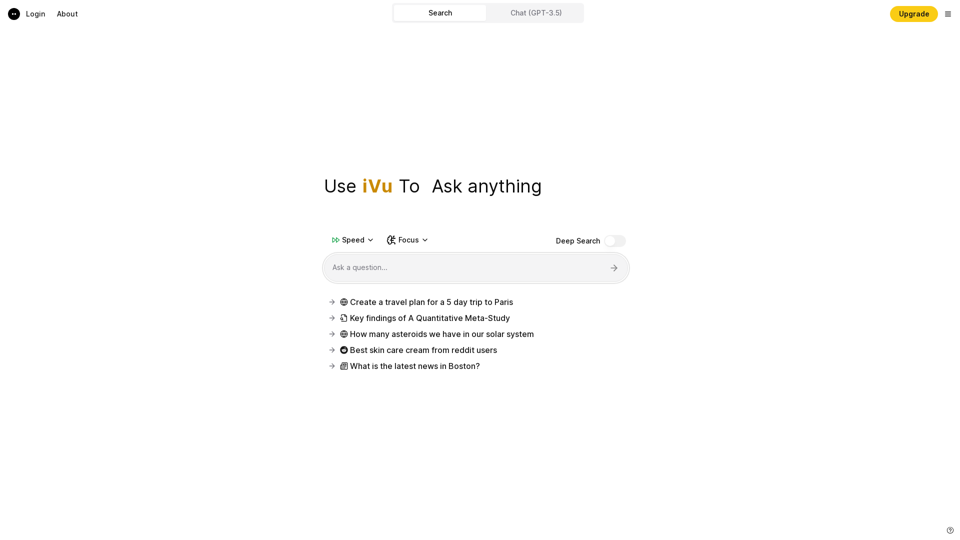
iVu.AI - Intelligent Search Engine Powered by Artificial Intelligence - iVu.AI
iVu.AI - Intelligent Search Engine Powered by Artificial Intelligence - iVu.AIAn AI-powered search engine
0
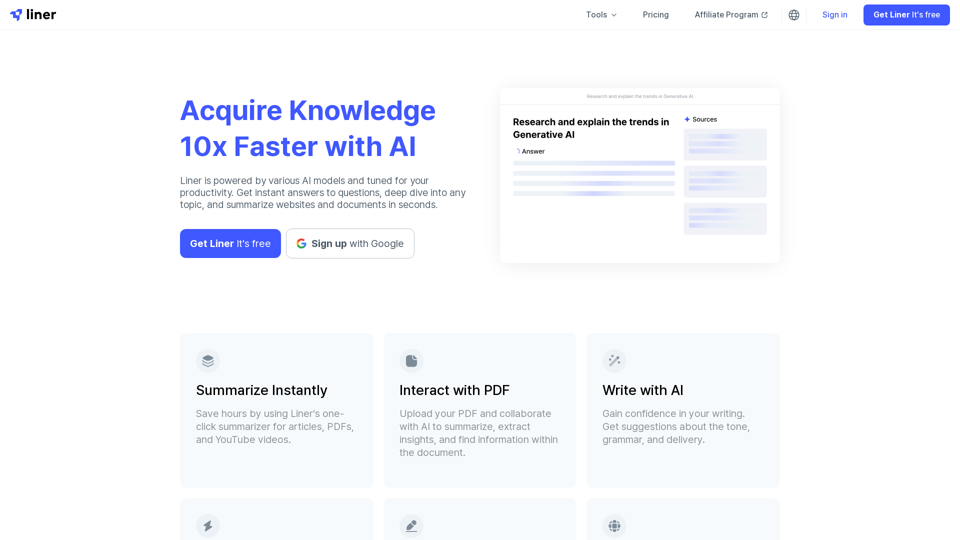
Liner | AI Copilot on Your Workspace, Powered by ChatGPT
Liner | AI Copilot on Your Workspace, Powered by ChatGPTTry Liner. Boost productivity and optimize your workflow with AI Copilot by summarizing articles, generating code, and composing emails.
6.20 M
Claude to Notion This is a guide on how to connect Claude, an AI assistant, with Notion, a note-taking and workspace app. Why connect Claude and Notion? * Boost your productivity: Use Claude to generate content, summarize information, and automate tasks directly within Notion. * Enhance your research: Ask Claude questions about your Notion notes and get insightful answers. * Unlock new creative possibilities: Leverage Claude's generative capabilities to brainstorm ideas, write stories, or compose emails within your Notion workspace. How to connect Claude and Notion: 1. API Keys: Obtain an API key for both Claude and Notion. 2. Integration Tool: Explore integration tools like Zapier or Integromat to connect Claude and Notion. These platforms allow you to create workflows that trigger actions in one app based on events in the other. 3. Custom Development: For advanced users, you can develop your own custom integration using the Claude and Notion APIs. This gives you the most flexibility but requires coding knowledge. Example Use Cases: * Meeting Summarization: After a meeting, paste the transcript into Notion and use Claude to generate a concise summary. * Content Creation: Use Claude to write blog posts, articles, or social media captions directly within your Notion pages. * Idea Generation: Brainstorm new ideas for projects or tasks by prompting Claude with specific questions within your Notion workspace. Remember to review the documentation and terms of service for both Claude and Notion to ensure proper usage and security.
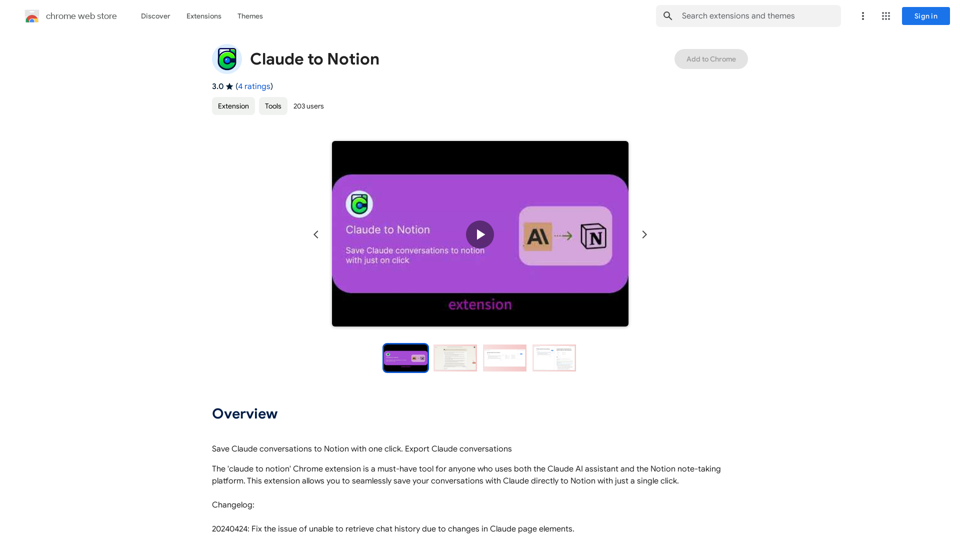
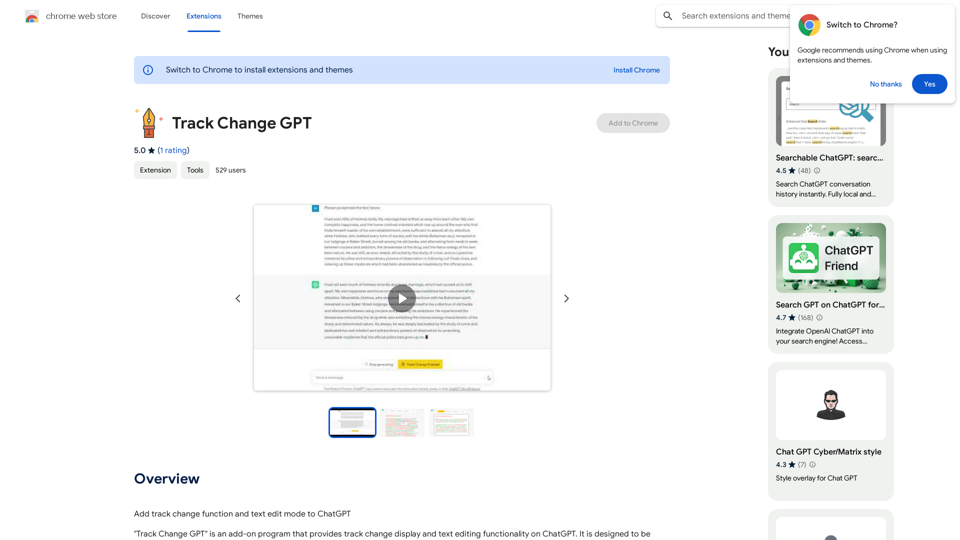
Claude to Notion This is a guide on how to connect Claude, an AI assistant, with Notion, a note-taking and workspace app. Why connect Claude and Notion? * Boost your productivity: Use Claude to generate content, summarize information, and automate tasks directly within Notion. * Enhance your research: Ask Claude questions about your Notion notes and get insightful answers. * Unlock new creative possibilities: Leverage Claude's generative capabilities to brainstorm ideas, write stories, or compose emails within your Notion workspace. How to connect Claude and Notion: 1. API Keys: Obtain an API key for both Claude and Notion. 2. Integration Tool: Explore integration tools like Zapier or Integromat to connect Claude and Notion. These platforms allow you to create workflows that trigger actions in one app based on events in the other. 3. Custom Development: For advanced users, you can develop your own custom integration using the Claude and Notion APIs. This gives you the most flexibility but requires coding knowledge. Example Use Cases: * Meeting Summarization: After a meeting, paste the transcript into Notion and use Claude to generate a concise summary. * Content Creation: Use Claude to write blog posts, articles, or social media captions directly within your Notion pages. * Idea Generation: Brainstorm new ideas for projects or tasks by prompting Claude with specific questions within your Notion workspace. Remember to review the documentation and terms of service for both Claude and Notion to ensure proper usage and security.Save Claude conversations to Notion with one click. Export Claude conversations.
193.90 M
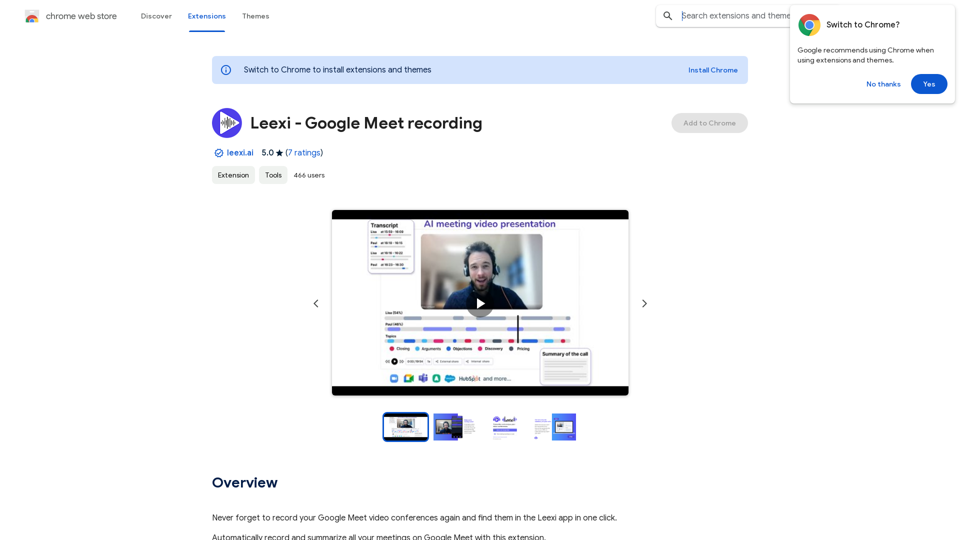
Never forget to record your Google Meet video conferences again and find them in the Leexi app in one click.
193.90 M
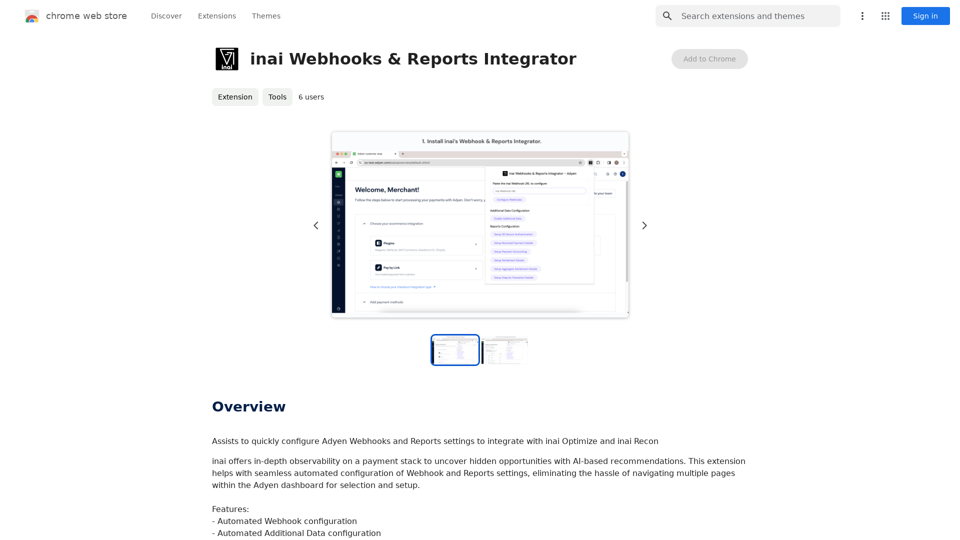
Helps you quickly set up Adyen Webhooks and Reports so they work with inai Optimize and inai Recon.
193.90 M
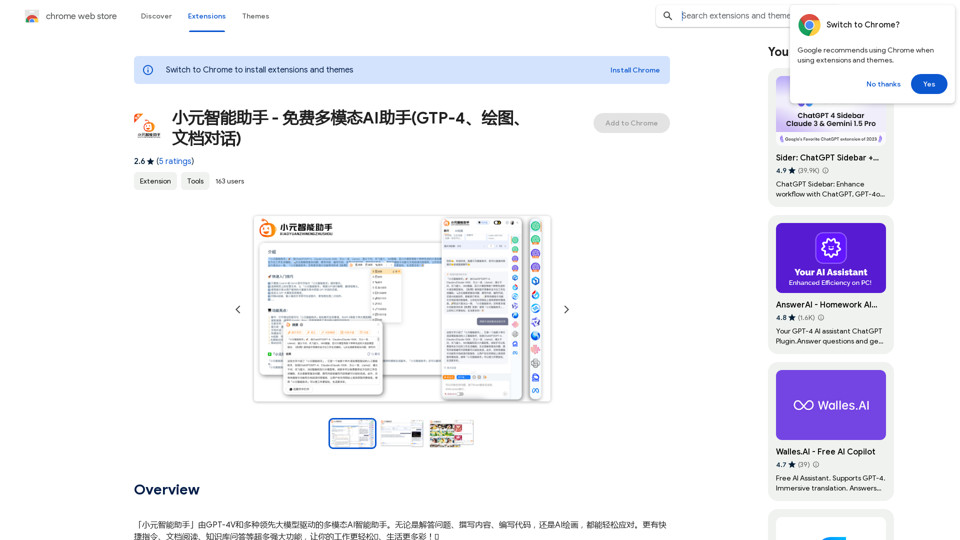
Xiao Yuan Intelligent Assistant - Free Multimodal AI Assistant (GTP-4, Drawing, Document Chat)
Xiao Yuan Intelligent Assistant - Free Multimodal AI Assistant (GTP-4, Drawing, Document Chat)"Xiao Yuan AI Assistant" is a multi-modal AI assistant powered by GPT-4V and several leading large models. Whether it's answering questions, writing content, writing code, or AI painting, it can handle it with ease. It also has many powerful features like quick commands, document reading, and knowledge base Q&A, making your work easier🌈 and life more colorful! 🎉
193.90 M