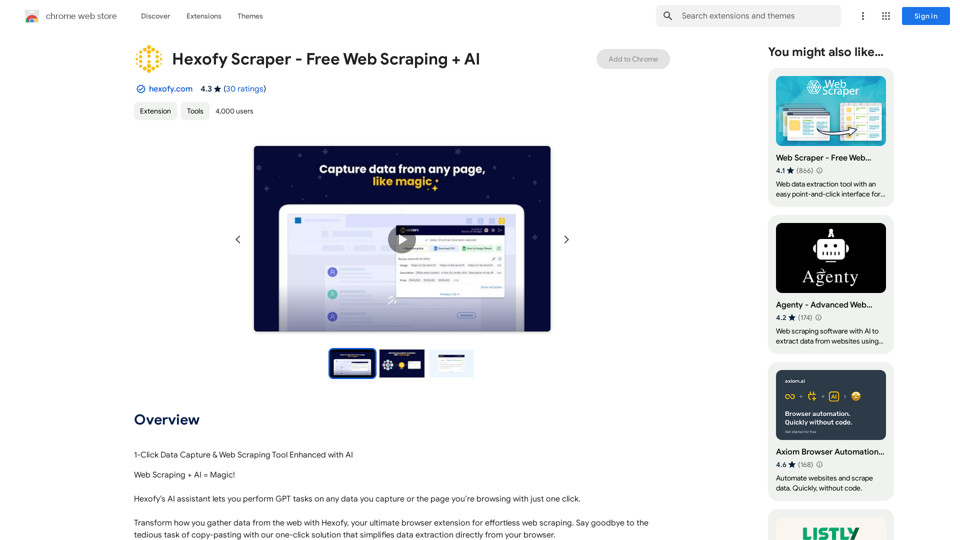
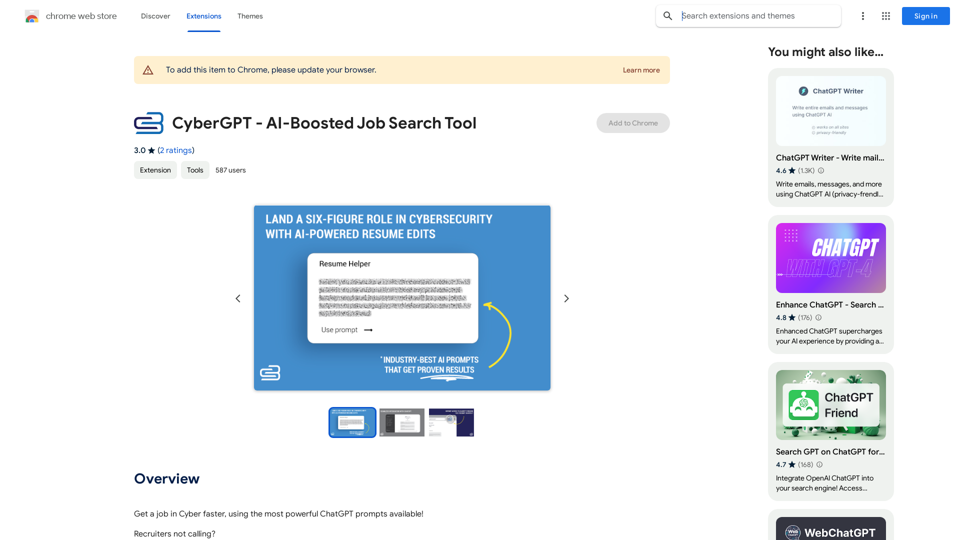
CyberGPT is an AI-powered job search tool designed specifically for the cybersecurity industry. It leverages advanced ChatGPT prompts to assist users in securing their dream jobs. This innovative tool offers a range of features to enhance job search strategies, including content creation, networking, resume building, and interview preparation.
CyberGPT - AI-Boosted Job Search Tool
Land a job in cybersecurity quickly with the strongest ChatGPT prompts available!
Introduction
Feature
AI-Powered Resume Optimization
CyberGPT provides AI-driven resume editing capabilities, helping users create compelling six-figure resume templates. This feature ensures that your resume stands out and effectively showcases your skills and experience to potential employers.
Viral Content Generation
The tool assists in writing industry-specific LinkedIn thought leadership content. This feature helps users establish their presence and authority in the cybersecurity field, increasing visibility to potential employers and networking opportunities.
Professional Networking Enhancement
CyberGPT offers strategies to develop a robust professional network. It provides AI-generated networking tips and approaches tailored to the cybersecurity industry, helping users build valuable connections.
Interview Preparation
With CyberGPT, users can prepare for interviews with confidence. The tool likely offers AI-powered interview preparation resources, including common questions, industry-specific topics, and strategies for showcasing your expertise.
Free Chrome Extension
CyberGPT is available as a free extension for the Chrome browser, making it easily accessible to users without any cost.
FAQ
What is CyberGPT?
CyberGPT is an AI-boosted job search tool that uses powerful ChatGPT prompts to help users land cybersecurity jobs. It offers features like AI-powered resume editing, viral content generation, networking strategies, and interview preparation.
How does CyberGPT work?
CyberGPT functions as a ChatGPT plugin, providing users with AI-generated tools and strategies to navigate the job market. It assists in creating standout resumes, generating industry-specific content, developing networking strategies, and preparing for interviews.
Is CyberGPT free to use?
Yes, CyberGPT is a free extension that can be added to the Chrome browser.
What are the main benefits of using CyberGPT?
The main benefits include:
- AI-powered resume optimization
- Generation of viral, industry-specific content for LinkedIn
- Professional networking strategies
- Interview preparation tools
- Faster job search process in the cybersecurity field
Is CyberGPT compatible with browsers other than Chrome?
The information provided only mentions compatibility with Chrome. Compatibility with other browsers is not specified.
Related Websites
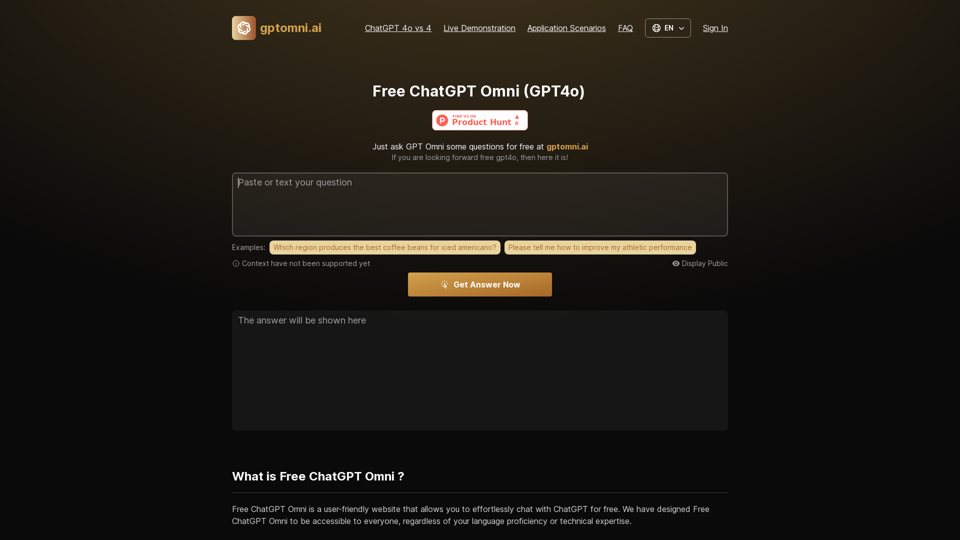
Free ChatGPT Omni: gptomni.ai offers a free, easy-to-use, web-based chat interface for conversations with the GPT4o AI model.
1.25 K
EasyGen is a powerful and user-friendly text generation tool that leverages advanced language models to create high-quality content across various domains. It offers a seamless interface for users to input prompts and generate coherent, contextually relevant text for a wide range of applications, including creative writing, content marketing, and academic research. Key features of EasyGen include: 1. Multiple language model options 2. Customizable generation parameters 3. Fine-tuning capabilities for specific use cases 4. Integration with popular writing and productivity tools 5. Real-time collaboration features EasyGen aims to streamline the content creation process, helping users save time and effort while maintaining high standards of quality and creativity. Whether you're a professional writer, marketer, or researcher, EasyGen provides the tools and flexibility needed to enhance your productivity and unlock new possibilities in text generation.
193.90 M
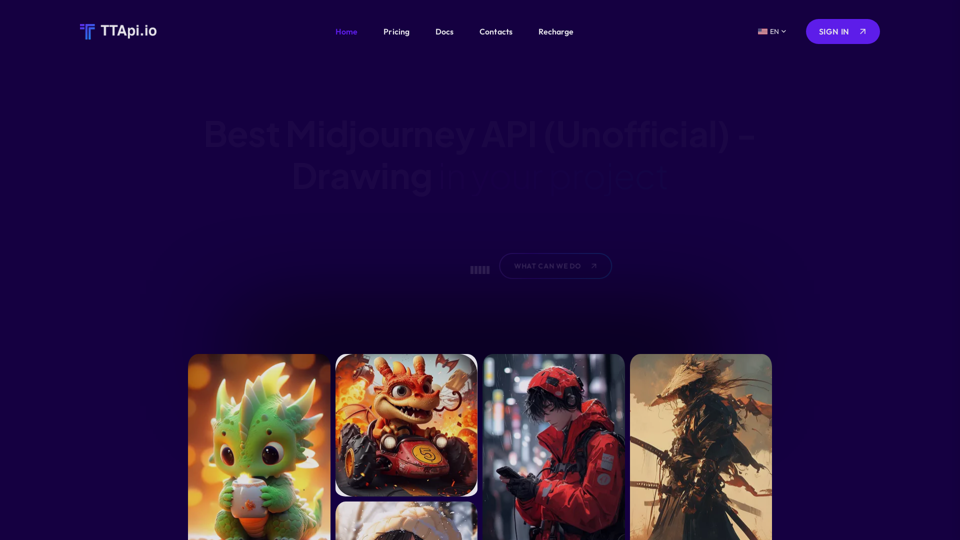
Affordable Midjourney API Integration - Best Deals & Packages | ttapi.io
Affordable Midjourney API Integration - Best Deals & Packages | ttapi.ioDiscover affordable Midjourney API integration, best buy packages, and cheap plans. Get reliable Midjourney API services and solutions at ttapi.io today!
9.78 K
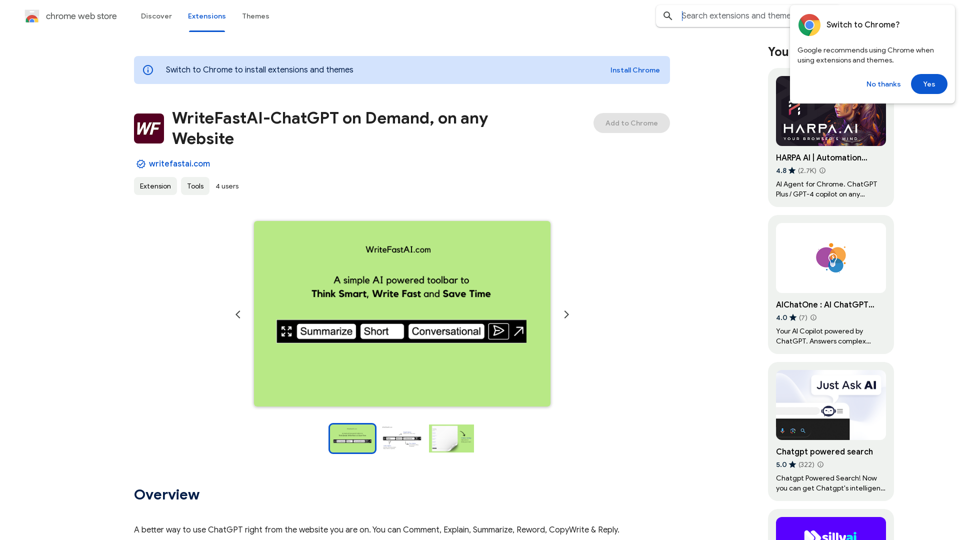
WriteFastAI-ChatGPT on Demand, on Any Website This is a powerful idea! Imagine being able to seamlessly integrate the capabilities of both FastAI and ChatGPT directly into any website. Here's a breakdown of what this could mean: * On-Demand AI Assistance: Users could access powerful AI tools like text generation, summarization, question answering, and more, right from the website they're already using. * Personalized Experiences: Websites could leverage AI to tailor content and interactions to individual user preferences, creating a more engaging and relevant experience. * Increased Efficiency: Businesses could automate tasks, generate reports, and analyze data faster and more accurately with the help of AI. Making it a Reality: This vision requires a combination of: * API Integration: FastAI and ChatGPT both offer APIs that allow developers to integrate their functionalities into applications. * Web Development Expertise: Developers would need to build the necessary infrastructure to connect the APIs to the website and handle user interactions. * Data Management: Websites would need to manage and secure the data used by the AI models. Potential Applications: The possibilities are endless! Here are just a few examples: * E-commerce: AI-powered chatbots could provide personalized product recommendations and customer support. * Education: Websites could offer interactive learning experiences with AI-powered tutors and personalized feedback. * News and Media: AI could be used to generate summaries of articles, create personalized news feeds, and even write original content. Let me know if you'd like to explore any of these applications in more detail!
WriteFastAI-ChatGPT on Demand, on Any Website This is a powerful idea! Imagine being able to seamlessly integrate the capabilities of both FastAI and ChatGPT directly into any website. Here's a breakdown of what this could mean: * On-Demand AI Assistance: Users could access powerful AI tools like text generation, summarization, question answering, and more, right from the website they're already using. * Personalized Experiences: Websites could leverage AI to tailor content and interactions to individual user preferences, creating a more engaging and relevant experience. * Increased Efficiency: Businesses could automate tasks, generate reports, and analyze data faster and more accurately with the help of AI. Making it a Reality: This vision requires a combination of: * API Integration: FastAI and ChatGPT both offer APIs that allow developers to integrate their functionalities into applications. * Web Development Expertise: Developers would need to build the necessary infrastructure to connect the APIs to the website and handle user interactions. * Data Management: Websites would need to manage and secure the data used by the AI models. Potential Applications: The possibilities are endless! Here are just a few examples: * E-commerce: AI-powered chatbots could provide personalized product recommendations and customer support. * Education: Websites could offer interactive learning experiences with AI-powered tutors and personalized feedback. * News and Media: AI could be used to generate summaries of articles, create personalized news feeds, and even write original content. Let me know if you'd like to explore any of these applications in more detail!A better way to use ChatGPT right from the website you are on. You can comment, explain, summarize, reword, copywrite, and reply.
193.90 M
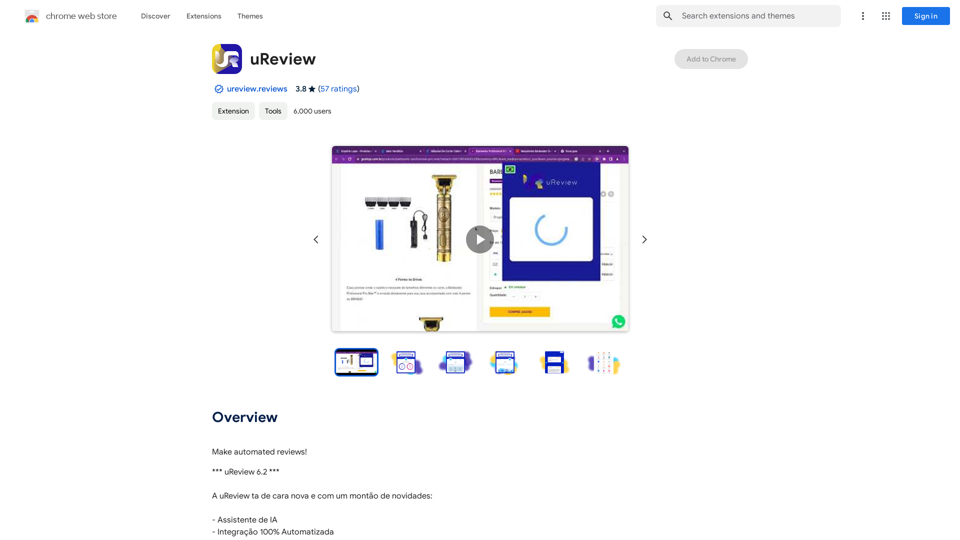
That's a great idea! To make automated reviews, we need to figure out what kind of reviews you want to automate. For example: * Product reviews: Analyzing customer feedback to identify common themes and sentiment. * Code reviews: Using tools to automatically check for coding errors and style inconsistencies. * Academic paper reviews: Summarizing key findings and identifying potential areas for improvement. Tell me more about the type of automated reviews you have in mind, and I can give you more specific information and examples.
193.90 M