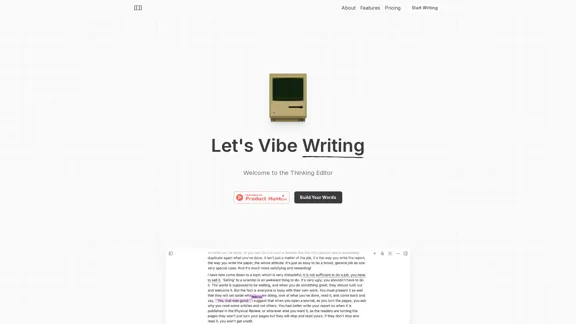
Grimo is an advanced AI-powered text editor designed to enhance the writing process. It collaborates with users rather than writing for them, providing a unique experience that combines AI capabilities with human creativity. With features like voice input, real-time collaboration, and access to credible sources, Grimo aims to streamline the writing process and improve productivity.
Grimo - Cursor for Writing
The most powerful AI text editor. Coherent editing. Customized styling. Collaborate seamlessly.
Introduction
Feature
-
AI Collaboration
Grimo works alongside users, allowing them to edit and refine their writing with the assistance of powerful AI models such as DeepSeek R1, Claude 3.7 Sonnet, and OpenAI GPT-4.
-
Voice Input
Users can utilize voice input that functions similarly to keyboard input, making the writing process more dynamic and engaging.
-
Real-time Collaboration
Grimo supports both real-time and asynchronous collaboration, enabling users to work together seamlessly without the hassle of sending files back and forth.
-
Web Search Integration
The tool allows users to access credible sources directly within the editor, enhancing the writing process with reliable information.
-
Prompt Management
Grimo can generate and improve writing prompts, as well as provide access to production-level templates from the community, making it easier for users to start their writing projects.
-
Simple Pricing Structure
Grimo offers straightforward pricing plans with no hidden fees, allowing users to choose a plan that fits their needs without worrying about add-ons.
How to Use?
- Explore the features of Grimo by signing up for the free Starter plan to get a feel for the tool.
- Utilize the voice input feature to enhance your writing experience and increase productivity.
- Take advantage of the real-time collaboration feature to work with others on your writing projects.
- Use the web search integration to gather credible sources and improve the quality of your writing.
- Experiment with the prompt management feature to discover new ideas and templates for your writing.
FAQ
What is Grimo?
Grimo is an AI-powered text editor that collaborates with users to enhance their writing experience. It provides various features to assist in the writing process, making it suitable for both casual writers and professionals.
How does Grimo work?
Grimo utilizes advanced AI models to assist users in writing. It allows for voice input, real-time collaboration, and access to credible sources, making the writing process more efficient and enjoyable.
Can I collaborate with others using Grimo?
Yes, Grimo supports both real-time and asynchronous collaboration, allowing multiple users to work on documents together without the need to send files back and forth.
What pricing plans does Grimo offer?
Grimo offers a free Starter plan, a Pro plan for $20/month, and a Team plan for $40/month, each with varying features to cater to different user needs.
How is Grimo different from other text editors?
Grimo stands out by integrating AI collaboration, voice input, and web search capabilities directly into the writing process, providing a unique and efficient writing experience.
Price
| Plan | Price | Features |
|---|---|---|
| Starter | Free | Basic writing and editing with AI |
| Pro | $20/month | Unlimited documents, community templates |
| Team | $40/month | Advanced security, organization workspace |
The price is for reference only, please refer to the latest official data for actual information.
Evaluation
- Grimo effectively combines AI technology with user input, enhancing the writing process and making it more interactive.
- The voice input feature is a valuable addition, allowing for a more dynamic writing experience.
- Real-time collaboration is a strong point, facilitating teamwork and communication among users.
- However, the pricing structure may be a barrier for some users, especially those looking for free alternatives.
- The tool could benefit from additional features such as more extensive formatting options or integrations with other writing tools.
- Overall, Grimo presents a compelling option for writers seeking to leverage AI in their creative process, though it may require further enhancements to fully meet the needs of all users.
Related Websites
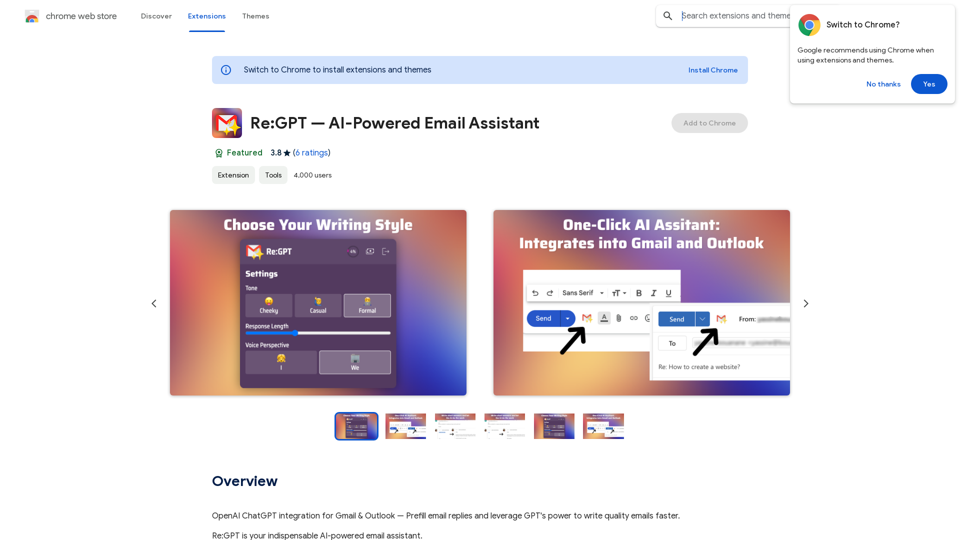
OpenAI ChatGPT integration for Gmail & Outlook — Automatically fill in email replies and harness the power of GPT to compose high-quality emails at a faster pace.
193.90 M
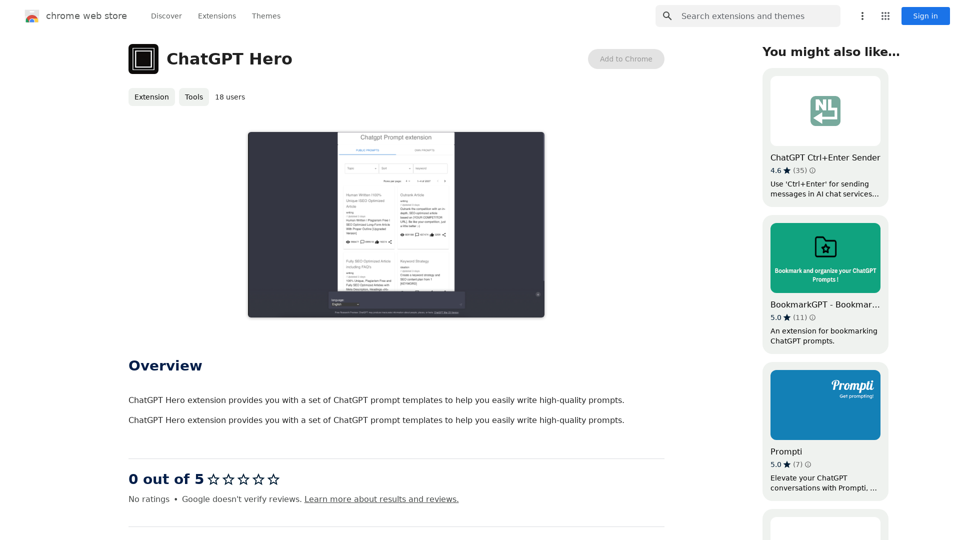
The ChatGPT Hero extension gives you a collection of ChatGPT prompt templates to make it simple to write great prompts.
193.90 M
![CrackerJack Resume
Objective: To obtain a challenging and rewarding position in a fast-paced environment where I can utilize my skills and experience to contribute to the success of a dynamic team.
Summary of Qualifications:
* Highly motivated and results-oriented individual with a proven track record of success in [mention your field].
* Excellent communication, interpersonal, and problem-solving skills.
* Strong analytical and critical thinking abilities.
* Proficient in [list your relevant skills].
* Adaptable and eager to learn new technologies and processes.
Experience:
* [Job Title], [Company Name], [City, State] - [Dates of Employment]
* [List your responsibilities and achievements using action verbs]
* [Job Title], [Company Name], [City, State] - [Dates of Employment]
* [List your responsibilities and achievements using action verbs]
Education:
* [Degree Name], [Major], [University Name], [City, State] - [Year of Graduation]
* [List any relevant coursework, honors, or awards]
Skills:
* [List your hard and soft skills]
Projects:
* [List any relevant projects you have worked on, including a brief description and your role]
Awards and Recognition:
* [List any awards or recognition you have received]
Volunteer Experience:
* [List any volunteer experience you have]
References:
* Available upon request.](https://static.right-ai.com/tools/2024/7/4/chromewebstore-google-com-detail-crackerjack-resume-fgbdkdeofkmfocghddgppkdelglifokg-thumbnail-1720061173.png "CrackerJack Resume
Objective: To obtain a challenging and rewarding position in a fast-paced environment where I can utilize my skills and experience to contribute to the success of a dynamic team.
Summary of Qualifications:
* Highly motivated and results-oriented individual with a proven track record of success in [mention your field].
* Excellent communication, interpersonal, and problem-solving skills.
* Strong analytical and critical thinking abilities.
* Proficient in [list your relevant skills].
* Adaptable and eager to learn new technologies and processes.
Experience:
* [Job Title], [Company Name], [City, State] - [Dates of Employment]
* [List your responsibilities and achievements using action verbs]
* [Job Title], [Company Name], [City, State] - [Dates of Employment]
* [List your responsibilities and achievements using action verbs]
Education:
* [Degree Name], [Major], [University Name], [City, State] - [Year of Graduation]
* [List any relevant coursework, honors, or awards]
Skills:
* [List your hard and soft skills]
Projects:
* [List any relevant projects you have worked on, including a brief description and your role]
Awards and Recognition:
* [List any awards or recognition you have received]
Volunteer Experience:
* [List any volunteer experience you have]
References:
* Available upon request.")
CrackerJack Resume Objective: To obtain a challenging and rewarding position in a fast-paced environment where I can utilize my skills and experience to contribute to the success of a dynamic team. Summary of Qualifications: * Highly motivated and results-oriented individual with a proven track record of success in [mention your field]. * Excellent communication, interpersonal, and problem-solving skills. * Strong analytical and critical thinking abilities. * Proficient in [list your relevant skills]. * Adaptable and eager to learn new technologies and processes. Experience: * [Job Title], [Company Name], [City, State] - [Dates of Employment] * [List your responsibilities and achievements using action verbs] * [Job Title], [Company Name], [City, State] - [Dates of Employment] * [List your responsibilities and achievements using action verbs] Education: * [Degree Name], [Major], [University Name], [City, State] - [Year of Graduation] * [List any relevant coursework, honors, or awards] Skills: * [List your hard and soft skills] Projects: * [List any relevant projects you have worked on, including a brief description and your role] Awards and Recognition: * [List any awards or recognition you have received] Volunteer Experience: * [List any volunteer experience you have] References: * Available upon request.
CrackerJack Resume Objective: To obtain a challenging and rewarding position in a fast-paced environment where I can utilize my skills and experience to contribute to the success of a dynamic team. Summary of Qualifications: * Highly motivated and results-oriented individual with a proven track record of success in [mention your field]. * Excellent communication, interpersonal, and problem-solving skills. * Strong analytical and critical thinking abilities. * Proficient in [list your relevant skills]. * Adaptable and eager to learn new technologies and processes. Experience: * [Job Title], [Company Name], [City, State] - [Dates of Employment] * [List your responsibilities and achievements using action verbs] * [Job Title], [Company Name], [City, State] - [Dates of Employment] * [List your responsibilities and achievements using action verbs] Education: * [Degree Name], [Major], [University Name], [City, State] - [Year of Graduation] * [List any relevant coursework, honors, or awards] Skills: * [List your hard and soft skills] Projects: * [List any relevant projects you have worked on, including a brief description and your role] Awards and Recognition: * [List any awards or recognition you have received] Volunteer Experience: * [List any volunteer experience you have] References: * Available upon request.Are you frustrated by the lack of response to your job applications? The secret may lie within your resume. Stop getting rejected…
193.90 M
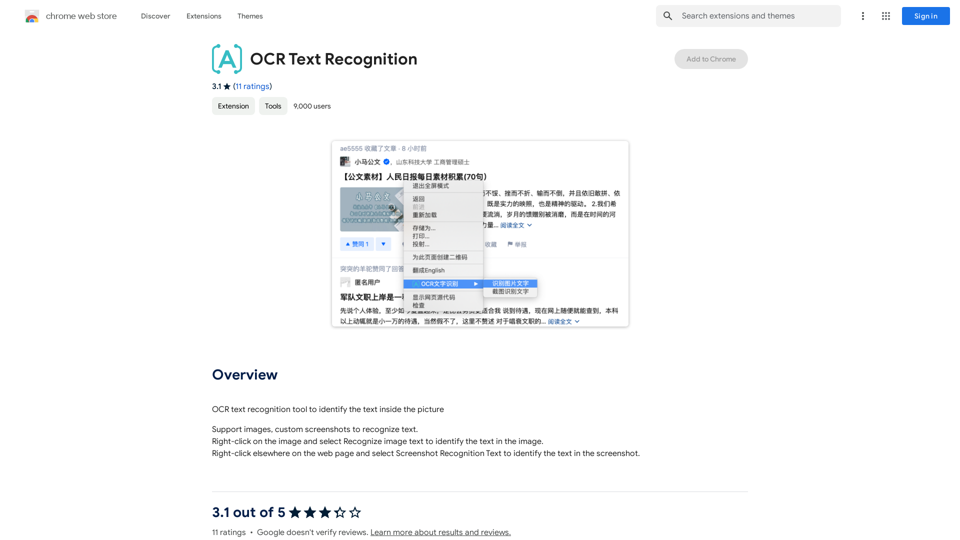
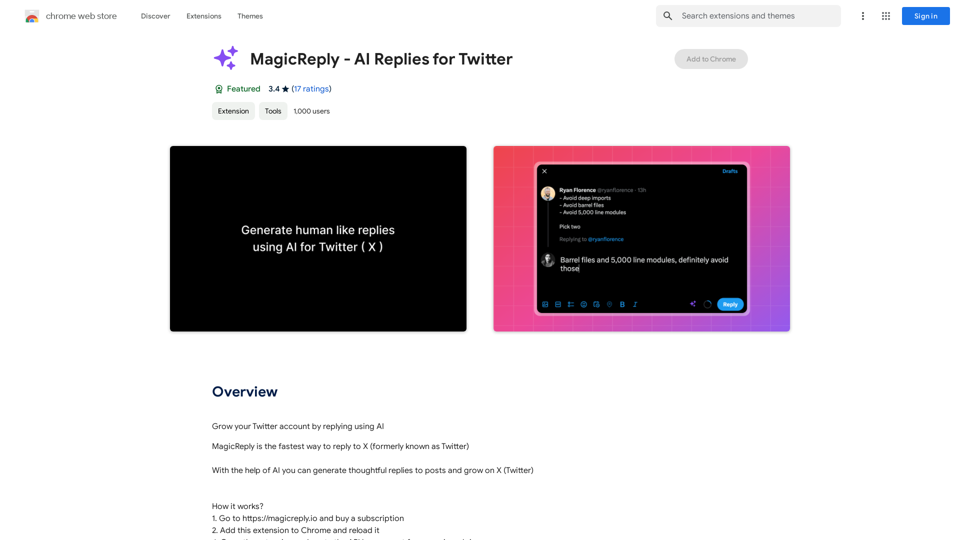
Grow Your Twitter Account by Replying Using AI Are you tired of manually responding to tweets and struggling to grow your Twitter account? Do you want to increase your online presence and engage with your audience more efficiently? Look no further! This article will show you how to grow your Twitter account by replying using AI. What is AI-powered Twitter reply? AI-powered Twitter reply is a technology that uses artificial intelligence to automatically respond to tweets. This innovative tool analyzes the content of incoming tweets and generates a relevant response based on the context. With AI-powered Twitter reply, you can save time and effort while increasing your online engagement. Benefits of using AI-powered Twitter reply 1. Increased efficiency Manually responding to tweets can be time-consuming, especially if you have a large following. AI-powered Twitter reply automates the process, allowing you to focus on other important tasks. 2. Improved engagement AI-powered Twitter reply helps you respond to tweets quickly, which increases the chances of starting a conversation and building relationships with your followers. 3. Personalized responses AI-powered Twitter reply can be customized to fit your brand's voice and tone, ensuring that your responses are personalized and consistent. 4. Scalability As your Twitter account grows, AI-powered Twitter reply can handle a large volume of tweets, ensuring that you never miss a response. How to use AI-powered Twitter reply 1. Choose an AI-powered Twitter reply tool There are several AI-powered Twitter reply tools available, such as [Tool 1], [Tool 2], and [Tool 3]. Research and choose the one that best fits your needs. 2. Set up your AI-powered Twitter reply Once you've chosen a tool, set it up by connecting your Twitter account and customizing your responses. 3. Monitor and adjust Monitor your AI-powered Twitter reply's performance and adjust the settings as needed to ensure that your responses are relevant and engaging. Conclusion Growing your Twitter account requires consistent engagement and timely responses. AI-powered Twitter reply is a game-changer that can help you achieve this goal. By automating your responses, you can increase efficiency, improve engagement, and personalize your interactions. Try AI-powered Twitter reply today and watch your Twitter account thrive!
193.90 M
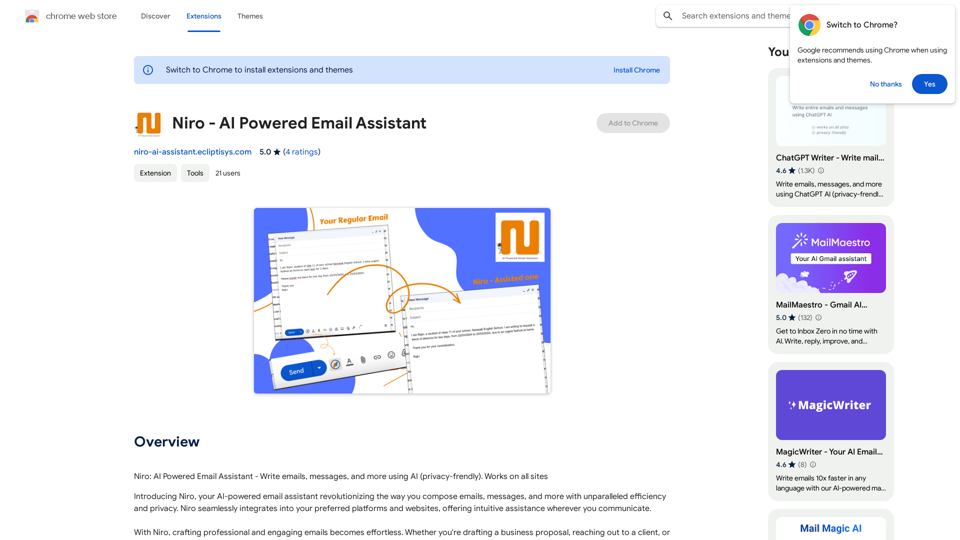
Niro: AI Powered Email Assistant - Write emails, messages, and more using AI (privacy-friendly). Works on all sites
193.90 M