Chat AI is an AI-driven platform providing access to a wide range of AI technologies for various needs. It offers tools like ChatGPT, GPT-4o for text generation and image understanding, and Dalle3 for image creation. The platform is designed to be user-friendly, with both free and subscription-based options available.
Universal Chat AI - Chat GPT 4 Turbo Accessible Across All Websites With the advent of advanced language models, we are proud to introduce the Chat AI - Chat GPT 4 Turbo, a revolutionary AI-powered chatbot designed to provide seamless and intelligent conversations across all websites. This innovative technology enables users to engage with a highly advanced language model, offering unparalleled conversational experiences. Key Features: * Omnipresent Accessibility: Chat GPT 4 Turbo is accessible across all websites, allowing users to interact with the AI chatbot from anywhere, at any time. * Enhanced Conversational Capabilities: Powered by cutting-edge language models, Chat GPT 4 Turbo understands and responds to user queries with unprecedented accuracy and context. * Seamless Integration: Effortlessly integrate Chat GPT 4 Turbo into any website, ensuring a unified and engaging user experience. Unlock the Power of Conversational AI: Experience the future of chatbots today with Chat AI - Chat GPT 4 Turbo. Discover how this groundbreaking technology can transform the way you interact with websites, providing unparalleled convenience, efficiency, and personalized experiences.
Chat AI will help you highlight summaries, create images, make better translations, fix errors, and more on any page on the web.
Introduction
Feature
Access to Multiple AI Tools
Chat AI offers a comprehensive suite of AI tools, including:
- ChatGPT
- GPT-4o
- Dalle3
These tools cater to diverse needs such as text generation, image understanding, and image creation.
User-Friendly Discovery
The platform is designed for easy navigation, allowing users to quickly find the right AI tool for their specific requirements.
Community-Driven Platform
Chat AI encourages user participation by allowing free submission of AI tools, fostering a collaborative environment.
Free Daily Usage
Users can access GPT-4o for free up to 20 times a day, providing ample opportunity to explore the platform's capabilities.
Image Generation
Dalle3's text-to-image generation feature enables users to create images, sharing credits with GPT-4o for a seamless creative experience.
Extensive GPT Model Library
Chat AI boasts nearly 200,000 GPT models, covering a wide range of applications for work, study, and daily life.
Privacy Protection
Chat AI prioritizes user privacy, ensuring that user data is not used for training purposes. Users have the option to delete their account and remove all associated data at any time.
Subscription Options
For users requiring extended access beyond the free daily limit, Chat AI offers affordable subscription plans.
FAQ
What is Chat AI?
Chat AI is an AI-driven platform that provides access to a vast array of AI technologies for various needs, including ChatGPT, GPT-4o for text generation and image understanding, and Dalle3 for image creation.
How do I use Chat AI?
Chat AI is designed for ease of use. Users can utilize GPT-4o for free up to 20 times a day. Subscribing to the platform grants additional benefits and extended access beyond the free usage limits.
Can I generate images using Chat AI?
Yes, Chat AI includes Dalle3's text-to-image generation capability, allowing users to create images. This feature shares credits with GPT-4o for a seamless creative experience.
How many GPT models are available on Chat AI?
Chat AI offers nearly 200,000 GPT models, covering a wide variety of applications in work, study, and everyday life.
Will my information be used for training data?
No, Chat AI highly values user privacy. Your data will not be used for any training purposes. If needed, you can delete your account at any time, and all your data will be removed as well.
When would I need a Chat AI subscription?
If the 20 free GPT-4o conversations per day do not meet your needs and you heavily rely on GPT-4o, subscribing to Chat AI's affordable products would be beneficial.
Related Websites
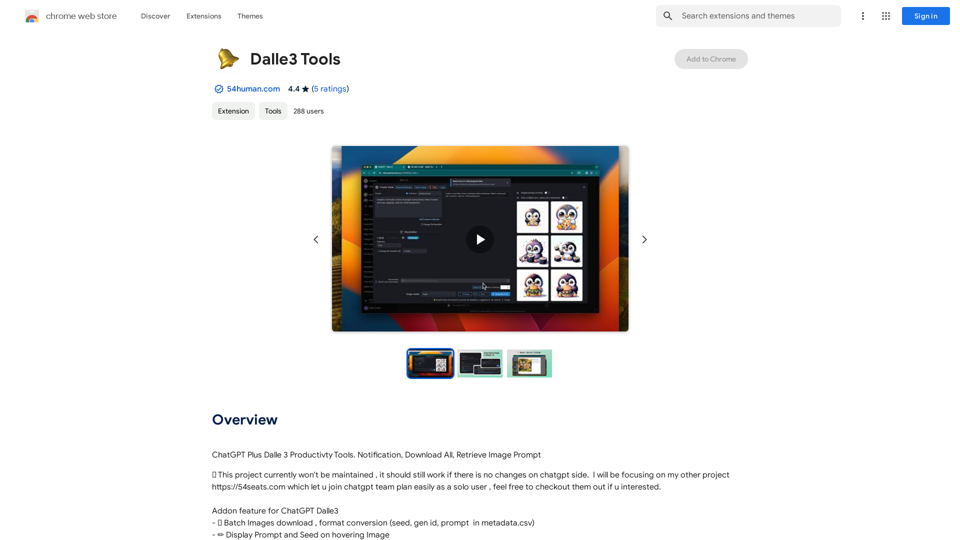
ChatGPT Plus, DALL-E 3, Productivity Tools * Notifications * Download All * Retrieve Image Prompt
193.90 M
ChatGPT Context Menu * Copy: Copies the selected text. * Paste: Pastes the copied text. * Delete: Deletes the selected text. * Edit: Opens a text editor to modify the selected text. * Generate: Uses ChatGPT to generate new text based on the selected context. * Summarize: Creates a concise summary of the selected text. * Translate: Translates the selected text into another language. * Translate to English: Translates the selected text into English. * Code: Attempts to identify and format the selected text as code. * Help: Provides information about the context menu options.
ChatGPT Context Menu * Copy: Copies the selected text. * Paste: Pastes the copied text. * Delete: Deletes the selected text. * Edit: Opens a text editor to modify the selected text. * Generate: Uses ChatGPT to generate new text based on the selected context. * Summarize: Creates a concise summary of the selected text. * Translate: Translates the selected text into another language. * Translate to English: Translates the selected text into English. * Code: Attempts to identify and format the selected text as code. * Help: Provides information about the context menu options.Please provide the text you would like to send to ChatGPT.
193.90 M
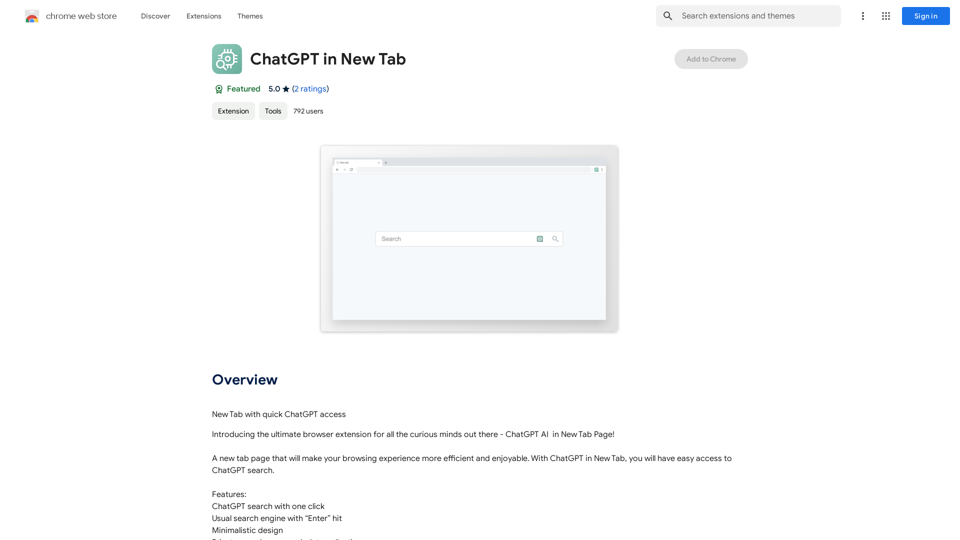
Open ChatGPT in a New Tab You can open ChatGPT in a new tab by following these steps: #Method 1: Using the Browser's Context Menu 1. Right-click on the ChatGPT link or button. 2. Select "Open in new tab" or "Open link in new tab" from the context menu. #Method 2: Using the Keyboard Shortcut 1. Press `Ctrl + Click` (Windows/Linux) or `Cmd + Click` (Mac) on the ChatGPT link or button. #Method 3: Using the Browser's Toolbar 1. Click on the ChatGPT link or button while holding down the `Ctrl` key (Windows/Linux) or `Cmd` key (Mac). 2. Release the key after the new tab is opened. By following these methods, you can easily open ChatGPT in a new tab and start chatting without leaving your current page.
Open ChatGPT in a New Tab You can open ChatGPT in a new tab by following these steps: #Method 1: Using the Browser's Context Menu 1. Right-click on the ChatGPT link or button. 2. Select "Open in new tab" or "Open link in new tab" from the context menu. #Method 2: Using the Keyboard Shortcut 1. Press `Ctrl + Click` (Windows/Linux) or `Cmd + Click` (Mac) on the ChatGPT link or button. #Method 3: Using the Browser's Toolbar 1. Click on the ChatGPT link or button while holding down the `Ctrl` key (Windows/Linux) or `Cmd` key (Mac). 2. Release the key after the new tab is opened. By following these methods, you can easily open ChatGPT in a new tab and start chatting without leaving your current page.New Tab with Quick ChatGPT Access
193.90 M
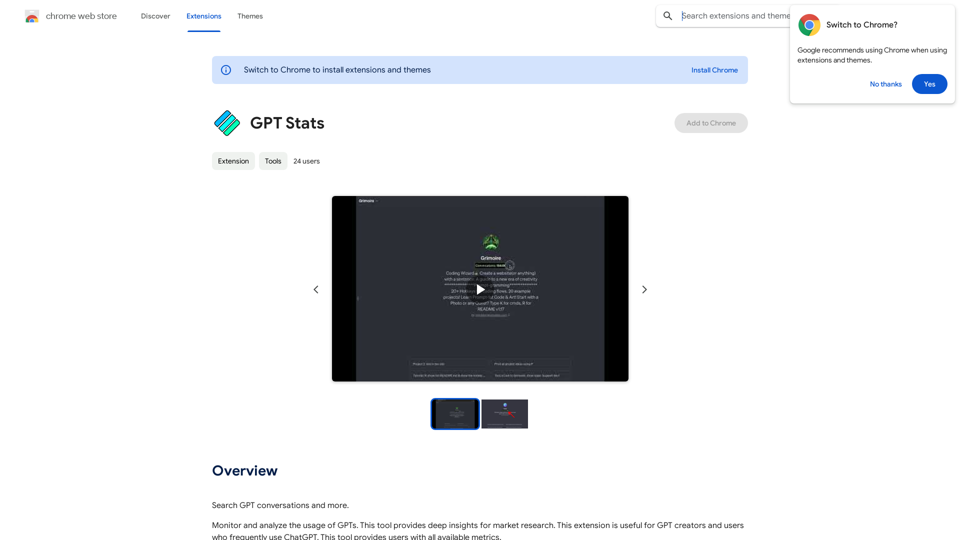
GPT Stats * Parameters: 175 Billion * Trainers: * Dataset: Massive dataset of text and code * Method: Supervised fine-tuning * Capabilities: * Text Generation * Text Summarization * Language Translation * Code Generation * Question Answering * Dialogue Generation * Limitations: * Can sometimes generate incorrect or biased information * Lacks real-world knowledge and common sense * Can be fooled by adversarial examples
GPT Stats * Parameters: 175 Billion * Trainers: * Dataset: Massive dataset of text and code * Method: Supervised fine-tuning * Capabilities: * Text Generation * Text Summarization * Language Translation * Code Generation * Question Answering * Dialogue Generation * Limitations: * Can sometimes generate incorrect or biased information * Lacks real-world knowledge and common sense * Can be fooled by adversarial examplesSearch for conversations with GPT and other content.
193.90 M
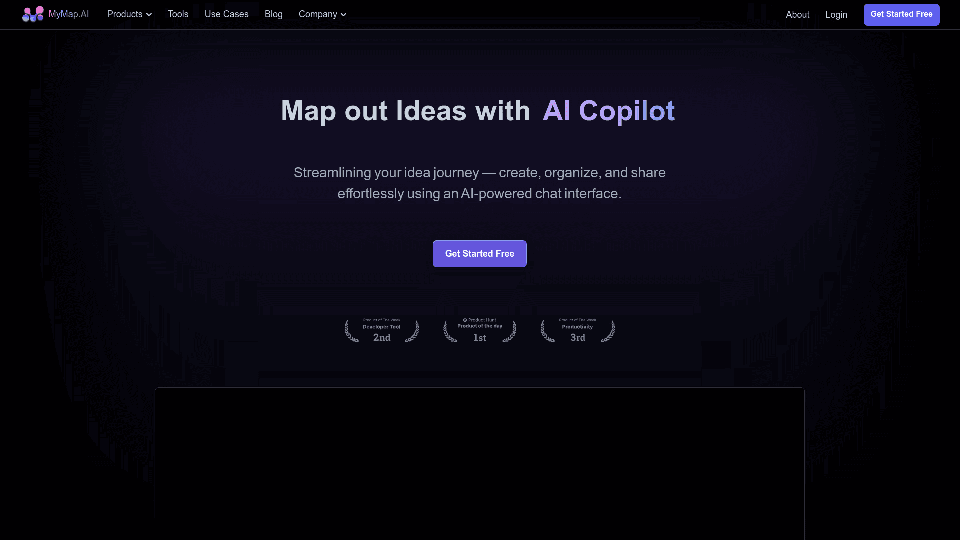
MyMap transforms your textual concepts into visual representations such as mind maps and presentations through a straightforward chat interface. It's perfect for students, educators, and professionals, requiring no design expertise. This tool saves you time by enabling effortless, collaborative visual creation.
1.04 M
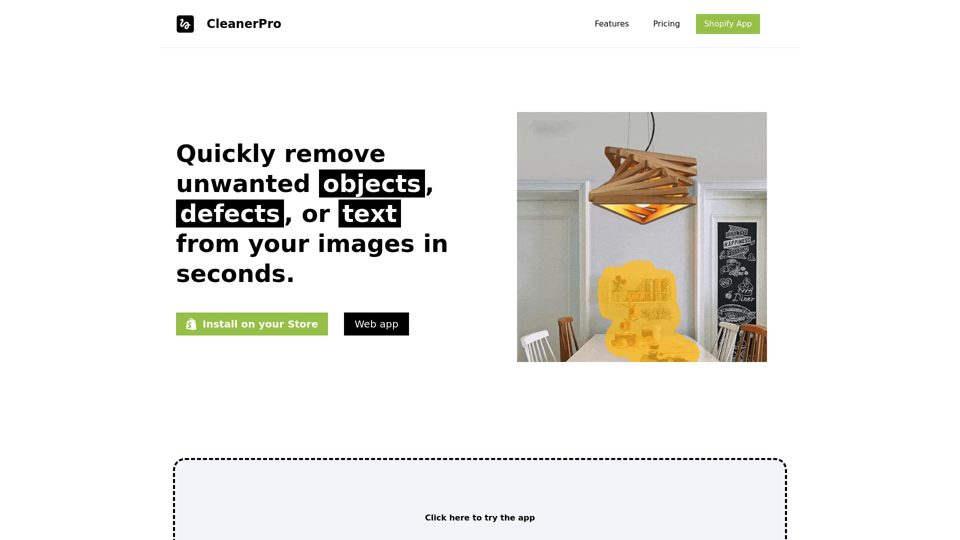
CleanerPro, our AI-powered image editor, transforms e-commerce visuals by enabling effortless removal of logos, text, and unwanted elements with just one click.
0
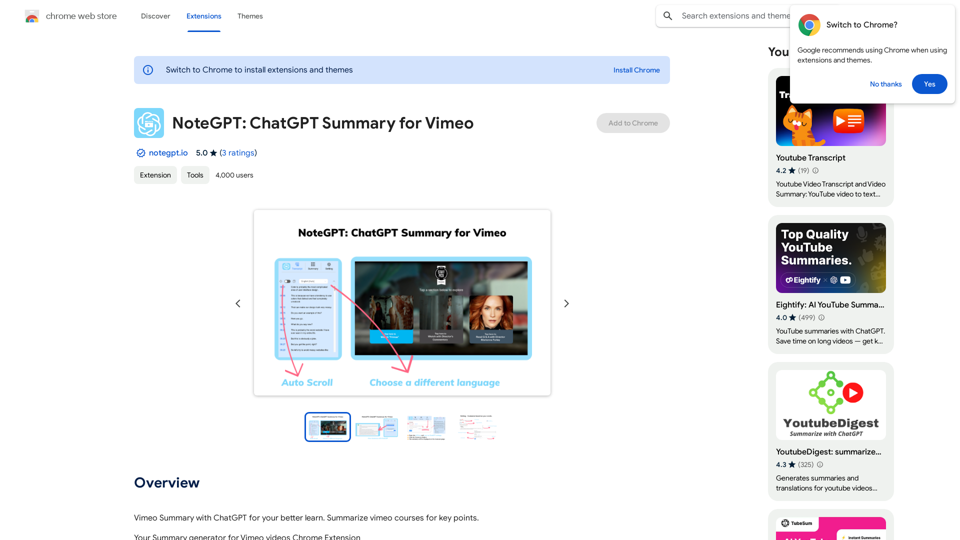
NoteGPT: ChatGPT Summary for Vimeo =============== What is NoteGPT? NoteGPT is an AI-powered note-taking tool that utilizes the capabilities of ChatGPT to assist users in summarizing and organizing their video content on Vimeo. Key Features * Automatic Summarization: NoteGPT can automatically generate a concise summary of Vimeo videos, saving users time and effort. * Customizable Notes: Users can add their own notes and tags to the generated summary, making it easy to review and reference later. * Organization: NoteGPT allows users to organize their video content by categorizing and tagging their notes, making it simple to find specific information. Benefits * Time-Saving: NoteGPT's automatic summarization feature saves users time and effort, allowing them to focus on more important tasks. * Improved Productivity: With NoteGPT, users can quickly review and reference their video content, improving their overall productivity. * Enhanced Learning: NoteGPT's customizable notes and organization features enable users to engage more effectively with their video content, leading to enhanced learning and retention. Use Cases * Education: NoteGPT is ideal for students and educators who need to review and summarize video lectures and online courses. * Business: NoteGPT can be used by professionals to summarize and organize video content for meetings, training sessions, and presentations. * Personal Development: Individuals can use NoteGPT to summarize and review video content for personal development, such as language learning or skill-building.
NoteGPT: ChatGPT Summary for Vimeo =============== What is NoteGPT? NoteGPT is an AI-powered note-taking tool that utilizes the capabilities of ChatGPT to assist users in summarizing and organizing their video content on Vimeo. Key Features * Automatic Summarization: NoteGPT can automatically generate a concise summary of Vimeo videos, saving users time and effort. * Customizable Notes: Users can add their own notes and tags to the generated summary, making it easy to review and reference later. * Organization: NoteGPT allows users to organize their video content by categorizing and tagging their notes, making it simple to find specific information. Benefits * Time-Saving: NoteGPT's automatic summarization feature saves users time and effort, allowing them to focus on more important tasks. * Improved Productivity: With NoteGPT, users can quickly review and reference their video content, improving their overall productivity. * Enhanced Learning: NoteGPT's customizable notes and organization features enable users to engage more effectively with their video content, leading to enhanced learning and retention. Use Cases * Education: NoteGPT is ideal for students and educators who need to review and summarize video lectures and online courses. * Business: NoteGPT can be used by professionals to summarize and organize video content for meetings, training sessions, and presentations. * Personal Development: Individuals can use NoteGPT to summarize and review video content for personal development, such as language learning or skill-building.Vimeo Summary with ChatGPT for Better Learning ===================================================== What is Vimeo? --------------- Vimeo is a video-hosting platform that allows users to upload, share, and view videos. It is popular among creative professionals, businesses, and individuals who want to showcase their videos in a high-quality format. How Can ChatGPT Help with Vimeo Courses? ----------------------------------------- ChatGPT is an AI-powered language model that can assist with summarizing Vimeo courses by: * Identifying key points: ChatGPT can analyze the video content and extract the most important information, making it easier to understand and retain. * Generating summaries: ChatGPT can create concise summaries of the video courses, saving time and effort. * Improving learning: By providing a clear and concise summary, ChatGPT can help learners focus on the essential concepts and improve their understanding of the material. Benefits of Using ChatGPT for Vimeo Courses --------------------------------------------- * Time-saving: ChatGPT can quickly summarize long video courses, saving learners time and effort. * Improved comprehension: ChatGPT's summaries can help learners understand complex concepts more easily. * Enhanced retention: By providing a concise summary, ChatGPT can help learners retain information better. How to Use ChatGPT for Vimeo Courses ----------------------------------------- 1. Upload the video course: Upload the Vimeo course to ChatGPT. 2. Analyze the content: ChatGPT will analyze the video content and extract key points. 3. Generate a summary: ChatGPT will create a concise summary of the video course. 4. Review and learn: Review the summary and use it to learn and retain the information. Conclusion ---------- ChatGPT can be a valuable tool for summarizing Vimeo courses, making it easier to learn and retain information. By using ChatGPT, learners can save time, improve comprehension, and enhance retention.
193.90 M