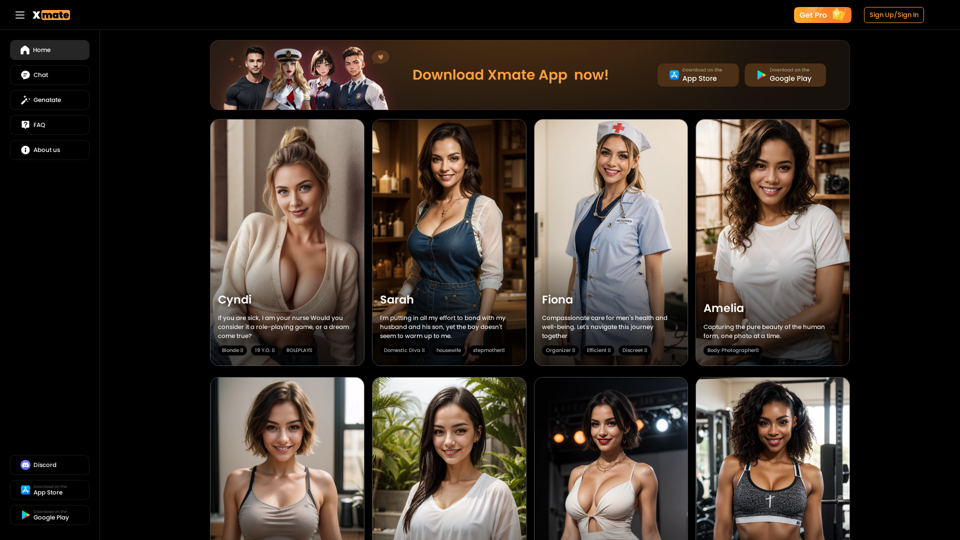
Xmate is an AI-driven platform offering advanced virtual AI companions for limitless chats and tailored visuals. It provides access to various AI technologies including chatbots, image understanding, and text generation. Users can enjoy unrestricted conversations and personalized interactions with Xmate's AI girlfriends.
Xmate: AI Girlfriend for Adults & Porn Chat & More
Experience the ultimate thrill with NSFW Character AI Roleplay, where boundaries disappear. Engage in unrestricted AI conversations and uncensored NSFW AI interactions, and even request images from your virtual partner.
Introduction
Feature
Instant Response
Xmate's AI girlfriend responds in real-time, ensuring seamless and engaging conversations without delay.
No NSFW Filter
Experience open and unrestricted interactions with Xmate's AI companion, free from content filters for authentic conversations.
Unlimited Messages
Enjoy continuous engagement with your AI companion through unlimited messaging, fostering meaningful connections without limits.
Unlimited Pictures
Receive an endless stream of personalized images tailored to your preferences, enhancing your interaction with Xmate's AI girlfriend.
Advanced AI Technology
Xmate utilizes cutting-edge natural language processing and machine learning algorithms to simulate human-like conversations and improve over time.
User Safety and Privacy
Personal data is encrypted and securely stored, prioritizing user privacy and confidentiality.
Multi-Platform Accessibility
Access Xmate through the mobile app (available on App Store and Google Play) or via the website www.xmate.ai.
FAQ
How does Xmate AI work?
Xmate AI employs advanced natural language processing and machine learning algorithms to simulate human-like conversations. It learns from interactions to provide personalized responses and continuously improves over time.
Is Xmate safe to use?
Yes, Xmate AI is designed with user safety in mind. Personal data is encrypted and stored securely, ensuring your privacy and confidentiality.
How can I get started with Xmate?
To get started with Xmate, simply download the app from the App Store or Google Play, or visit www.xmate.ai to create an account. The onboarding process will guide you through the initial setup, allowing you to start chatting with your AI companion immediately.
What are the benefits of using Xmate?
Xmate offers numerous benefits, including:
- Unlimited chat and messaging
- Personalized interactions and visuals
- Real-time conversations
- No NSFW filter
- Unlimited pictures
- Secure and private data storage
Related Websites
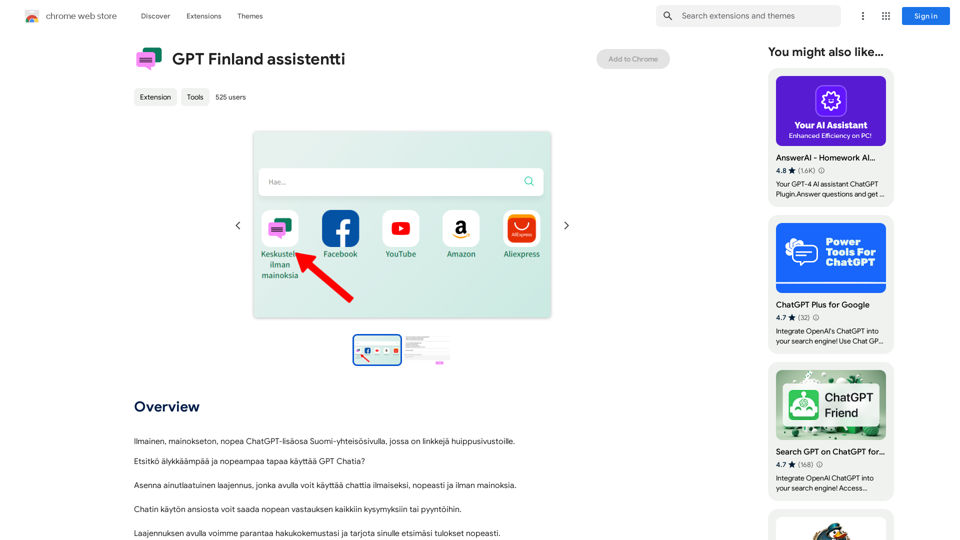
Free, ad-free, fast ChatGPT add-on on the Finnish community page, which has links to top-notch websites.
193.90 M
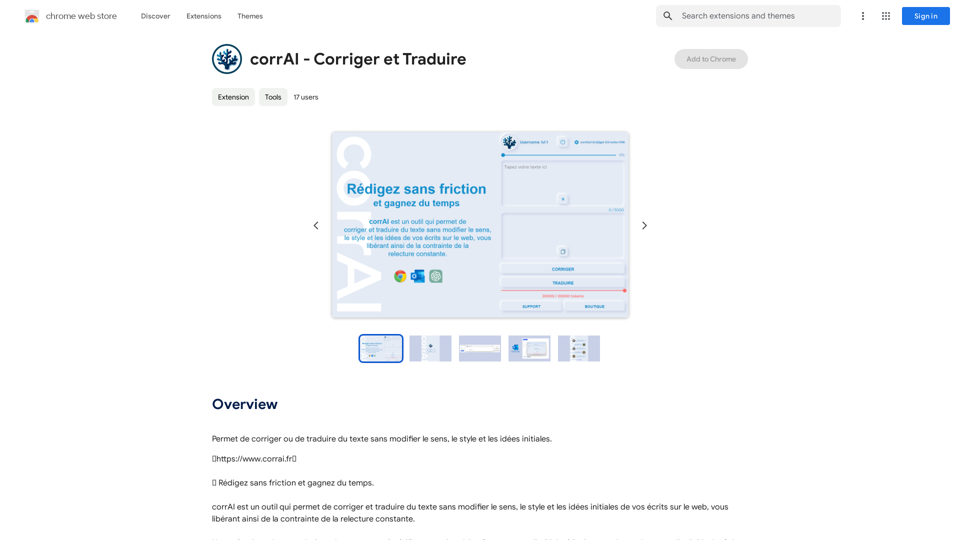
Allows you to correct or translate text without changing the meaning, style, and original ideas.
193.90 M
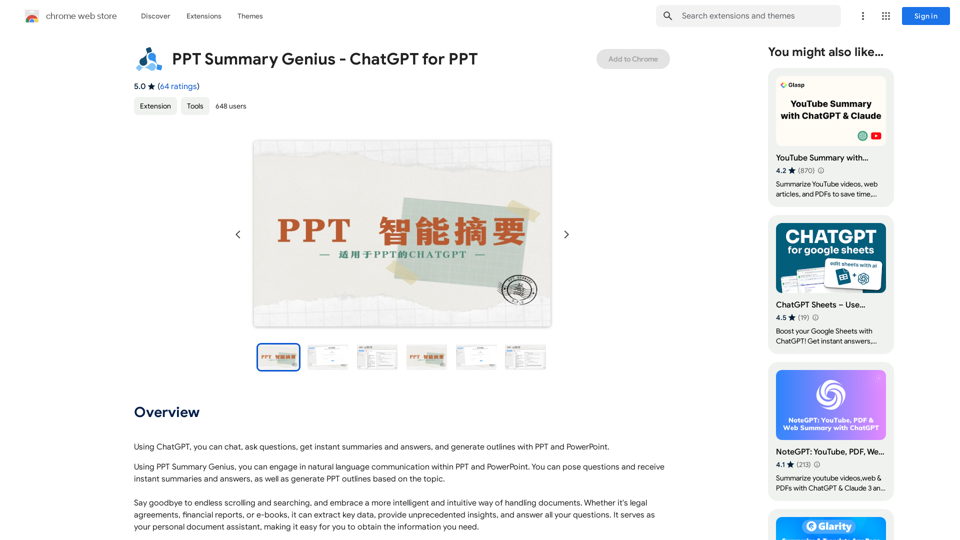
PPT Summary Genius - ChatGPT for PPT Turn your boring presentations into engaging masterpieces! * Summarize lengthy PPTs: ChatGPT can condense your slides into concise summaries, perfect for quick reviews or sharing key points. * Generate compelling narratives: Transform your data and bullet points into captivating stories that resonate with your audience. * Craft impactful introductions and conclusions: Start strong and leave a lasting impression with ChatGPT's help. * Overcome writer's block: Struggling with slide content? ChatGPT can provide creative ideas and help you overcome creative hurdles. * Tailor your message: Adjust the tone and style of your presentation to match your audience and purpose. Boost your productivity and create presentations that truly shine!
PPT Summary Genius - ChatGPT for PPT Turn your boring presentations into engaging masterpieces! * Summarize lengthy PPTs: ChatGPT can condense your slides into concise summaries, perfect for quick reviews or sharing key points. * Generate compelling narratives: Transform your data and bullet points into captivating stories that resonate with your audience. * Craft impactful introductions and conclusions: Start strong and leave a lasting impression with ChatGPT's help. * Overcome writer's block: Struggling with slide content? ChatGPT can provide creative ideas and help you overcome creative hurdles. * Tailor your message: Adjust the tone and style of your presentation to match your audience and purpose. Boost your productivity and create presentations that truly shine!Using ChatGPT, you can chat, ask questions, get instant summaries and answers, and generate outlines for presentations in PPT and PowerPoint format.
193.90 M
BiRead - A Simple Tool for Instant Bilingual Reading
BiRead - A Simple Tool for Instant Bilingual ReadingTransform any website content into bilingual text with a single click, using AI. Make reading in other languages easy.
10.98 K
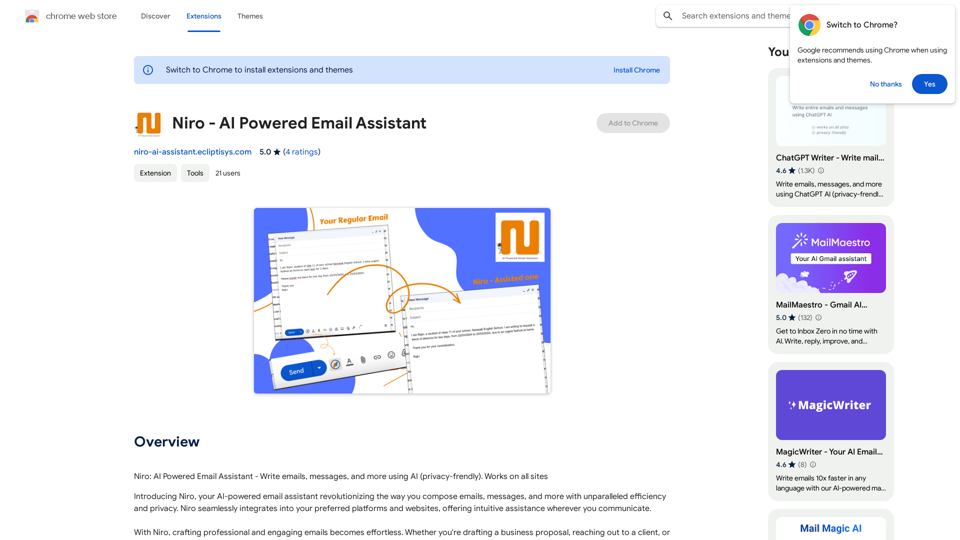
Niro: AI Powered Email Assistant - Write emails, messages, and more using AI (privacy-friendly). Works on all sites
193.90 M
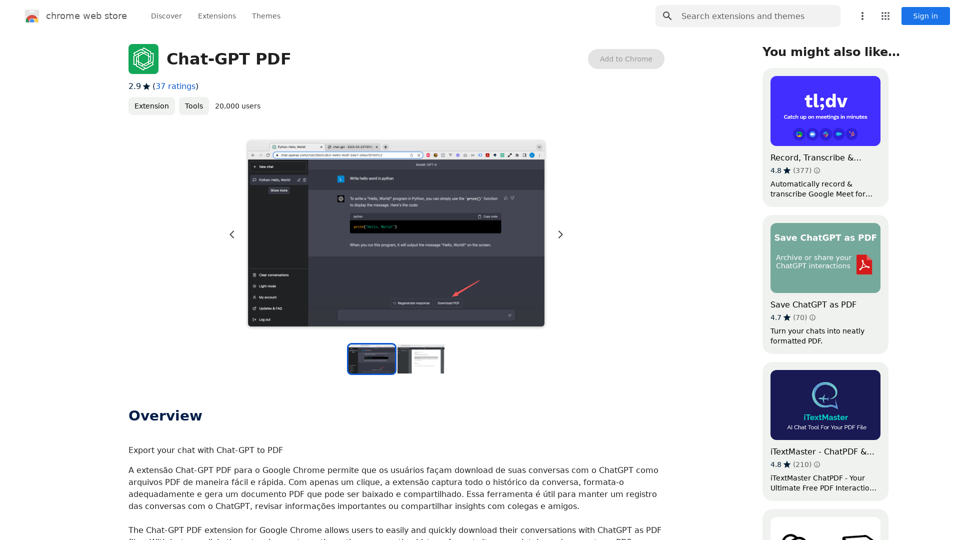
Chat-GPT PDF What is Chat-GPT PDF? Chat-GPT PDF is a tool that allows users to generate PDF files from Chat-GPT conversations. This innovative tool enables users to save and share their conversations in a more organized and visually appealing format. How does Chat-GPT PDF work? The process is simple and straightforward. Here's a step-by-step guide: 1. Copy the conversation: Copy the entire conversation from the Chat-GPT platform. 2. Paste the conversation: Paste the copied conversation into the Chat-GPT PDF tool. 3. Customize the layout: Customize the layout, font, and design of the PDF file according to your preferences. 4. Generate the PDF: Click the "Generate PDF" button to create a downloadable PDF file. Features of Chat-GPT PDF Chat-GPT PDF offers several features that make it an essential tool for users: * Customizable layout: Customize the layout, font, and design of the PDF file to suit your needs. * Easy sharing: Share the PDF file with others via email, social media, or messaging apps. * Offline access: Access your conversations offline, even without an internet connection. * Organization: Organize your conversations in a neat and tidy format, making it easier to review and reference. Benefits of Chat-GPT PDF The benefits of using Chat-GPT PDF are numerous: * Improved productivity: Save time and increase productivity by having all your conversations in one place. * Enhanced collaboration: Collaborate with others more effectively by sharing conversations in a clear and concise format. * Better organization: Keep your conversations organized, making it easier to review and reference them later. Conclusion Chat-GPT PDF is a game-changer for anyone who uses Chat-GPT regularly. With its ease of use, customization options, and benefits, it's an essential tool for anyone looking to get the most out of their conversations.
Chat-GPT PDF What is Chat-GPT PDF? Chat-GPT PDF is a tool that allows users to generate PDF files from Chat-GPT conversations. This innovative tool enables users to save and share their conversations in a more organized and visually appealing format. How does Chat-GPT PDF work? The process is simple and straightforward. Here's a step-by-step guide: 1. Copy the conversation: Copy the entire conversation from the Chat-GPT platform. 2. Paste the conversation: Paste the copied conversation into the Chat-GPT PDF tool. 3. Customize the layout: Customize the layout, font, and design of the PDF file according to your preferences. 4. Generate the PDF: Click the "Generate PDF" button to create a downloadable PDF file. Features of Chat-GPT PDF Chat-GPT PDF offers several features that make it an essential tool for users: * Customizable layout: Customize the layout, font, and design of the PDF file to suit your needs. * Easy sharing: Share the PDF file with others via email, social media, or messaging apps. * Offline access: Access your conversations offline, even without an internet connection. * Organization: Organize your conversations in a neat and tidy format, making it easier to review and reference. Benefits of Chat-GPT PDF The benefits of using Chat-GPT PDF are numerous: * Improved productivity: Save time and increase productivity by having all your conversations in one place. * Enhanced collaboration: Collaborate with others more effectively by sharing conversations in a clear and concise format. * Better organization: Keep your conversations organized, making it easier to review and reference them later. Conclusion Chat-GPT PDF is a game-changer for anyone who uses Chat-GPT regularly. With its ease of use, customization options, and benefits, it's an essential tool for anyone looking to get the most out of their conversations.Exporting Chat History to PDF You can export your chat history with Chat-GPT to a PDF file using the following methods: #Method 1: Browser Print Function 1. Open your chat conversation with Chat-GPT in a web browser. 2. Press `Ctrl + P` (Windows) or `Cmd + P` (Mac) to open the print dialog box. 3. Select "Save as PDF" as the printer destination. 4. Choose a location to save the PDF file and set the file name. 5. Click "Save" to export the chat history to a PDF file. #Method 2: Online PDF Conversion Tools 1. Copy the entire chat conversation by pressing `Ctrl + A` (Windows) or `Cmd + A` (Mac) and then `Ctrl + C` (Windows) or `Cmd + C` (Mac). 2. Go to an online PDF conversion tool, such as SmallPDF or Convertio. 3. Paste the chat conversation into the conversion tool's text box. 4. Select the PDF format and click "Convert" to generate the PDF file. 5. Download the PDF file to your computer. #Method 3: Browser Extensions 1. Install a browser extension, such as Print Friendly & PDF or FireShot, that allows you to save web pages as PDF files. 2. Open your chat conversation with Chat-GPT in a web browser. 3. Click the browser extension's icon in the toolbar. 4. Select the "Save as PDF" option and choose a location to save the file. 5. Click "Save" to export the chat history to a PDF file. By following these methods, you can easily export your chat history with Chat-GPT to a PDF file for future reference or sharing.
193.90 M